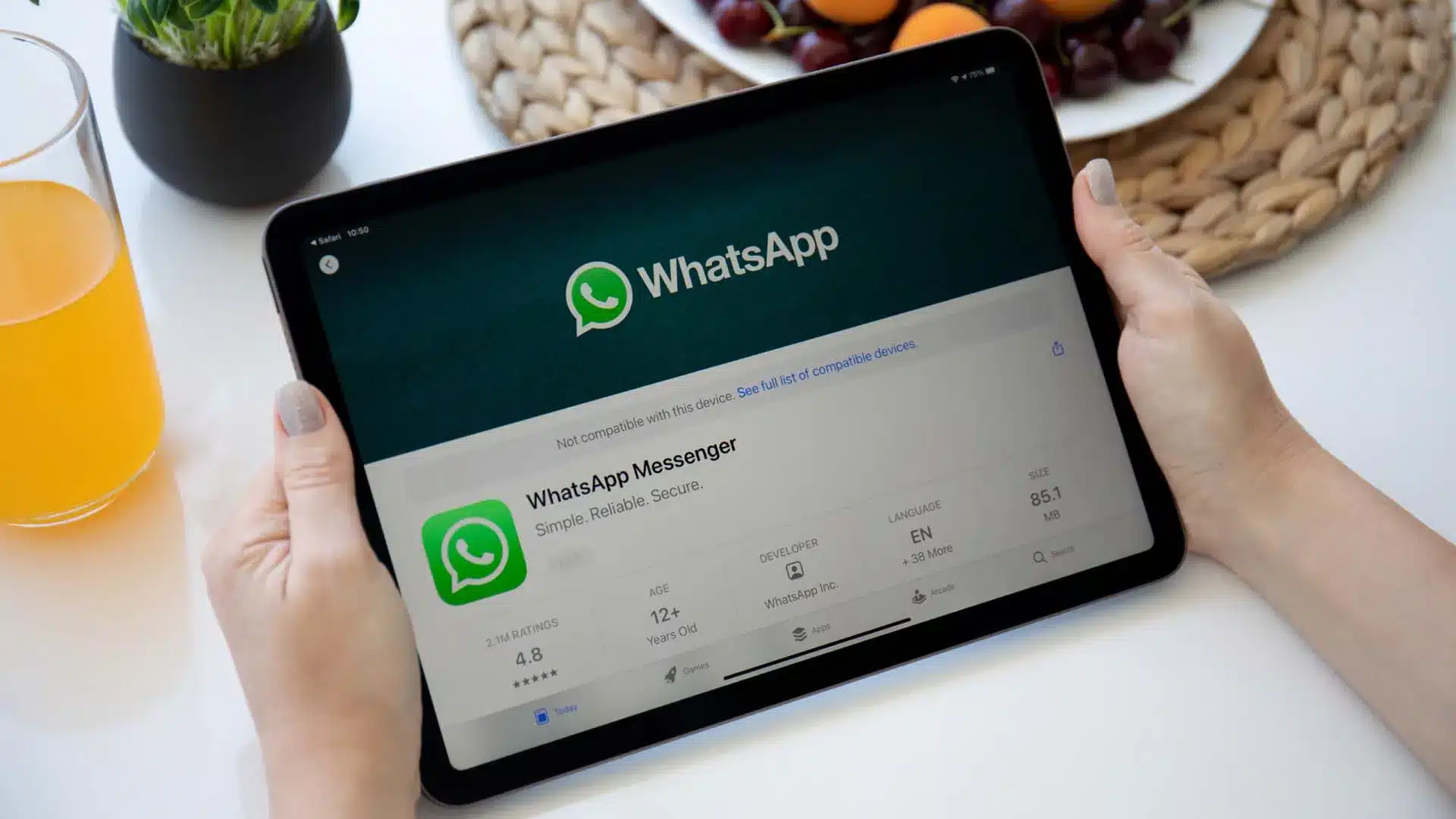
The wait is, at long last, over. After what felt like years of speculation and beta trials, WhatsApp has finally rolled out a dedicated app for the iPad. And it’s not just a scaled-up version of the iPhone app slapped onto a bigger screen—it’s a full-featured experience designed specifically for tablet users. Voice and video calling? Check. End-to-end encryption? Absolutely. Seamless multi-device syncing? It’s all there.
For the longest time, iPad owners had to make do with workarounds like WhatsApp Web. That meant running the app through a browser, which was… well, less than ideal. The interface often felt awkward, especially on larger displays, and the features were limited. But this native app changes the game. It brings a level of integration and polish that finally feels right for the iPad.
A New Chapter for iPad Communication
According to WhatsApp’s official blog, the demand for an iPad version was one of the most consistent pieces of feedback from users. And now, it’s finally here. You can open your iPad, launch WhatsApp, and dive straight into your chats and media—no more keeping your iPhone online just to keep the app functioning. Thanks to the platform’s improved multi-device technology, your iPad now works independently.
The app is currently available on the Apple App Store for iPads running iPadOS 15.1 or newer. That means a wide swath of users can start using it right away.
Full-Featured Messaging, Now on a Bigger Screen
What makes this release so compelling is how complete it feels. The iPad version doesn’t cut corners; it brings nearly every feature you’d expect from WhatsApp on other devices:
Voice and Video Calls: One of the most exciting additions is full support for voice and video calling. You can initiate or receive calls directly from your iPad. Group calls support up to 32 participants, which is great news if you’re coordinating with a team or catching up with friends.
You can switch between front and rear cameras during calls, and even apply iPadOS effects like Center Stage and Studio Light—small touches that add a bit more personality to your calls. There’s even screen sharing, which might not sound like a big deal until you need to walk someone through a document or presentation.
End-to-End Encryption: Privacy hasn’t been compromised. Everything—from your messages to your media to your calls—remains protected by WhatsApp’s standard end-to-end encryption. Only the intended recipients can see or hear what you send, and not even WhatsApp itself can peek in.
Optimized User Interface: The layout makes smart use of the iPad’s screen. Contacts appear on the left, conversations dominate the right, and navigation tabs sit conveniently at the bottom. It’s intuitive, familiar, and clearly designed with tablet users in mind.
Multitasking Support: The app plays nicely with iPadOS multitasking tools, too. For those using iPad Pro or newer iPad Air models, Stage Manager support means you can treat WhatsApp like a desktop app—resize it, group it with other windows, the works. Features like Split View and Slide Over also come into play, so chatting while browsing or researching is seamless.
Accessory Compatibility: Got a Magic Keyboard or an Apple Pencil? Great—you can use them with WhatsApp. Whether you’re jotting notes, navigating the interface, or just typing up a storm, the experience feels natural.
Chat Lock: If you’re sharing your iPad with family or coworkers, Chat Lock is a thoughtful addition. It lets you protect individual chats using Face ID, Touch ID, or a passcode, which adds an extra layer of privacy.
The Journey to iPad
It’s almost hard to believe that WhatsApp launched back in 2009, a full year before the iPad even existed. And yet, here we are, more than a decade later, finally getting a native app.
Beta testing began nearly two years ago via Apple’s TestFlight, with early users reporting that it felt very similar to the desktop app—smooth, stable, and surprisingly complete. That extended beta, plus years of user requests, built a sense of anticipation that the final release does, I think, mostly live up to.
Impact on User Experience
So what does this all mean for everyday users? Quite a bit, actually. If your iPad is your go-to device for reading, watching, and, increasingly, communicating, this update is a big deal.
You don’t need your iPhone nearby anymore. WhatsApp can run on your iPad independently, freeing you from the old tether. That alone changes how many people might think about device usage.
It also boosts productivity. With multitasking and screen-sharing, WhatsApp now plays a more active role in workflows. Whether it’s school, work, or casual coordination, there’s less friction.
Media consumption is just better on a bigger screen. Photos, videos, documents—they all come to life a bit more on the iPad. And for video calls, seeing more faces and more detail makes a real difference.
Though it’s focused on iPad users, this launch hints at something broader: Meta is clearly pushing to make WhatsApp more platform-agnostic, more flexible. As the company said, this is just “the start” for WhatsApp on iPad, suggesting more features and improvements could be on the horizon.
In the end, WhatsApp for iPad doesn’t just fill a gap—it completes a picture. It’s not perfect (few things are), but it does deliver a communication experience that finally feels whole on the tablet. For many, it might just mean one less reason to keep their phone in hand all day.