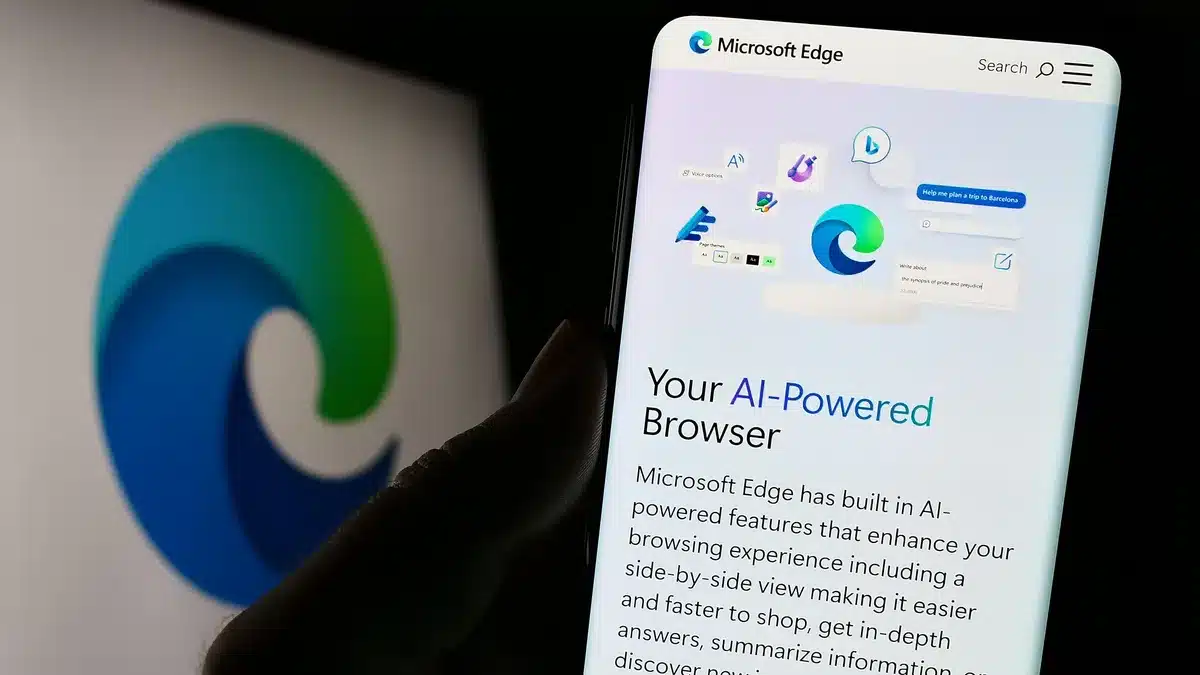
Microsoft Edge is moving fast—and not just in the way it loads web pages. The browser is steadily weaving artificial intelligence into the very fabric of its user experience. At the heart of this transformation is Copilot, Microsoft’s digital assistant, which is quickly shifting from being a helpful add-on to a central layer of the browsing journey. We’re not just talking about a smarter browser; we might be heading toward one that anticipates your needs.
Recent updates and announcements clearly underscore Microsoft’s commitment to an AI-first approach. From embedding on-device AI models to broadening Copilot’s abilities across multiple user scenarios, Edge is evolving into more than just a gateway to the web. It’s becoming a smart companion that streamlines complex tasks, boosts productivity, and shapes a more personalized browsing experience.
Copilot Taking Center Stage on the New Tab Page
One of the more visible signs of Copilot’s growing presence is how it’s being embedded into Edge’s New Tab Page (NTP). This is where many users begin their online sessions, and now, Microsoft is placing Copilot front and center.
- Prominent Placement: You’ll now see the Copilot icon and prompts sitting right next to the familiar search bar on the NTP. Microsoft seems to prefer users engage with Copilot rather than typing directly into Bing.
- Suggested Prompts: Starting in May 2025, with Edge version 136, the browser will start offering suggested productivity prompts. Think along the lines of “get advice” or “write a first draft” — essentially nudging users toward Copilot from the get-go.
- Gradual Rollout: These changes aren’t hitting everyone all at once. Microsoft is using a “controlled feature rollout,” likely to fine-tune the experience and gather feedback as it introduces AI more deeply into daily use.
On-Device AI: Bringing Intelligence Closer to the User
Microsoft isn’t just integrating AI in the cloud. It’s bringing intelligence down to the device level, which could have big implications for both privacy and speed.
- New AI APIs for Web Developers: Developers can now tap into Microsoft’s on-device AI models, like Phi-4-mini, through new APIs. This allows AI features to run within web apps themselves—no need for cloud calls.
- Benefits for Developers and Users:
- Text Generation and Editing: Apps can now help users craft content faster.
- Summarization: Need to digest a long article quickly? AI can help.
- Writing Assistance: Smart suggestions are more immediate and local.
- Privacy and Performance: With data staying on the user’s device, privacy gets a boost and latency drops. It also positions Microsoft to challenge cloud-only solutions offered by competitors.
- Upcoming Translation API: A new translation API is on the horizon, enabling multilingual functionality within web apps, all handled locally.
Copilot’s Broadening Scope in Edge
Copilot’s role isn’t limited to the new tab page or even on-device tasks. It’s extending its reach into several corners of the Edge experience.
- Content Summarization: Whether you’re looking at a webpage, a PDF, or a video, Copilot can provide quick, concise overviews.
- Personalized Briefings: Through Copilot Daily, users receive customized updates on news, weather, and topics of interest.
- Enhanced Chat Modes: Different chat modes cater to various needs: “Balanced” for general use, “Creative” for idea generation, and “Deep Research” for more in-depth digging.
- File Upload Support: Copilot can help manage files—from PDFs to images—offering assistance that goes beyond mere browsing.
- Voice Interaction: Hands full? You can talk to Copilot and it responds, helping you stay productive even when typing isn’t an option.
- Enterprise Data Protection: Business users get peace of mind with Copilot features that meet enterprise-grade compliance and data protection standards.
The Bigger Picture: Copilot’s Pervasiveness Across Microsoft
Edge isn’t operating in isolation here. This is all part of a broader strategy by Microsoft to make Copilot a ubiquitous digital companion across its platforms.
- Windows Integration: Copilot now has a dedicated key on some keyboards and sits right in the taskbar, ready to assist at the OS level.
- Microsoft 365 Integration: In apps like Word and Excel, Copilot helps draft content, suggest formulas, summarize meetings, and even craft emails.
- Semantic Indexing: By understanding context via Microsoft Graph, Copilot improves search accuracy while keeping security and privacy intact.
- Extensibility for Developers: Tools like Copilot Studio let developers mold Copilot for unique organizational needs.
- Multi-Agent Orchestration: Demonstrated at Build 2025, this tech enables multiple AI agents to divide tasks and work together—an early step toward more advanced AI teamwork.
Edge’s AI journey feels like it’s just warming up. Microsoft is layering in features thoughtfully, aiming to reshape what we expect from our browsers.
- PDF Translation: Soon, Edge will support built-in PDF translation across more than 70 languages, which could be a game changer for global users.
- AI Agents in Edge for Business: In the business-focused Edge sidebar, Copilot Chat will soon support AI agents that offer specialized workplace assistance.
- Web Content Filtering: IT admins will soon have smarter tools to block inappropriate sites, using intelligent block lists to keep things safe.
- Continuous Improvement: Microsoft is actively listening to user feedback, adjusting features iteratively to ensure they remain both practical and helpful.
Microsoft Edge is steadily turning into something more than a browser. With Copilot at the helm and AI running under the hood, it’s charting a course toward a more intuitive, proactive, and ultimately more human online experience. Whether that makes it the “ultimate” AI browser remains to be seen, but it’s certainly one to watch closely.