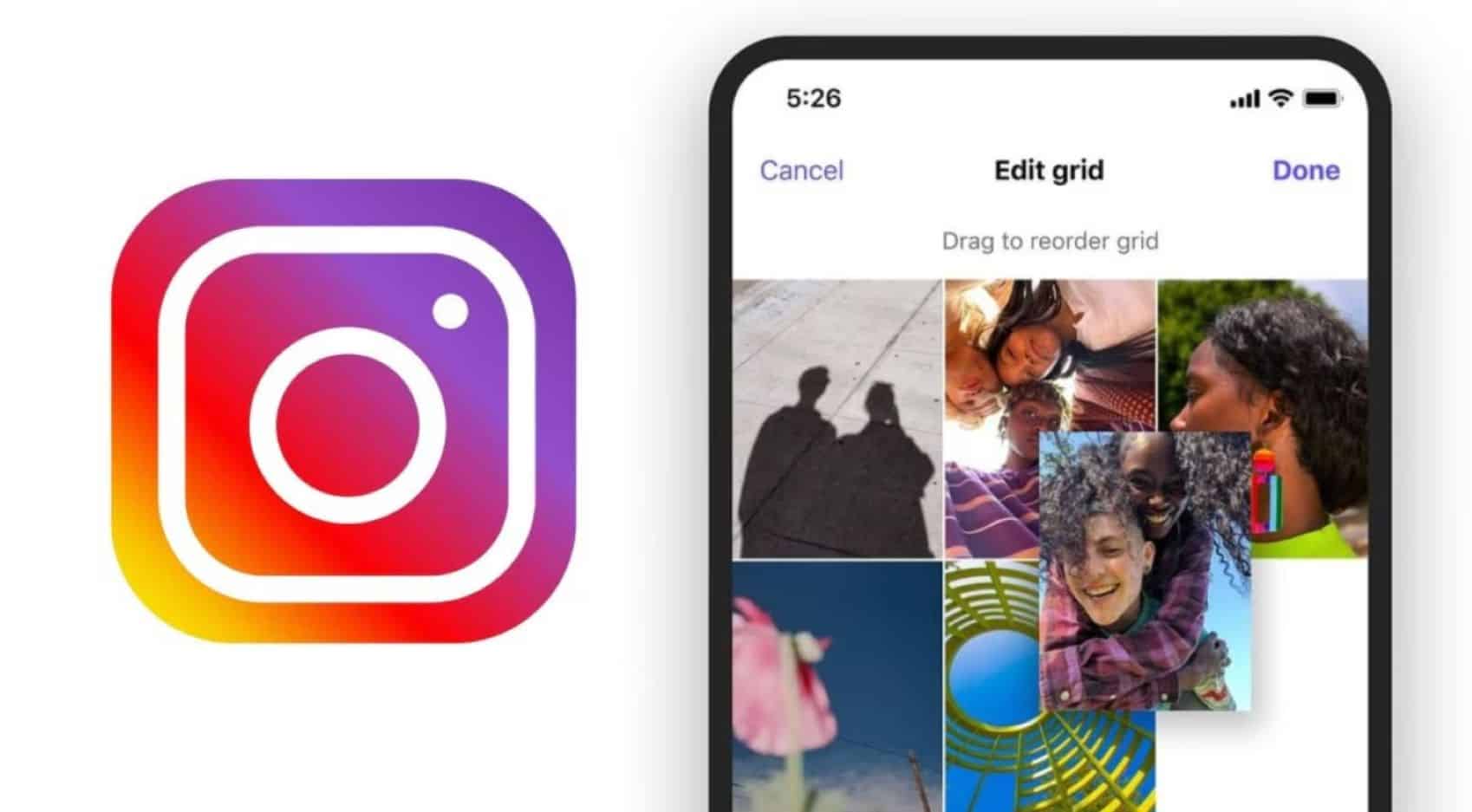
Instagram has rolled out a new profile customisation tool named Reorder Your Grid, which officially removes the restriction of strict chronological order for profile posts. Users can now move and reposition their feed photos and videos freely without deleting or re-uploading them. Announced by Instagram head Adam Mosseri with a brief caption stating “Finally,” the option gives individuals, creators, and businesses greater authority over their initial digital impression. The platform, owned by Meta Platforms, developed this change over several years following initial internal test code discoveries in 2022. The tool preserves original upload dates and captions while modifying only the visual sequence on the profile page.
Key Takeaways
- Complete Grid Control: Users can change the position of any post on their main profile layout regardless of when they originally published it.
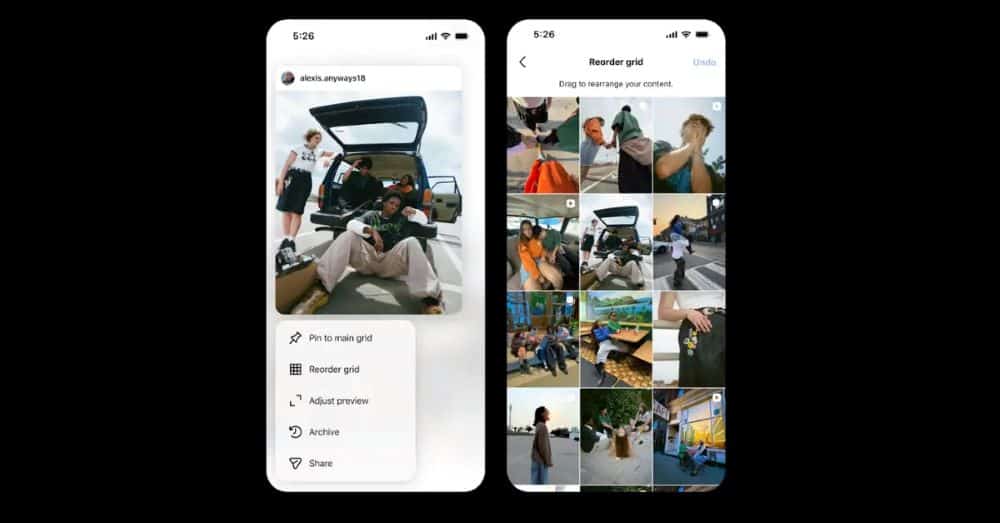
- Simple In-App Steps: The tool works via a long-press on any post, selecting the reorder option, and dragging the tile to a new position.
- Dates Unchanged: Shuffling the layout changes only the visual display order and does not alter the original publication timestamps or captions.
- Instant Public View: All grid adjustments save immediately and update the profile view for all incoming visitors.
The functionality resolves a long-standing limitation for creators who use the application as a portfolio. Previously, the grid forced a strict reverse-chronological sequence, meaning new uploads regularly disrupted curated visual aesthetics or multi-post macro images. While users could previously pin up to three specific posts to the top of their profile, the remaining feed stayed locked to upload times. This update provides thorough layout flexibility. Pinned posts will continue to hold their positions at the top of the page, while the remaining grid spaces can be filled and sorted as desired.
To use the tool, open the mobile application and head to the main profile page. Tap and hold any specific post to open the options menu. Alongside traditional choices like archive or pin, a new option titled Reorder Grid is now visible. Selecting this option opens a dedicated editing screen displaying the full content grid. From there, users can drag and drop tiles into their preferred sequence. Once satisfied with the layout, saving the changes applies the new look to the public profile instantly.
The global rollout is active across the latest versions of the mobile application on Android and iOS. This adjustment follows previous layout shifts, such as the 2025 interface adjustment that integrated vertical rectangular aspect ratios for Reels and main feed posts. By offering native grid sorting, the platform eliminates the need for third-party planning applications that users previously relied on to preview layout aesthetics.
Frequently Asked Questions
Q1. Will rearranging my posts change the date they were originally uploaded?
A1. No. The tool only changes the visual position of the post on your profile page. The original upload date, timestamp, likes, comments, and captions remain exactly the same.
Q2. Can I use the grid reordering feature on a desktop web browser?
A2. No. The grid customisation tool is available exclusively through the official mobile application on iOS and Android devices.
Q3. How does the new feature affect posts that are already pinned to the top of my profile?
A3. Pinned posts will stay locked at the very top of your profile. When you open the editing window, your pinned posts remain in their fixed top positions, allowing you to rearrange all the other remaining posts around them.
Q4. Is there a limit to how many times I can rearrange my profile grid?
A4. There are no restrictions. You can reorder your profile tiles as many times as you want to update your aesthetic, highlight seasonal products, or showcase recent creative projects.