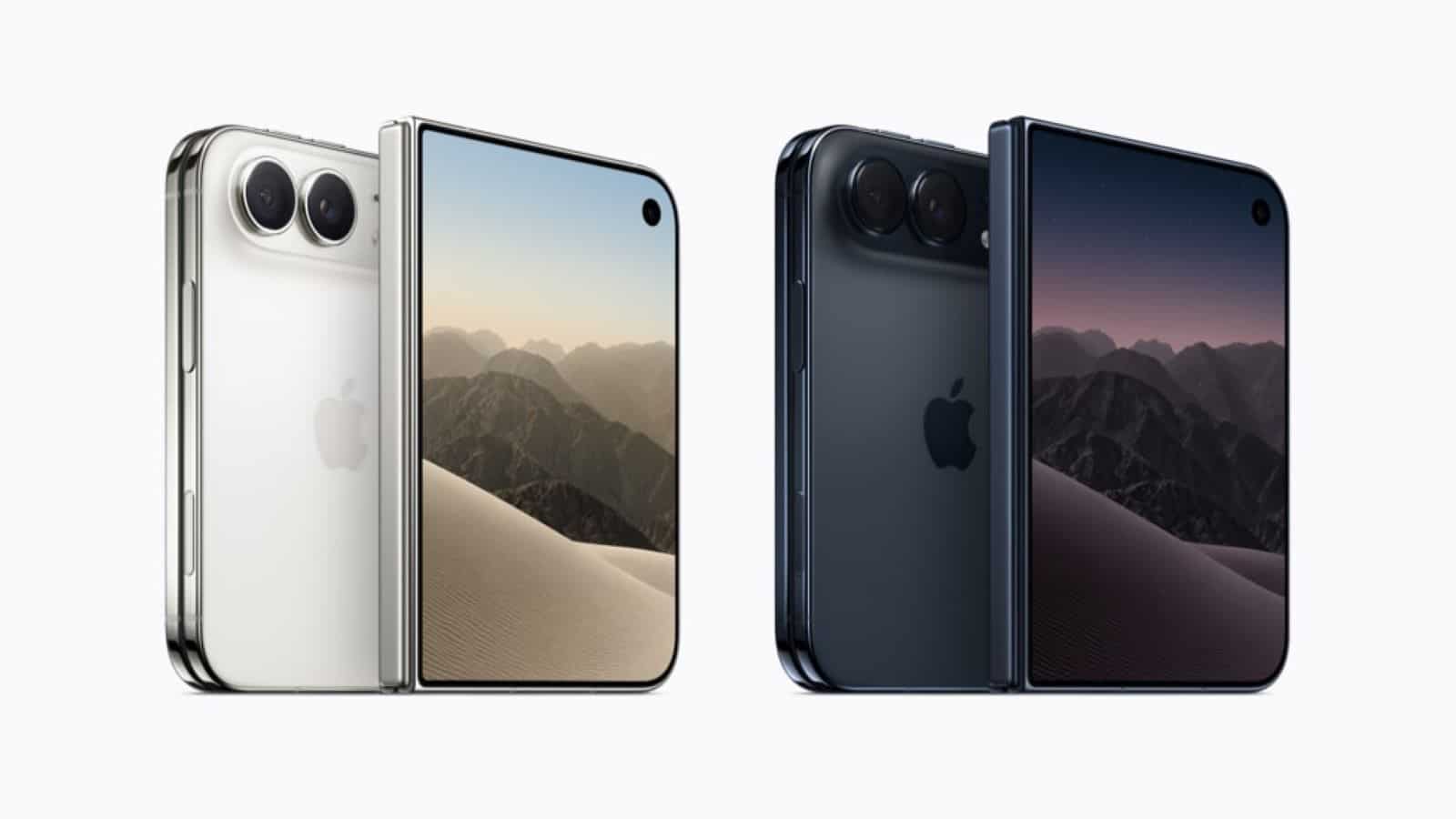

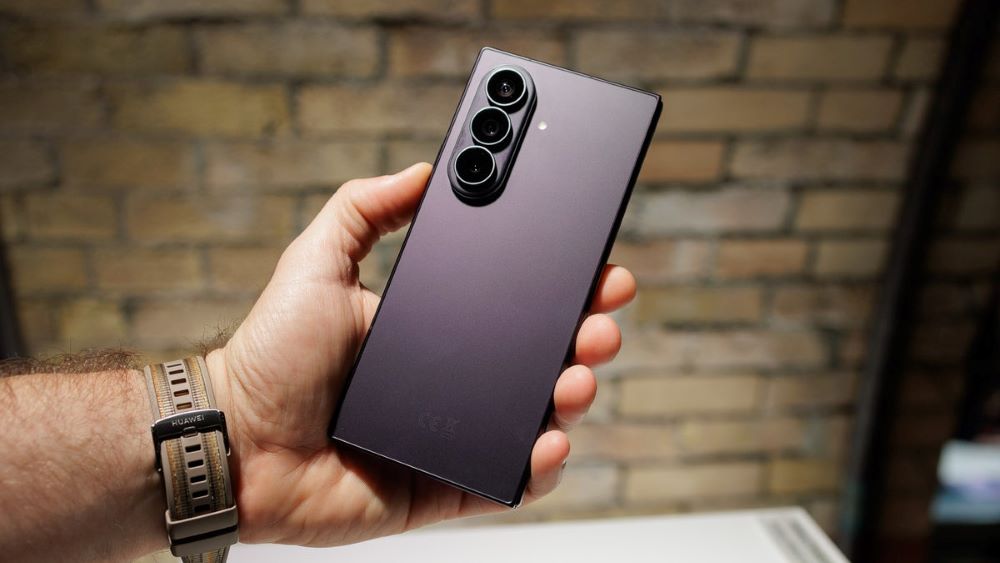
Samsung has officially rolled out the Galaxy Z Fold8 Ultra in India, targetting professionals and power users who require desktop-level functionality in a mobile footprint. The flagship foldable device pairs a 6.5-inch outer screen with a large 8-inch main display. Driven by the Qualcomm Snapdragon 8 Elite Gen 5 processor and up to 16GB RAM, the smartphone offers updated software tools through One UI 9 to handle complex workflows. Starting at Rs 1,99,999, the device combines an updated 200MP camera system, 5,000 mAh battery capacity, and a slimmed-down 215g chassis designed to function as a compact portable station.
Key Takeaways
- Large Canvas: The inner 8-inch Dynamic AMOLED 2X panel gives users ample space to view documents and run multiple software apps side by side.
- Extended Multi Window: The One UI 9 update supports up to three active app splits alongside floating pop-up views for faster task management.
- Context-Aware Intelligence: Built-in Galaxy AI features like Now Nudge give automatic prompts to speed up actions between apps.
- Hardware Package: Powered by the Snapdragon 8 Elite Gen 5 for Galaxy, a 5,000 mAh battery, and up to 1TB of onboard storage.
Mastering Three-Way Split View
The core mechanism for managing tasks on the flagship foldable rests on the revised Multi Window setup. Users can drag apps directly from the persistent Taskbar at the bottom of the display to layout up to three split-screen windows simultaneously.
For instance, opening an email client on the left pane while keeping a browser and word editor open on the right allows quick cross-referencing. Text, images, and files drag across open frames without requiring manual copy-paste menus. Custom window layouts save directly to the side edge panel, letting users open their preferred three-app workspace with one touch.
Utilising Galaxy AI and Now Nudge
Samsung integrated context-aware system utilities to limit app switching. The Now Nudge feature analyzes on-screen activity to present relevant choices. When receiving a text containing meeting details or dates, the system suggests a quick action to add that event directly to Google Calendar or Samsung Notes without leaving the chat interface.
The expanded inner panel also supports real-time text translations, document summarisation, and audio transcription via native Galaxy AI integrations. You can transcribe a live voice recording on one side while typing notes on the other.
Connecting via Samsung DeX
For tasks needing a traditional computer setup, the device connects to external monitors or smart televisions using Samsung DeX. Wireless connections display a clean desktop interface on the external monitor while allowing the phone’s 8-inch panel to act as a primary trackpad or second screen. This capability allows travelers to manage spreadsheets, present slide decks, or run full web browsers on hotel monitors without lugging a full-sized laptop.
Frequently Asked Questions
Q1. How many applications can run simultaneously on the main screen?
A1. The Galaxy Z Fold8 Ultra supports three active windows side by side in split view, plus additional floating pop-up windows over the top layer.
Q2. What is the battery capacity of the Galaxy Z Fold8 Ultra?
A2. The smartphone contains a 5,000 mAh dual battery setup that supports 45W wired fast charging and 20W wireless charging.
Q3. Does the foldable support desktop mode on external displays?
A3. Yes, the phone includes built-in Samsung DeX support, which projects a complete desktop desktop layout wirelessly or via USB-C to external displays.
Q4. What processor fuels the Galaxy Z Fold8 Ultra?
A4. The device operates on the custom Qualcomm Snapdragon 8 Elite Gen 5 for Galaxy platform paired with up to 16GB RAM.