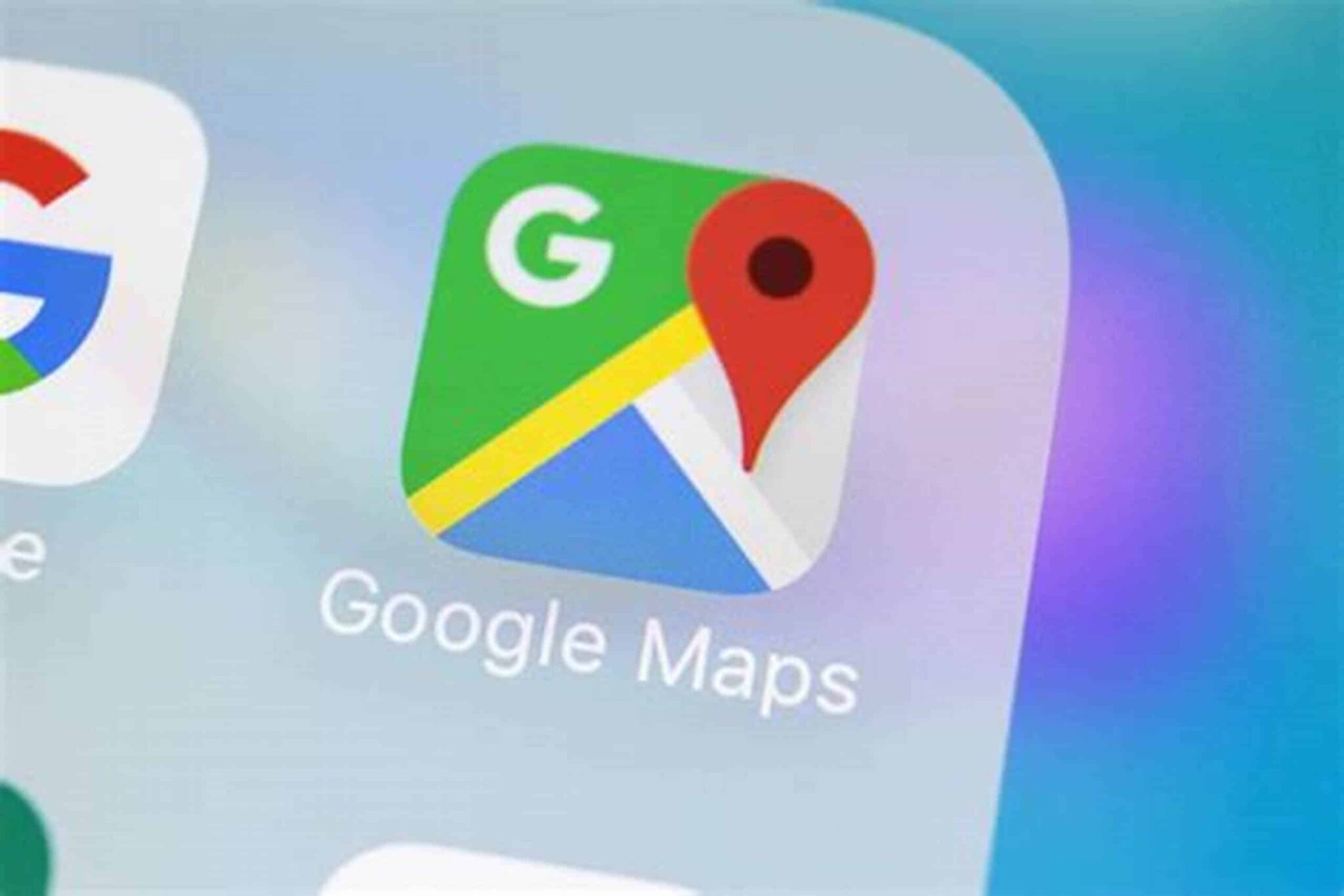
Google has introduced a new feature in its Maps app for iPhone users that scans screenshots to identify and save location information. This functionality, powered by Google’s Gemini AI, aims to streamline the process of saving and organizing places of interest.
How It Works
The feature is accessible through the “You” tab in the Google Maps app, where users will find a new “Screenshots” list. Upon enabling the feature, Google Maps can scan screenshots stored on the device to detect location details such as business names and addresses. Identified locations are presented in a review interface, allowing users to choose which places to save.
Users have the option to enable an “Auto Scan” mode, which automatically scans all screenshots for location information. Alternatively, they can manually select specific images for scanning, providing greater control over the process. The feature requires permission to access the device’s photo library.
Privacy Considerations
While the feature offers convenience, it also raises privacy concerns. Granting the app access to personal photos means that Google can analyze images stored on the device. Users are advised to review their privacy settings and consider the implications of allowing such access.
Availability
Currently, the screenshot scanning feature is available to iPhone users in the United States. Google has announced plans to extend the feature to Android devices in future updates.
User Reception
The feature has received mixed reactions. Some users appreciate the added convenience in organizing and saving locations, especially when planning trips or exploring new areas. Others express concern over the potential privacy implications of allowing an app to scan personal photos.
As technology continues to evolve, features like this highlight the balance between convenience and privacy. Users are encouraged to stay informed and make choices that align with their comfort levels regarding data sharing and privacy.