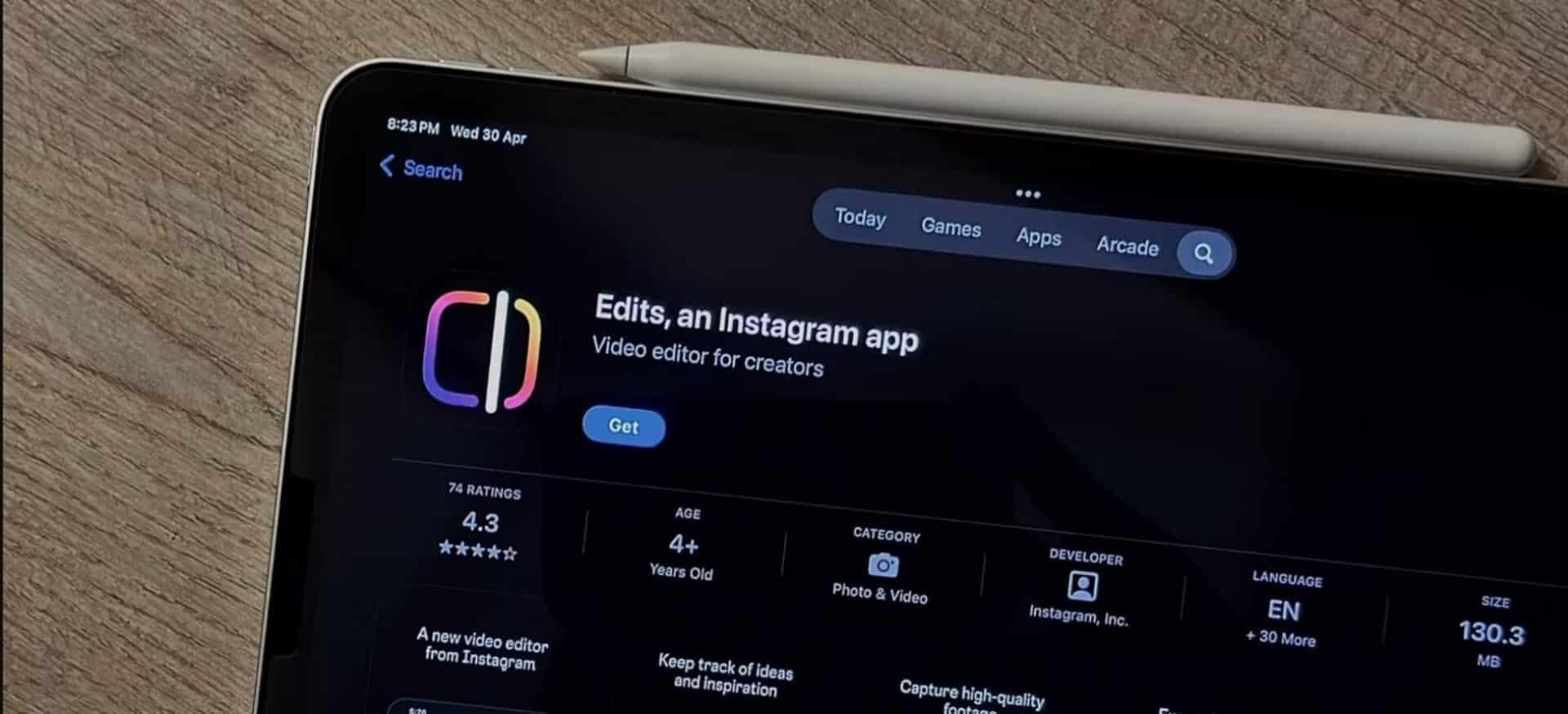
Instagram updates its dedicated video editing app, Edits, with a new suite of features aimed at expanding global reach and improving video assembly controls. Instagram, the popular social media network owned by Meta, announced the changes through its official creator’s channel on July 2, 2026. The update introduces automatic translation for captions into a secondary language, expanded overlay choices for reusable video templates, a selective clip locking tool for fine timeline adjustments, and a fresh collection of summer audio effects.
Key Takeaways
- Automatic translation builds captions in two languages at once, supporting Indian languages like Hindi, Gujarati, Bengali, and Kannada.
- Enhanced video templates now support overlapping visual layers for complex edits.
- Clip locking keeps specific media pieces fixed in position while editors adjust transitions and speed.
- Summer-themed sound clips provide fresh background options for short video creation.
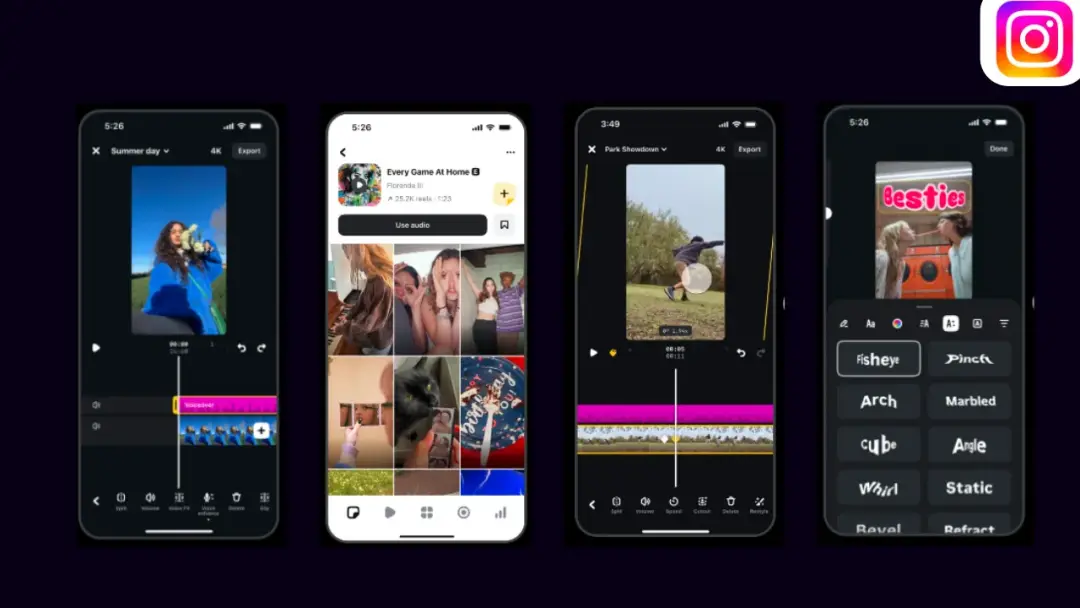
The main change centers on video accessibility through bilingual captions. Content creators can now auto-generate text in a primary language and have the app generate a second language translation on the screen simultaneously. This feature helps creators connect with viewers from different language backgrounds without needing third-party subtitle software. The translation system currently supports 15 languages. For audiences in India, the update brings immediate utility by including major regional languages such as Hindi, Gujarati, Bengali, and Kannada alongside global languages like English, Spanish, French, German, Italian, Portuguese, Russian, Indonesian, Korean, Japanese, and Thai.
Beyond the text translation features, Meta, the parent technology corporation, updates the timeline editing capabilities inside the Edits app. Users can now build multi-layered video setups using the new overlay support. This allows creators to place graphics, stickers, or secondary video clips directly on top of their main footage. To make multi-layer editing less complicated, the update introduces a clip locking function. This tool lets editors fix a specific piece of video or audio to its exact position on the timeline. When a creator rearranges other clips, alters the playback speed, or applies transitions, the locked asset stays completely still. This function prevents accidental shifting during complex edits and helps when saving layouts as reusable templates for future videos.
The update also adds audio updates tailored for current seasonal trends. A fresh bundle of summer-themed sound effects is now available within the media library. Creators can select these background sounds to match their Reels and short videos.
These updates to the Edits application arrive alongside features for smart glasses users who use hardware like Ray-Ban Meta. The main platform introduces separate Story creation options including Spin View, where viewers tilt their phones to see a wider view, and Multi Cam, which syncs smartphone video with smart glasses recordings. The regular updates to the separate editing app show that the company wants to provide independent tools for video production, helping users export final files up to 4K resolution without any watermarks.
Frequently Asked Questions
Q1. What languages does the new bilingual captions feature support?
A1. The feature supports 15 languages. These include Indian regional languages like Hindi, Gujarati, Bengali, and Kannada, as well as English, Spanish, French, German, Italian, Portuguese, Russian, Indonesian, Korean, Japanese, and Thai.
Q2. What is the purpose of the clip locking tool in the Edits app?
A2. The clip locking tool holds a specific piece of footage or audio firmly in place on the timeline. This stops the media from shifting out of order when an editor cuts, shortens, or alters the speed of other surrounding clips in the project.
Q3. Can videos edited in the Instagram Edits app be used on other platforms?
A3. Yes, the Edits app allows creators to export their finished videos in 4K resolution without any watermarks, making the files ready to share across multiple different social media platforms.
Q4. How does the overlay feature work in the new update?
A4. The overlay tool lets creators stack multiple visual layers on top of each other. This means users can add stickers, text, images, or secondary videos over their main background clip.