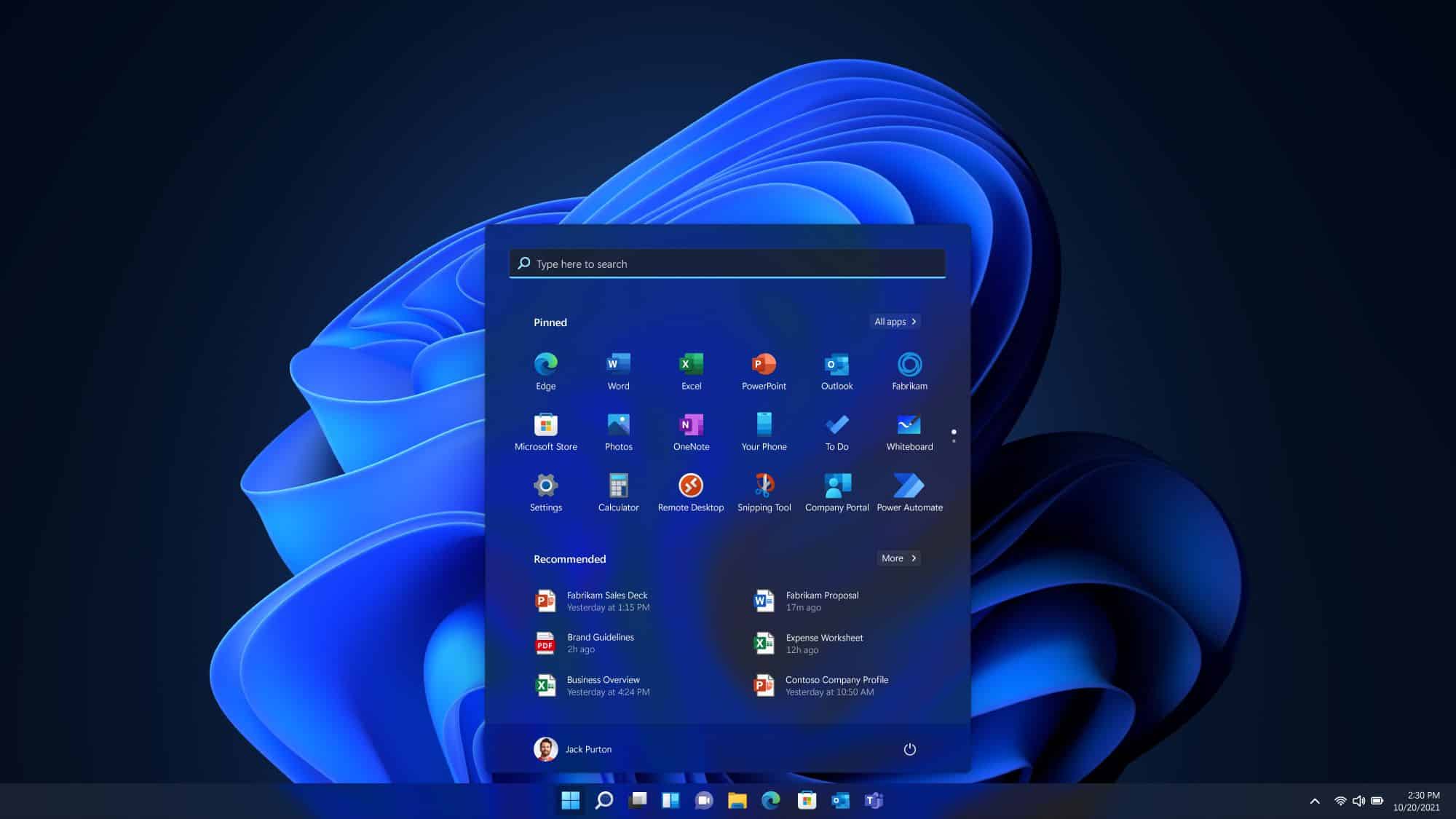
The technology landscape never really stands still, does it? Operating systems, sitting at the heart of most user interactions, have to keep pace—adapting not just to shifting user needs but also to the rapid evolution of hardware. Microsoft, ever-present in this space, continues to iterate on its flagship OS, Windows. With version 25H2 of Windows 11, the company is taking a slightly different route. Rather than rolling out a sweeping overhaul, it’s leaning into what’s being called an “enablement” update. In essence, it’s more about flipping switches on features that are already there than installing something entirely new. And that’s kind of refreshing, actually.
Key Takeaways:
- Windows 11 version 25H2 will share its core codebase with version 24H2.
- New features are activated through “enablement packages,” not full reinstalls.
- This method means quicker installs and fewer compatibility headaches.
- Focus areas include AI enhancements and Copilot+ PC optimizations.
- Look out for features like Wi-Fi 7, updates to File Explorer, and improved system tools.
Traditionally, a major Windows update came with a sense of weight—large downloads, long installs, and the occasional moment of anxiety over what might break. But Microsoft’s increasing use of enablement packages—first seen with the 22H2 to 23H2 update and now with 25H2—signals a meaningful pivot. The approach? Quietly embed dormant features in regular monthly updates, then activate them later using a tiny enablement package. Think of it like a software light switch.
Jason Leznek, Principal Project Manager for Windows Servicing and Delivery at Microsoft, confirmed this direction. He pointed out that versions 24H2 and 25H2 of Windows 11 share the same source code. The difference lies in the features: they’re already in place and simply get “turned on”. That shared codebase simplifies life for both everyday users and IT professionals. It reduces the scope of testing needed, narrows compatibility checks, and overall just minimizes the chances of things going sideways during an update.
A Focus on Incremental Growth
This enablement model fits neatly into a broader software trend: moving away from occasional big bangs toward continuous, incremental improvements. Instead of waiting a year for a bucket of new features, users get smaller bits more frequently—something that can feel more manageable and predictable. It’s almost like the OS is growing organically rather than arriving in bursts.
Now, take version 24H2 for example—it laid down some serious groundwork. Much of it revolved around artificial intelligence. Copilot, Microsoft’s AI assistant, is now a more integrated part of the experience. It can do everything from summarizing documents to adjusting your system settings. And for Copilot+ PCs—those equipped with neural processing units (NPUs)—the capabilities go even further. Think real-time translation for Live Captions across more than 40 languages, snazzy Windows Studio Effects like automatic lighting tweaks for video calls, and AI-driven tools like Cocreator in Paint and Auto Super Resolution for games.
Of course, it’s not all about AI. File Explorer got smarter too, now supporting 7-zip and TAR archive creation, and even allowing users to duplicate tabs. The introduction of the sudo command—borrowed from the Linux world—gives power users more control via the command line, something long overdue for many.
Under the Hood: Technical Advancements
The enablement shift isn’t just a clever delivery trick; it reflects real progress under the hood. Keeping the core OS consistent between annual updates means simpler logistics, smaller downloads, and fewer reboots. That matters—a lot—especially for organizations managing fleets of devices where even small disruptions can snowball.
Microsoft hasn’t ignored aesthetics or UX details either. That famously dreaded Blue Screen of Death? It’s going black. Now it’s a “unexpected restart” screen, which, yes, still shows the error code, but feels just a bit less alarming. More importantly, recovery tools are getting quicker, and Microsoft is working on letting antivirus and endpoint protection run in user mode rather than within the OS kernel. That’s a big deal from a stability standpoint and a nod to past hard lessons.
They’ve also added an “Energy Saver” mode—not just for laptops, but desktops too—marking a small but meaningful expansion of what used to be limited to portable devices. On the connectivity front, Wi-Fi 7 support promises faster and more stable internet, while Bluetooth LE Audio improvements aim to enhance the experience for both accessibility tools and virtual meetings alike.
For most users, the term “enablement package” might sound like technical jargon. But what it represents is very tangible: fewer disruptions, quicker access to features, and less fear around system updates. That’s a win in anyone’s book.
Still, a look at Reddit threads and tech forums shows that while many appreciate the efficiency, they remain laser-focused on what new features are actually being delivered. There’s clear interest in seeing genuine improvements to core functionality, reliable AI tools, and fewer bugs. Some have flagged teething issues with the initial 24H2 rollout, which highlights why Microsoft’s cautious, phased release strategy—and its use of compatibility holds—is so essential.
All things considered, 25H2 and its enablement-centric model feel like the result of a company that’s listening—at least more than it used to. It’s not perfect, and probably never will be, but there’s a definite sense of maturation in how Windows evolves now. Instead of bracing for the next big OS event, users can expect the platform to grow steadily, quietly, and with a bit more polish. And that, in a world that doesn’t seem to slow down much, might be just what people want.
FAQ
Q1: What exactly is an “enablement package” in Windows 11 updates?
A1: An enablement package is a small, quick-to-install update that acts like a “master switch”—it activates features already present in the OS but dormant. It doesn’t install new code; it just turns on what’s already there.
Q2: How does an enablement package differ from a traditional Windows upgrade?
A2: Traditional upgrades install lots of new code and can take time—and cause issues. Enablement packages, on the other hand, are quicker and lighter because they only activate existing features, reducing the risk of problems.
Q3: Will the Windows 11 25H2 update require a full reinstallation of the operating system?
A3: Nope. If you’re already on version 24H2, updating to 25H2 is just a quick enablement package—no full reinstall necessary. That means less hassle overall.
Q4: What kind of new features can I expect in the Windows 11 25H2 update?
A4: Expect refinements built on the 24H2 update, especially in AI features for Copilot+ PCs. Think better system performance, smarter AI tools, faster connectivity like Wi-Fi 7, and some interface tweaks. Microsoft will confirm the full list closer to launch.
Q5: Will my existing applications and hardware be compatible with Windows 11 25H2?
A5: Compatibility should be high since 25H2 shares the same core as 24H2. Still, it’s a good idea to check for driver and app updates just in case.
Q6: What is a Copilot+ PC and why is it important for these updates?
A6: Copilot+ PCs come with NPUs—chips designed to handle AI tasks right on the device. That means they can run advanced features like real-time caption translation or background effects during calls without relying heavily on the cloud. These updates are tailored to get the most out of that hardware.