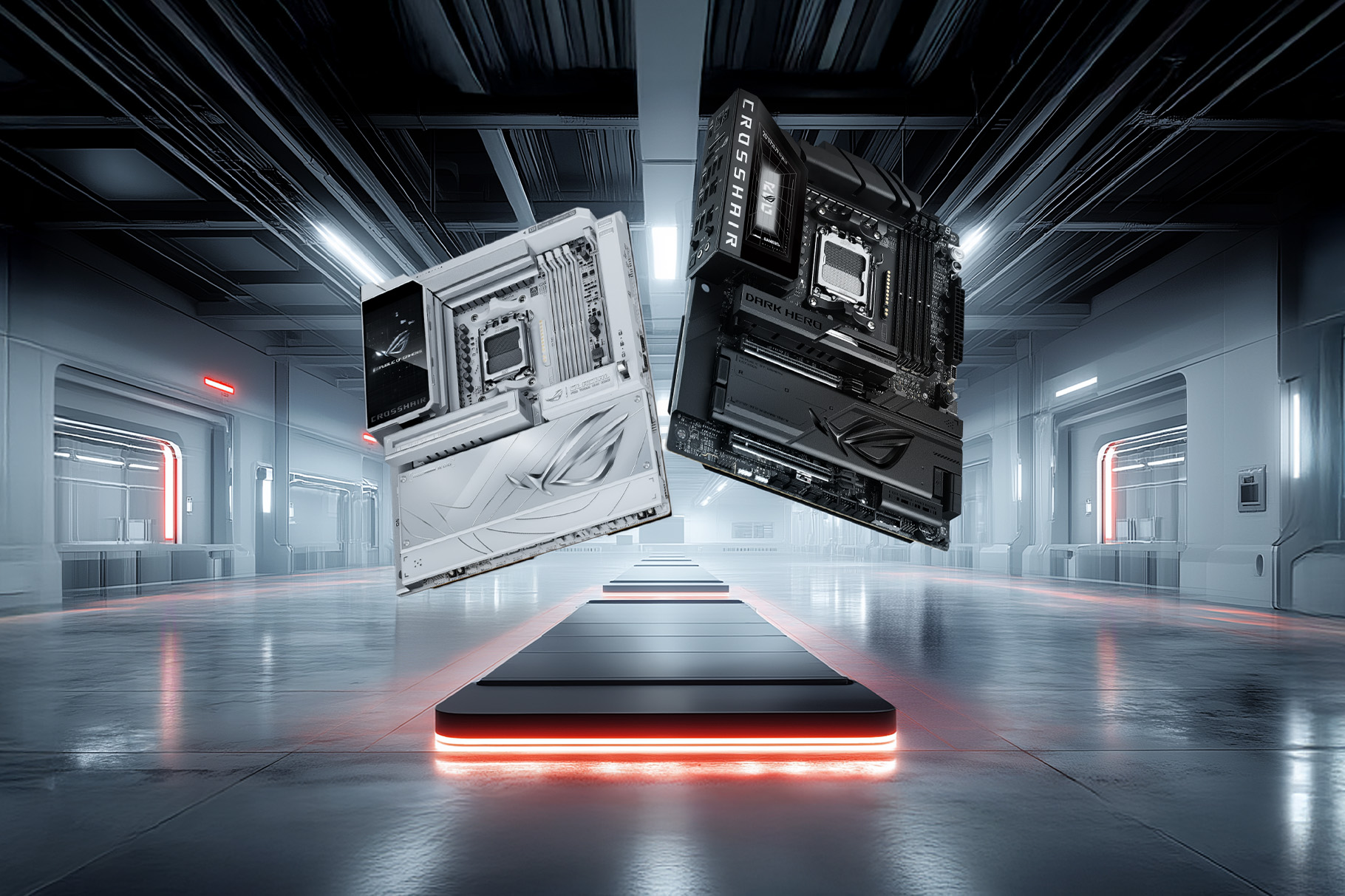
ASUS has officially unveiled its new lineup of AMD 800 series motherboards alongside the ROG Strix LC IV liquid coolers at CES 2026 in Las Vegas. The announcement feels like a clear continuation of ASUS’s long-standing approach of refining the PC building experience rather than reinventing it outright. This new motherboard range, which includes the ROG X870E, X870, and B850 models, is built to support AMD’s latest Zen 5 Ryzen 9000 series processors. Alongside raw compatibility, ASUS appears to be focusing on usability, long-term platform support, and features that make sense for modern workloads, especially those involving AI.
The company has positioned these boards as a balance between performance and convenience. On one hand, they promise better memory stability and faster connectivity. On the other, they try to remove some of the friction that still exists for first-time builders or even experienced users who simply want things to work without extra steps. This seems particularly relevant for users in India and other global markets where DIY PC building continues to grow steadily.
Key Takeaways
- New ROG, TUF Gaming, and ProArt motherboards support the AMD Ryzen 9000 series
- NitroPath DRAM technology improves DDR5 memory stability and speed
- ROG Strix LC IV coolers use AIO Q-Connector for a wireless setup
- A larger 64MB BIOS chip provides better support for future processors
- AI Cache Boost improves local AI task performance by up to 29 percent
One of the more technical highlights of the AMD 800 series motherboards is the use of server-grade PCB designs paired with NitroPath DRAM technology. In simple terms, ASUS has redesigned the memory slots so that signal pathways are shorter and cleaner. Shorter pins help reduce electrical noise, which is often one of the reasons DDR5 memory struggles to maintain higher speeds consistently. With this design, DDR5 RAM can operate faster while remaining stable, which is something gamers and creators usually notice very quickly during heavy use.
ASUS has also added DIMM Fit Pro, a feature that actively checks memory behavior during system startup. If something looks off, the motherboard can automatically adjust settings to prevent crashes or boot failures. It is not a flashy feature, but in practice, it can save users a lot of time, especially when experimenting with high-speed memory kits.
Connectivity is another area where ASUS has clearly invested attention. All boards in this series come with WiFi 7 support, along with a new MLO Wizard. This wizard helps users configure Multi-Link Operation, allowing devices to connect across multiple frequency bands simultaneously. The result, at least in theory, is lower latency and more stable wireless performance. ASUS has also pre-installed WiFi drivers on the boards, which means users can connect to the internet and install Windows without hunting for drivers on a separate USB drive. It is a small touch, but one that feels genuinely practical. USB4 ports are also present, offering data transfer speeds of up to 40Gbps, which should satisfy users working with high-speed storage or external devices.
On the cooling side, the ROG Strix LC IV series introduces a noticeably larger 5.08-inch full-color display on the pump head. This screen can show real-time system temperatures, performance stats, or even custom graphics, depending on user preference. While displays on AIO coolers are not new, the size and clarity here stand out a bit more than usual.
The most distinctive feature of the LC IV coolers, however, is the AIO Q-Connector. When paired with a compatible ASUS motherboard, this connector allows the pump and fans to communicate through a wireless contact point on the board. There is no need for multiple cables running across the motherboard for power and control. The end result is a much cleaner-looking build, which many users care about more than they might admit.
AI-driven features also play a central role in this launch. AI Cache Boost is a BIOS-level setting that optimizes how the CPU handles cache and memory usage. According to ASUS, this can improve performance in local AI workloads by up to 29 percent. That number will likely vary depending on the application, but even smaller gains can matter for users running local large language models or AI-assisted creative tools.
Another addition is ASUS AI Advisor, which works like a built-in technical assistant. Users can ask questions in natural language and get guidance on settings, features, or troubleshooting. It feels aimed at reducing the intimidation factor that often comes with advanced BIOS options, while still being useful for more experienced users who want quick answers without digging through manuals.
Related FAQs
Q1: What is ASUS NitroPath DRAM technology?
A1: It is a redesigned memory slot architecture that shortens internal pins, reducing signal noise and allowing DDR5 memory to operate at higher speeds with improved stability.
Q2: How does the AIO Q-Connector work?
A2: The AIO Q-Connector enables the ROG Strix LC IV cooler to connect to compatible ASUS motherboards without extra pump or fan cables. Control signals are transmitted through a wireless contact point on the board.
Q3: Do these motherboards support the Ryzen 9000 series?
A3: Yes, the AMD 800 series motherboards, including X870E, X870, and B850 models, are designed specifically for Zen 5 Ryzen 9000 series processors.
Q4: What is the benefit of the 64MB BIOS chip?
A4: The larger BIOS chip allows for a more detailed user interface and provides enough space to support future CPU generations on the AM5 socket, helping extend the platform’s lifespan.