Recent discussions across social media and online forums have stirred apprehension among some users regarding Google’s Gemini AI, with claims suggesting a “concerning” privacy change that allows the AI to “read your texts.” These concerns, while understandable given the sensitive nature of personal data, largely misinterpret how Gemini integrates with a user’s digital life. In reality, Google is enhancing Gemini’s capabilities, focusing on delivering a more helpful and integrated experience, all while maintaining robust privacy controls that keep users firmly in charge of their data.
Key Takeaways:
- Gemini does not inherently read your text messages without your explicit permission or action.
- The perceived “privacy change” refers to optional integrations with Google Messages and other communication apps, where users must actively enable these features.
- These integrations aim to provide helpful functionalities, such as composing messages or finding contact information, only when prompted by the user.
- Google maintains a strong commitment to user privacy, with features like activity auto-delete and clear data handling policies.
- Users have comprehensive controls to manage what data Gemini accesses and how it uses that data.
Understanding the Integration, Not Invasion
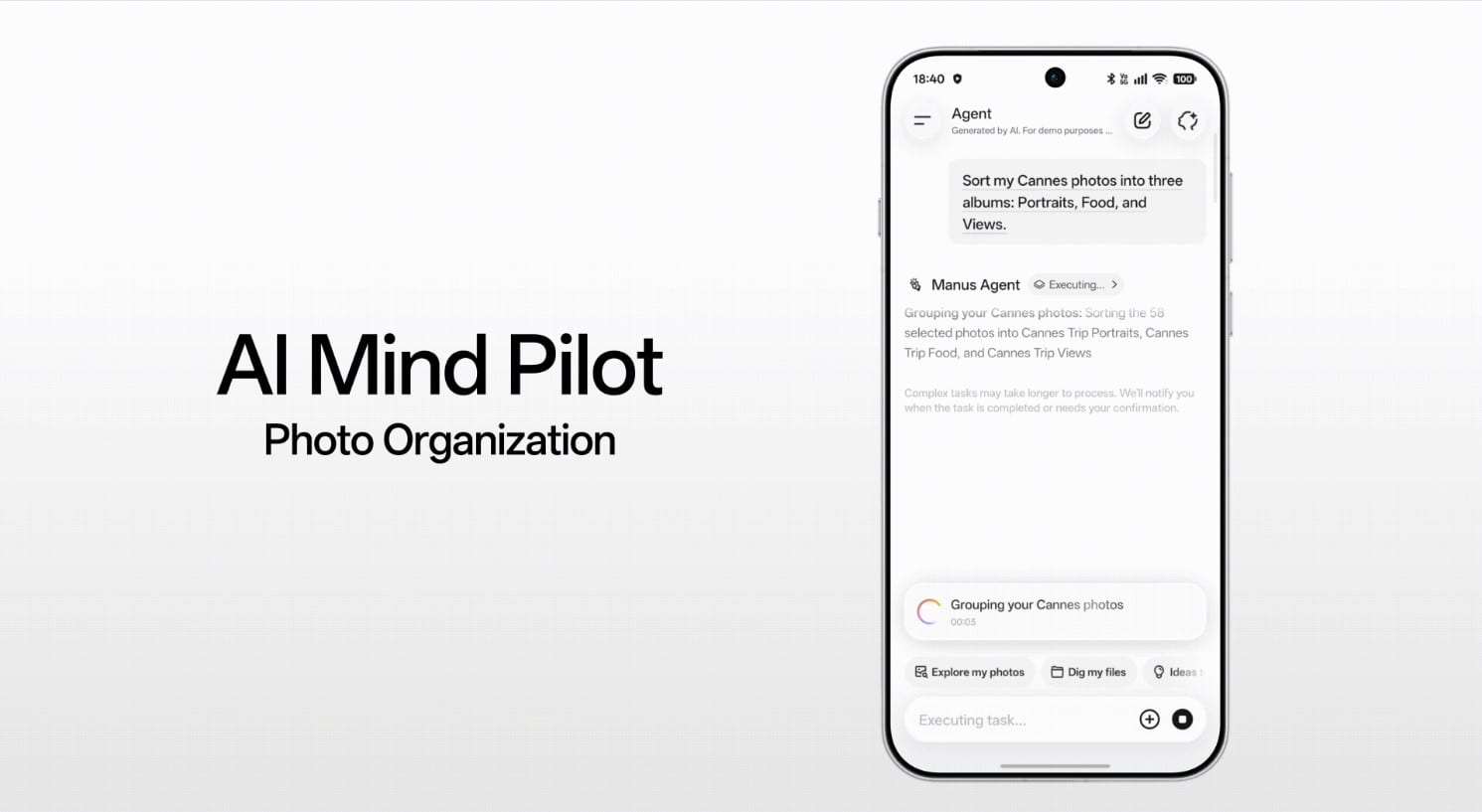
The core of the recent user discussions revolves around Gemini’s ability to interact with messaging applications. It is crucial to understand that this is not an unsolicited intrusion. When Gemini is set as the primary mobile assistant on an Android device, or when using the Gemini app on iOS, it offers the ability to interact with certain other applications. For instance, with the Google Messages app, Gemini can assist with sending text messages. This functionality is not a default “read all my texts” setting. Instead, it operates on a permission-based model, requiring user consent and often explicit commands to perform actions within those apps.
Consider the user experience: If you tell Gemini, “Send a message to John saying I’ll be there in 10 minutes,” and you have the Google Messages app enabled for Gemini, the AI can then draft that message within the Messages app. It doesn’t then proceed to read your entire message history with John or any other contact. The interaction is contextual and command-driven. Google’s support documentation clearly states that Gemini cannot “read or summarize your messages” or “create or message group chats” without explicit direction. It also clarifies that messages composed with Gemini are not end-to-end encrypted by Gemini itself, as that relies on the underlying messaging app’s capabilities.
Google’s Foundational Privacy Principles Remain Intact
Google has consistently emphasized its commitment to user privacy, especially with the advancement of AI technologies. The company’s approach is guided by a set of AI Principles that prioritize safety, accountability, and user control. This philosophy extends directly to Gemini.
For Gemini in Google Workspace, for example, interactions with the AI remain within an organization. Google explicitly states that content is not shared outside the organization without permission, nor is it used for training generative AI models outside a user’s domain without explicit consent. Similarly, for individual users of the Gemini app, activity like prompts and responses is saved to “Your Gemini Apps Activity,” with an auto-delete default of 18 months. Users can adjust this to a shorter period or turn off Gemini Apps Activity altogether.
When discussing data collection, Google’s Gemini Apps Privacy Hub details the types of data collected – including chats, shared files, images, and location information – and explains why this data is collected (e.g., to provide relevant responses, improve services). Crucially, it highlights that personal content accessed from other Google services (like Gmail or Drive, if integrated) is:
- Not allowed to be accessed or reviewed by human reviewers.
- Not used to improve generative machine learning technologies that power Gemini Apps.
- Not used by Gemini Apps to show ads.
- Not stored beyond the time period necessary to provide and maintain Gemini Apps services.
This level of granularity in privacy controls and data handling practices underscores a commitment to safeguarding user information, rather than undermining it.
The Evolution of Helpful AI, Not a Privacy Downgrade
The perceived “concerning change” is, in essence, Gemini becoming more contextually aware and helpful across Google’s ecosystem. This aligns with the broader trend of AI becoming a more integrated assistant, capable of performing tasks across various applications to streamline user workflows. For example, Gemini’s ability to summarize emails in Workspace, or to connect with Google Maps for location-based queries, are features designed for utility and convenience.
This increased integration is not a backdoor for data harvesting. Instead, it’s a testament to Google’s efforts to make AI more proactive and genuinely useful, responding to user prompts with greater relevance and efficiency. The underlying principle is still that Gemini only accesses information it is explicitly given permission to access, or information that is directly relevant to a user’s current query and enabled settings.
User Control: The Cornerstone of Gemini’s Privacy
Google empowers users with significant control over their data within Gemini. Here are some key privacy controls available:
- Gemini Apps Activity: Users can view, delete, or manage auto-delete settings for their Gemini activity, including prompts and responses.
- App Permissions: On Android and iOS, users can manage the specific permissions granted to the Google app (which houses Gemini), such as access to contacts or location.
- Connected Apps: Within Gemini settings, users can see and manage which other apps Gemini can connect with. If you disable the Messages app integration, for instance, Gemini will not be able to assist with sending texts.
- Screen Context: For features like “Add this screen” or “use text from screen,” users must explicitly enable “Screen context” within Gemini’s settings, allowing Gemini to process content visible on their screen.
These controls are designed to be accessible, allowing users to tailor their Gemini experience to their comfort level regarding data sharing and AI interaction. The default settings are often designed with privacy in mind, such as the 18-month auto-delete for activity.
The Importance of Due Diligence and Official Sources
In the age of rapid technological advancement and widespread information sharing, it’s natural for concerns about privacy to arise. However, it’s crucial for users to consult official sources and understand the nuances of how these technologies work. Misinformation can spread quickly, leading to unnecessary anxiety.
Google’s transparency efforts, including its Privacy Hubs and detailed support articles, aim to provide clear explanations of data collection, usage, and user controls. Before drawing conclusions about “concerning privacy changes,” users should verify information through these official channels. What might appear as a sweeping data grab is often a carefully designed, optional feature intended to make the AI more helpful, with user consent as a prerequisite.
Ultimately, Gemini is not secretly accessing your personal communications. It is evolving to become a more capable assistant, and its improvements are built upon a framework of explicit user permission and robust privacy controls. Understanding these mechanisms helps users leverage the power of AI while confidently protecting their personal data.
FAQ Section
Q1: Is Gemini automatically reading all my text messages?
A1: No, Gemini does not automatically read all your text messages. Its ability to interact with messaging apps like Google Messages requires explicit user permission and is typically activated when you give it a specific command, such as “Send a message to John.”
Q2: Can I prevent Gemini from accessing my contacts or location?
A2: Yes, you have full control over app permissions. On your Android or iOS device, you can go into your phone’s settings, find the Google app (which includes Gemini), and manage permissions for contacts, location, and other data categories.
Q3: How does Gemini use my personal data?
A3: Gemini uses your data, such as prompts and responses, to provide helpful replies, maintain its services, and improve its machine learning models. Google’s privacy policy clarifies that personal content from other Google services, if integrated, is not reviewed by humans, used for model training, or for advertising.
Q4: Will my conversations with Gemini be saved forever?
A4: By default, your Gemini Apps Activity (including conversations) is set to auto-delete after 18 months. You can adjust this setting to auto-delete sooner (e.g., 3 months), later (e.g., 36 months), or turn off activity saving entirely in your Gemini Apps Activity settings.
Q5: What is “Screen context” in Gemini, and how does it relate to my privacy?
A5: “Screen context” is an optional feature that allows Gemini to process information visible on your screen (e.g., text, images) to provide more relevant assistance. You must explicitly enable this feature in Gemini’s settings for it to work, giving you control over when Gemini can “see” your screen content.