Apple just announced a batch of new accessibility features powered by its Apple Intelligence tech. These updates are coming to iPhone, iPad, Mac, Apple TV, and Vision Pro. The company timed the news for Global Accessibility Awareness Day. The big change? Apple is using on-device machine learning to make its accessibility tools smarter and easier to use. If you have visual, physical, hearing, or cognitive needs, you’ll notice the difference. Instead of memorizing strict commands, you’ll be able to use more natural, conversational language. The updates are set to arrive later this year.
Key Takeaways
- VoiceOver and Magnifier Upgrades: Image Explorer now reads out specific details from receipts, invoices, and physical surroundings through the camera view.
- Natural Language Voice Control: Users can operate their devices by describing on-screen elements, like “open the purple folder,” instead of typing precise grid numbers.
- Vision Pro Wheelchair Support: Users can steer compatible motorized wheelchairs using the built-in eye-tracking technology of the headset.
- System-Wide Subtitles: Apple devices will automatically generate private, on-device audio captions for any uncaptioned video content.
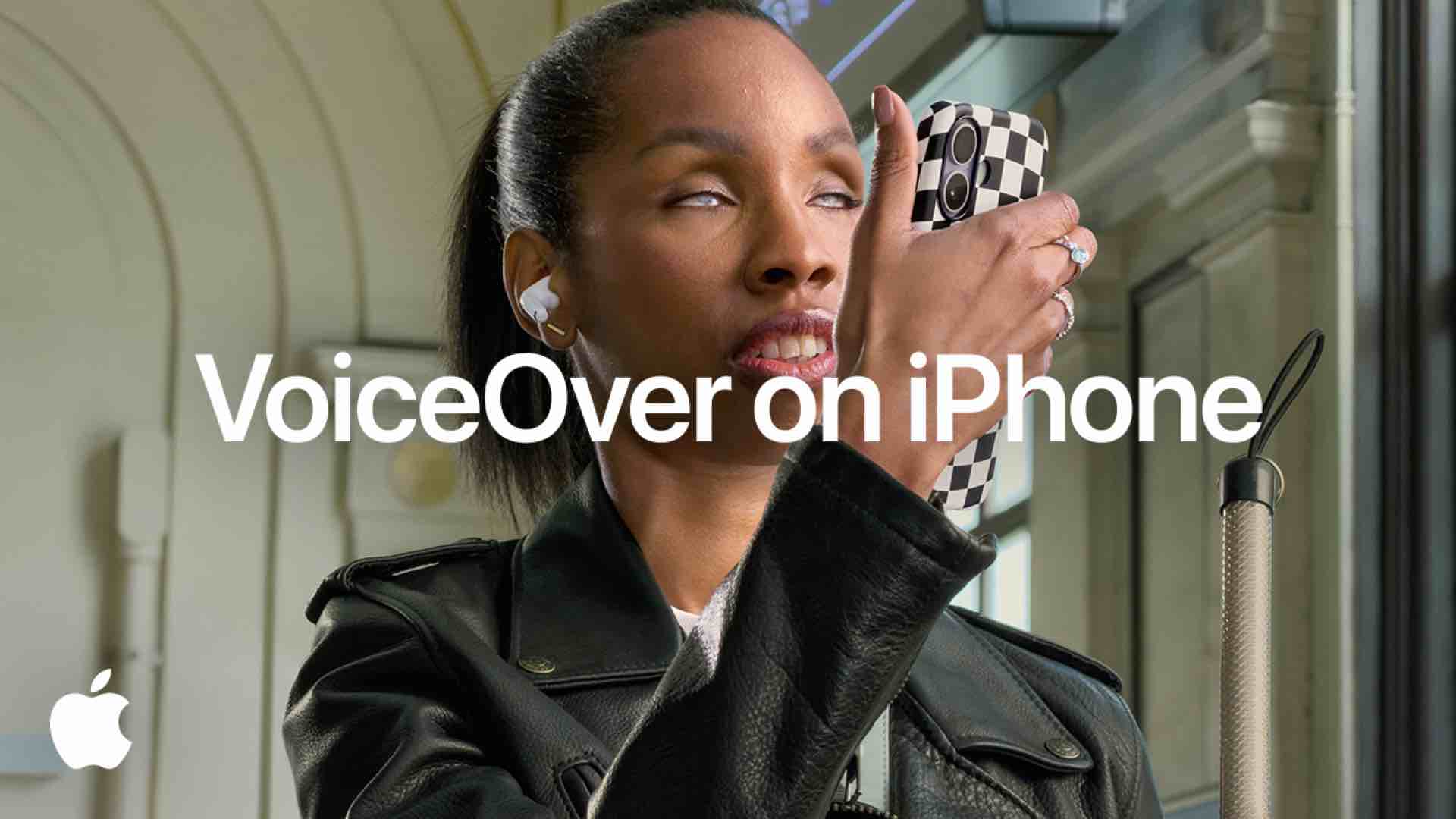
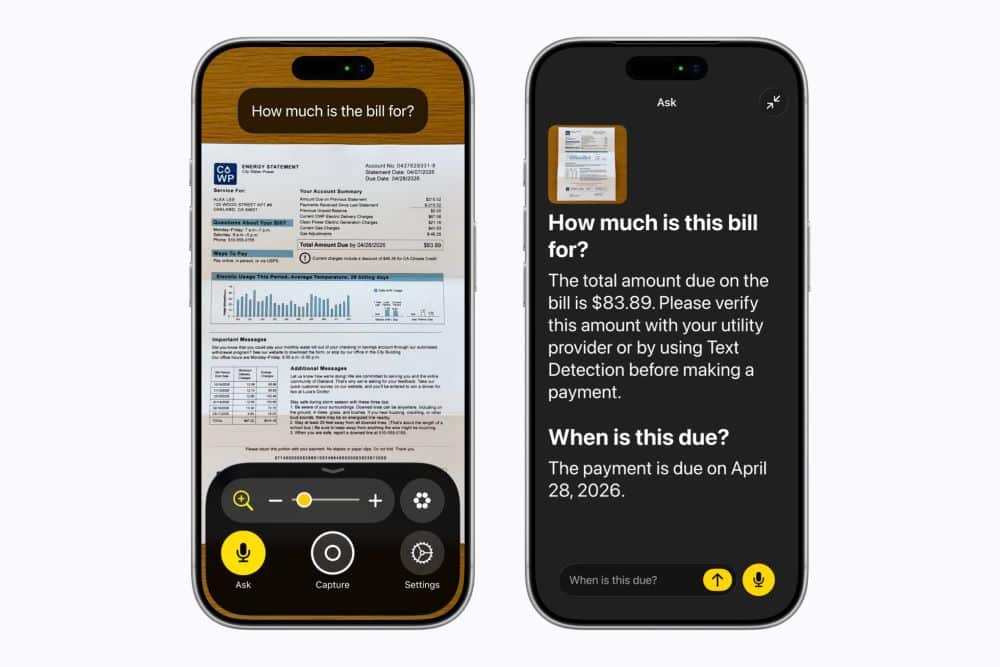 VoiceOver now gets Image Explorer. If you have low vision, you can point your iPhone camera at something, a menu, a bill, whatever, and it’ll read out the details. You’ll hear payment totals, due dates, or just the text you need. On iPhones with an Action button, press it to start Live Recognition. You can even ask follow-up questions to get more info. Magnifier is getting better too. It now offers high-contrast layouts and lets you say things like “zoom in” or “turn on flashlight” instead of tapping around.
If you have motor or physical challenges, Voice Control just got easier. You don’t have to remember exact phrases anymore. Now you can just say what you see. For example, in Maps, you can say “tap the guide about best restaurants” and it’ll work. No more memorizing commands.
Apple is also adding wheelchair controls to Vision Pro. The headset uses eye tracking to steer compatible powered wheelchairs. Right now, it works with Tolt Technologies and LUCI systems in the US. You can look in a direction to move, and the system handles eight-way steering and stops. No need to keep recalibrating.
If you’re hard of hearing, there’s a new auto-caption tool. It adds subtitles to your own recordings, home videos, or any online stream without captions. Everything happens on your device, so your data stays private. The Accessibility Reader is getting an upgrade too. It can take messy online documents, think scientific journals with columns and charts, and turn them into a simple, single-column view. You even get summaries.
Frequently Asked Questions
Q1. When will these new Apple accessibility features become available to users?
A1. Apple plans to roll out these accessibility updates and tools across its software platforms later this year.
Q2. Do the new live subtitles require an active internet connection to work?
A2. No. The system generates subtitles privately using on-device speech recognition, which protects privacy and operates without sending data to external servers.
Q3. Which third-party hardware devices work with the new updates?
A3. The Vision Pro wheelchair control system functions with alternative drive setups from LUCI and Tolt Technologies. iOS, iPadOS, and macOS also now support the Sony Access game controller.
Q4. How does the updated Voice Control differ from older versions?
A4. The older system required users to say exact labels or grid numbers. The updated version uses natural language, allowing users to select items by describing what they see, such as folder colors or button names.