With the recent release of the iOS 26.4 update, OpenAI becomes the first company to implement a major third-party artificial intelligence solution into the dashboard of the driver’s seat with the ChatGPT app for Apple CarPlay. Now drivers can speak to OpenAI’s ChatGBT AI, however, the ChatGPT app for Android Auto has not been released.
Key Takeaways:
- For CarPlay users, ChatGPT is the first third-party AI application.
- The application is compatible only with iOS 26.4 software update.
- Due to safety regulations, the app is limited to voice command input and voice command feedback.
- The car display will not show any images or text while the driver is operating a vehicle.
- In contrast, Google’s Android Auto uses Gemini instead of ChatGPT.
Functionality of AI in a vehicle
Versions of ChatGPT integrated into CarPlay will always have safety measures built into them so they do not distract drivers. As a result of safety measures, interactions will only be through voice commands. Long text and image displays will not be shown in the car, the AI will only talk to you and listen to your responses.
Most of the interface consists of an “End” call button in the top left, and a mic button to the top right. If you want to start a conversation with ChatGPT, you have to press the ChatGPT button. There’s also no hands-free app activation by saying “Hey ChatGPT” in order to start the app. When the app is on, you will have an experience similar to talking on the phone, and you will have to do so to ask questions, hear stories, and organize your schedule.
Compatibility & Features
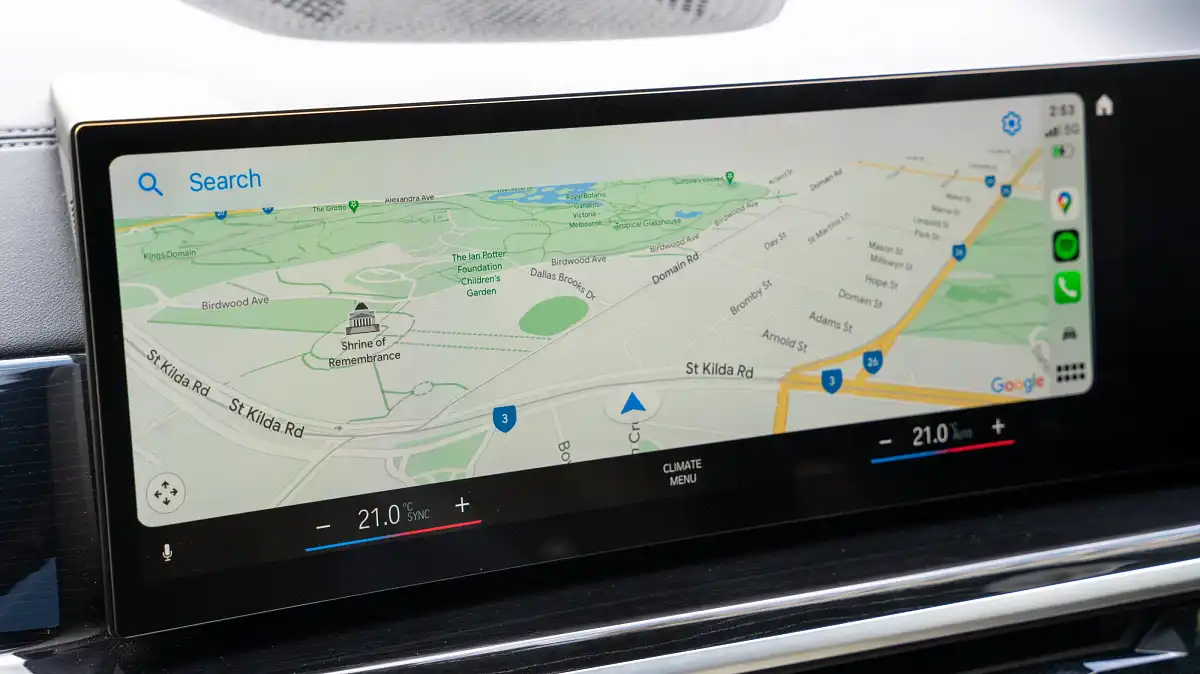
Apple CarPlay compatibility feature on the ChatGPT app will be available to users once they update their iOS to 26.4 and download the latest version of the app from the App Store. After completing the aforementioned steps, they will see the ChatGPT icon on their CarPlay screens.
Before downloading the app, there are some limitations of the app that users should be aware of. Since the app does not connect to any vehicle components, it can’t be used to roll the windows up or down, adjust the air conditioning, or check the fuel level. Additionally, the AI is limited to voice conversations only. Users can reference previous voice conversations, but the transcript of the voice conversation will not be available on the screen.
Apple CarPlay vs Android Auto
Apple users get to access a new feature, and for now, Android Auto users are left in the dark. Google still hasn’t announced a ChatGPT app for its car platform, and instead seems to be focused on Gemini, its AI competitor, which is already integrated into the Android Auto system and assists with text message summaries and navigation queries.
Because OpenAI has not confirmed if a car version for Android is in the works, Apple currently holds the advantage to users that would rather interact with the ChatGPT model instead of other AI assistants.
Frequently Asked Questions
Q1: Can I use ChatGPT on CarPlay to send WhatsApp messages?
A1: No. The current version of the app cannot control other apps on your phone or functions of the car. It is limited to having a conversation with the AI.
Q2: Does ChatGPT on CarPlay show images?
A2: No. To keep drivers focused on the road, Apple does not allow conversational apps to show images or text responses on the screen. All replies are verbal.
Q3: Is a paid subscription needed to use ChatGPT in the car?
A3: The app follows the same rules as the mobile version. If you have a free account, you can use it. If you have a Plus subscription, you get the same premium features and faster response times in the car.