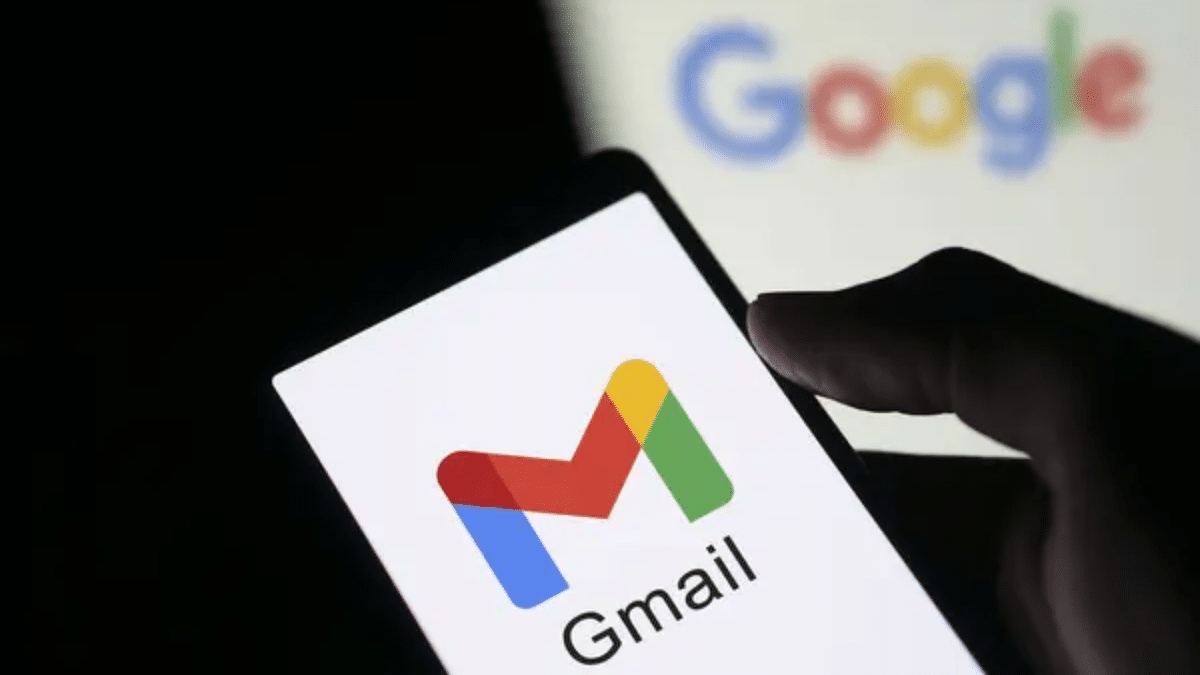
Google has announced a new policy update that finally lets users modify their Gmail usernames. This gives users the option to change the string of numbers and letters that come before the ‘@gmail.com’ email address, and users can do this without losing any of their digital information. Currently, this feature is available to eligible users in the U.S. Google CEO Sundar Pichai confirmed this on Wednesday, stating that users have long expressed the wish to change to new email accounts. This update affects email IDs tied to all Google services including Photos, Drive, and YouTube.
Key Takeaways:
- US Gmail customers now have the option of changing the part of their email address before the @gmail.com.
- Account information such as Photos, Drive files, and previous emails will stay intact during the migration.
- The previous email address will continue to be active as an alias to receive emails.
- Customers will be able to modify their address only once every 12 months, and they are limited to three total changes.
- The functionality will be available in a phased manner and is presently restricted to qualifying Gmail accounts in the US.
How the Gmail Address Update Works
For many years, a Gmail address has been permanent. If, for instance, someone created an account as a teenager and then subsequently selected a name that was unprofessional, they had a problem. Unless they created an entirely new account, there was no way around it. This most recent change rectifies that situation. Users now can select a new username in account settings, and all messages and files remain intact. The old email address is treated as an alias, so if anyone sends an email to the old address, it will still land in the new inbox. This is a way for people to avoid missing important emails from people in their contact list who do not know about the name change. Users can still access Google services with both the old and new email addresses.
The system considers the former email address as an alias. As a result, email messages sent to the old address will continue to be delivered to the new inbox. This allows users to keep track of emails sent by contacts who were unaware of the name change. Users may also access Google services under either the old or the new email address.
Rules and restrictions for users’ Google have set parameters around this feature to circumvent potential abuse. A person can only change their username once every 12 months. Additionally, there is a lifetime cap of three changes per account. Once a user selects a new email address, they cannot remove it. However, Google permits users to revert to their original address should they change their mind again. The company also states that certain services might require a quick log out and log back in… Users of Chromebooks or Chrome Remote Desktop, for example, will need to log in again in order to sync their new identity. It may also be a good idea to back up your data before starting this process.
Accessibility in India
The feature is available for users in the US, but it has yet to officially come to India. However, translated help docs have shown up in local support pages, hinting at an impending global rollout. Many professionals in India who have had the same account since 2004, are eagerly awaiting this feature to clean up their digital footprint.
FAQ:
Q1: Can I change my Gmail address if I live in India?
A1: Right now, the feature is only available for eligible accounts in the United States. Google has not given a specific date for India, but the rollout is expected to go global later this year.
Q2: Will I lose my Google Photos or Drive files if I change my name?
A2: No. All your data stays with the account. Your photos, documents, and past emails stay exactly where they are. Only the name you use to sign in and send mail changes.
Q3: What happens if someone sends an email to my old address?
A3: The old address stays linked as an alias. Any mail sent to your old username will still arrive in your inbox, so you will not miss any messages.
Q4: Can I use a username that someone else has used before?
A4: No. The new username must be unique. You cannot use an address that is currently in use or one that belonged to a deleted account.