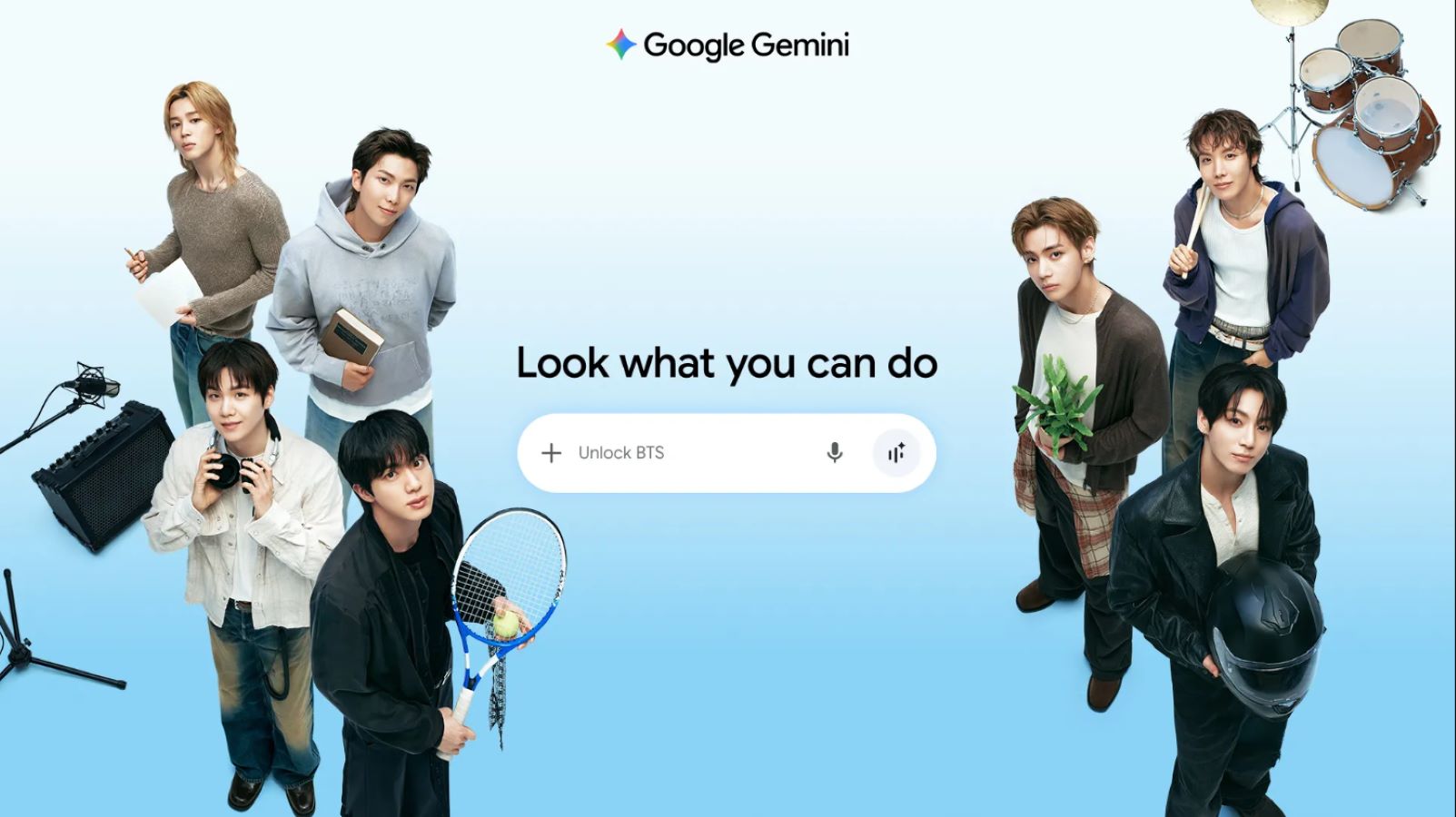
Google has introduced four interactive BTS experiences inside the Gemini application, allowing music fans to explore new ways to interact with the South Korean pop group. Users across the world can launch these features on mobile and desktop by opening the Gemini app and typing either “Unlock BTS” or “7777” into the prompt box. The limited-period campaign includes prompt ideas from group members, music trivia games, schedule tracking, and basic Korean language practice.
Key Takeaways
- Google Gemini users can type “Unlock BTS” or “7777” to start the special features on phone or desktop.
- The rollout contains four modules: member prompt ideas, an emoji song quiz, tour updates, and Korean language lessons with audio pronunciation.
- The features support multiple languages, including English, Hindi, Korean, and Japanese.
- Google paired the rollout with a campaign video featuring all seven BTS members.
Inside the Four Interactive Experiences
The first feature, “Reveal what BTS asks Gemini,” shows sample prompts inspired by the daily interests of all seven band members: RM, Jin, SUGA, j-hope, Jimin, V, and Jung Kook. Fans can pick a member to see sample questions, such as RM asking about cultural travel spots or Jung Kook exploring bicycle maintenance. Users can then build on those prompts to start their own conversations with the assistant.
The second feature, “Guess the BTS song,” turns music recommendations into an emoji trivia game. The app presents custom emoji clues based on song lyrics, themes, and moods. Users guess the correct track from the discography before Gemini shares the song name and playlist suggestions for different times of the day.
The third feature helps fans track group activities around the world through “Follow along at every tour stop”. The assistant generates a daily news digest covering verified developments from the past 48 to 72 hours. It also provides a two-week schedule automatically adjusted to the user’s local time zone, making it easier for fans in India and other regions to follow live appearances without calculating time differences manually.
The fourth feature, “Learn everyday Korean,” teaches practical words and phrases frequently found in fan letters, social media posts, and casual conversations. Each lesson comes with audio pronunciation clips so users can practice speaking and writing directly within the chat interface.
Availability and Campaign Details
The experiences are live for a limited window across Android, iOS, and web browsers. Google also released a promotional video titled “BTS & Gemini | It starts with you,” which shows the band members using generative tools to research hobbies, learn new skills, and plan trips.
Frequently Asked Questions
Q1. How do users start the BTS experience in Google Gemini?
A1. Open the Gemini app or website, type “Unlock BTS” or “7777” into the chat box, and hit send.
Q2. Is a paid subscription required to use these BTS features?
A2. No, users can access the interactive features using the standard version of the Gemini application on supported devices.
Q3. Does the feature support Indian languages?
A3. Yes, the rollout includes Hindi alongside English, Korean, and Japanese.
Q4. How long will the BTS features stay available on Gemini?
A4. Google has stated that the collaboration is a limited-time campaign, though the company has not published an exact end date.