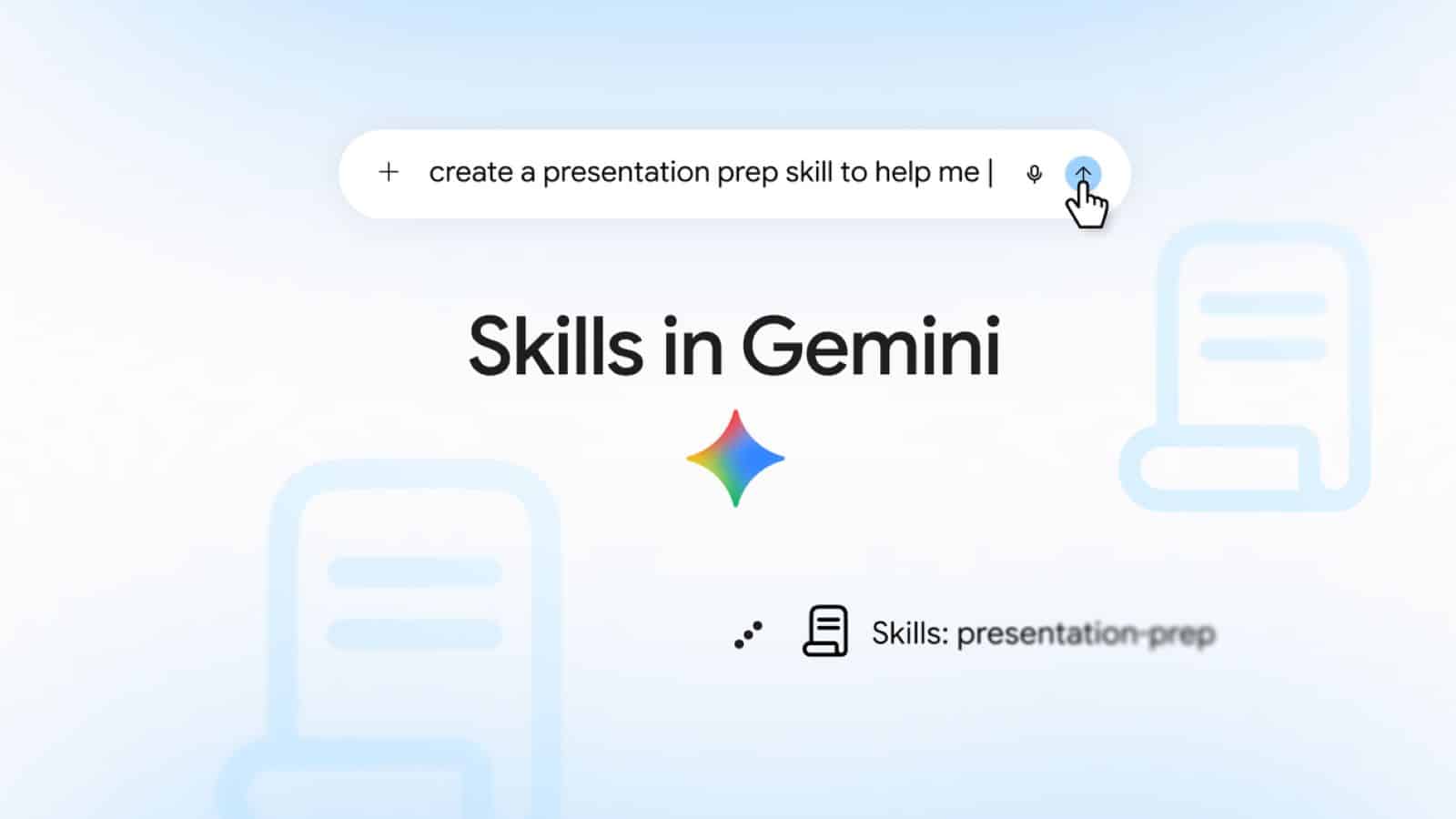
Google launched a new feature called skills in Gemini chat globally on Wednesday, allowing users to automate recurring tasks with reusable instructions. The update begins replacing Gems, the previous custom chatbot setup inside the Gemini app. Starting today, individual users across the globe, including in India, can create skills with custom instructions and reference documents, while Google Workspace business, enterprise, education, and nonprofit customers will get access over the coming weeks.
Key Takeaways
- Skills replace Gems in the Gemini web and mobile apps, with automatic data migration planned ahead of November.
- Users can summon saved skills directly inside any active chat window by typing a forward slash followed by the skill name.
- The feature supports stacking multiple skills in a single prompt and attaching reference files such as plain text documents, PDFs, and images.
- Users can create unlimited skills, with up to 100 active at any single time.
Reusable Shortcuts Replace Standalone Gems
Under the previous system, Gemini users set up standalone Gems to handle tailored personas or repeated chores. That required jumping into specific separate chat windows created just for that Gem. Skills fix this friction by turning saved instructions into quick commands. Instead of writing a long prompt every morning to summarise Indian market news or format meeting notes, you can save your preferences once and trigger them using a forward slash in regular chats. Google indicated that the shortcut character will soon switch to the “@” symbol.
The update also allows users to stack different skills together. For example, a content creator or marketing executive can pair a personal writing style skill with a corporate brand guideline skill in one go. Gemini then processes the request using both rule sets without manual intervention.
File Support and Migration Details
Skills support file uploads, including images, PDFs, and plain text documents, directly through the Gemini web client and the Gemini app on macOS. For technical users, skills can use standard SKILL.md files stored inside a folder matching the skill name, allowing direct import and export across platforms.
Users do not need to rewrite their active Gems immediately. Google confirmed it will automatically migrate existing Gems into skills before Gems phase out starting in November. However, Google noted that skills currently do not support specialized standalone media tools like video generation, music creation, Canvas, or Deep Research.
Frequently Asked Questions
Q1. How do I trigger a skill in Gemini?
A1. Open any Gemini chat box and type a forward slash followed by the name of your skill. Google plans to transition this trigger to the “@” mention symbol soon.
Q2. What happens to my existing Gems in Gemini?
A2. Google will automatically convert your existing Gems into skills before Gems retire in November. You can also recreate them manually right now through the settings menu.
Q3. Can I use multiple skills together in one query?
A3. Yes. You can combine multiple skills in a single prompt, such as pairing a formatting template with a specific tone guideline, to process your task simultaneously.
Q4. How many skills can I keep active at once?
A4. You can build as many skills as you want, but Gemini allows a maximum of 100 active skills enabled at the same time.