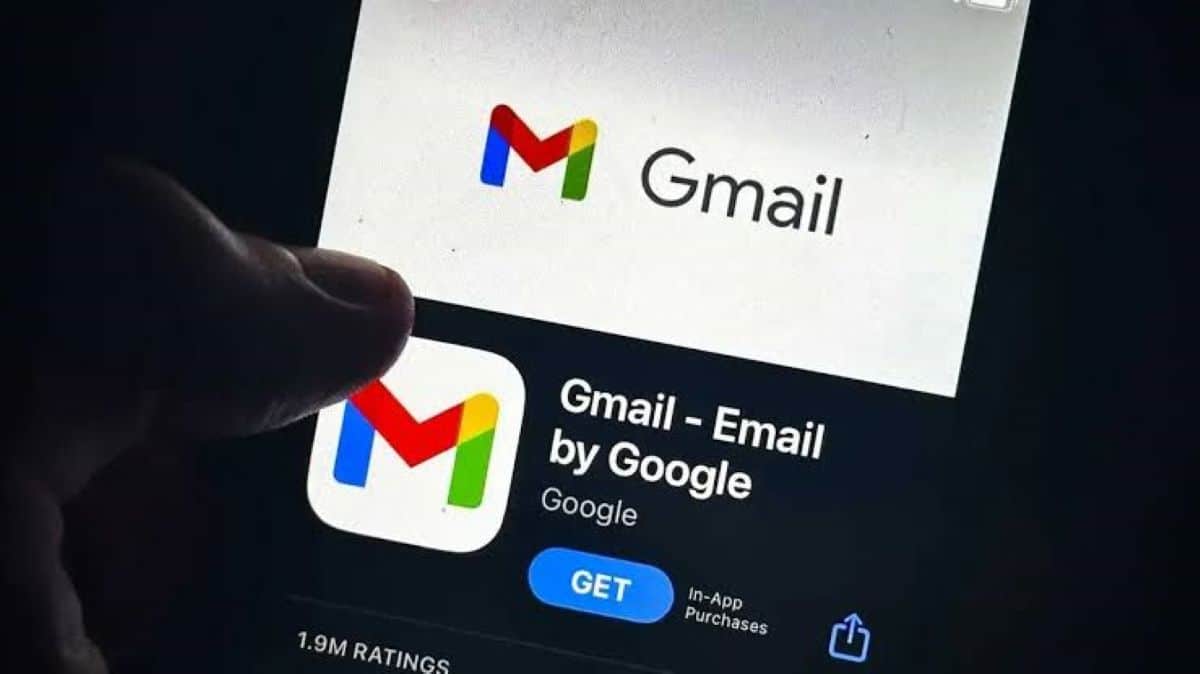
Google, a major technology company that builds software and hardware products, releases an update for its Gmail email service application on Android, a mobile operating system created by Google, and iOS, a mobile operating system created by Apple, that brings a direct copy code shortcut for two-factor authentication emails right inside the inbox view. Users running Gmail for Android version 2026.09.07.x and iOS version 6.0.260907 now see a pill-shaped button beneath email subject lines whenever a verification message arrives from supported banks or retail services. This addition removes the need to open individual messages, copy digits manually, or switch between multiple applications during login procedures.
Key takeaways
- Gmail adds a pill-shaped copy code button below the subject line for verification emails.
- The feature works on Android version 2026.09.07.x and iOS version 6.0.260907 apps.
- Users can copy two-factor authentication numbers instantly without opening emails.
- The capability currently appears in mobile apps and remains unavailable on the web version.
Prior to this update, people faced a tedious routine when handling verification codes sent via email. Logging into online platforms meant waiting for the notification, opening the mail client, locating the number string, and copying it before the token expired. The new shortcut cuts down those steps by displaying the exact numbers directly in the main message list. When a person taps the copy button, the application saves the code to the mobile clipboard instantly.
Security standards require frequent use of temporary verification numbers, making small interface improvements valuable for daily tasks. Banking applications, e-commerce stores, and social media platforms rely heavily on this secondary layer to protect user accounts. By placing the authentication numbers in plain view, the software maker reduces friction for people who check their mail on smartphones and tablets.
Tech analysts note that the deployment reaches mobile users globally through standard app store updates. People who want the tool need to check their device app stores and install the latest available build. While the desktop browser version lacks the functionality at present, software engineers continue testing mobile additions to improve user workflows across different operating systems.
Frequently asked questions
Q1. Which app versions support the new copy code button in Gmail?
A1. The shortcut is available in Gmail for Android version 2026.09.07.x and iOS version 6.0.260907.
Q2. Can I use the copy code shortcut on the Gmail website?
A2. No, the feature is currently restricted to mobile applications on Android and iOS platforms and does not work on web browsers.
Q3. Do I need to open the email to copy the verification code?
A3. No, the pill-shaped button appears directly in the inbox below the subject line, allowing you to copy the code with a single tap.
Q4. Which types of emails trigger the copy code button?
A4. The feature works with verification and two-factor authentication emails sent by banks, retail services, and online platforms.