

I spent three full weeks testing the Logitech Signature Comfort Plus M850 L wireless mouse in Black as my primary daily driver for office tasks, document editing, and remote meetings. Finding a productivity mouse that balances long-term wrist comfort with precise tracking without breaking the bank is tough. Logitech targets this sweet spot with its Signature series. Priced at ₹3,900 in India, this right-handed peripheral pairs a sculpted frame and built-in palm rest with multi-device Bluetooth connectivity and a two-year battery life.
Key Takeaways
- Built-in palm cushion on the upper shell gives your hand a soft resting spot during long desk hours.
- SmartWheel scrolling lets you switch between line-by-line precision and fast free-spinning seamlessly.
- Bluetooth Low Energy connectivity pairs with up to three different devices with quick switching.
- Single AA battery delivers up to 24 months of continuous use without needing recharges.
- Smooth, quiet click buttons reduce noise in shared workspaces.
- PTFE glide feet feel a bit rough out of the box compared to premium high-end models.
Design and Ergonomics
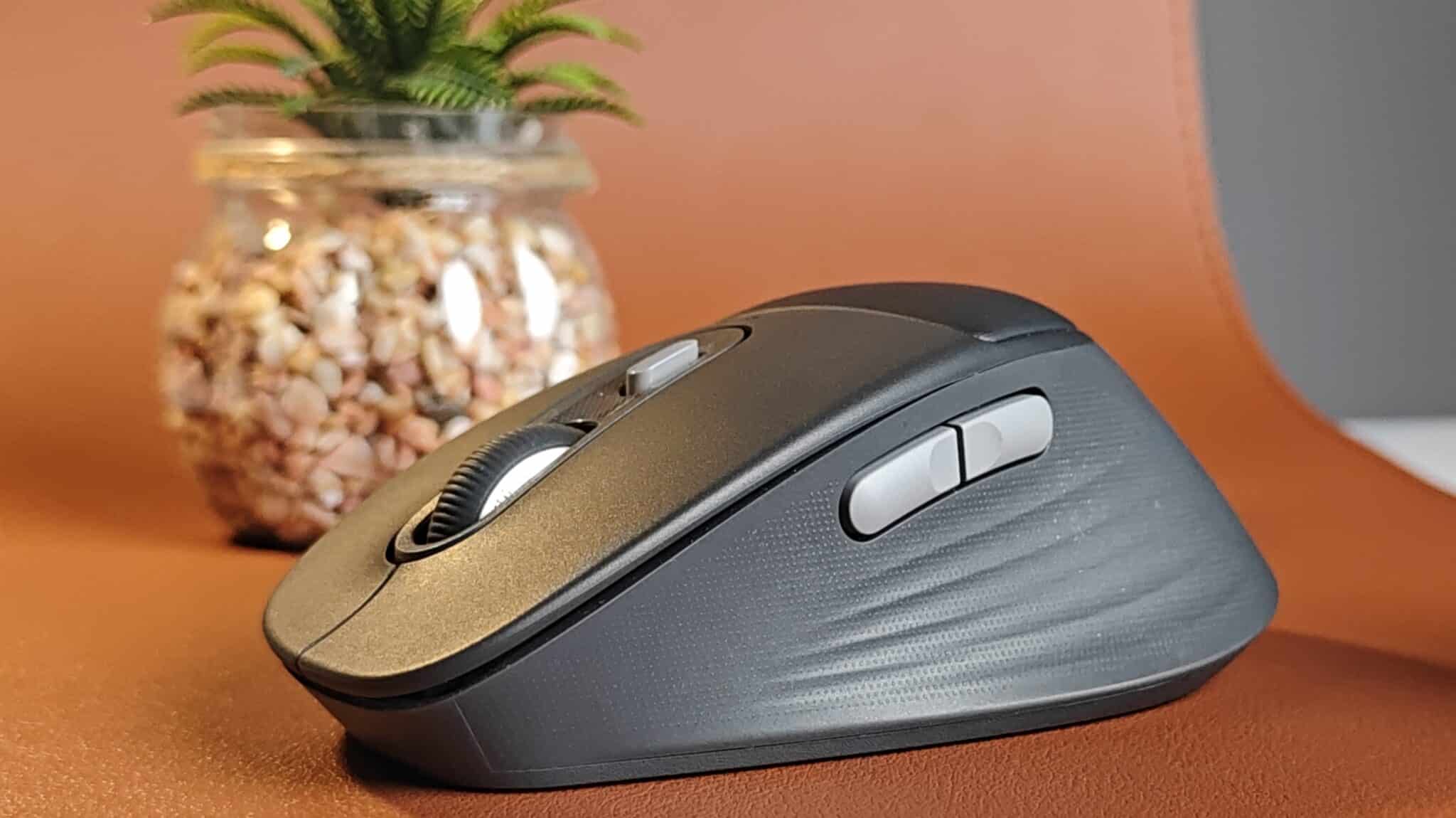
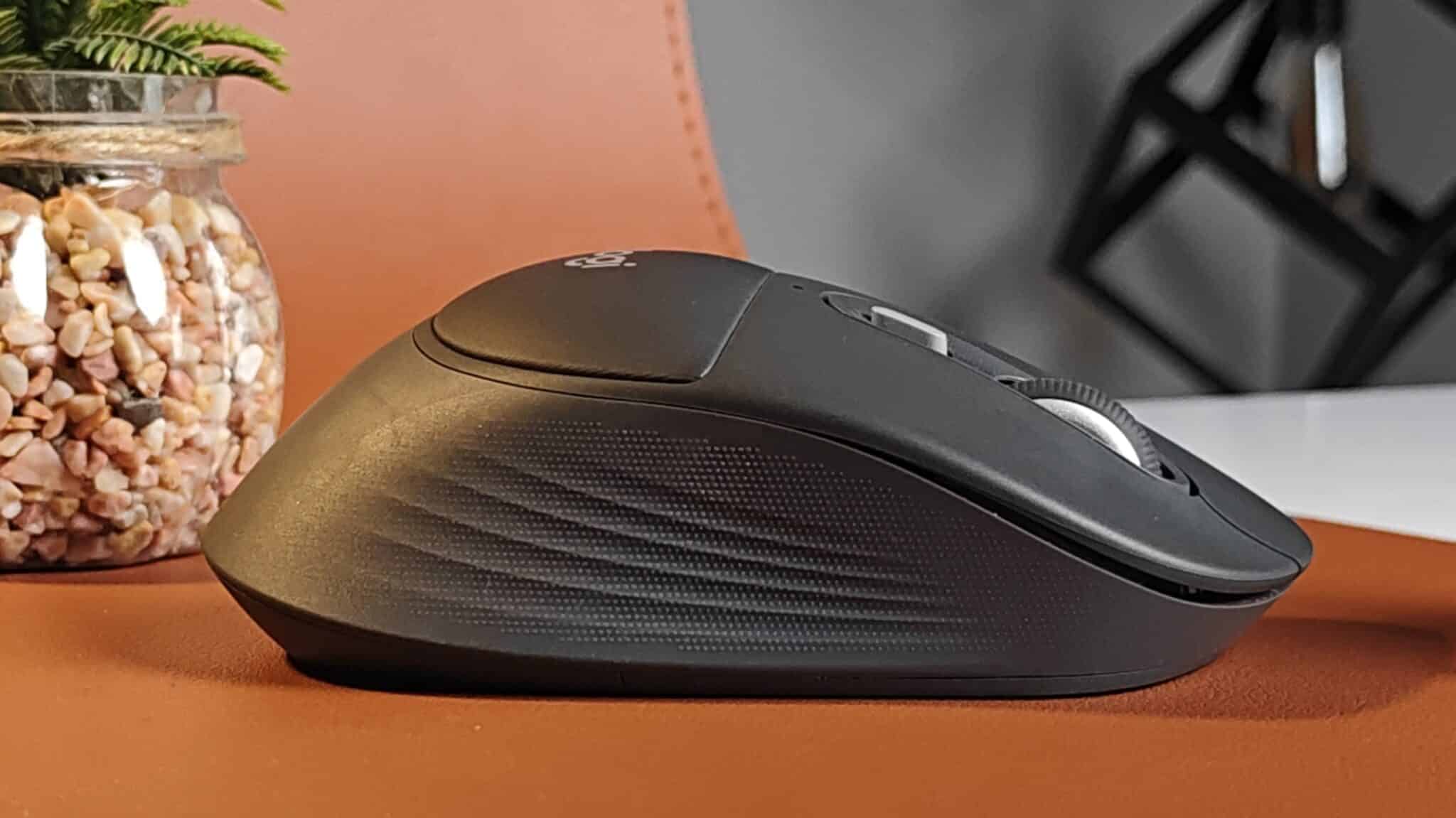
Taking the Logitech Signature Comfort Plus M850 L out of the box, its physical footprint feels substantial. Measuring 121.8 mm long and 74.3 mm wide, it is built specifically for right-handed users with medium to large hands. The matte black finish resists fingerprint smudges well, keeping the device looking clean through heavy workdays.
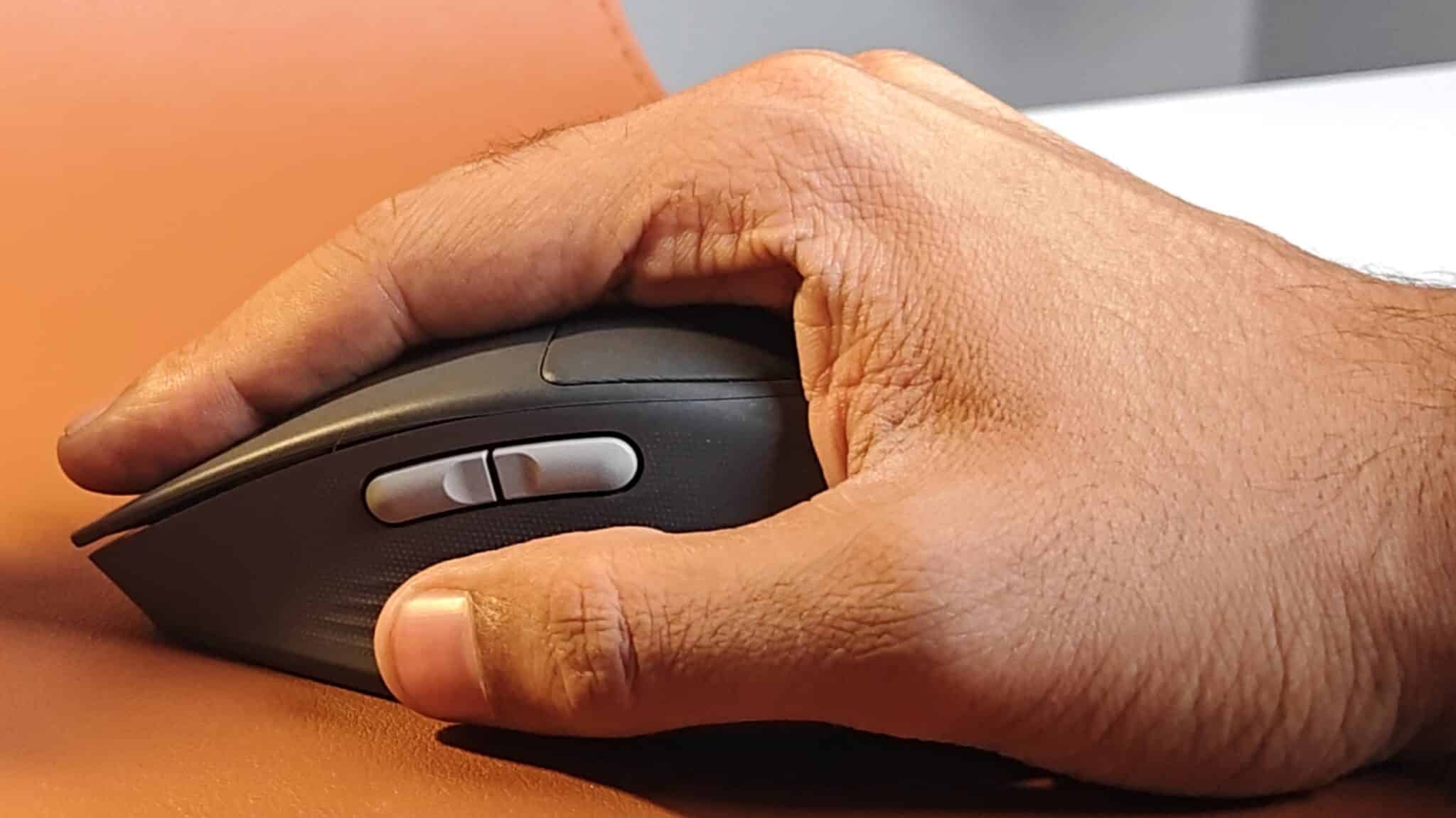
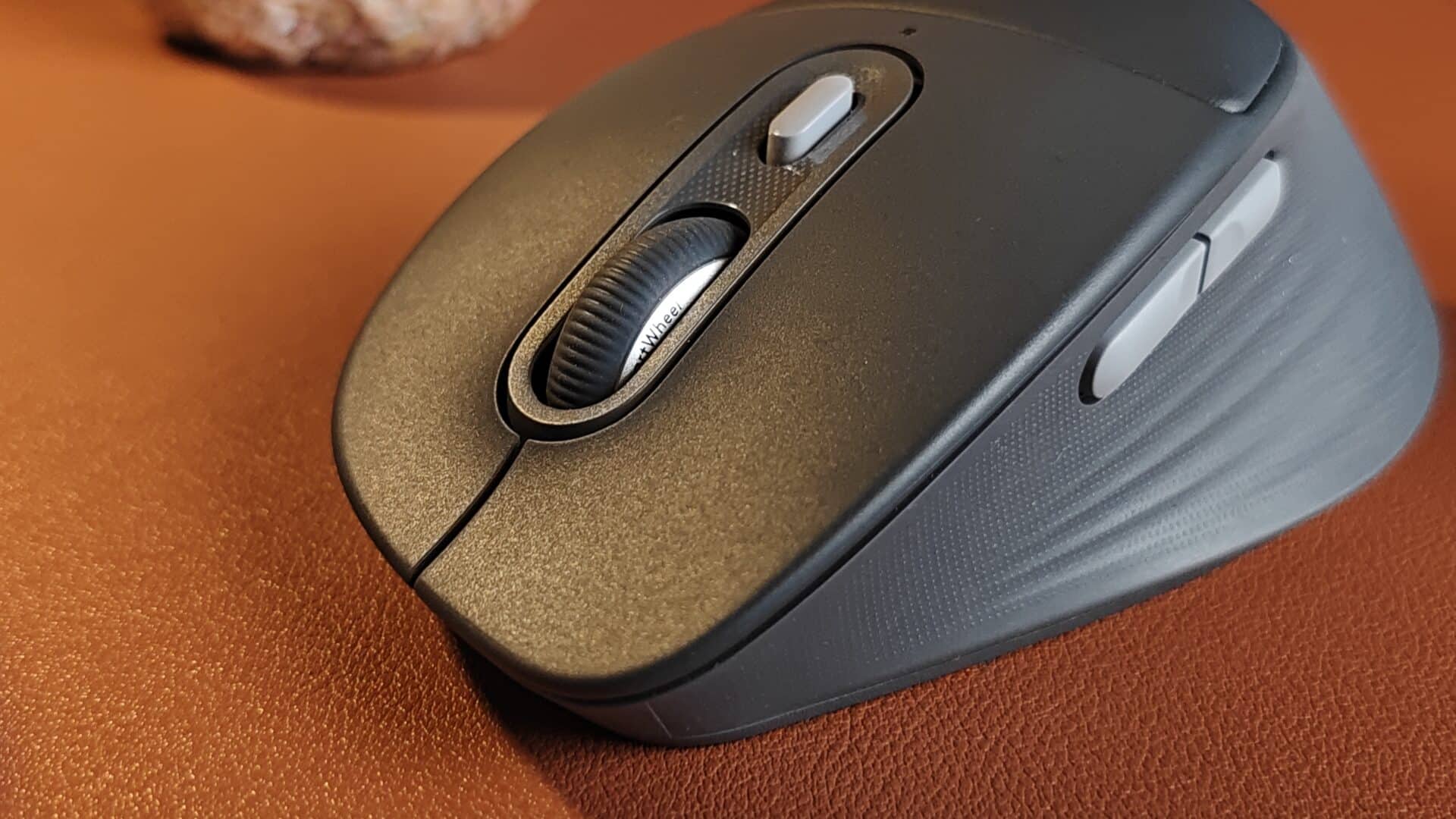
What sets this mouse apart from standard office peripherals is the integrated palm cushion on the upper shell. While traditional mice force your lower palm to rest flat against your desk or mousepad, this cushioned section absorbs some of the downward pressure. Extended rubber side grips along the thumb rest offer a secure hold, keeping your hand locked in place during fast cursor movements.
At 107.9 grams with an alkaline AA battery installed, it strikes a balance between heft and agility. It stays light enough to glide across a desk without fatiguing your wrist, yet heavy enough to feel planted during precise clicks.
Sensor Tracking and Performance
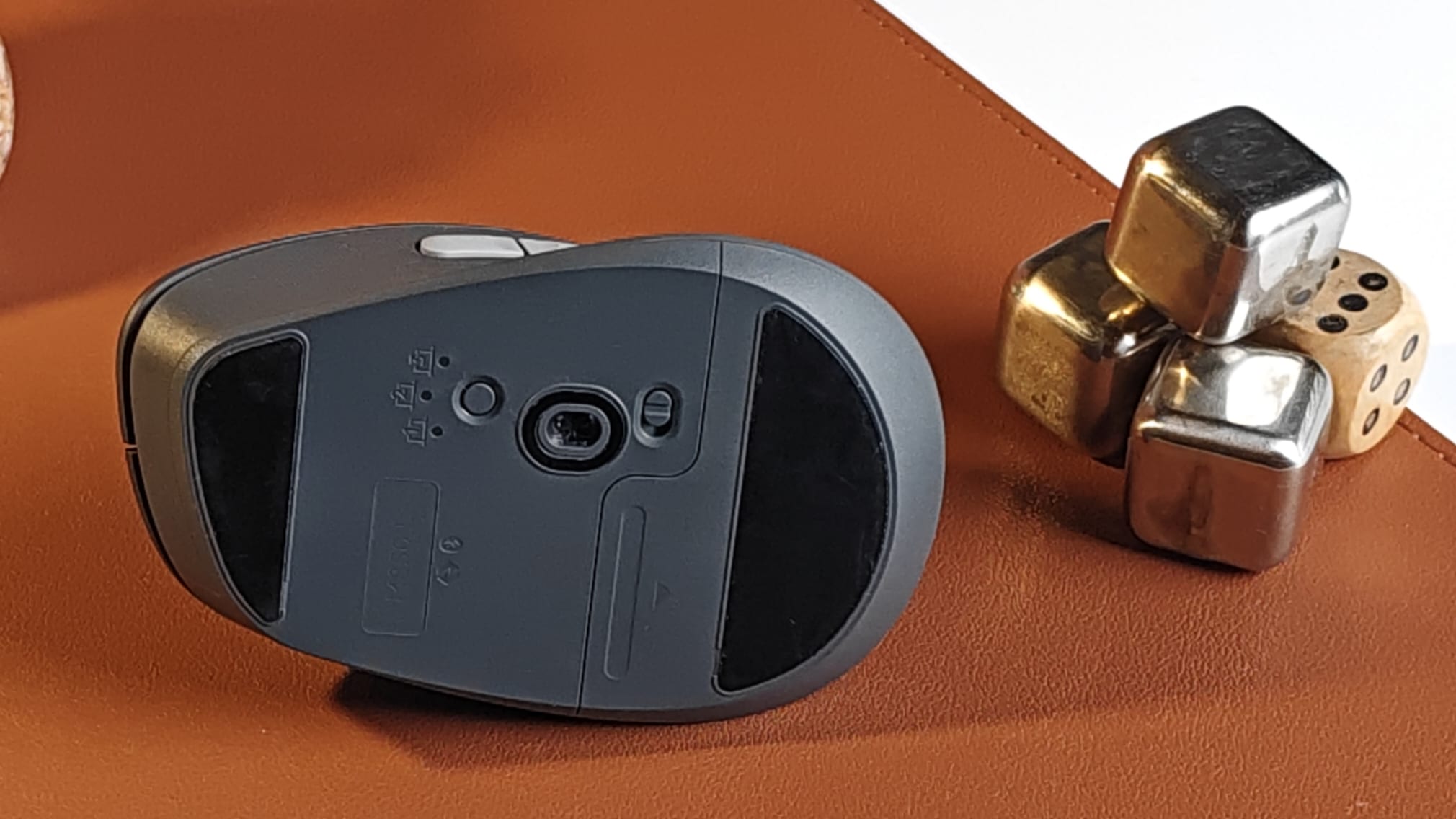
Underneath the chassis, the mouse runs on a Pluto ONE sensor utilizing Logitech Advanced Optical tracking. The default nominal value is set to 1000 DPI, which provides a steady cursor speed for standard document navigation and web browsing. Using the Logi Options+ app, you can scale the sensitivity anywhere from 400 up to 4000 DPI in precise 100 DPI increments.
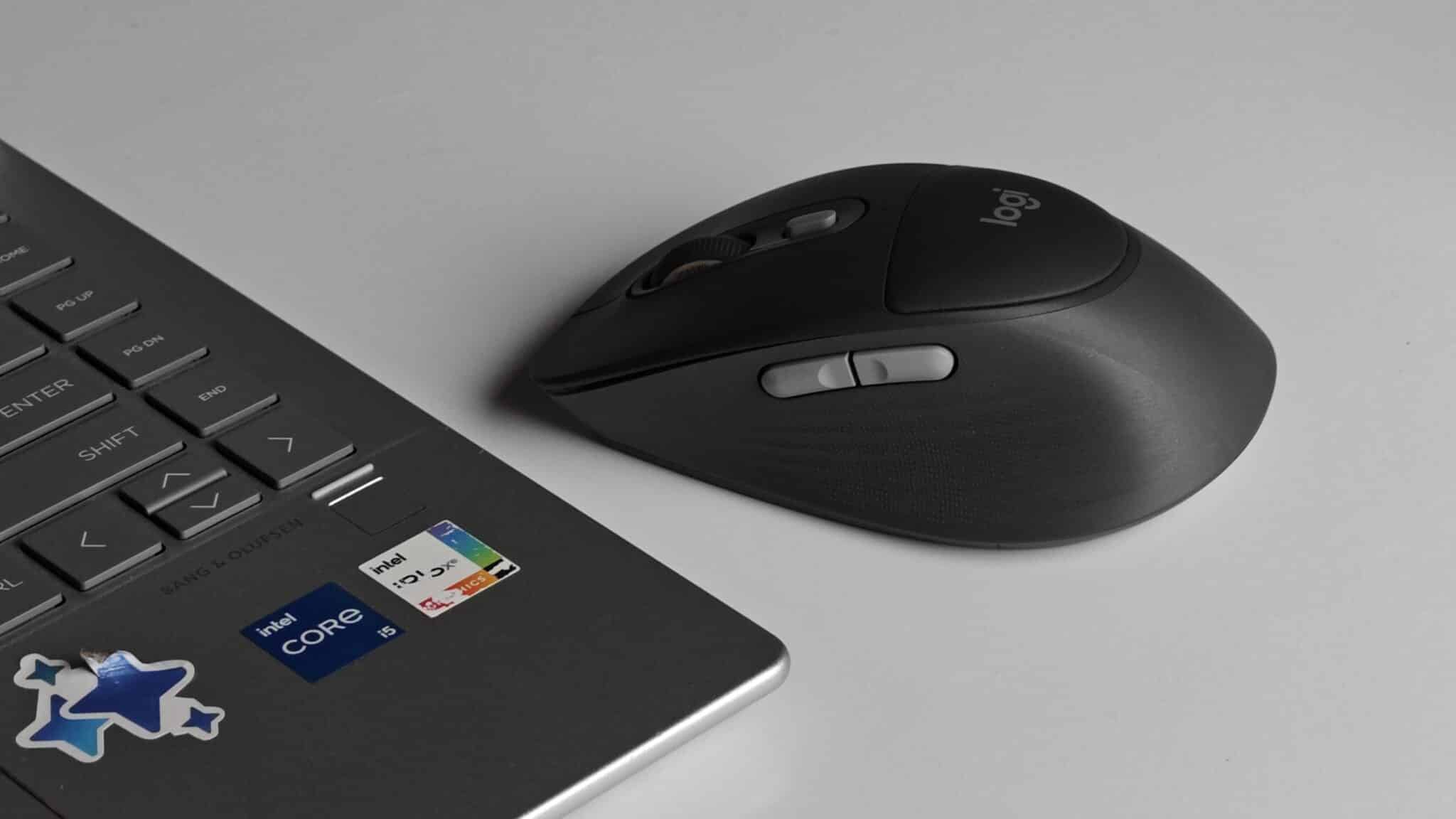
During my testing across dual monitor office workstations, cursor tracking remained reliable on wooden tabletops, fabric mousepads, and glass coffee table surfaces. The SmartWheel scroll mechanism shifts automatically between line-by-line ratchet mode for careful spreadsheet reading and hyper-fast free-spinning mode when zipping down long PDF reports or web pages.
The primary left and right click buttons feature a muted, quiet acoustic profile. In a quiet office setting, the clicks produce a soft muffled thud rather than a sharp click, which keeps nearby colleagues undisturbed. However, the middle scroll-wheel click retains a slightly crisper, louder snap by comparison.
Customization and Multi-Device Connectivity
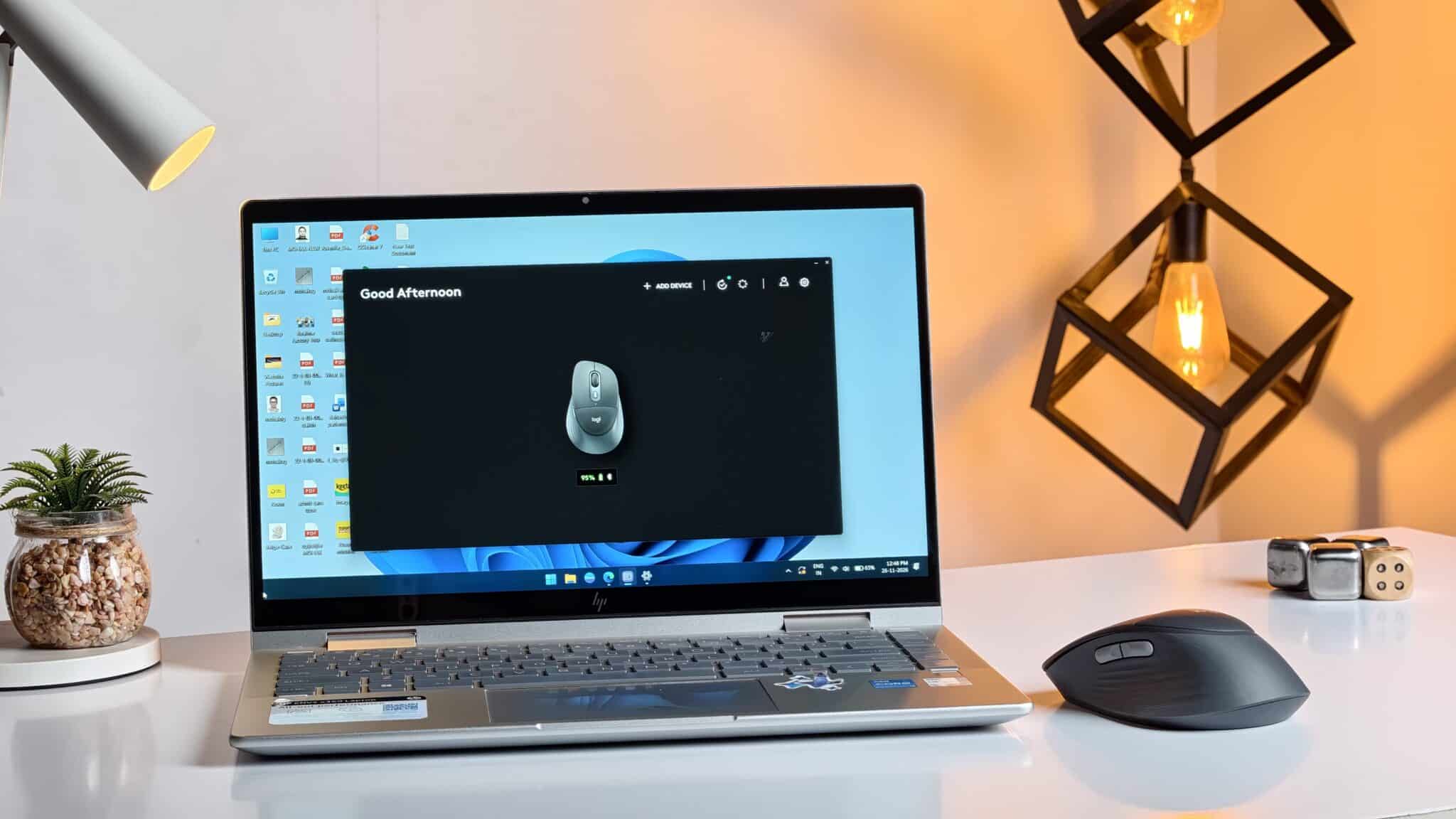
Productivity relies heavily on workflow shortcuts, and the Logitech Signature Comfort Plus M850 L leverages the Logi Options+ software suite to unlock four programmable buttons, including the side thumb buttons and the top DPI switch. You can assign app-specific actions, media controls, or the Actions Ring feature, which creates a digital radial menu for executing frequent shortcuts in apps like Adobe suite or CAD software.
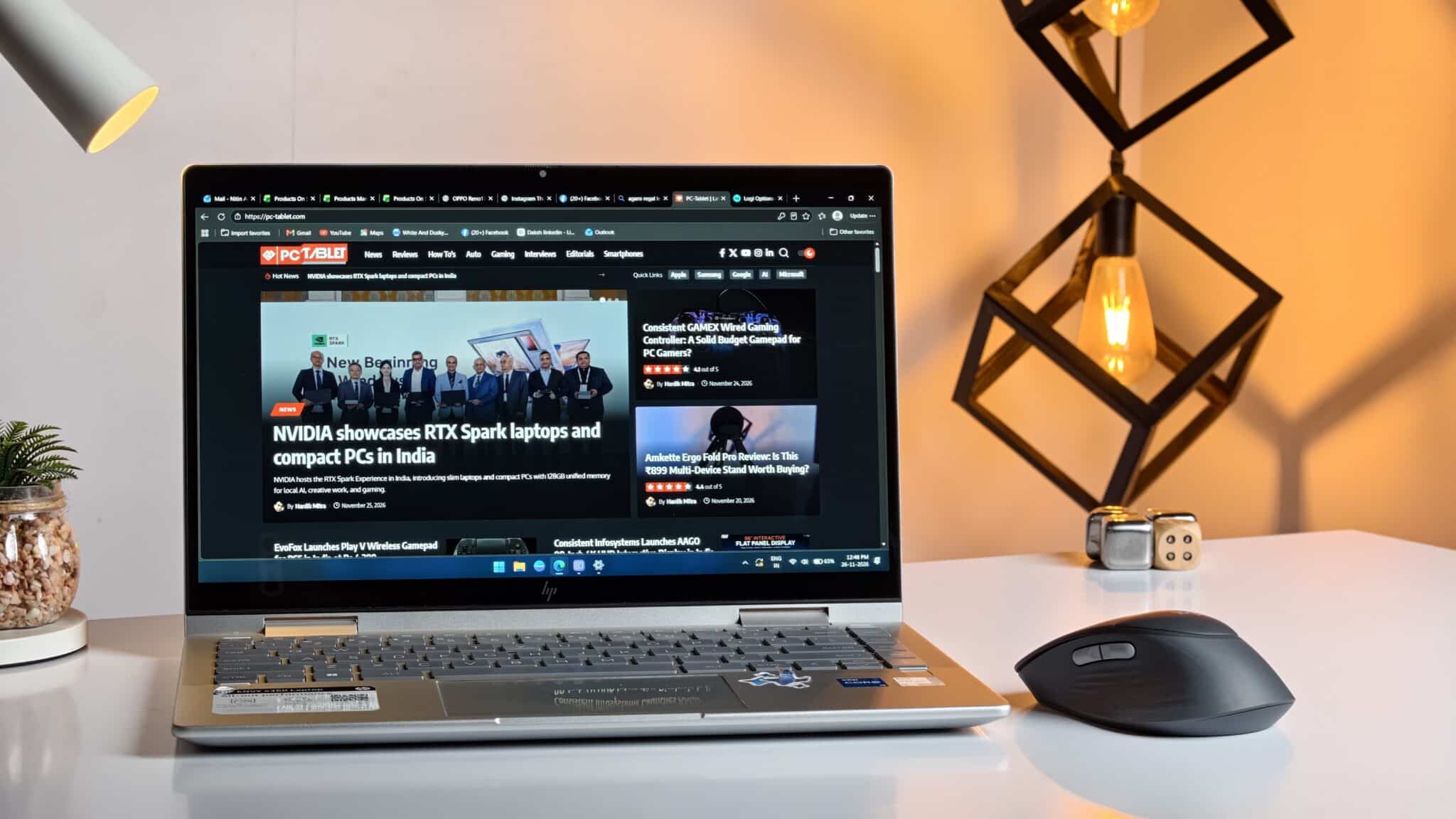
The connectivity setup relies entirely on Bluetooth Low Energy technology. It pairs with up to three distinct devices at the same time. Pressing a physical button on the bottom of the mouse lets you jump instantly between a desktop PC, a laptop, and a tablet.
System compatibility covers Windows 10 or later, macOS 12 or later, Linux, ChromeOS, iPadOS 15 or later, and Android 12 or later. Note that this specific retail variant connects over Bluetooth only and does not ship with a USB receiver in the box.
Battery Life and Power Management
Rechargeable internal batteries are common on high-end mice, but Logitech takes a different route here by sticking to a single external AA alkaline battery. The company rates this single cell for up to 24 months of continuous operation.
Throughout my two weeks of heavy daily use, the battery indicator in the Logi Options+ app remained at maximum capacity. Relying on an external battery eliminates the anxiety of sudden shutdowns mid-workday and avoids battery degradation over years of ownership. When the battery eventually drains after months of use, swapping in a fresh AA cell takes less than ten seconds.
Key Product Specifications
- Model Variant: Logitech Signature Comfort Plus M850 L (Graphite / Black)
- Price in India: ₹3,900
- Dimensions: 121.8 mm height, 74.3 mm width, 44.2 mm depth
- Weight: 107.9 g with battery, 82.9 g without battery
- Sensor Technology: Pluto ONE with Logitech Advanced Optical tracking
- DPI Range: 400 to 4000 DPI (adjustable in increments of 100 DPI; nominal value 1000 DPI)
- Buttons: 6 total buttons (Left/Right click, scroll-wheel middle click, two side buttons, DPI button); 4 programmable buttons
- Scroll Wheel: SmartWheel with virtual horizontal scrolling
- Power Source: 1 AA alkaline battery (up to 24 months battery life)
- Connectivity: Bluetooth Low Energy (10 m wireless range, up to 3 paired devices)
- Software Support: Logi Options+ and Logi Tune customization apps
Verdict
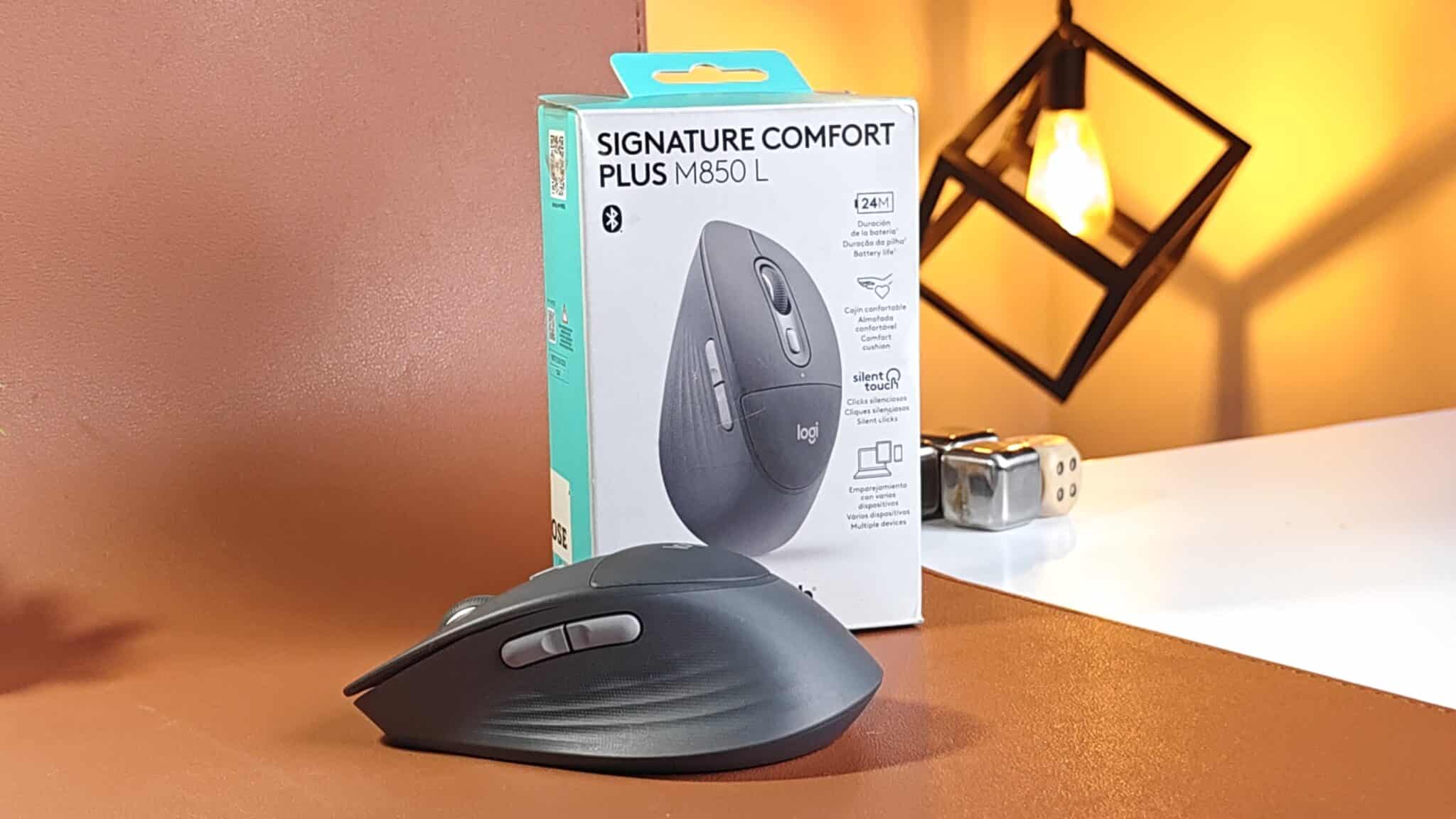
The Logitech Signature Comfort Plus M850 L in Black is a capable productivity mouse priced at ₹3,900 in India. It successfully combines multi-device Bluetooth pairing, quiet clicks, a versatile SmartWheel, and exceptional battery endurance into an ergonomic, right-handed shape.
If you prefer ultra-slippery PTFE skates or want a compact, travel-friendly flat mouse, you might want to look elsewhere. However, if you spend all day at a desk typing reports, spreadsheets, and emails and want a reliable, quiet workhorse that prioritizes comfort and multi-device workflow, this mouse is a solid purchase.
Frequently Asked Questions
Q1: Does the Logitech Signature Comfort Plus M850 L include a USB receiver?
A1: No, this standard Bluetooth variant connects wirelessly over Bluetooth Low Energy and does not include a USB receiver in the box.
Q2: How long does the battery last on this mouse?
A2: Powered by a single replaceable AA alkaline battery, it offers up to 24 months of battery life depending on usage.
Q3: Can I connect the mouse to multiple computers at once?
A3: Yes, it supports multi-device pairing with up to three different Bluetooth devices, letting you switch between them using a button on the bottom.
Q4: Which operating systems are compatible with the mouse?
A4: It supports Windows 10 or later, macOS 12 or later, Linux, ChromeOS, iPadOS 15 or later, and Android 12 or later.