Google revealed fresh details of Googlebook OS in practical use, showing creative apps such as CapCut and Figma running alongside offline downloads and native gaming. The operating system, developed on an Android foundation to replace consumer ChromeOS, runs on laptops from partner hardware makers. The leak shows Google targeting creators, students, and regular users who need desktop-class multi-windowing without giving up mobile software compatibility.
Key Takeaways
- Googlebook OS runs Android-native apps including CapCut and Figma in freeform desktop windows.
- Users gain native offline file downloads for streaming media and document apps.
- The platform supports both mobile Android titles and cloud game streaming through services like GeForce NOW.
- Hardware partners will release laptops powered by Intel Core Ultra and Qualcomm Snapdragon X Elite chips.
Desktop App Performance and Creative Tools
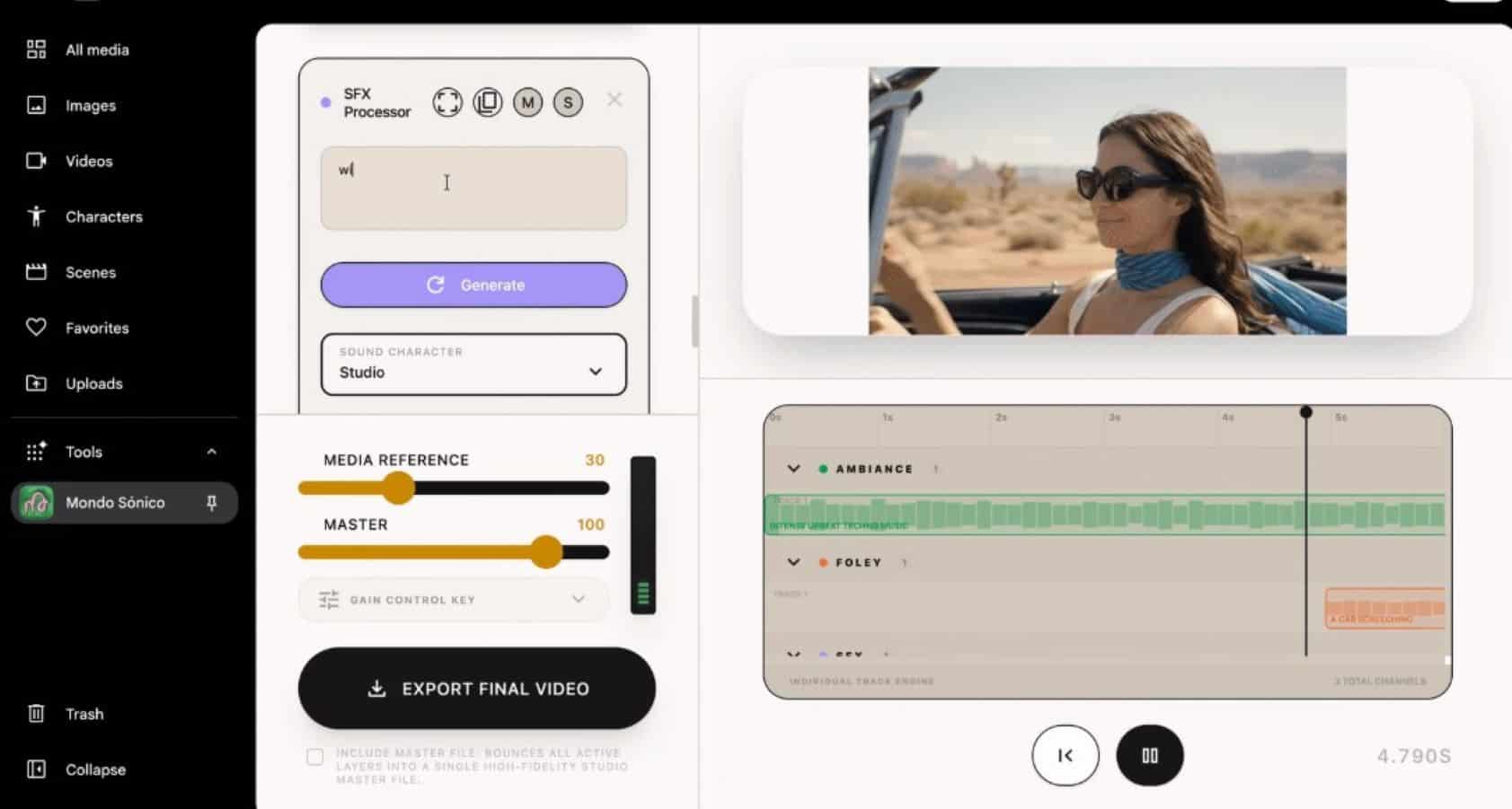
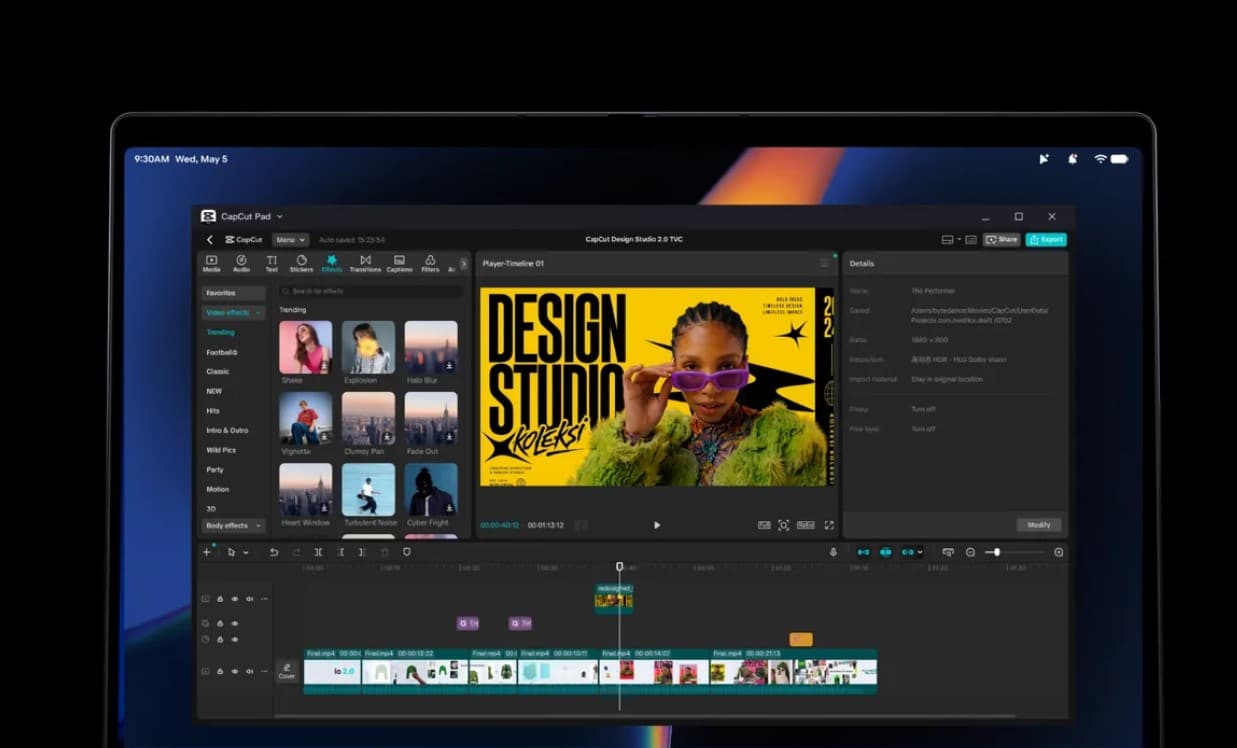
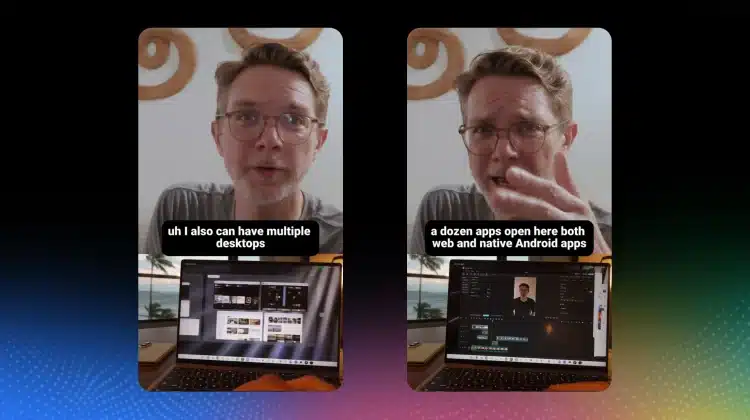
Recent leaks demonstrate Googlebook OS running resource-heavy creative tools without web browser limitations. ByteDance video editor CapCut runs with full multi-track timeline support, export controls, and AI filters directly on the local hardware. Design application Figma functions smoothly with complex vector files, auto layouts, and team comment feeds, using direct local caching to improve responsiveness.
The operating system uses a redesigned desktop window manager based on Android 16 and Android 17. Windows support standard keyboard shortcuts, title bar snap controls, and multi-monitor setups. This setup addresses long-standing user complaints regarding the limited desktop experience of running standard mobile Android apps on older Chromebooks.
Offline Storage and Media Downloads
The software interface introduces universal offline file handling across Google Play applications. Video streaming services, audio platforms, and document utilities can save files directly to local internal storage.
Users can access these downloaded files through a unified file manager app. The system manages drive permissions similarly to a traditional desktop file explorer, eliminating the sandbox restrictions that previously caused confusion on ChromeOS.
Gaming Capabilities and Hardware Support
Googlebook OS handles games using two distinct methods: native execution and cloud streaming. Android games like Clash Royale run locally with mapped keyboard controls, mouse tracking, and controller support. High-end PC games run via NVIDIA GeForce NOW and other cloud gaming services.
Laptop models will feature physical hardware tweaks, including a dedicated Gemini assistant key and an exterior LED Glowbar for system alerts and battery levels. Third-party manufacturers including Lenovo, Asus, Dell, and HP are preparing machines equipped with Intel Core Ultra processors and Qualcomm Snapdragon X Elite chips to run the platform.
Frequently Asked Questions
Q1. What is Googlebook OS?
A1. Googlebook OS is Google’s desktop operating system built on Android, designed to replace consumer ChromeOS on laptops.
Q2. Can Googlebook OS run CapCut and Figma?
A2. Yes, Googlebook OS runs native versions of CapCut and Figma with full keyboard, mouse, and multi-window support.
Q3. How do offline downloads work on Googlebook OS?
A3. Apps downloaded from the Google Play Store can save media and documents directly to local laptop storage for offline use.
Q4. Will Googlebook OS run PC games?
A4. The OS runs Android mobile games natively and PC games through cloud streaming platforms like GeForce NOW.