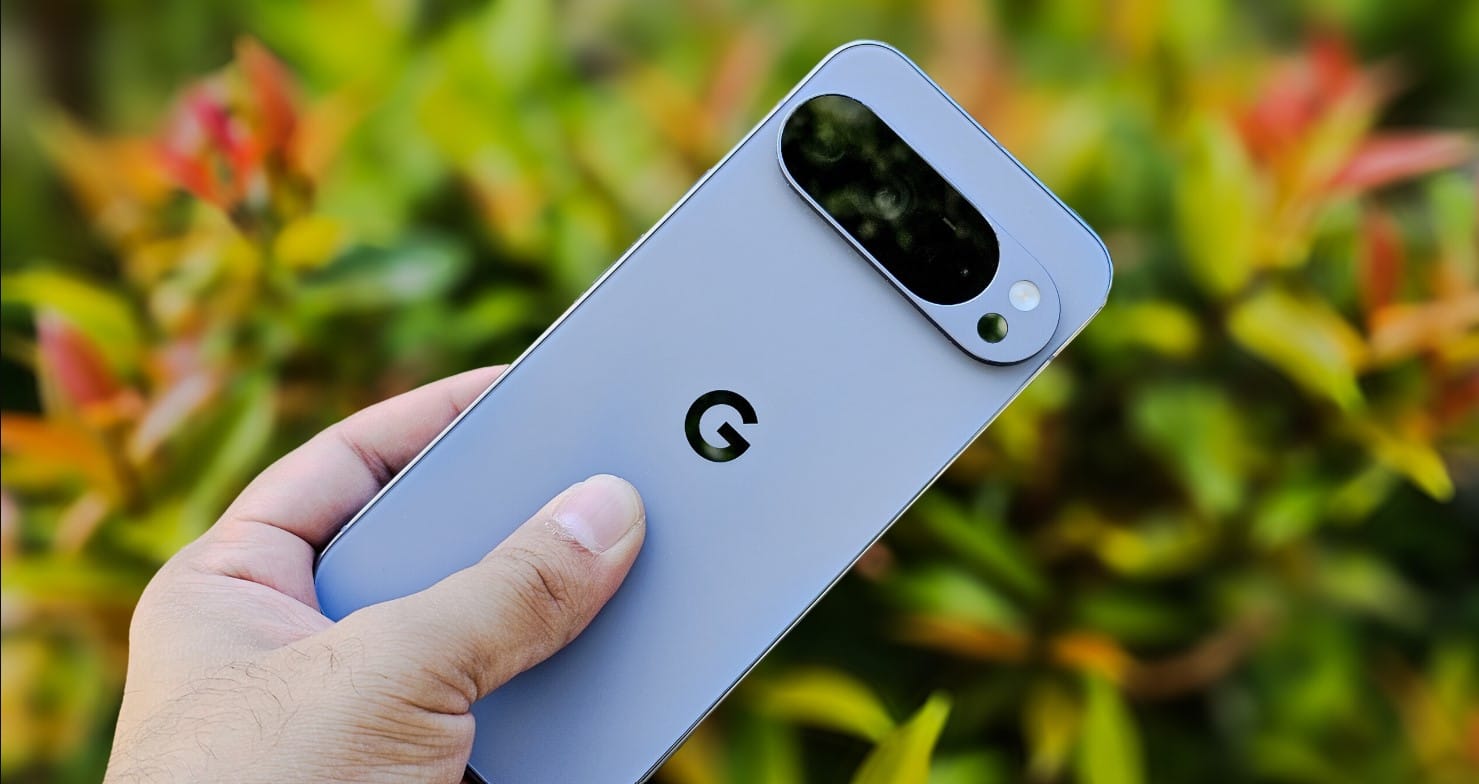
Google is working on bringing hardware-matched custom icon colors to the My Pixel app on older smartphone models. The My Pixel app functions as the central support hub for Google hardware users, offering troubleshooting tips, repair booking options, and direct customer care channels. While owners of the flagship Pixel 11 series already receive an app icon styled after their specific phone finish, older generations still display a default blue gradient artwork. Recent application analysis reveals that Google plans to expand this personalized visual styling to earlier lineups.
Key Takeaways
- Google is testing color-matched My Pixel app icons for older Pixel hardware.
- The feature first debuted on the Pixel 11 series to reflect the physical color of the phone.
- Evidence in version 8.9.1 of the application indicates color support for Pixel 9 shades like Hazel, Obsidian, and Rose Quartz.
- Google is also testing a lighter blue default icon with a white Google logo for unsupported models.
Color-Matched App Icon Expansion
An examination of version 8.9.1 of the My Pixel application reveals code assets that assign distinct icon hues matching specific phone hardware. In the current production environment, Pixel 11 owners see an app tile that changes based on the color scheme of their handset.
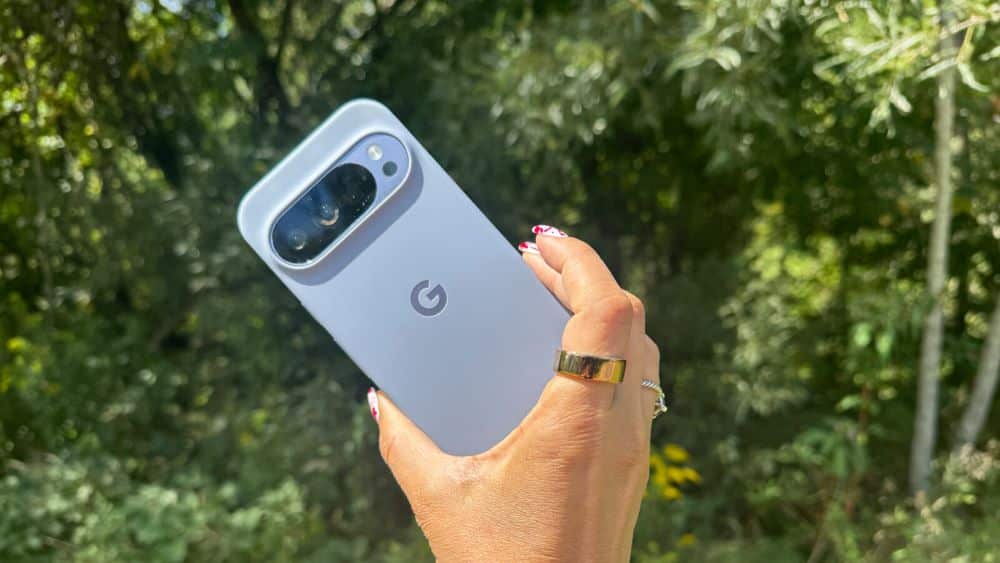
The discovery highlights visual assets tailored for the Pixel 9 series. The upcoming implementation includes finishes corresponding to official 2024 colorways, such as Obsidian, Hazel, and Rose Quartz. The Pixel 9a and Pixel 9 Pro Fold remain absent from the early code strings, indicating that development is ongoing. In addition, assets for the Pixel 10 family have not appeared in this specific build, though Google may include them in later testing phases.
Design Adjustments for Default Devices
For phones that do not support hardware-based colors, Google is preparing a standard refresh for the default My Pixel icon. The older icon employs a dark blue gradient alongside purple and black handset illustrations.
The updated standard design shifts to a light blue tone. It also switches the central Google emblem to a solid white mark. This change aims to deliver better contrast and cleaner alignment with current Android interface guidelines.
Rollout Details
The custom colors remain hidden behind developer flags in the My Pixel application. Google has not shared an official rollout schedule or confirmed whether the feature will reach all previous Tensor-powered Pixel devices. Because these changes depend on app updates rather than complete operating system upgrades, Google can distribute the feature directly through the Google Play Store once testing concludes.
Frequently Asked Questions
Q1. What is the My Pixel app?
A1. The My Pixel app is an official Google utility built into Pixel phones that gives users access to device tips, customer service, diagnostic tools, and warranty repair requests.
Q2. Which phones currently have color-matched My Pixel icons?
A2. The Pixel 11 series currently supports dynamic icon colors that match the physical color of the phone.
Q3. Which older devices are getting the custom color icons?
A3. Code findings indicate that Google is preparing custom colors for the Pixel 9 series, with potential expansion to other models later.