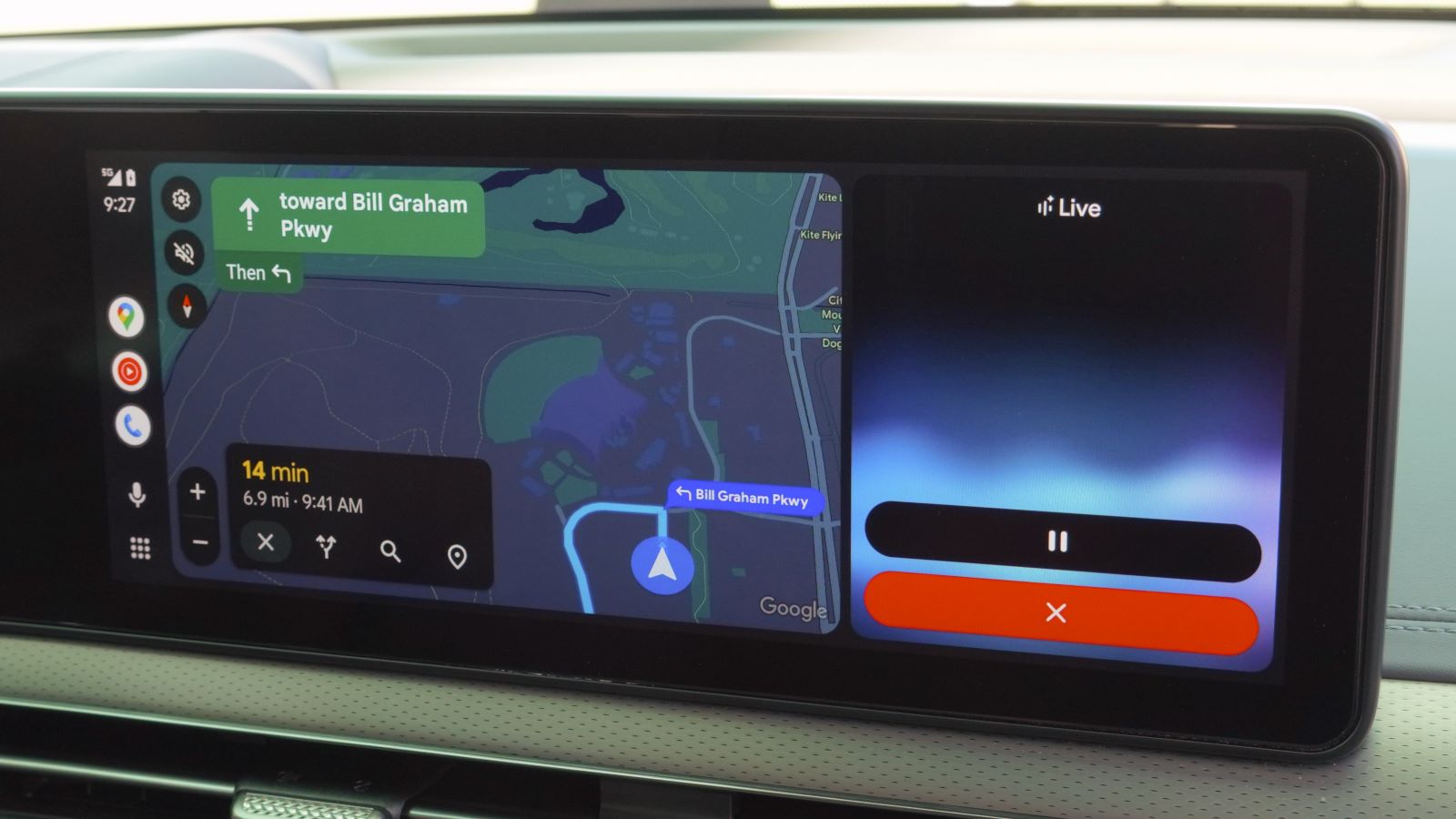
Drivers using Google Gemini on Android Auto face a frustrating bug that causes the artificial intelligence assistant to quit abruptly mid-task. When a driver presses the voice button or says the wake phrase, the system hears the input and displays a thinking indicator. After pausing for five to ten seconds, the software simply gives up and closes the prompt without speaking an answer, showing an error, or taking any action.
Key Takeaways
- Google Gemini on Android Auto hears spoken queries but cancels the task after thinking for several seconds.
- The bug affects drivers across multiple smartphone brands, including Google Pixel, Samsung Galaxy, and Motorola devices.
- Standard troubleshooting steps, such as clearing app cache or resetting car settings, fail to solve the problem.
- Drivers can restore normal voice controls by switching back to classic Google Assistant in their mobile settings.
Screen Freezes While Driving
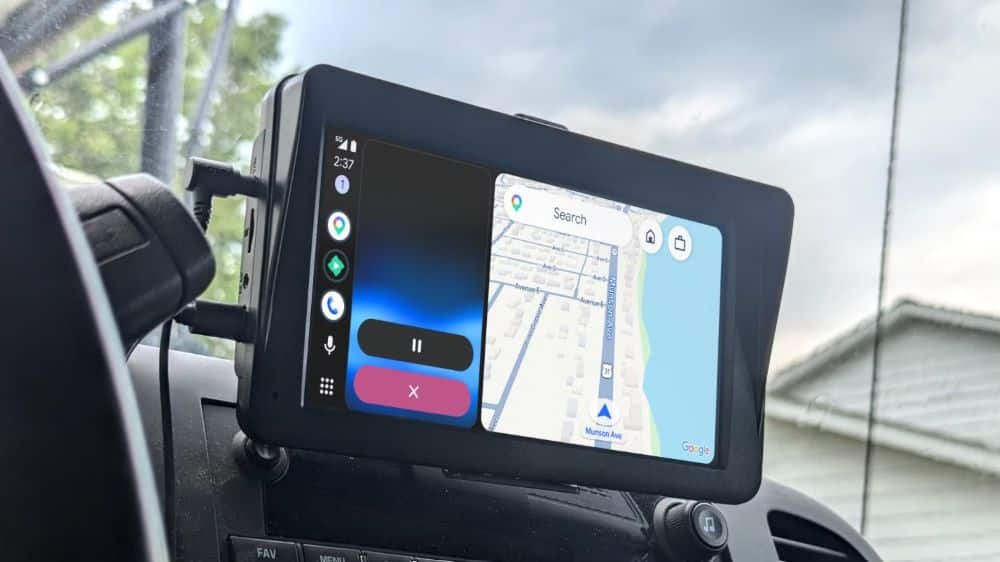
Motorists noticed the malfunction while trying to ask basic search queries, check the weather, or set navigation routes on their car screens. Video clips shared by vehicle owners show the interface registering words accurately in real time. Once the driver stops speaking, the screen shows Gemini trying to process the request. Instead of reading out information through the car speakers, the assistant panel disappears entirely.
The failure happens even when phones show full cellular reception. The bug does not tie back to poor mobile data networks or complex questions. Simple requests like asking for fuel stations nearby or checking sports scores result in the same silent crash. Because drivers rely on voice controls to keep their eyes on the road, this sudden silence forces motorists to look away at their dashboard screens, creating safety concerns.
Multiple Phone Brands Affected
The problem is not isolated to a single phone model. Owners of Google Pixel handsets, Samsung Galaxy S and Z series phones, and Motorola devices report identical failures inside their cars. Standard troubleshooting steps do not help. Drivers have re-paired their Bluetooth links, cleared the cache files of the Google app, and reset car infotainment systems, but the issue persists.
Google has rolled out Gemini as the primary digital assistant across newer Android phones, replacing the older Google Assistant. In cars, Android Auto projects smartphone apps onto the in-vehicle display, routing voice commands directly through the phone operating system. Because Gemini handles these voice prompts, software bugs on the mobile side break car functionality. Google has not yet publicly commented on the glitch or released an official patch.
For now, the only working fix involves opening the Google app on the phone, opening the Settings menu, choosing Google Assistant, and selecting the classic Assistant as the default choice. This restores basic voice navigation, calling, and music playback while Google works on a repair.
Frequently Asked Questions
Q1. Why is Gemini on Android Auto not answering questions?
A1. A software bug causes the Gemini interface to freeze while processing voice commands, leading the app to close after several seconds without giving an answer.
Q2. Does resetting Android Auto fix the Gemini silence glitch?
A2. No, standard fixes like clearing app cache, reconnecting Bluetooth, or resetting the vehicle infotainment system do not solve the problem.
Q3. Which phones experience this issue?
A3. Reports show the glitch affects various handsets running Android, including Google Pixel, Samsung Galaxy, and Motorola models.
Q4. How can drivers fix the voice control problem right now?
A4. Drivers can switch back to the classic Google Assistant inside their phone settings menu under the digital assistants tab to restore normal hands-free commands.