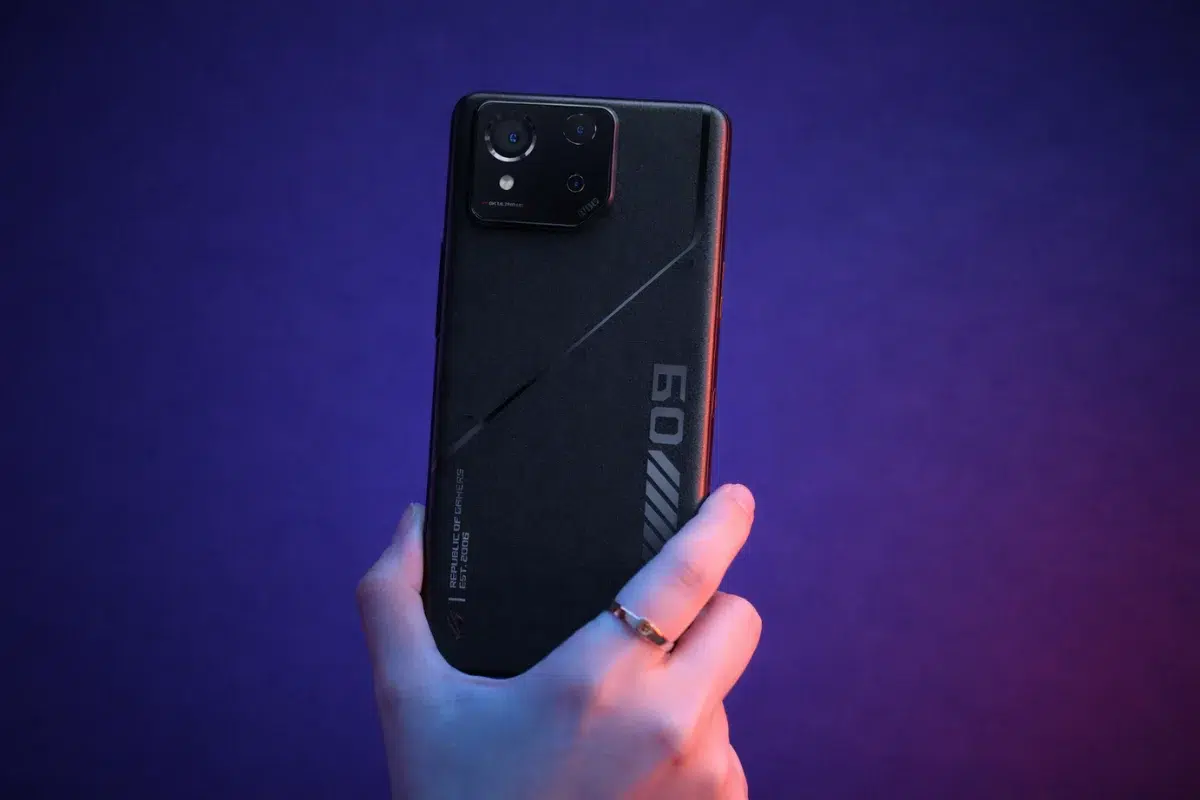
Asus has officially kicked off the stable Android 16 rollout for the ROG Phone 9 FE, marking another step in the company’s broader software update cycle. This makes the ROG Phone 9 FE the fifth device in Asus’s portfolio to receive Android 16 so far, following a rollout strategy that first began taking shape back in November. For users in the gaming community, this update is less about flashy redesigns and more about steady refinements that improve day-to-day use.
The update arrives under firmware version 36.0210.1420.30 and includes the December 2025 Android security patch, which addresses a range of known vulnerabilities. While that detail might sound routine, it is still an important one, especially for users who rely heavily on their phones for gaming accounts, in-app purchases, and stored personal data.
Key Takeaways
- Firmware Version: Android 16 arrives as version 36.0210.1420.30
- Security: Bundles the December 2025 security patch
- Notification Cooldown: Automatically lowers alert volume during notification floods
- Gaming Updates: Refreshed game profiles for popular titles
- OS Support: First of two confirmed major Android upgrades for the device
New Software Features and System Changes
With Android 16, the focus for the ROG Phone 9 FE seems to be usability rather than dramatic changes. One of the more noticeable additions is the Notification cooldown feature. In practice, this setting steps in when a single app sends too many notifications in rapid succession, reducing volume and visual noise. It is a small change on paper, but over time, it can make the phone feel noticeably calmer, especially during long gaming sessions or busy workdays.
Asus has also refined system navigation. Users can now activate the Predictive Back animation not only through the usual back gesture but also by long-pressing the back button, which may feel more intuitive to some. There is also a new option tucked into the advanced settings that lets the power button trigger the digital assistant via a long press. For people who rely on voice commands, this shortcut could become part of daily muscle memory.
Enhanced Security and Game Performance
Security updates go beyond the monthly patch this time. The update introduces Theft Protection and Advanced Protection sections within the Security & Lock Screen menu, giving users a more centralized place to manage safety-related settings. It is not a radical overhaul, but it does make these tools easier to find and configure.
Gamers will likely appreciate a small but practical tweak to screen recording. The recorder now includes a skip countdown button, which removes the traditional three-second delay. That means gameplay capture can start instantly, which is useful when trying to record a clutch moment without missing it.
On the performance side, Asus has refreshed game profiles for several high-profile titles, including:
- Genshin Impact (Global)
- Goddess of Victory: Nikke (Global and Taiwan)
- League of Legends: Wild Rift (US and Taiwan)
These updates are designed to fine-tune performance and stability, though actual results will still depend on in-game updates and network conditions.
Installation Guidelines
The ROG Phone 9 FE originally launched earlier in 2025 running Android 15 and is powered by the Qualcomm Snapdragon 8 Gen 3 processor. Since Android 16 is a fairly large update, users should connect to a stable Wi-Fi network before downloading. Asus also recommends keeping the battery level above 40% to avoid interruptions during installation.
Backing up personal data is still strongly advised. Even though stable updates are tested, major OS transitions can occasionally cause issues. It is also worth keeping in mind that some third-party apps may need time to fully adapt to Android 16, and minor compatibility hiccups are not unusual in the early stages.
Frequently Asked Questions
Q1: How many more updates will the ROG Phone 9 FE receive?
A1: Asus has promised two major Android upgrades for this model. With Android 16 now rolling out, Android 17 will be the final major OS update. Security patches, however, will continue for several years beyond that.
Q2: How do I check for the update on my device?
A2: Open Settings > System > System Update to manually check whether the firmware is available for your device.
Q3: What exactly does Notification cooldown do?
A3: It detects when an app is sending an excessive number of notifications and automatically reduces alert volume to minimize distraction.
Q4: Is Android 16 safe to install right away?
A4: The update is stable, but some older third-party apps may crash or behave unexpectedly until developers release Android 16-compatible versions.