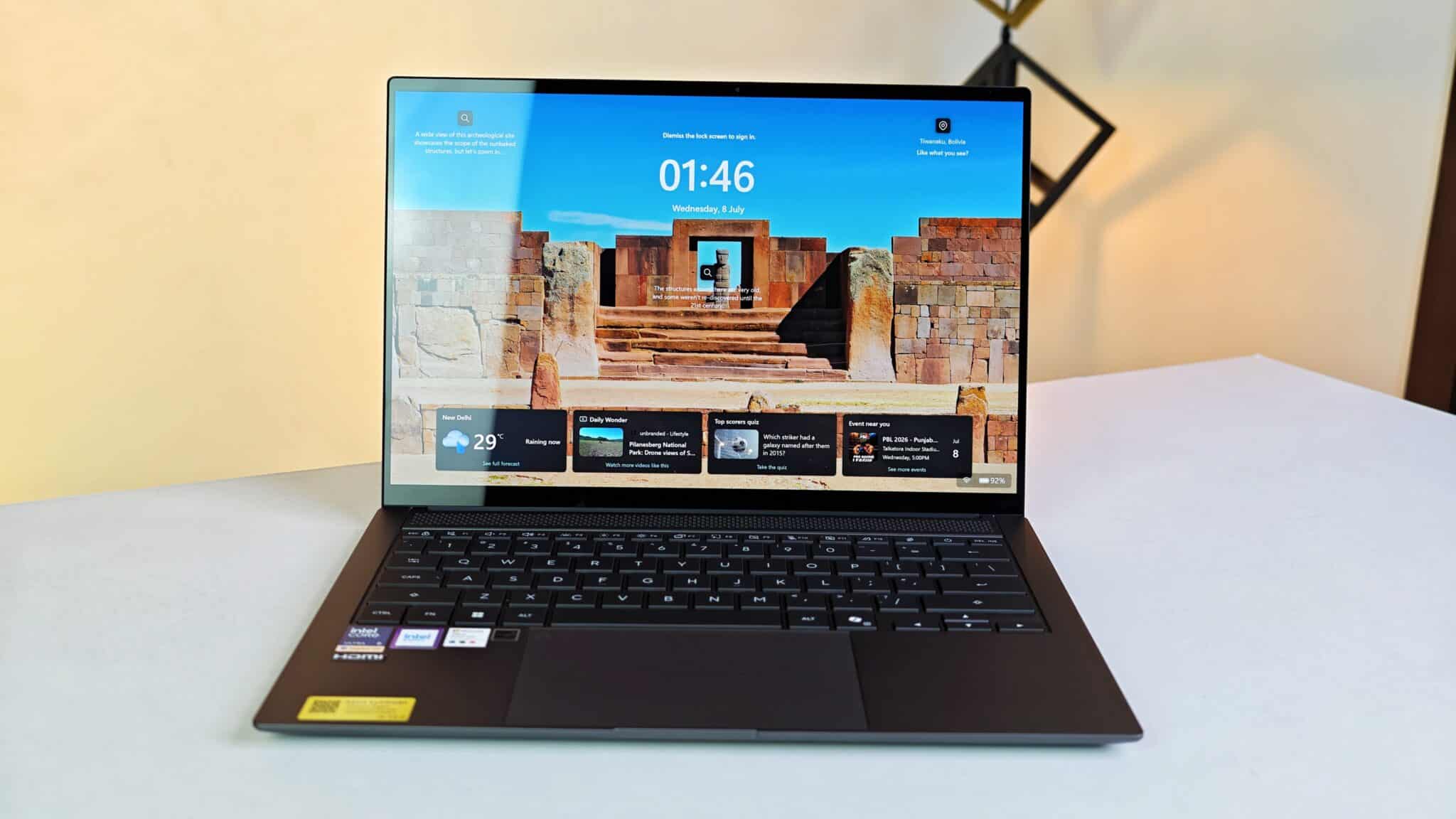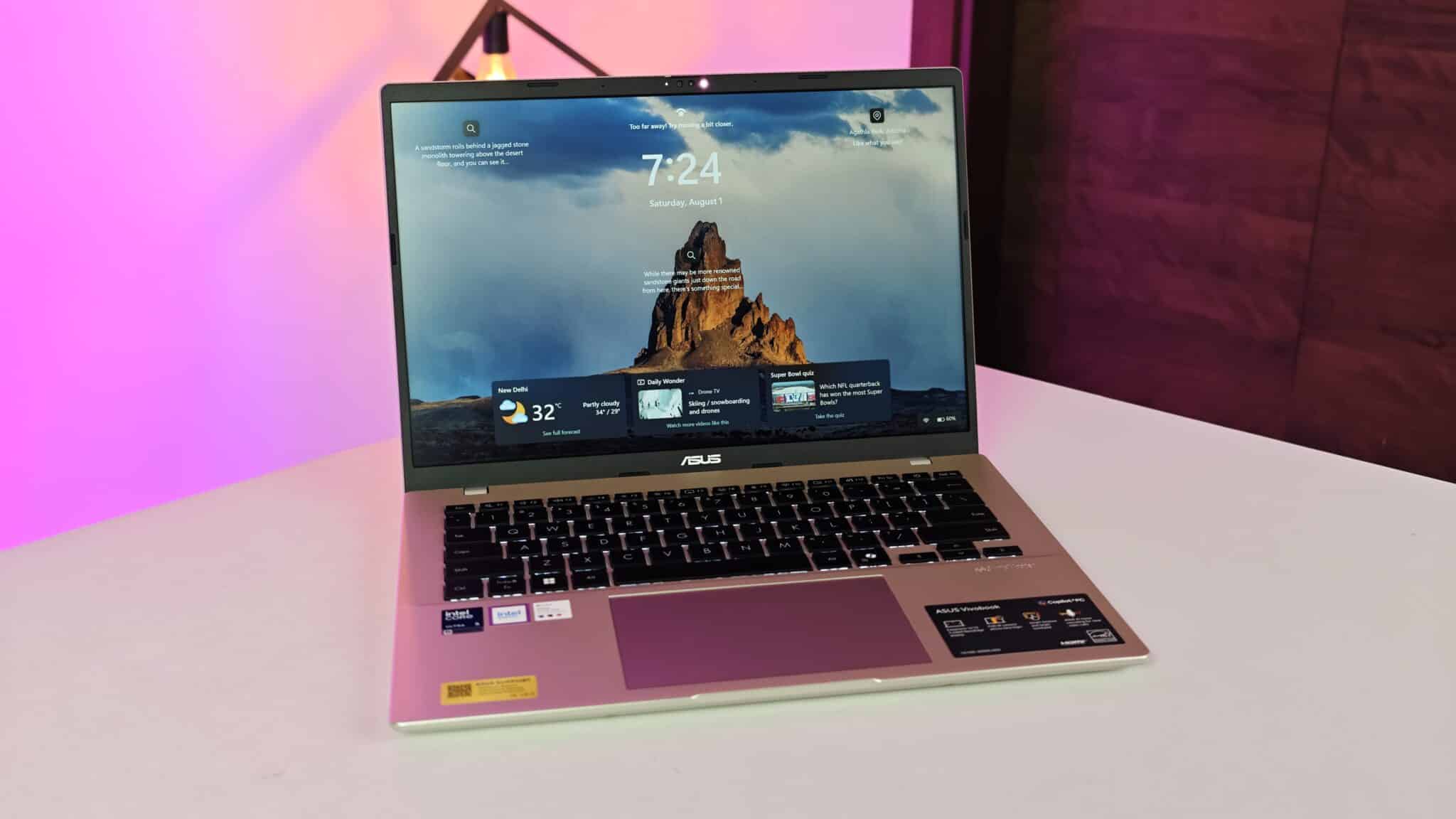
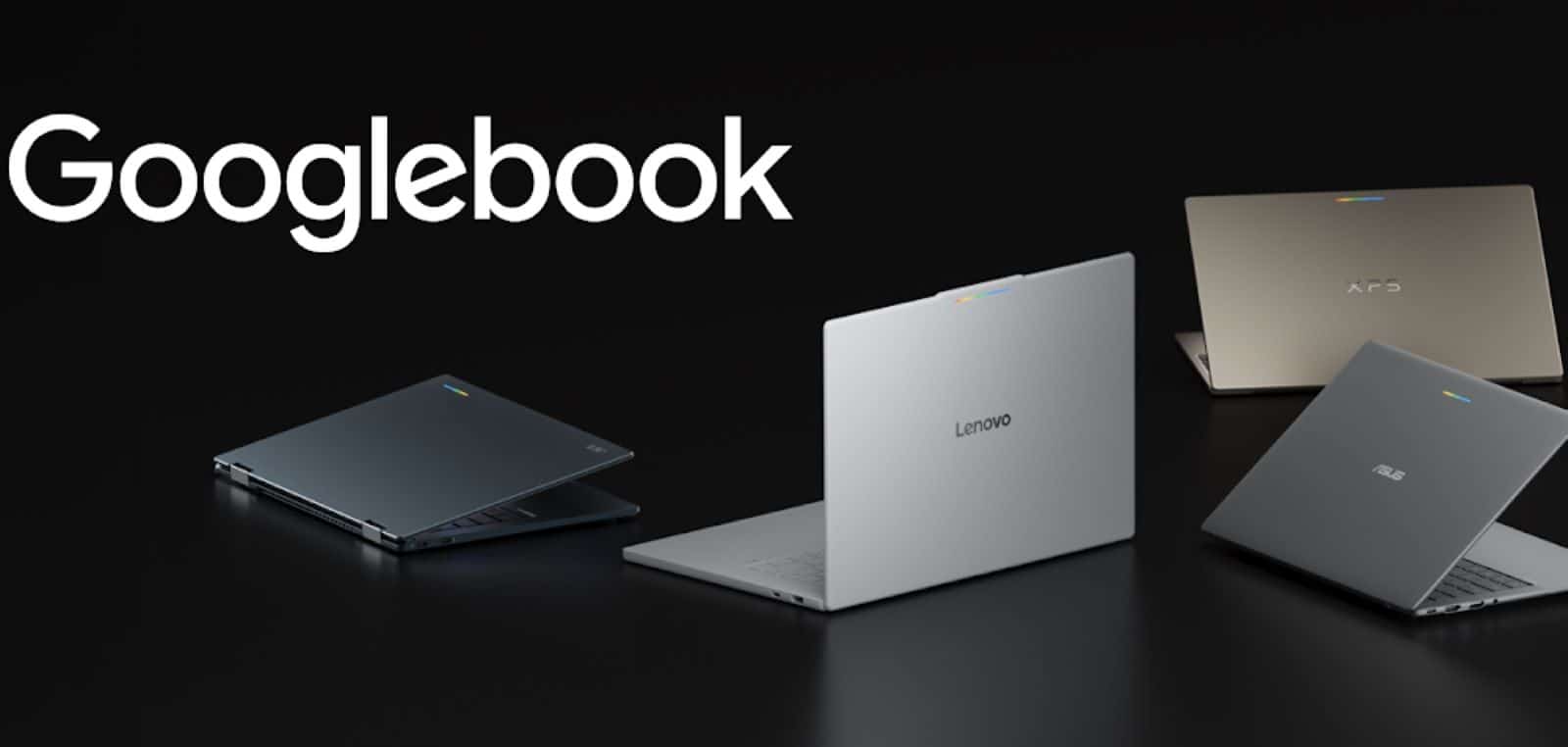
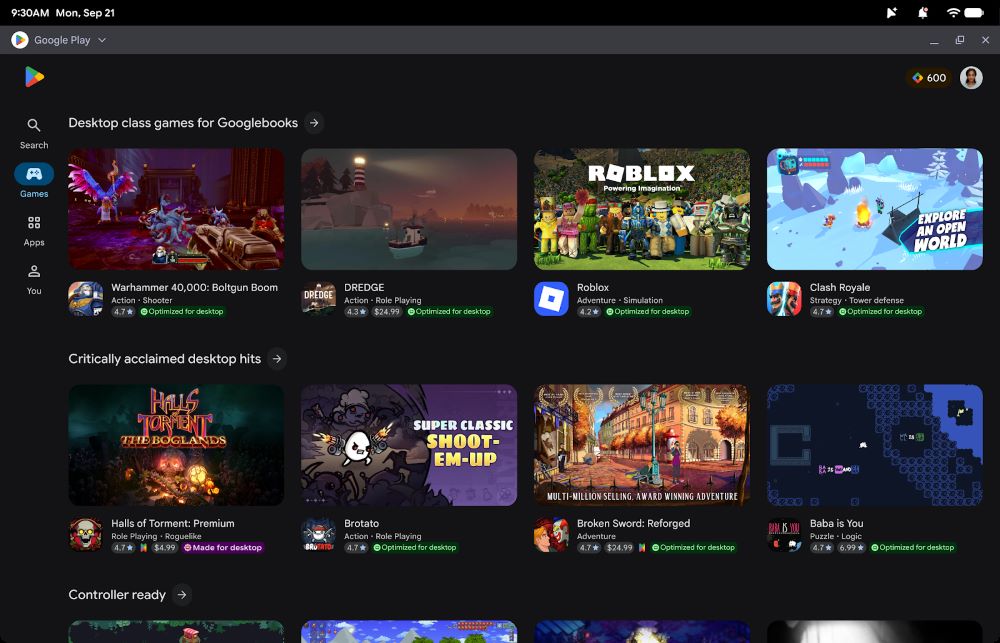
Google has introduced development guidelines for bringing Android applications to its new Googlebook laptop platform through adaptive development. The tech giant confirmed that developers do not need to create separate software from scratch. Instead, creators can update their current codebases using responsive Jetpack Compose tools, multi-pane screen structures, and physical peripheral support. Devices will display these apps in free-form windows, giving users a complete personal computer environment alongside Google Play store badging.
Key Takeaways
- Googlebook runs Android applications inside free-form desktop windows.
- Developers can use a single codebase across phones, tablets, foldables, and laptops.
- Jetpack Compose and Navigation 3 help split interfaces into multi-pane screens.
- The system adds native support for trackpads, physical keyboards, and custom mouse cursors.
- Android Studio Canary now includes a desktop emulator to test window resizing and multitasking.
Designing for Desktop Screens
Mobile phone screens present content vertically, but laptops demand wider views and higher information density. Rather than stretching phone layouts across wide displays, the new guidelines advise engineers to group content into multiple panes.
Android determines screen space using Window Size Classes. Because users can resize software windows freely on a Googlebook, software interfaces must adjust instantly as dimensions shift. Google recommends Navigation 3 to organize complex multi-pane screens directly from the back stack, allowing panels to show side by side on wide screens and collapse on narrow windows.
Desktop Controls and Multitasking Features
Laptops rely on precise input hardware rather than basic finger taps. Jetpack Compose provides direct support for physical keyboards, mouse pointers, and styluses. Engineers can set contextual cursors that shift shape when a user hovers over editable text fields, adjustable panels, or drawing surfaces.
Googlebook also supports multi-instance sessions. This allows users to open two separate documents or chat windows from the same application side by side. Cross-device tasks run through Continue On, a tool that lets users start reading or typing on an Android mobile phone and pick up directly on a laptop.
Testing and Store Promotion
Google provides a dedicated desktop emulator inside the Android Studio Canary preview build. Developers can run a virtual laptop environment straight from their workstations to test window resizing, verify external keyboard shortcuts, and check cursor movements. Programmers can also install adaptive AI skills through the Android command line to refactor phone layouts into responsive containers automatically.
Apps prepared for Googlebook receive special store badges and featured placement on Google Play. When buyers set up a new laptop using their existing phone, Google Play highlights compatible software immediately for rapid transfer.
Frequently Asked Questions
Q1. Do developers need to write a separate app for Googlebook?
A1. No. Developers use a single Android codebase that responds to laptop screens through adaptive layouts.
Q2. How does Googlebook handle keyboard and mouse input?
A2. Jetpack Compose provides built-in support for hardware keyboards, trackpads, and contextual mouse cursors.
Q3. What testing tool is available for desktop Android layouts?
A3. Android Studio Canary offers a desktop emulator that simulates free-form window resizing and multi-instance usage.