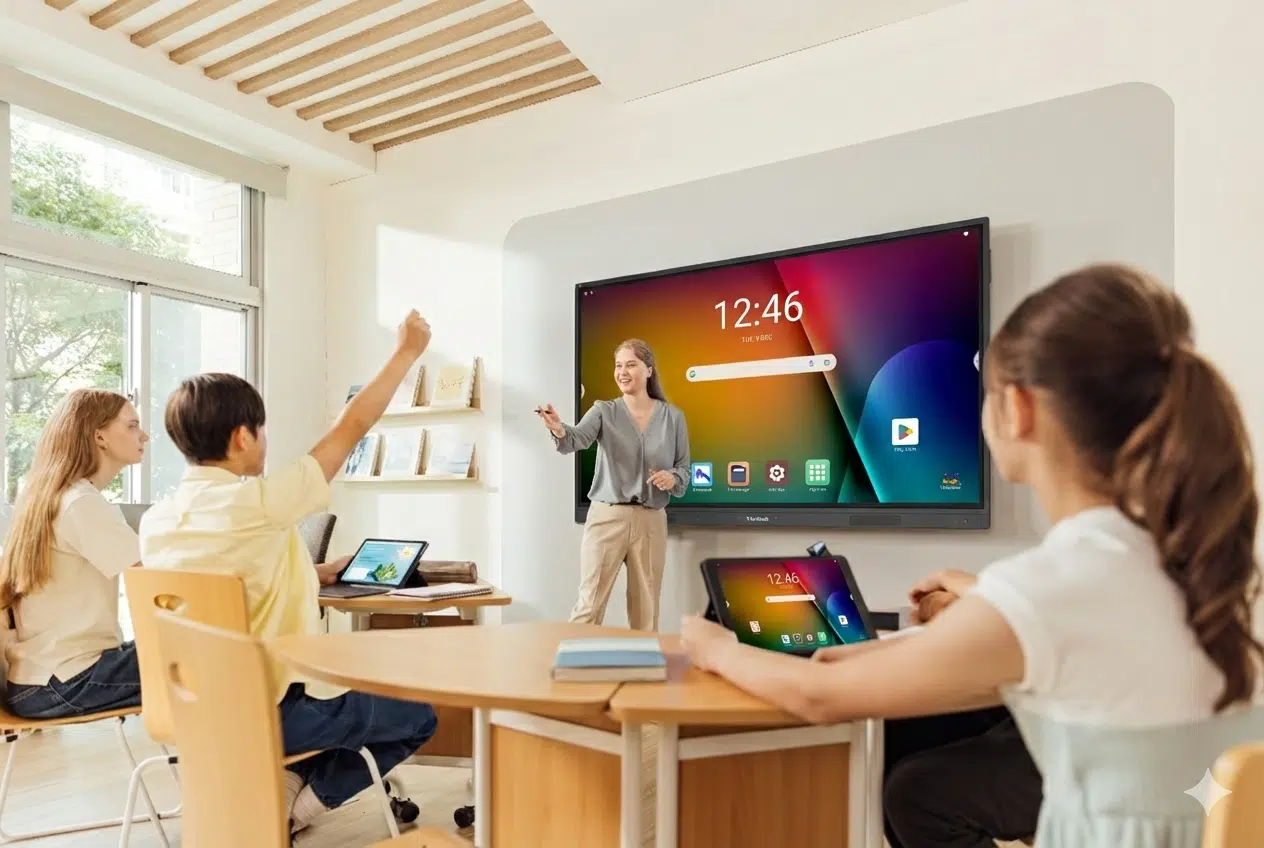
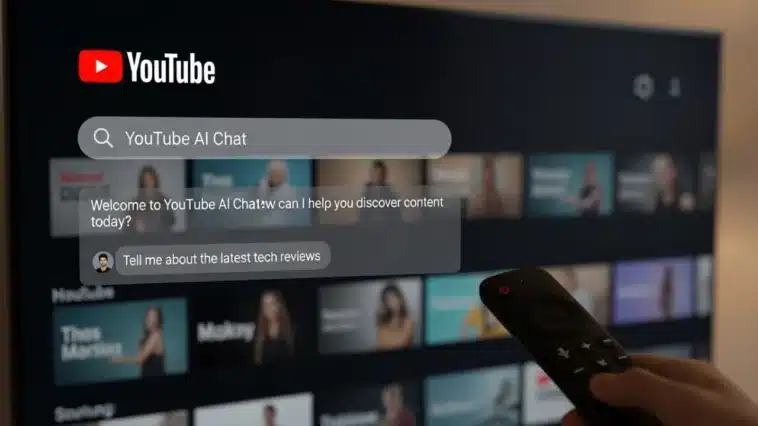
YouTube will launch its conversational AI assistant on smart TVs today. With this update, viewers have more active control over the content they stream on the largest screen in their home. While the video is playing, users can ask questions about the content or request a summary instead of stopping playback. This functionality was tested last year with mobile and desktop video playback and will now give users more control in the living room context by simplifying understanding of the content in real time.
Key Takeaways:
- The Ask button has been made available on the Smart TV app for YouTube Premium members.
- The feature utilizes the remote control’s microphone to allow voice questions.
- While a video is playing, viewers receive summaries and can request related videos.
- The feature is aimed at providing clarity on certain aspects of podcasts and travel vlogs.
- This is the first stage of incorporating Google Gemini models into YouTube.
How the AI Tool Works on the Big Screen
Viewers can utilize this new technology by tapping the Ask button on the bottom of the screen. Once activated, talk naturally to the remote microphone to ask your question. You can ask who a person is, or ask what a word means. The AI analyzes the video content and answers your question based on what is occurring in the clip. If you don’t have a question in mind, the tool provides a few example questions you can start with.
This technology is very useful for Indian viewers who tend to watch lengthy educational videos or international news broadcasts on their televisions. Instead of having to search for a translation or a fact on a phone, the answer is provided on the TV. The video can keep playing, and the viewing experience remains uninterrupted. This is especially useful for those who primarily use YouTube to learn or get their information.
Different Content Discovery Possibilities
The tool can also be used for discovery. For example, if you enjoy a certain video style, you could prompt the AI in question, and it could retrieve other popular videos created by the same author, or videos on the same subject. Instead of using the outdated system of scrolling through endless recommendation lists, you could use voice commands. For families in a living room, using voice commands to select videos and find something to watchis significantly more convenient than using a remote control to manually navigate through multiple options.
Google applies its Gemini language models to these interactions. Since the models analyze and interpret the relevant contexts, the AI can identify and describe the actions, events, or characters taking place at the three-minute interval, or the ten-minute interval, and so on. Thus, the system is able to provide the most relevant and accurate summaries on long-form content such as podcasts or tech reviews.
Availability and Requirements
YouTube Premium subscribers can currently access the conversational AI tool. It is compatible with most modern smart TVs with the updated version of the YouTube app, and a microphone-enabled remote control. The feature is currently in the experimental stage; however, its usage of smart TVs underscores the goal of integrating AI into everyday television watching.
FAQ
Q1: Do I need a YouTube Premium subscription to use this feature?
A1: Currently, the answer is yes. This AI tool is currently in the beta phase and is only available to YouTube Premium subscribers. To see the feature, you’ll also need to enable beta features in your settings.
Q2: Which smart TVs support the YouTube AI tool?
A2: The feature is compatible with the majority of new smart TVs, including those with Android TV and Google TV, as well as many other premium smart TV brands. Just make sure your YouTube app is up to date.
Q3: Can the AI tool understand Indian languages?
A3: Currently, the YouTube AI tool is geared towards only English speakers. Google is working on making this tool available to speakers of other languages. Because the AI tool is using Gemini models, the tool is expected to understand a wider range of languages in the near future.
Q4: Does the video pause while I am talking to the AI?
A4: The background video will keep playing, and the AI assistant will overlay the video or use a side panel, so you won’t miss anything from the video.