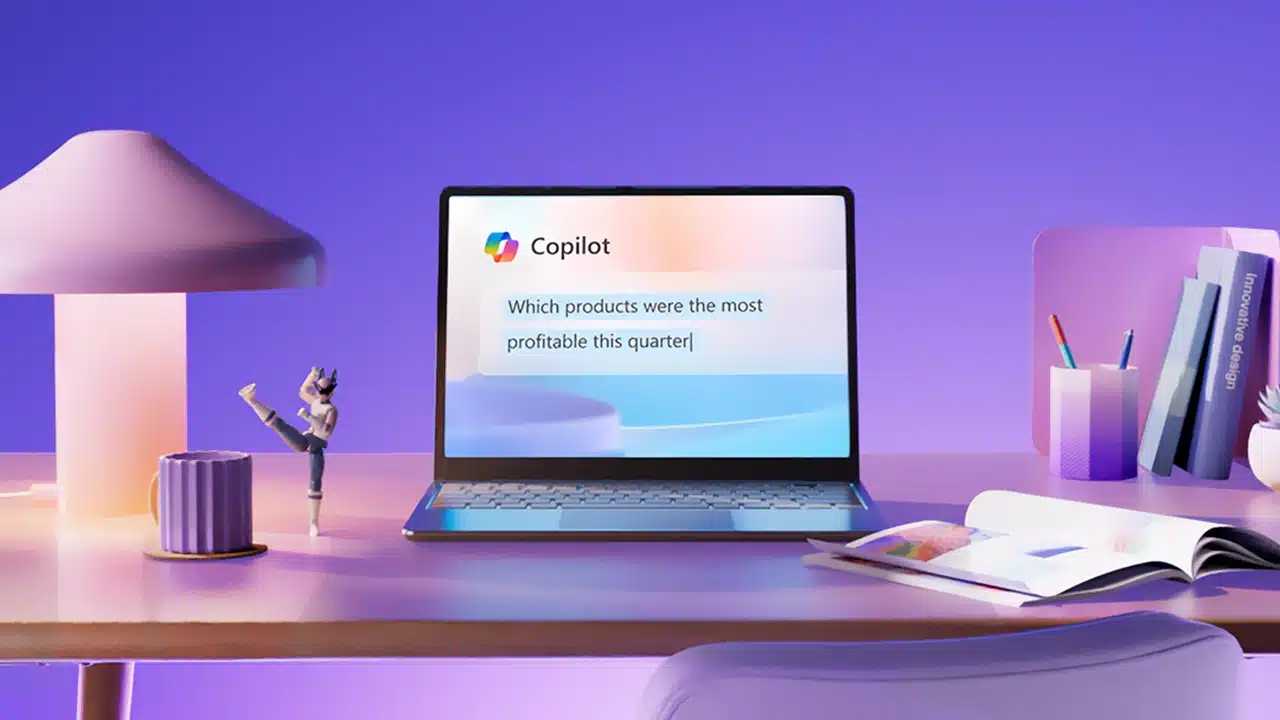
Imagine sifting through mountains of emails and documents, desperately searching for that one crucial piece of information. Or staring at a blank screen, needing to create a presentation or report from scattered notes. For many of us, these tasks are the energy-draining reality of the workday. But what if artificial intelligence could genuinely lift that burden, acting as a true partner in your daily productivity? Microsoft believes it can, and its latest evolution of Microsoft 365 Copilot, featuring significant enhancements to search, image capabilities, and the introduction of a “Notebook,” aims to do just that. This isn’t just a minor update; it feels like a fundamental shift in how we might interact with our work in the very near future.
Microsoft recently unveiled these substantial changes, effectively redesigning the core experience of what was formerly known simply as the Microsoft 365 app. Now rebranded and centered around its AI capabilities, the Microsoft 365 Copilot app, accessible via the new m365.cloud.microsoft URL, positions AI not as a peripheral tool, but as the starting point for your workday.
At the heart of this redesign is a vastly more powerful search experience. We’ve all grown accustomed to keyword searches, but Copilot’s new AI-powered search digs deeper. It doesn’t just match words; it understands context and meaning across your entire universe of work data – emails, chats, documents, meetings, and more – combined with information from the broader web when needed. Think about the last time you spent precious minutes hunting for a detail buried in a year-old email thread or a file you vaguely remember saving. The enhanced search intends to collapse that wasted time into seconds.
For instance, you could ask Copilot to “Find the key decisions from the Q3 marketing review meeting with the European team” or “Show me all documents related to the ‘Project Alpha’ budget discussion from last month.” Copilot taps into the Microsoft Graph, the intelligent fabric connecting your data, to pull together relevant information, presenting it in a coherent, contextualized summary. Citations even show you exactly where the information came from, building trust in the AI’s findings. This feels less like a search and more like having an incredibly efficient research assistant who knows exactly where everything is filed.
Beyond text and data, the visual aspect of work also gets a significant boost. The redesigned Copilot brings enhanced image capabilities directly into your workflow. You can now use natural language prompts to generate images using tools like Designer, Microsoft’s image creation AI, directly within Copilot Chat or integrated within applications like Word and PowerPoint. Need a unique graphic for a presentation slide or a blog post? Instead of searching stock photo sites or wrestling with design software, you can simply describe what you envision. “Create a whimsical image of a cloud computing concept” could generate bespoke visuals tailored to your needs.
But it goes further than just creation. Copilot can now also analyze images. Upload an image in OneDrive or include one in a document, and you can ask Copilot questions about its content. Imagine you have a photo of a whiteboard from a brainstorming session. Instead of trying to decipher hurried handwriting yourself, you could ask Copilot to “Summarize the action items from this whiteboard image.” Or if you have a photo of a complex diagram, you might ask, “Explain the different components shown in this circuit diagram.” This ability to derive insights directly from visual information feels almost magical, opening up new ways to interact with and understand content that wasn’t previously easily searchable or analyzable by AI.
Perhaps one of the most intriguing additions is Copilot Notebooks. This feature acts as a central canvas where you can pull together a diverse range of content – your own notes, documents, links to websites, even transcripts of meeting recordings. Once you’ve assembled this collection, you can ground Copilot on the Notebook’s content. This means Copilot will use everything within that specific Notebook as its knowledge base to generate insights, brainstorm ideas, summarize information, or draft new content.
Think of it as creating a personalized knowledge repository for a specific project or topic. You gather all the relevant materials in one place, and then Copilot can work with that curated set of information. For a marketing campaign, you might include competitor analysis reports, customer feedback summaries, relevant web articles, and your initial brainstorming notes in a Notebook. Then, you could ask Copilot to “Draft social media posts based on the key themes in this Notebook” or “Identify potential challenges for this campaign based on the included documents.” As you add or update content in the Notebook, Copilot can update its understanding and insights in real-time, making it a truly dynamic collaboration space.
These core features – enhanced search, expanded image capabilities, and the new Notebooks – are presented as part of a broader vision for Copilot as a central “window into the world of agents.” Microsoft is introducing the concept of specialized Copilot agents, accessible through a new Agent Store. These agents are designed to have expertise in specific areas or connect to third-party applications, offering more targeted and powerful assistance. For example, a “Researcher” agent could help with complex, multi-step research, while an “Analyst” agent might specialize in data interpretation. This move towards agents suggests a future where Copilot becomes a platform for accessing a variety of AI assistants tailored to different tasks and industries.
The transition of the main Microsoft 365 app to the Microsoft 365 Copilot app signifies Microsoft’s commitment to embedding AI deeply into the core of its productivity suite. It’s a clear message that AI, specifically Copilot, is no longer an optional add-on but a fundamental part of the intended user experience. While the full scope of the Agent Store and third-party agent integration is still unfolding, the foundation laid by the improved search, image tools, and the Notebook feature suggests a future where finding information, creating content, and organizing our thoughts could become significantly less tedious and more intuitive.
For millions of Microsoft 365 users, these changes hold the promise of reclaiming time and energy often lost to administrative overhead. The ability to quickly find information, effortlessly generate visual content, and organize disparate pieces of data into actionable insights could fundamentally alter daily workflows, freeing up valuable mental space for more creative and strategic thinking. It’s a compelling vision of AI as a true copilot, working alongside us to navigate the complexities of modern work.