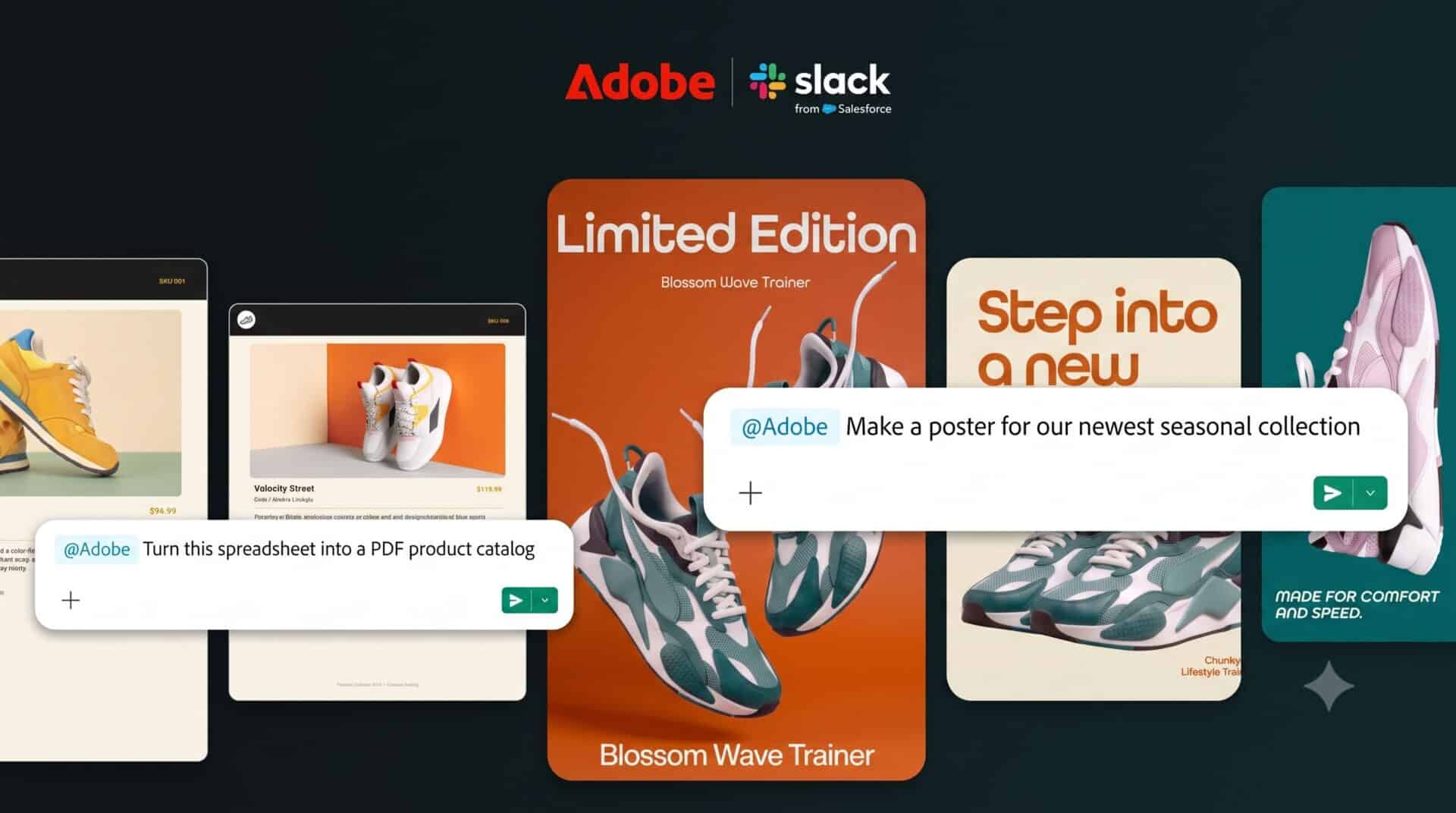
Adobe launched a new application for Slack that brings over 70 of its creative tools straight into the chat workspace, allowing users to generate images, edit videos, and build documents without opening separate software. The release lets teams on Slack Business+ and Enterprise+ plans turn chat messages, project briefs, and canvas notes into finished media. Users direct Slackbot in plain language to carry out tasks, and the system pulls relevant context from files, channels, and conversations to create the requested assets.
Key Takeaways
- Adobe for Slack brings over 70 tools, including Photoshop, Premiere, Acrobat, and Firefly, into the Slack interface.
- The app is available today for teams on Slack Business+ and Enterprise+ tiers.
- Users interact through Slackbot, Slack’s personal AI teammate, to search assets and generate content.
- Workers can build social media graphics, clean up photos in bulk, and convert spreadsheets into customer-facing PDFs.
- Users can test basic tools as guests or sign in with an Adobe account to access Creative Cloud libraries and generative features.
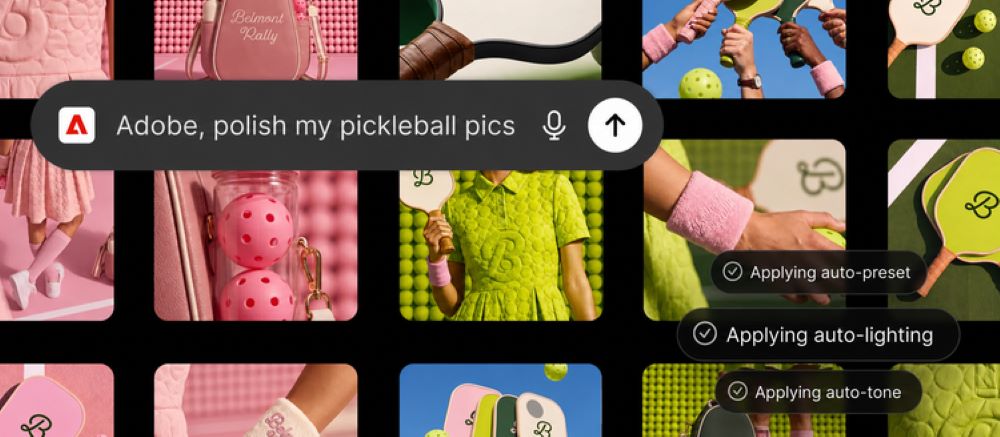
Workplace Content Creation Moves Directly to Chat
Slack has grown into a daily work hub for Indian tech firms, startups, and remote offices. With this release, employees no longer need to switch between tabs or leave their conversations to create visual marketing collaterals or project files.
Jaime DeLanghe, chief product officer at Slack, stated that Slack serves as the place where AI converts talk into concrete action. DeLanghe noted that bringing Adobe tools directly into team discussions lets workers produce materials without breaking their routine, showing how modern apps turn dialogue into results.
The new system draws on Adobe Creative Cloud, Adobe’s subscription service for graphic design, video editing, and web development. It also taps Adobe Firefly, the company’s family of generative creative models. Workers can tell Slackbot to search existing Creative Cloud files by style, mood, or subject to reuse older campaign material.
Everyday Tools for Marketing and Sales Teams
The add-on covers common daily tasks across multiple roles:
- Format Conversion: Teams can supply a spreadsheet and direct the app to convert raw tables into clean PDFs or shareable graphics.
- Bulk Photo Adjustments: Editors can take groups of product pictures or team headshots to remove backgrounds, balance lighting, crop frames, and resize files simultaneously.
- Campaign Resizing: Social media teams can resize approved images and video clips to fit various social networks quickly.
- Template Customization: Marketers can select pre-made layouts, alter copy, apply brand colors, and animate graphics for online feeds or print.
The company stated this release aligns with its plan to place professional software across popular AI chat systems, such as ChatGPT, Claude, and Copilot, with Gemini integration arriving later.
How to Install and Set Up
To set up the tool, open a direct message with Slackbot, click the Apps option, and choose Manage Apps. Next, tap the plus symbol next to Adobe. Users may proceed as guests to try basic functions, or log in with an Adobe account to reach cloud files, use generative AI, and maintain project progress across sessions.
Frequently Asked Questions
Q1. Which Slack plans support the new Adobe app?
A1. The application works only for teams on Slack Business+ and Enterprise+ plans across desktop, web, and mobile.
Q2. Do users need a paid Adobe subscription to use it?
A2. No. You can use basic features as a guest without an account, though signing in with a free or paid Adobe ID enables generative AI, saved files, and Creative Cloud search.
Q3. What creative programs are included in this Slack release?
A3. The app includes over 70 tools from Adobe Express, Photoshop, Premiere, Acrobat, InDesign, Illustrator, Lightroom, Firefly, and Stock.
Q4. Can the tool read project notes saved in Slack?
A4. Yes. Slackbot can pull context from channels, shared documents, and Canvases to guide the creative output.