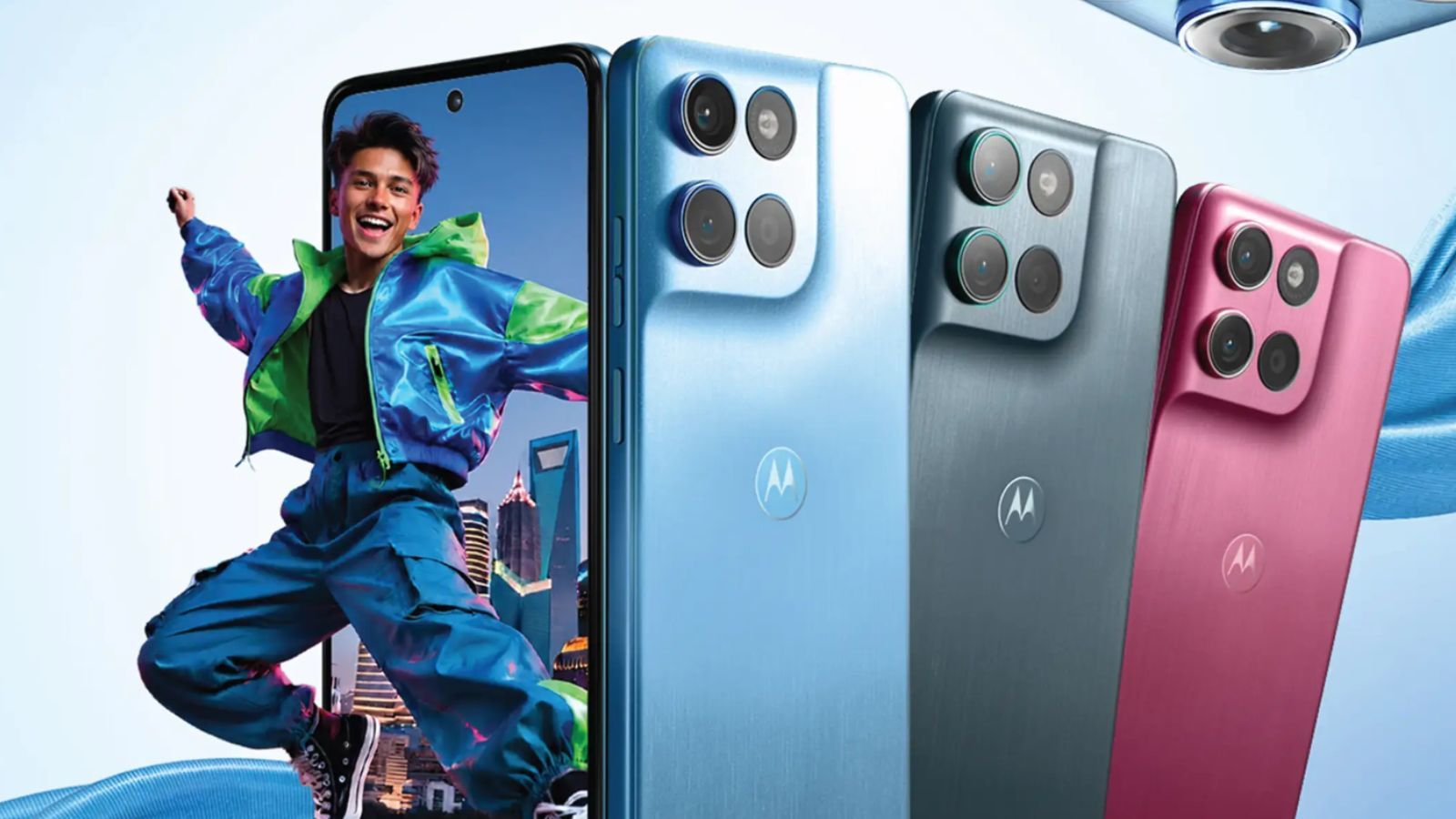
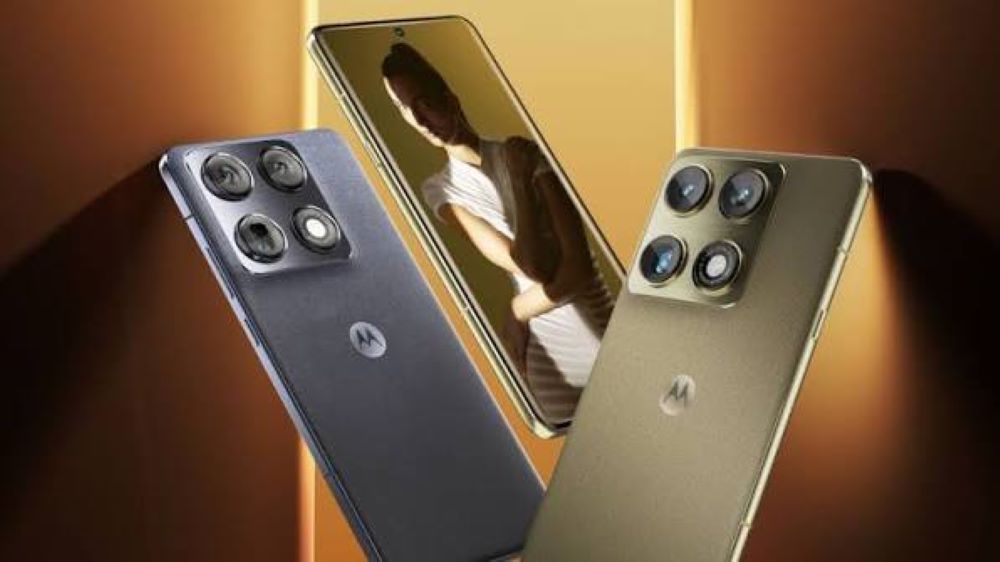
Motorola has started rolling out the stable Android 17 software update for its flagship smartphone, the Motorola Signature, in India. The new update brings the latest version of Motorola’s custom Hello UI skin, introducing refreshed visual elements, deeper lock screen customisation, updated privacy controls, and improved background battery management. Motorola Signature users in India are receiving the firmware over the air in batches, with other eligible Motorola devices scheduled to receive the build in the coming weeks.
Key Takeaways
- Motorola Signature becomes the first phone from the brand to get the Android 17 update in India.
- The update features a refreshed Hello UI with expanded theme palettes, lock screen widgets, and smoother transition animations.
- Privacy tools now include isolated app storage permissions and clear indicators for background sensor access.
- Motorola delivers the update over the air in a phased rollout across Indian regions.
- The update package weighs approximately 2.4 GB and includes the latest security patch.
Design Changes and Interface Updates
The Android 17 update focuses on refining everyday usability through Motorola’s Hello UI. Users can now customize the lock screen with different clock fonts, layout formats, and quick access widget slots for battery, weather, and calendar entries. The notification shade and Quick Settings panel feature larger control tiles with cleaner contrast levels, making them easier to read under bright sunlight. System animations for opening apps, switching tasks, and using predictive back gestures also feel more responsive.
Privacy and Security Upgrades
Security receives key additions in this build. Android 17 introduces granular controls for photo and document access, allowing users to share specific files with apps instead of giving full media library permission. A new Privacy Dashboard tile tracks which applications accessed location, microphone, or camera permissions over the previous 7 days. Motorola has also refreshed its Moto Secure app, adding quick detection for unsecured Wi-Fi networks and providing a private space for sensitive financial apps.
Customisation and Daily Usability
The refreshed Hello UI brings dynamic color palettes that automatically adjust app icons and system accents based on the selected wallpaper. Users can also change folder shapes, icon grids, and font weights without needing third-party launchers. Motorola keeps its signature gesture controls intact, allowing users to chop twice for the flashlight or twist the phone twice to open the camera.
How to Install the Update
The software update is rolling out in stages to prevent server overload. Users can check for the update manually by going to Settings, selecting System Updates, and tapping Check for updates. Motorola advises users to download the file over a stable Wi-Fi connection and keep device battery levels above 50 percent before starting the installation.
Frequently Asked Questions
Q1. Which phone is getting the Android 17 update first from Motorola?
A1. The Motorola Signature is the first phone to receive the Android 17 update in India.
Q2. How big is the Android 17 update file for Motorola Signature?
A2. The download file size is approximately 2.4 GB, so downloading over Wi-Fi is recommended.
Q3. Will my personal data get deleted during the update?
A3. No, the update will not erase your photos, apps, or settings. However, taking a backup of important files before updating is always good practice.
Q4. Will Moto gestures like chop-chop flashlight still work on Android 17?
A4. Yes, all classic Motorola quick gestures remain available in the new software version.
Q5. When will other Motorola phones in India receive Android 17?
A5. Motorola plans to extend the Android 17 rollout to eligible Edge series and Razr devices in stages over the coming months.