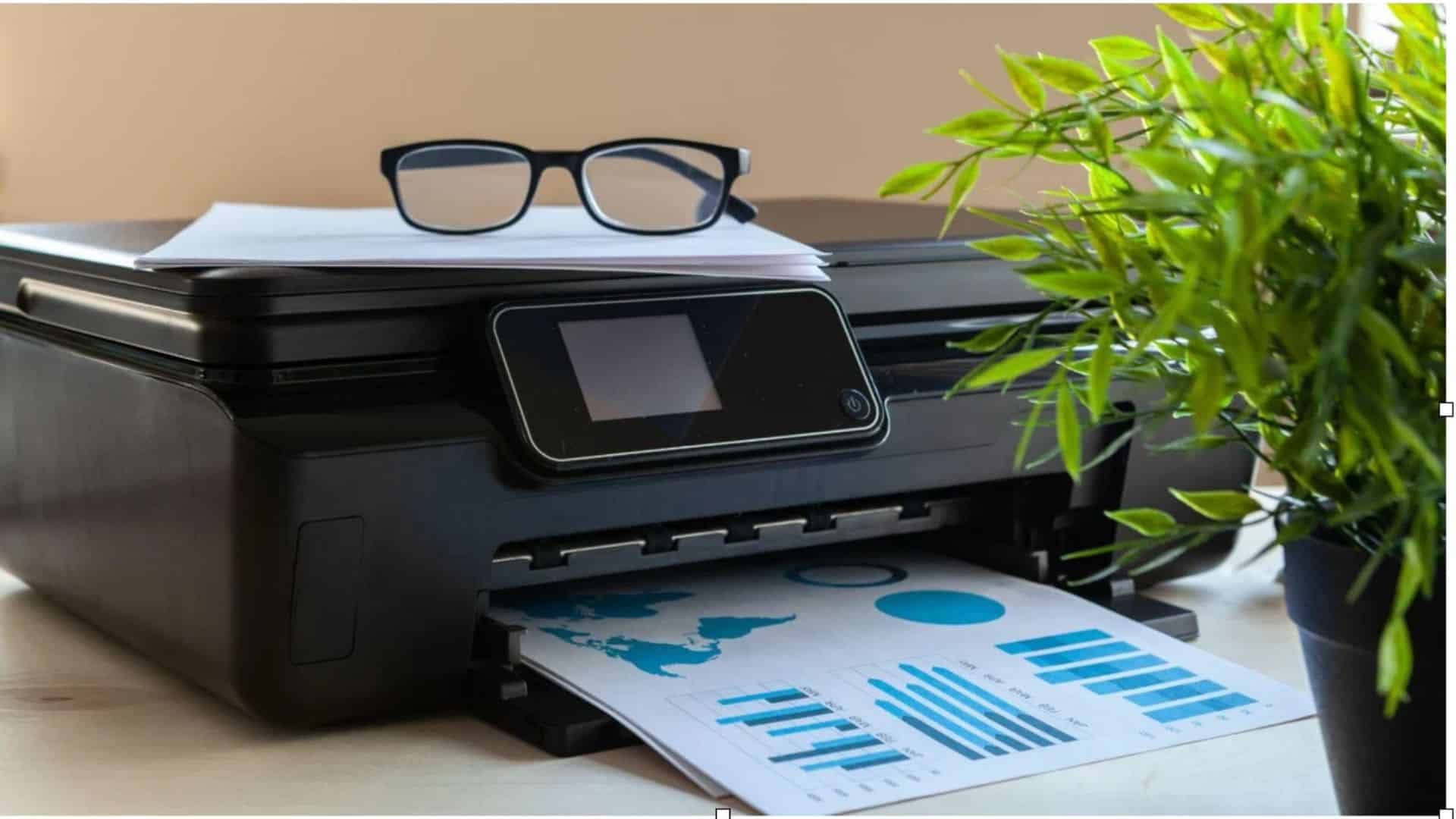
Sharp document prints depend on clear letter edges, suitable paper, reliable ink or toner placement and the right print settings. Resolution matters, but the highest number on a printer box will not necessarily give you the clearest text.
- Begin With A Printed Page, Not A Specification Sheet
- Understand What Resolution Actually Tells You
- Decide Whether Inkjet Or Laser Suits Your Work
- Give Paper More Attention Than You Might Expect
- Look Closely At Study And Home Printing Needs
- Compare Black Text And Running Costs Together
- Where HP Smart Tank Models Fit
- Check Settings Before Blaming The Printer
- Conclusion
Before buying a printer for home or study, it helps to know what to examine on a printed page and which features genuinely affect the result.
Begin With A Printed Page, Not A Specification Sheet
A printer’s technical details tell only part of the story. If you are wondering which printer delivers the sharpest text prints, examine an ordinary text sample at the size you normally read. Look for distinct letters, steady black colour and clean spacing. Check the smaller type as well as the headings.
When possible, request a sample made with the printer’s standard settings. A sample produced using special paper or a premium-quality model may not reflect the pages you will usually print each week at home or while studying.
A few details are particularly revealing:
- Letter edges should look defined, not fuzzy.
- Thin strokes should remain visible.
- Black text should appear even across the sheet.
- Close letters should not merge into one another.
Understand What Resolution Actually Tells You
Resolution is usually expressed in dots per inch, or DPI. It describes the level of detail a printer can reproduce, although manufacturers may report it in different ways.
Higher resolution can help with fine detail. It does not work alone, however. Paper, ink, printhead design and software settings all influence what reaches the page. Two machines with different DPI figures may produce similarly readable text.
Rather than choosing by resolution alone, check whether small fonts remain legible and whether punctuation prints clearly.
Decide Whether Inkjet Or Laser Suits Your Work
Both printing technologies can produce clear text. The distinction lies in how they form the image and what else you need the machine to do.
Inkjet Printing
Inkjet printers place droplets of ink onto paper. Their results depend partly on the paper’s surface and how the ink settles. They are worth examining when you need colour documents alongside black text.
Laser Printing
Laser printers use toner that is fixed to the paper with heat. They are another option for text-heavy work, particularly where colour output is not needed. Look at toner replacement costs alongside print samples.
Give Paper More Attention Than You Might Expect
Paper can change how the same printer performs. An absorbent or unsuitable sheet may allow ink to spread, softening the edges of letters.
For routine documents, use paper compatible with the machine and choose the matching setting in its print menu. Keep unused sheets dry, especially during humid weather. Damp or curled paper can also cause feeding problems.
The useful question is whether your usual paper produces readable text without smudging or uneven patches.
Look Closely At Study And Home Printing Needs
Small print, diagrams and long passages all need to remain comfortable to read. For families, printing also needs to fit around other household tasks.
The best printer for online learning materials is therefore not simply the fastest model. Check legibility, paper handling and whether scanning or copying would be useful.
The HP home printer range provides a starting point for checking which functions are available. Focus on the specifications that match your work, rather than treating every added feature as essential.
Compare Black Text And Running Costs Together
People are asking which printer is best for black-and-white document printing should look beyond just colour capability. Dark, consistent text matters, but so does the cost of keeping the machine supplied.
Check how many pages the black ink or toner is estimated to produce from one tank or cartridge. This is known as page yield, and it is measured under stated test conditions. Your actual results will vary with print coverage and settings.
Where HP Smart Tank Models Fit
For homes that regularly print study documents and household paperwork, refillable ink tank models are worth examining. Consider the features and ink yield together, not as separate selling points.
- HP Smart Tank 580: Intended for home and learning needs, particularly families with school-going children. Client-specified productivity is 8,000 black and 6,000 colour pages, with a 1+1 year warranty subject to applicable terms.
- HP Smart Tank 585 and 589: Both are positioned for students, with client-specified productivity of 8,000 black and 6,000 colour pages and a one-year warranty. The 585 is available across retail platforms, while the 589 is available on online platforms.
- HP Smart Tank 720 and 675: Both have a client-specified productivity of 12,000 black and 8,000 colour pages, with a one-year warranty for each model.
These figures describe stated productivity, not a promise of identical output for every user. Check the actual contents, current specifications and warranty conditions before purchasing.
Check Settings Before Blaming The Printer
Even a suitable printer can produce disappointing text when its settings do not match the job. Draft mode, incorrect paper selection and a poor-quality source file can affect readability.
Choose the correct paper type and a print-quality setting suited to the document. If the output develops missing lines, follow the manufacturer’s maintenance guidance. Avoid unnecessary cleaning cycles because they can consume ink.
And if you are asking whether an ink tank printer delivers the best print quality, compare actual text samples. A refillable tank affects how ink is supplied; it does not, by itself, determine letter sharpness.
Conclusion
Choose a document printer by judging what reaches the page. Clear small text, even black coverage, compatible paper and appropriate settings all matter more than a single headline specification.
Then consider what ownership involves: replacement ink or toner, stated page yield, scanning needs and warranty terms. A careful look at these details can help you find a printer that produces readable work and fits how often you actually print.