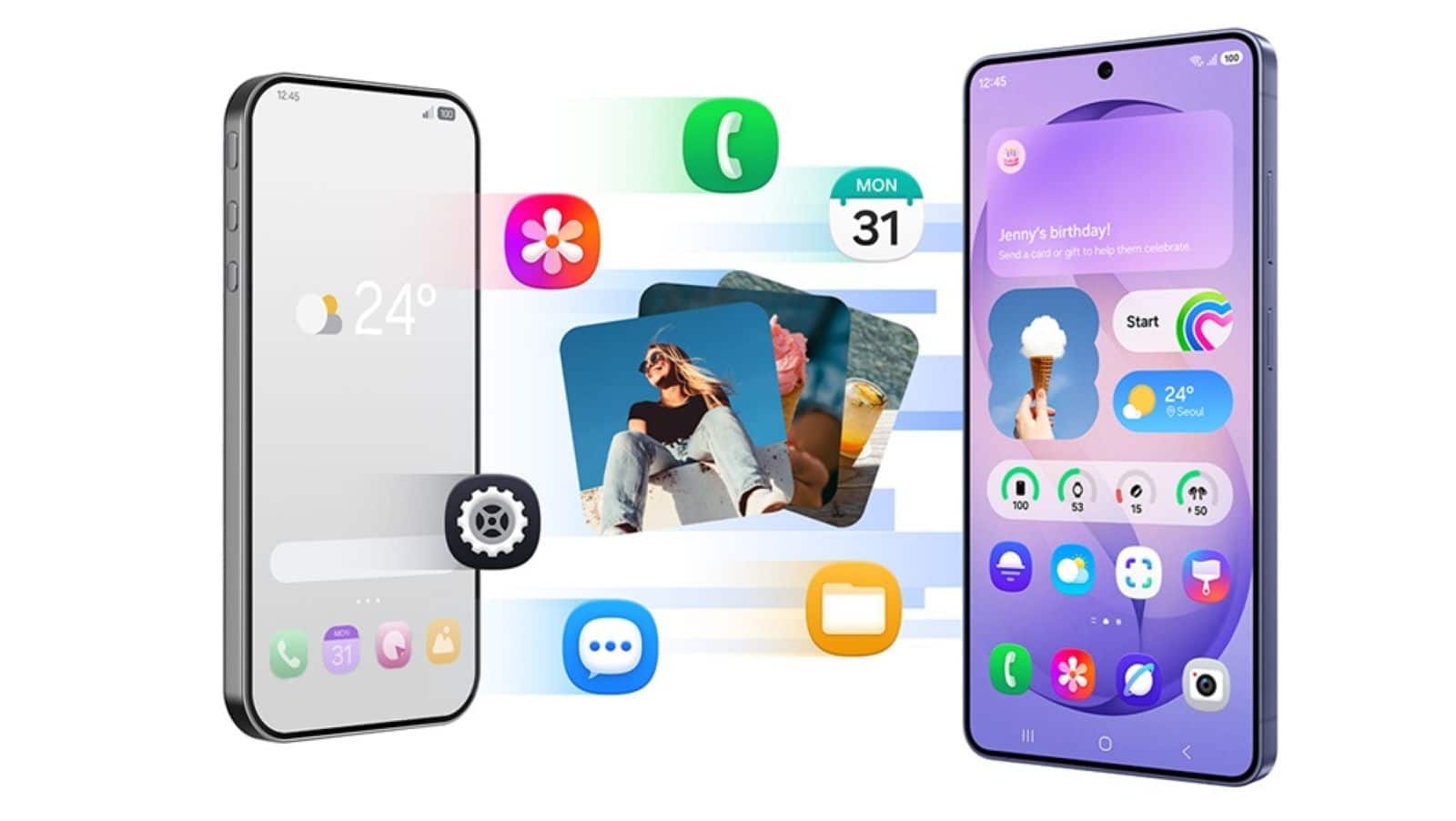
Switching phones can be a pain. Most people worry about losing their stuff or having to figure out a new system. Samsung tries to fix this with a few tools that make moving to a Galaxy phone pretty straightforward. You get Smart Switch and the Try Galaxy app. Both help you move your contacts, photos, and apps over, so you don’t have to start from zero.
Key Takeaways
- The Try Galaxy app lets users test the Galaxy interface on their current phones before making a purchase.
- Samsung Smart Switch transfers messages, photos, and applications quickly via a wireless connection or a cable.
- Quick Share enables file sharing across different devices, including Apple products.
- Knox Vault keeps personal data and passwords safe on the device.
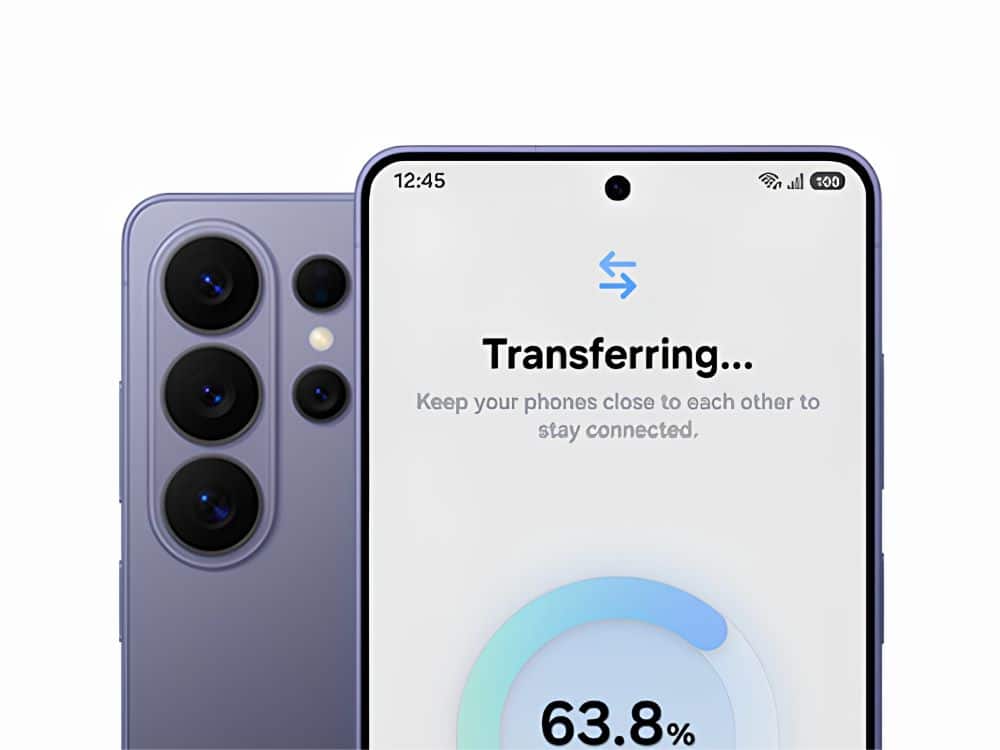
Curious about Samsung but not ready to commit? Youu cantryy the Try Galaxy app right in your browser. It lets you poke around the One UI interface on your current phone, whether it’s Android or iPhone. If you like what you see and decide to switch, moving over onlyion hanthe heavy work of movingSmart Switch does the heavy lifting for you. Just connect your old phone and your new Galaxy with a cable or over Wi-Fi. The app moves your contacts, texts, calendars, and even your home screen setup. So you can keep going without having to hunt down your favorite apps or type in numbers all over again.ngs hardware upgrades that improve daily usage. Samsung equips its premium phones with advanced cameras capable of capturing high-resolution photos and steady videos, even in low light. The processors are built to handle heavy workloads, allowing users to play games or run multiple apps at the same time without the device slowing down. Large batteries make sure the phone lasts through the entire day on a single charge.
After setting up the phone, Galaxy owners get access to built-in tools designed for daily use. Quick Share provides a fast way to send high-quality photos and large files to nearby friends and family. The feature works across Galaxy phones, tablets, and computers. It also recognizes Apple devices, allowing users to share content using links or QR codes.
Modern Samsung phones also include built-in AI functions that assist with everyday tasks. Users can translate phone calls in real time, summarize long text notes, and edit photos directly in the gallery app. Samsung processes much of this data locally on the device to protect user privacy. The Knox security platform adds another layer of safety by isolating sensitive passwords and biometric data from the main processor.
FAQs
Q1. How do I move my WhatsApp data to a new Samsung Galaxy phone?
A1. You can use the Samsung Smart Switch app along with the official WhatsApp transfer tool to move your chats and media safely to your new device.
Q2. Will my iPhone applications work on a Samsung phone?
A2. While iOS apps do not run on Android, Smart Switch finds the Android versions of your iPhone apps on the Google Play Store and installs them on your new Galaxy device.
Q3. Is the Try Galaxy app free to use?
A3. Yes, the Try Galaxy tool is completely free. You can access it through the Safari or Chrome browser on your current smartphone.
Q4. Do I need a cable to use Samsung Smart Switch?
A4. No, you can transfer your data wirelessly over a Wi-Fi connection. However, using a compatible USB cable often results in a faster transfer process.
Q5. Does Quick Share compress the quality of my photos?
A5. No, Quick Share allows you to send photos and videos in their original full quality without compressing the files.