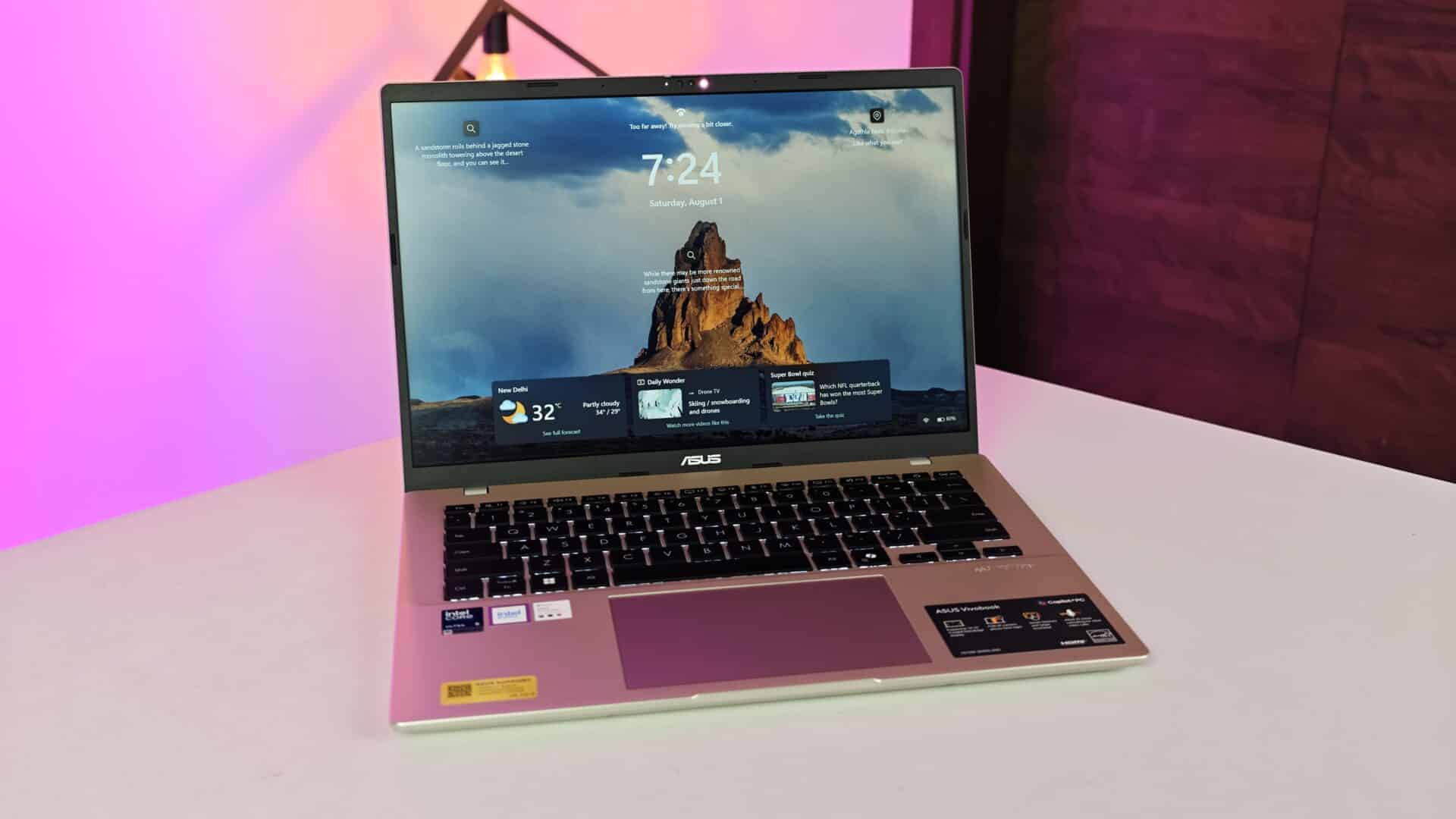
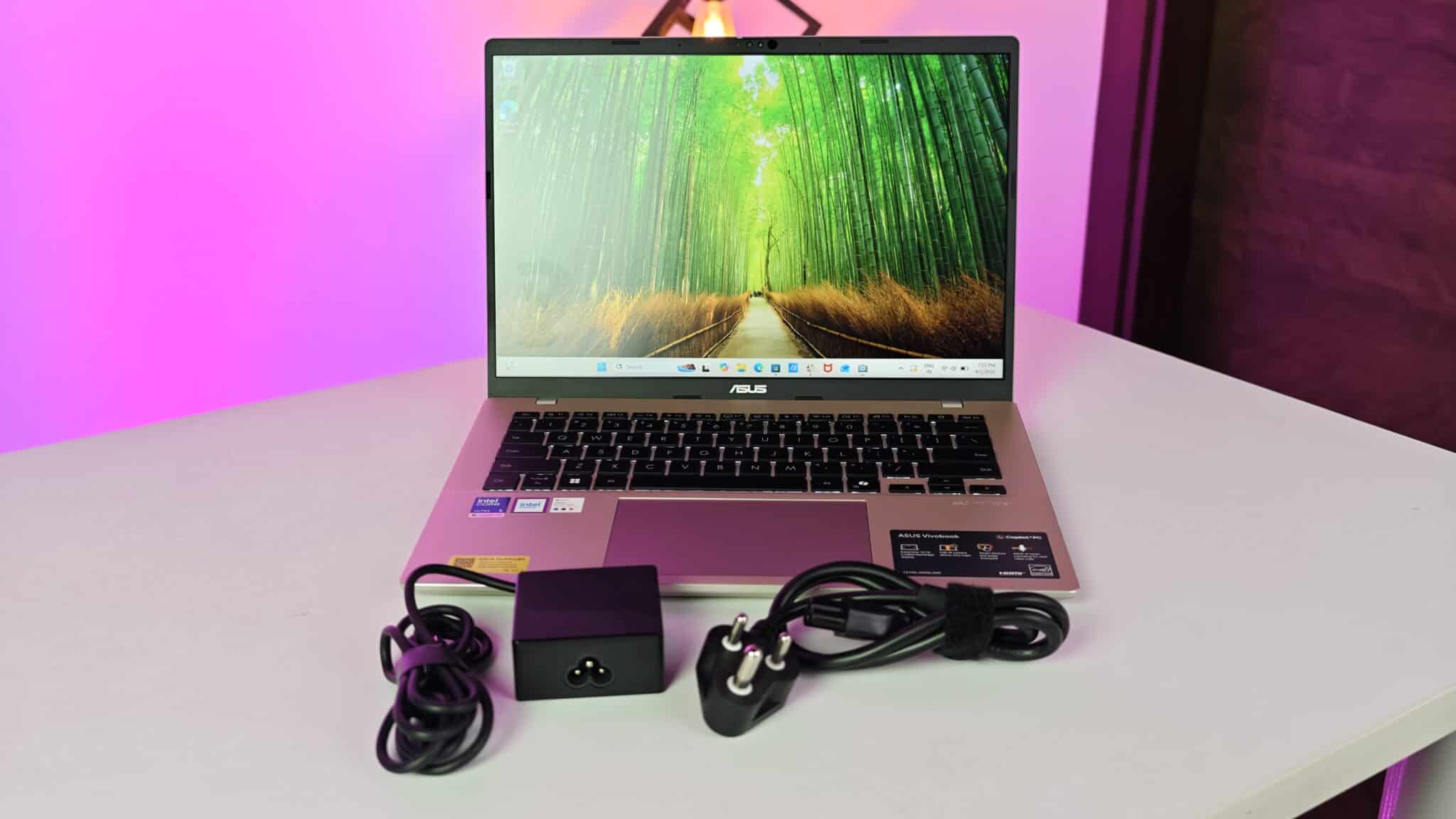
I spent three weeks with the ASUS Vivobook 14 X1407AA as my main laptop. That meant hauling it between office, my home desk, and the usual commute. ASUS, if you care, is a big Taiwanese brand. They make all kinds of computers and parts. This model targets office workers, students, or anyone who wants something powerful but still light enough to carry around. I wanted to see if it could handle real daily work. Typing, web browsing, spreadsheets, streaming, the usual grind.
- Key Takeaways
- Key Product Specifications
- Build Quality and Everyday Handling
- Screen Visibility and Aspect Ratio Benefits
- Processor Output and Thermal Control
- Neural Engine and Artificial Intelligence Workloads
- Memory Expansion and Storage Read Speeds
- Keyboard Feel Trackpad Response and Ports
- Battery Life and USB Type-C Charging
- Verdict
- Frequently Asked Questions
Key Takeaways
- Features the Intel Core Ultra 5 Processor 325 with a built-in neural engine for local computing tasks.
- Comes with 16GB DDR5 system memory and an extra slot for manual expansion up to 32GB.
- Uses a 14-inch WUXGA 1920×1200 anti-glare screen with a taller 16:10 aspect ratio.
- Weighs 1.46 kg in a plastic frame tested for military grade durability standard MIL-STD 810H.
- Includes a 42Wh battery with a compact 68W USB Type-C power brick for fast charging.
Key Product Specifications
- Processor – Intel Core Ultra 5 Processor 325, 8 cores, 8 threads, up to 4.5 GHz, 12MB cache
- Neural Processor – Intel AI Boost NPU up to 47 TOPS
- System Memory – 16GB DDR5 onboard, 1x DDR5 SO-DIMM expansion slot available
- Internal Storage – 512GB M.2 NVMe PCIe 4.0 SSD
- Display – 14-inch WUXGA 1920 x 1200 resolution, 16:10 aspect ratio, 60Hz, 300 nits, anti-glare IPS level panel, 45 percent NTSC
- Graphics – Integrated Intel Graphics
- Operating System – Windows 11 Home
- Included Software – Microsoft Office Home 2024 lifetime license, Microsoft 365 Basic 1-Year subscription
- Webcam – 1080p Full HD camera with physical slider shutter
- Audio Speakers – Built-in stereo speakers tuned with Dirac software, array microphone
- Wireless Connectivity – Wi-Fi 6 802.11ax, Bluetooth 5.3
- External Ports – 2x USB 3.2 Gen 1 Type-C with Power Delivery, 2x USB 3.2 Gen 1 Type-A, 1x HDMI 1.4, 1x 3.5mm combo audio jack
- Battery and Charger – 42Whrs 3-cell battery, 68W USB Type-C power adapter
- Weight and Thickness – 1.46 kg weight, 17.9 mm height
- Indian Retail Price – 92,990 INR
Build Quality and Everyday Handling
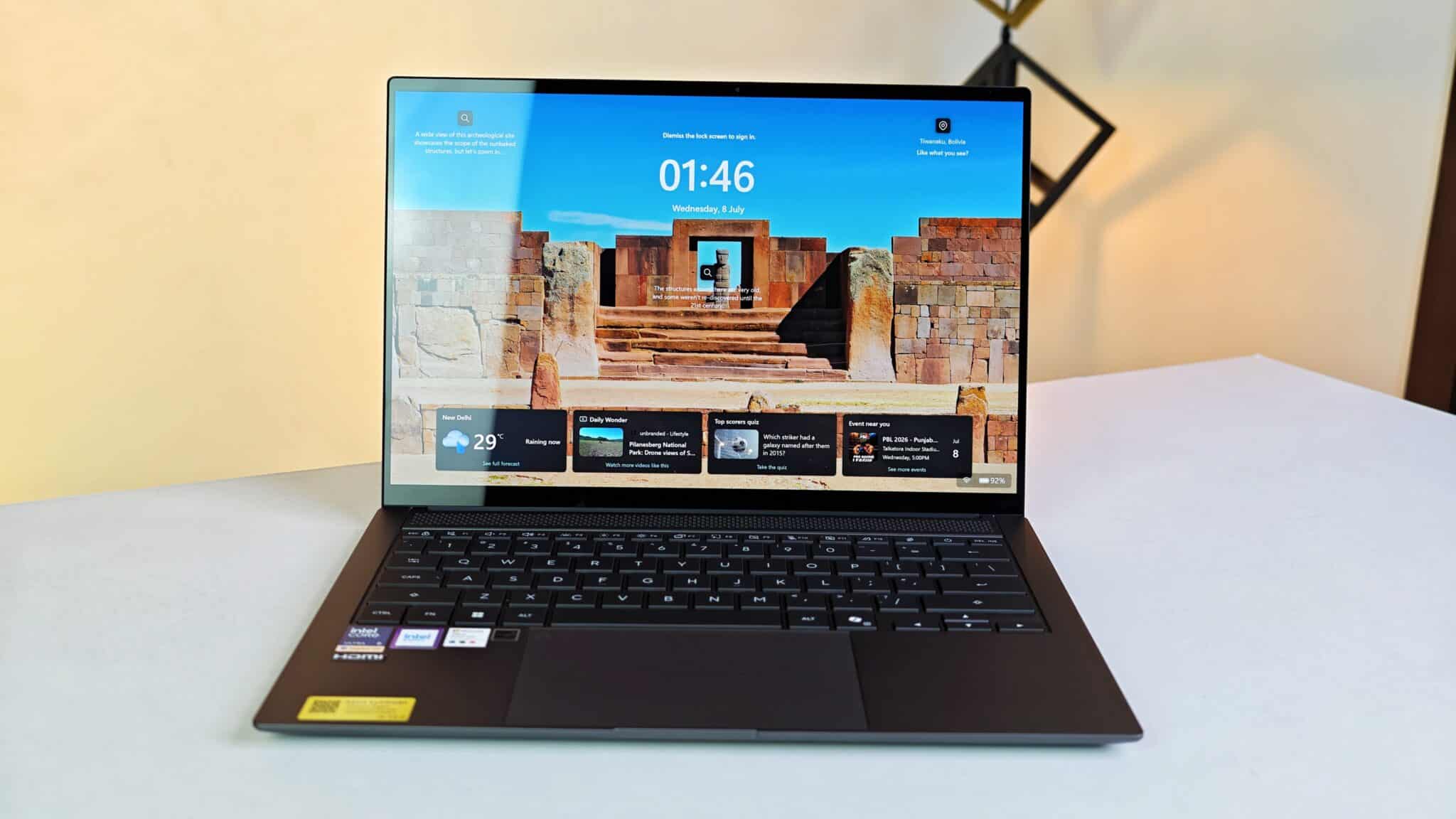
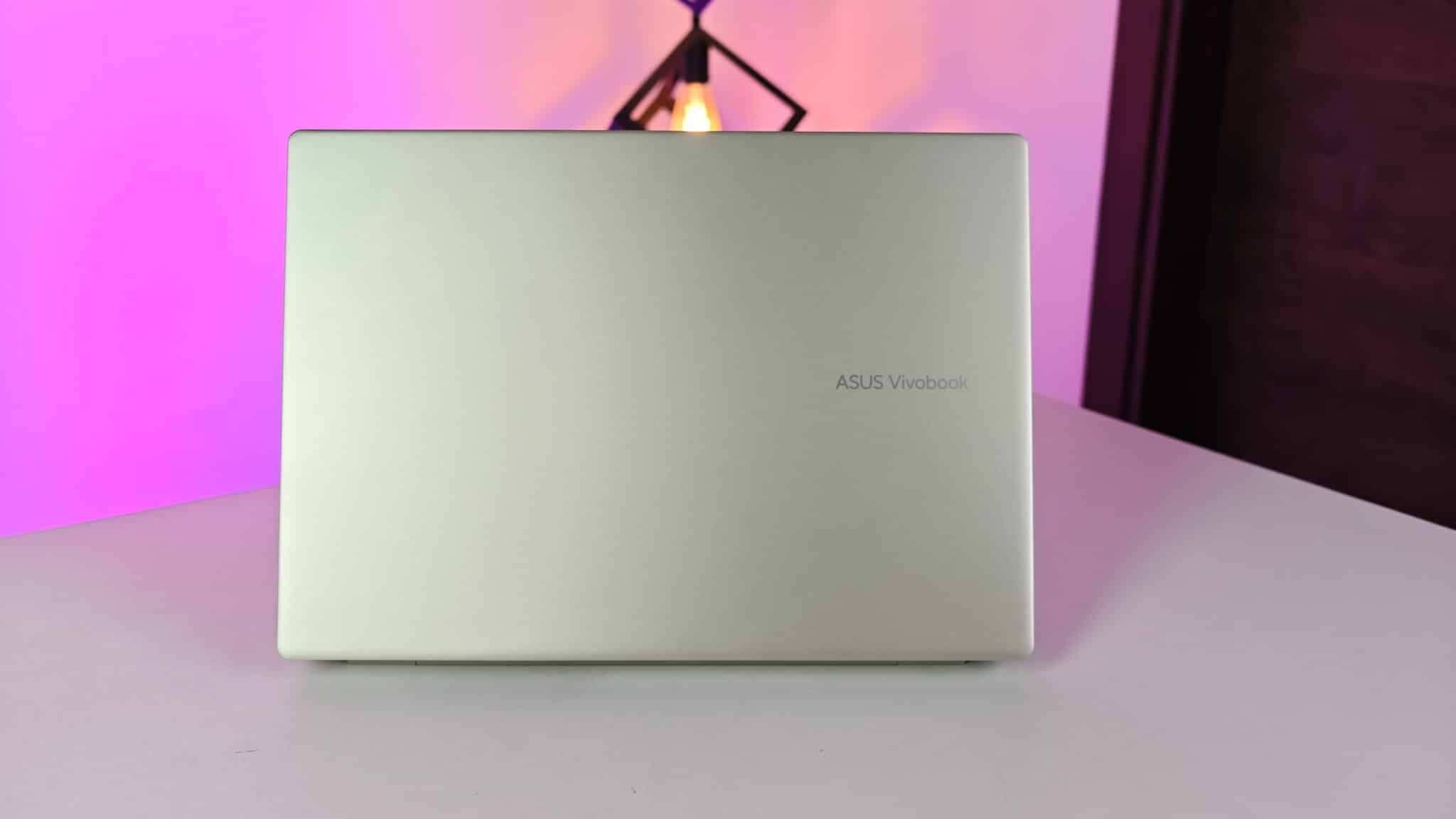
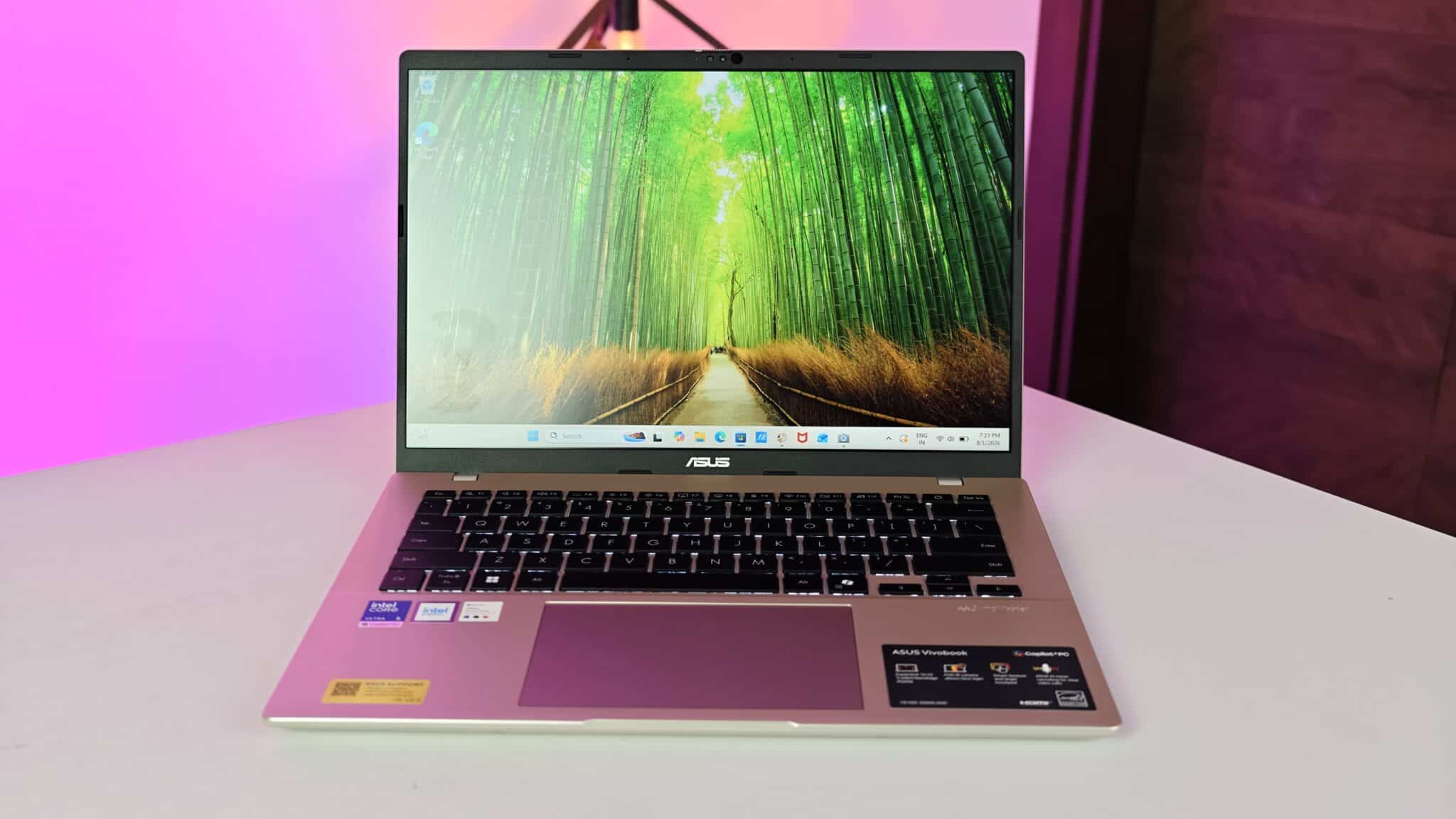
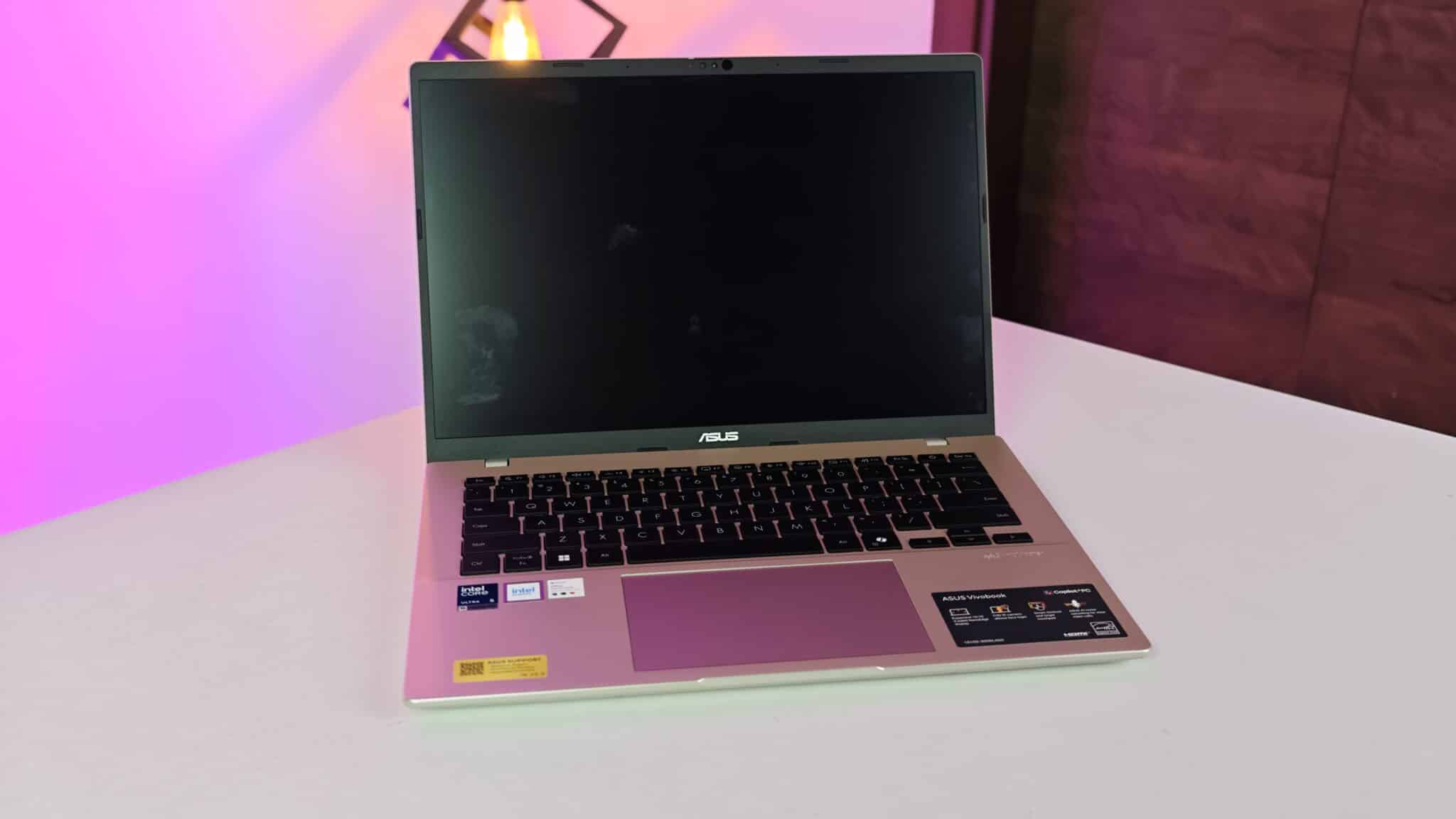
The whole body is hard plastic. Lid, palm rest, base, everything. No fancy metal here, but the plastic feels solid enough. I barely noticed any keyboard flex, even when I hammered out a few lines a bit harder than usual. The matte finish helps. It doesn’t pick up fingerprints, so the laptop stays looking clean, even after hours of use.
Carrying this thing in a regular laptop bag on daily train rides was easy. At 1.46 kg, it doesn’t drag down your shoulders. ASUS says the body passed US MIL-STD 810H tests. That means shock, vibration, and temperature exposure. The screen hinge feels stiff enough to keep the display steady when you’re typing on your lap or even in a moving car.
Screen Visibility and Aspect Ratio Benefits
The 14-inch IPS screen runs at 1920 by 1200 pixels. The taller 16:10 aspect ratio gives you more vertical room than the usual 16:9 screens. When I opened long Word docs or big spreadsheets, I could see extra lines without scrolling. That extra space makes daily document work feel less cramped.
Quick note: Intel Core Ultra chips combine the main processor, graphics, and a neural engine on one chip. Windows 11, if you haven’t used it, is Microsoft’s latest desktop operating system. It runs your apps and handles all the usual system stuff.
The matte screen finish blocks overhead office light reflections pretty well. Brightness tops out at 300 nits, which is fine for indoor offices, study rooms, or coffee shops. Color reproduction only covers 45 percent of the NTSC color space. Text and YouTube videos look sharp, but colors aren’t super saturated. If you need exact color matching for print or pro photo editing, this display will feel limited.
Processor Output and Thermal Control
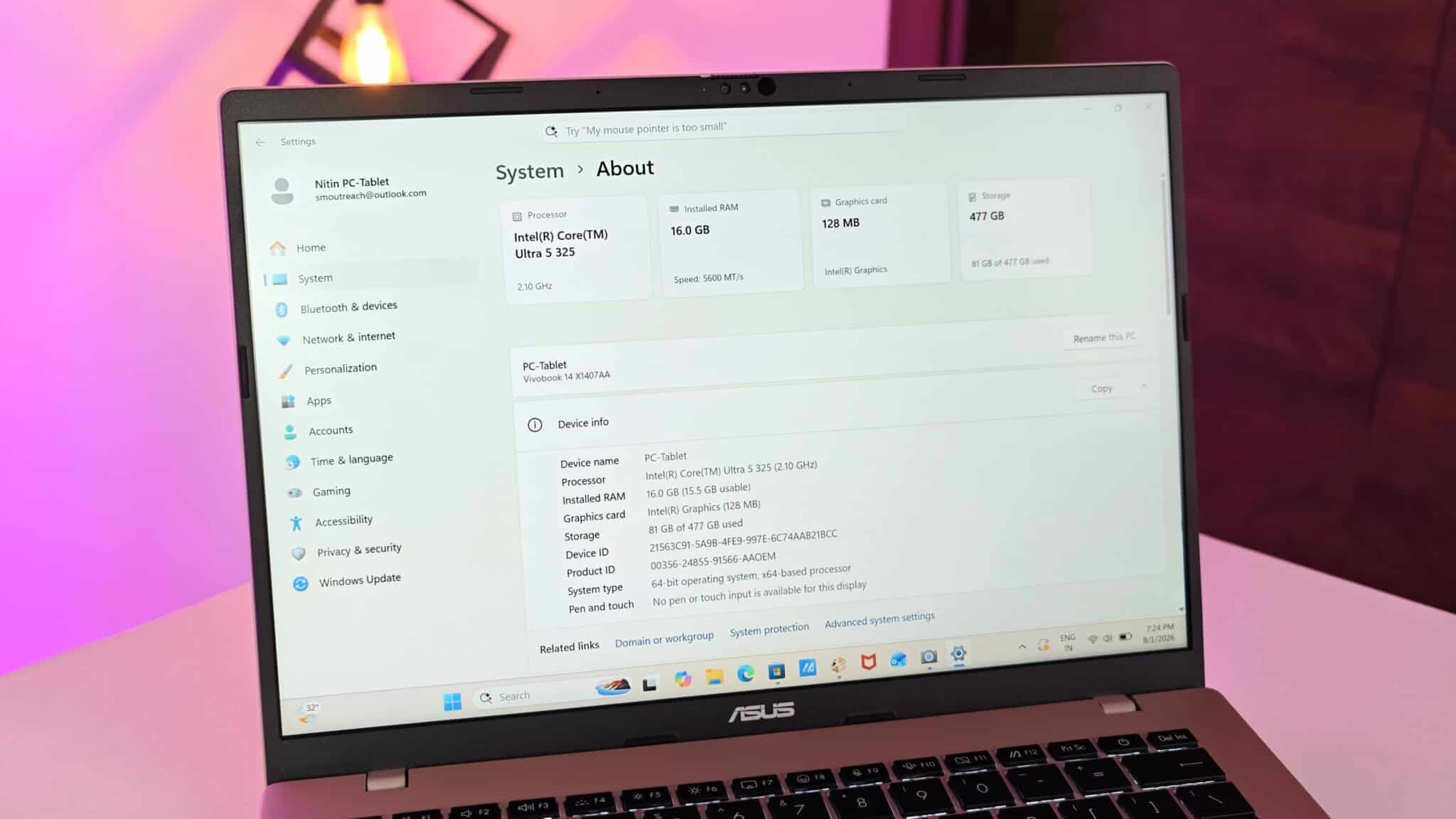
The Intel Core Ultra 5 325 chip handles standard multitasking without fuss. My daily routine? 20 browser tabs open, streaming audio, text editors, big PDF files, all at once. The laptop stayed quick when I switched between apps.
Integrated Intel Graphics handles video playback and desktop animations smoothly. I edited a few short full HD video clips in CapCut, and exports finished without any crashes. Casual games run fine if you drop the resolution and graphics settings.
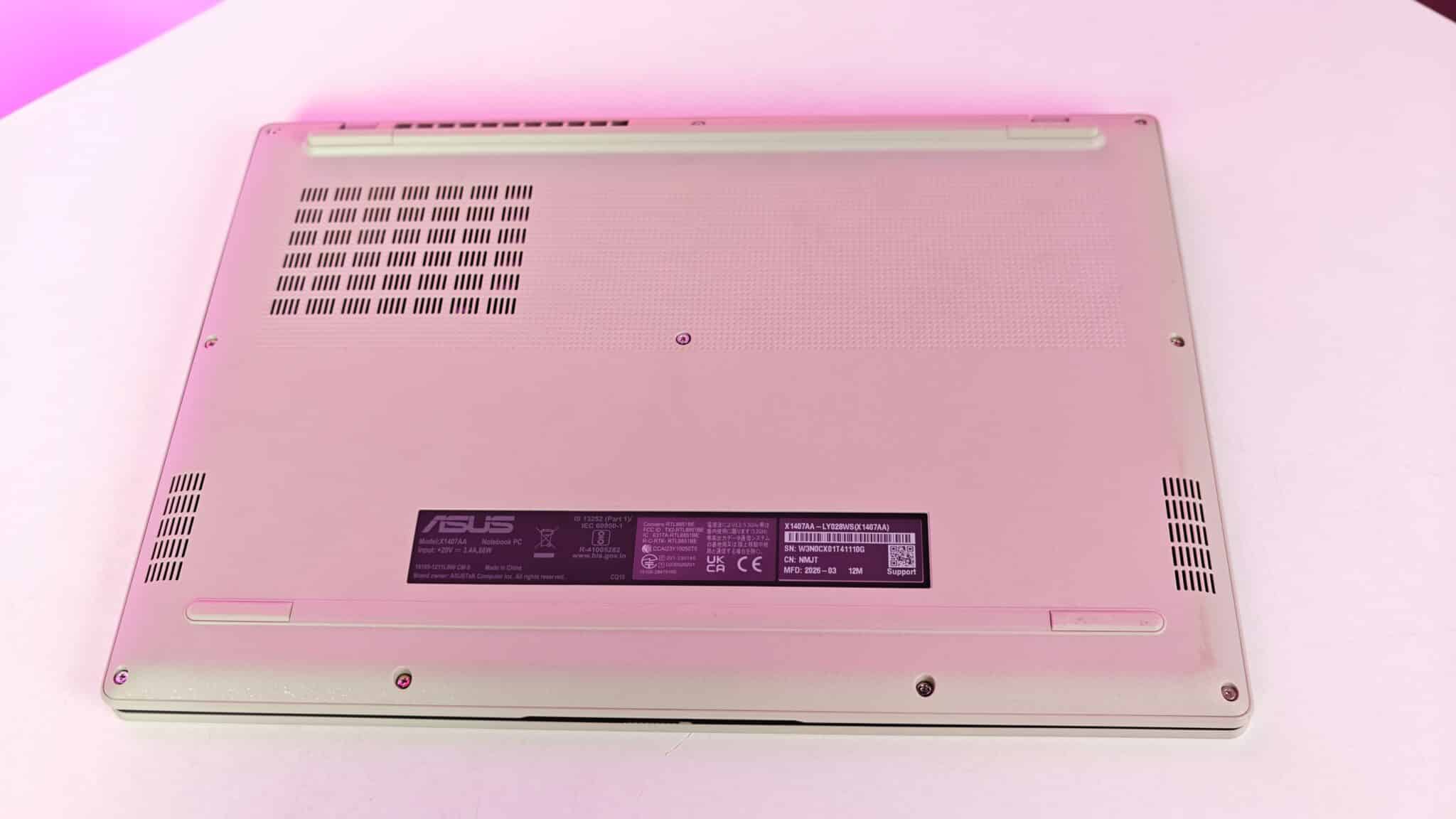
Even under heavy loads, fan noise stays low. It’s just a light air sound, easy to ignore with normal room noise. Heat vents out near the rear hinge. The palm rest stayed cool the whole time, so typing stayed comfortable.
Neural Engine and Artificial Intelligence Workloads
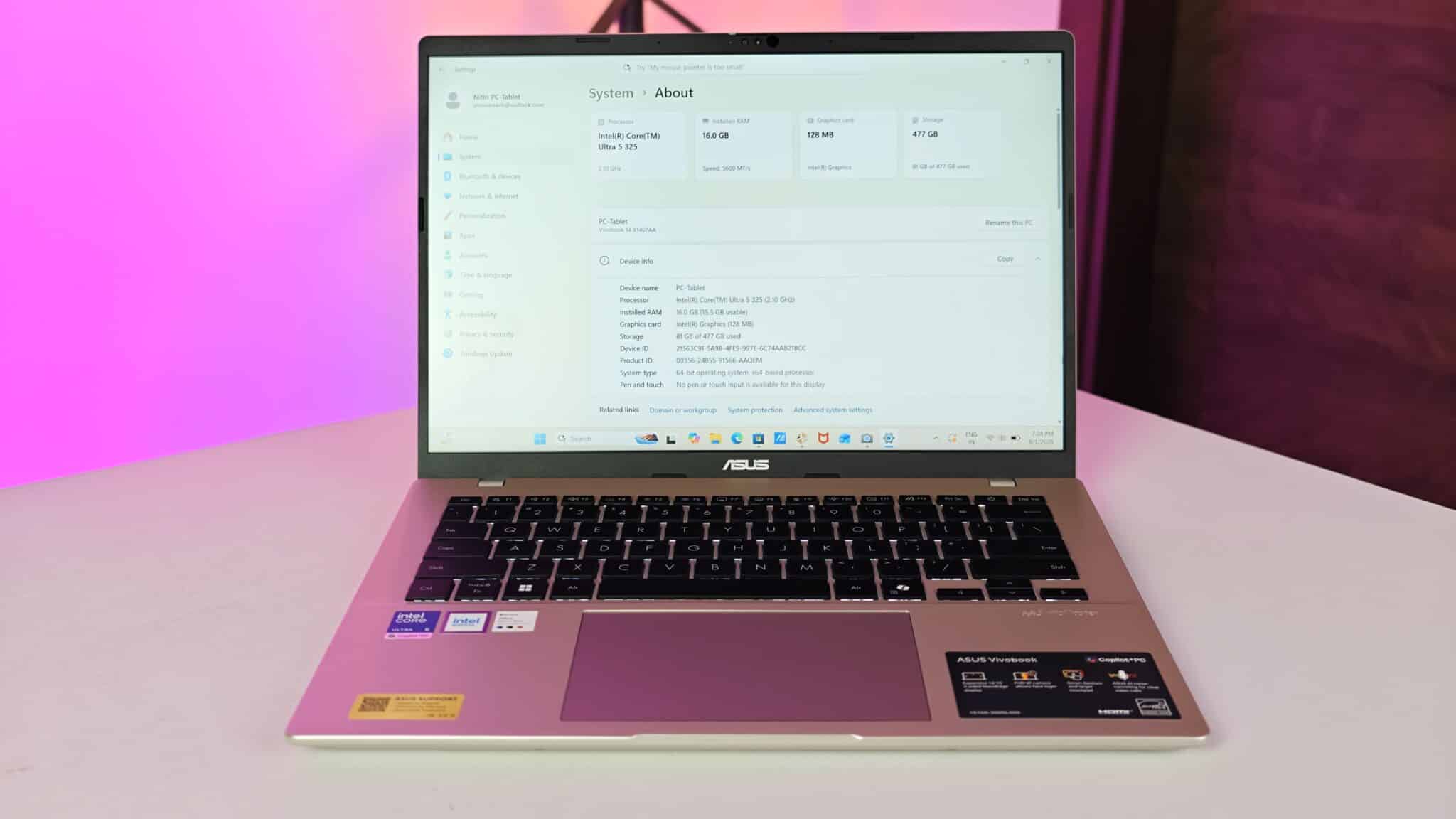
The processor containsThe processor has a built-in neural engine that can hit up to 47 TOPS. That’s Tera Operations Per Second, if you’re curious. It measures how fast the hardware can handle AI tasks. Running AI locally means you don’t have to send your data to the cloud.s on Zoom and Google Meet, I used Windows Studio Effects to auto-frame my camera view and blur background objects. The built-in neural unit handled these background video adjustments without putting extra strain on the main CPU cores. This keeps the system running cool during long team meetings while preserving system responsiveness.
Memory Expansion and Storage Read Speeds
ASUS gives you 16GB of DDR5 RAM soldered to the board. Unlike a lot of thin laptops, this one has an open DDR5 SO-DIMM slot. I popped off the back cover to check. Adding a second RAM stick to hit 32GB is pretty simple. That extra slot means you can upgrade later if your work needs more memory.
Storage is a 512GB PCIe 4.0 NVMe SSD. Windows 11 boots in under ten seconds from cold. Moving big file folders to an external drive is quick. ASUS also throws in a year of Microsoft 365 Basic, so you get 100GB of cloud storage for backups.
Keyboard Feel Trackpad Response and Ports
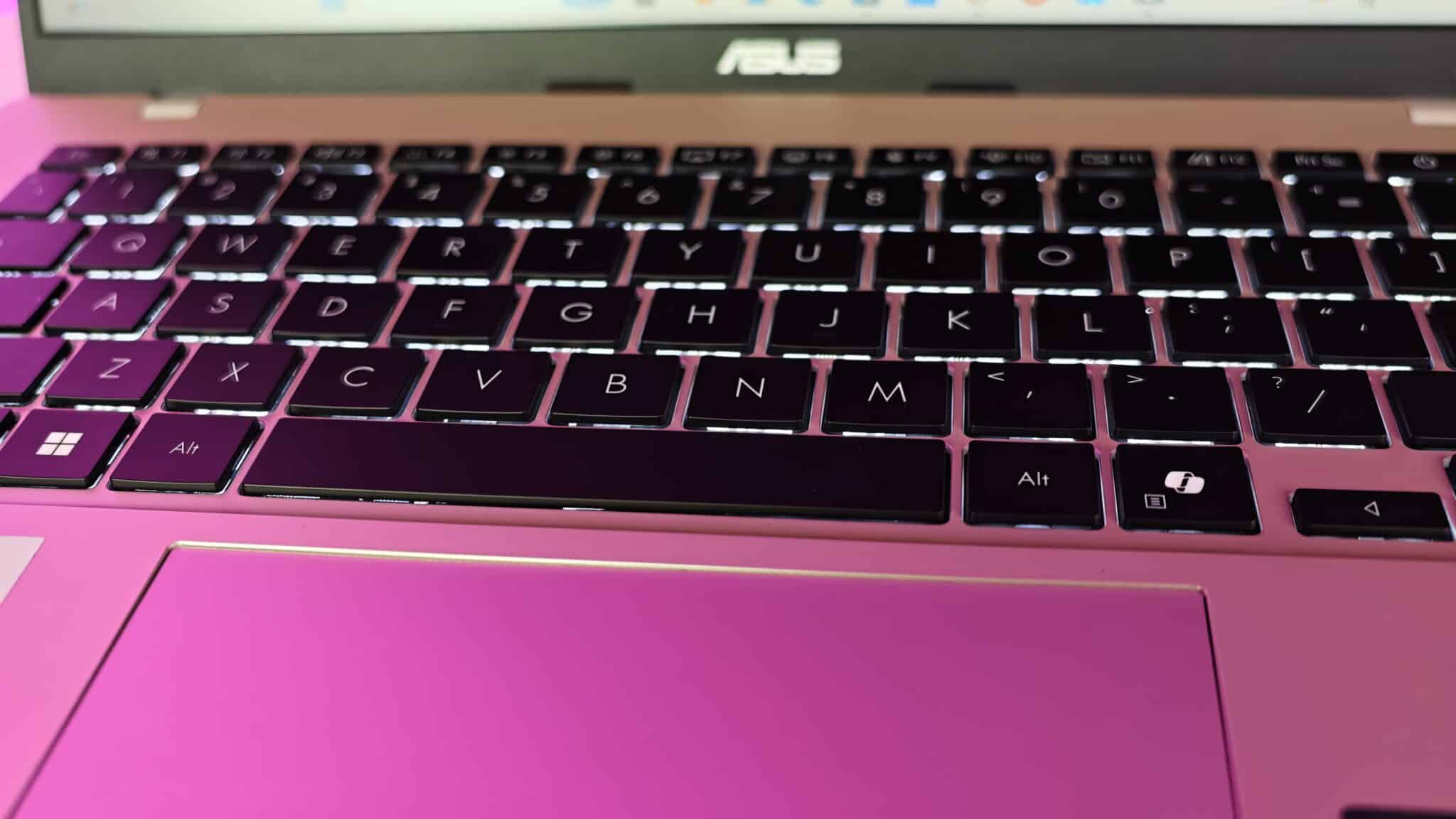
The backlit keyboard has good spacing between keys. Key travel is 1.4 mm, so you get a springy feel that helps avoid finger fatigue during long writing sessions. The white LED backlight makes it easy to type in dim rooms or late at night.
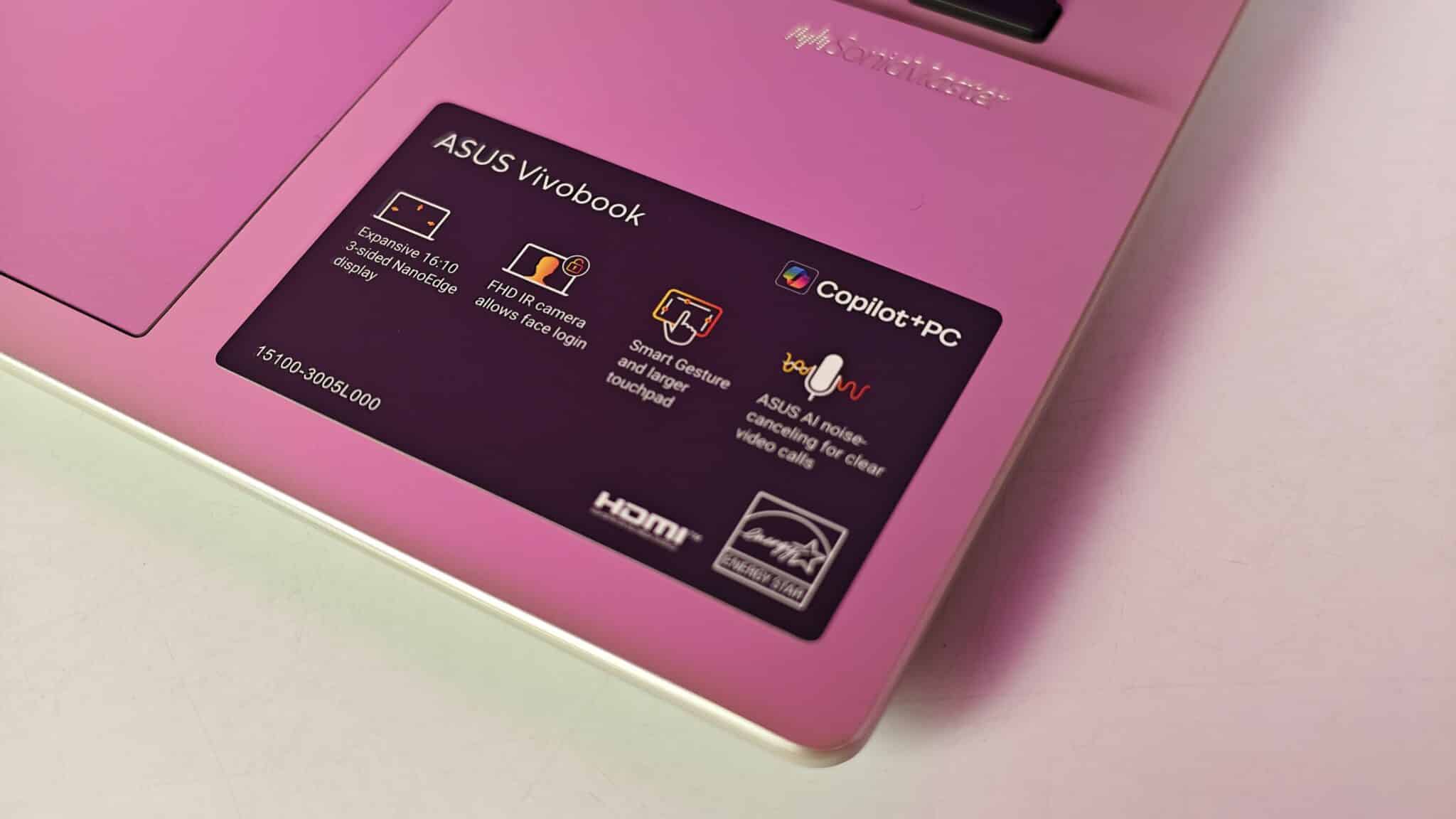
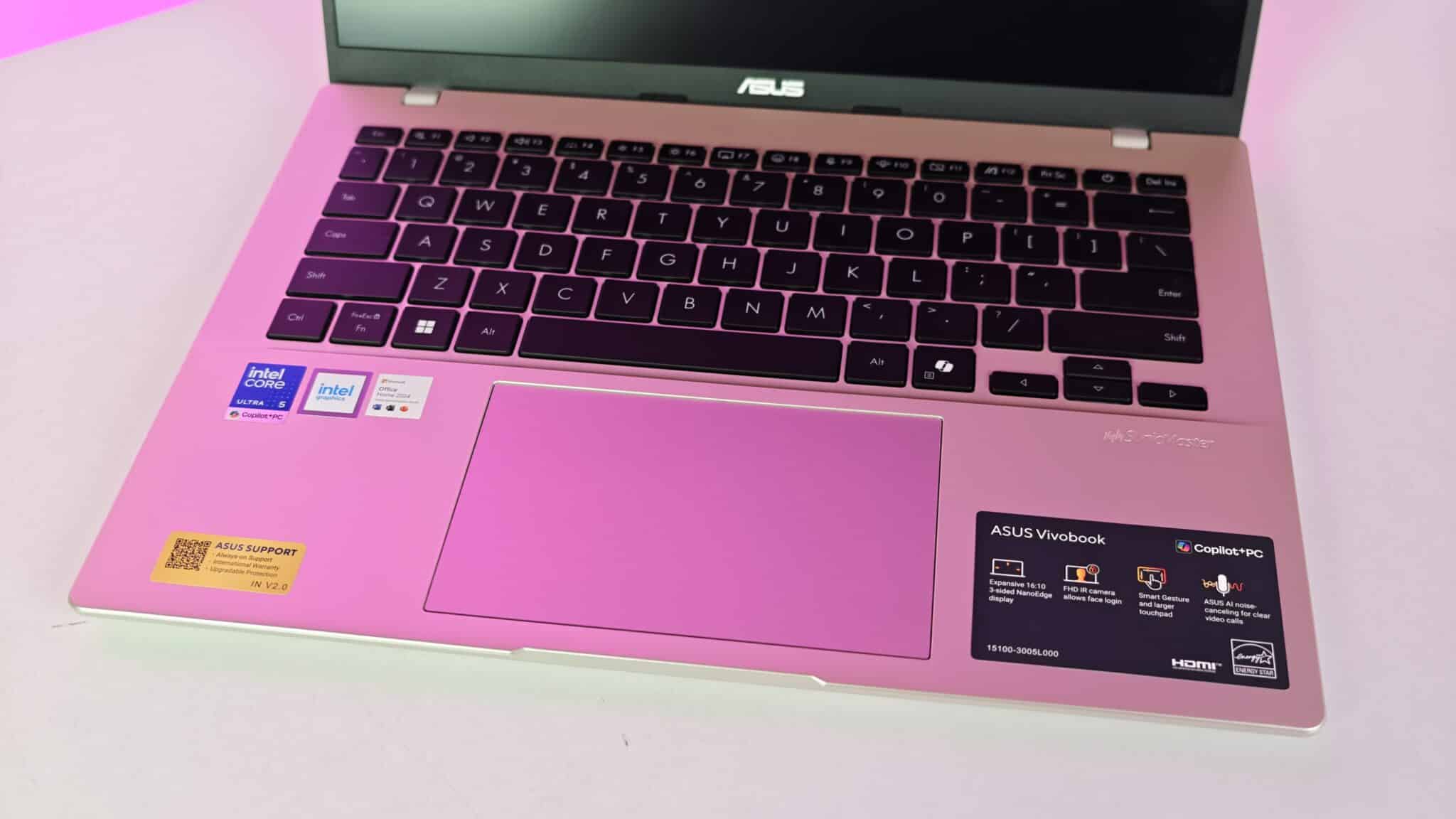
The precision trackpad sits The trackpad sits centered below the keyboard. It’s smooth and picks up taps, drags, and multi-finger gestures without lag. The corner clicks are soft, so you won’t bother anyone working nearby. Full HD, providing clear video detail for online meetings. Skin tones look natural in indoor lighting. A sliding plastic shutter lets you block the camera lens physically when you are not in calls. Stereo speakers tuned by Dirac software deliver clear voice audio for meetings and podcasts, though low bass frequencies sound thin.
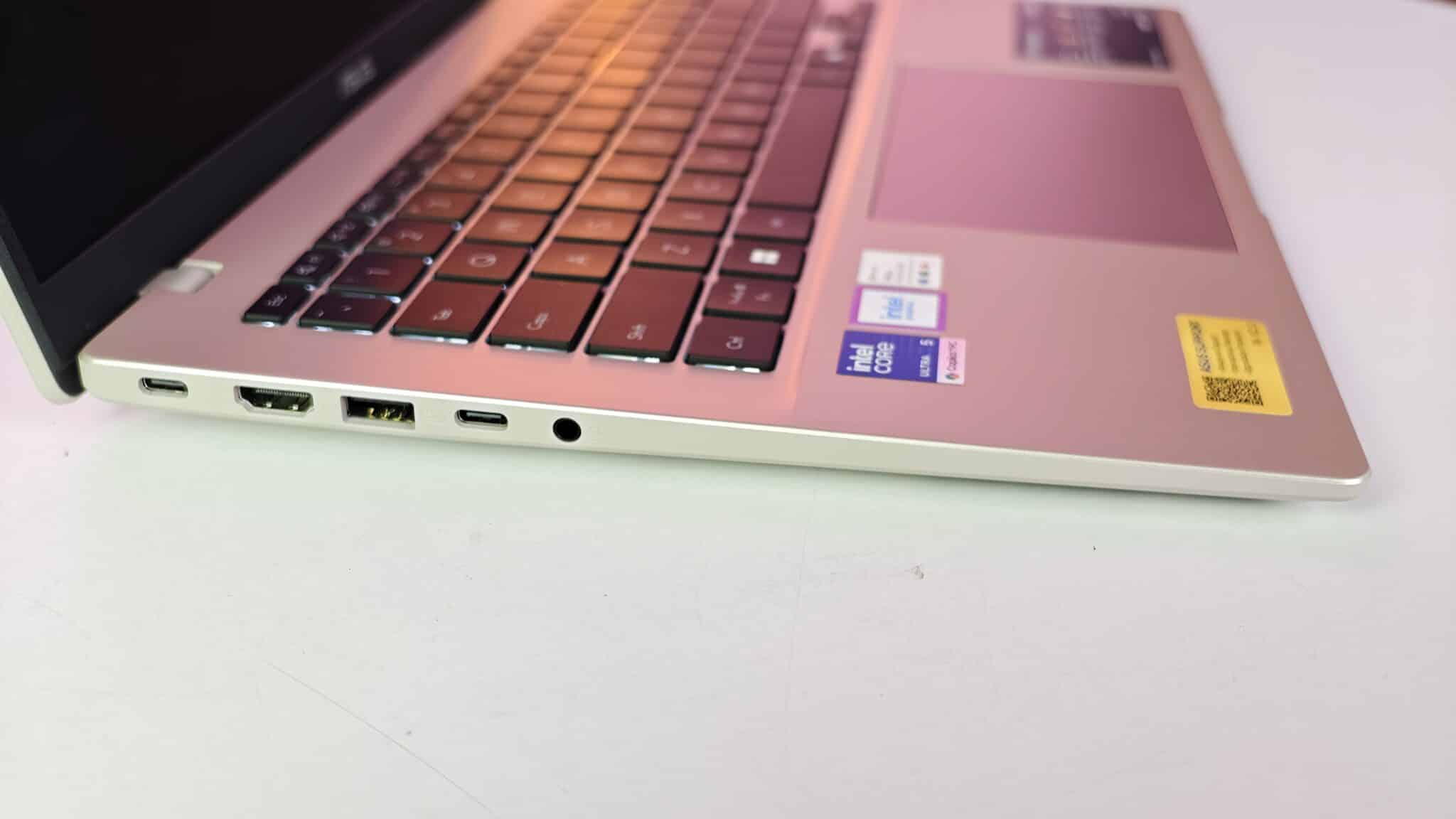
Ports cover daily needs. You get two USB 3.2 Gen 1 Type-C ports with Power Delivery and DisplayPort, two regular USB Type-A ports, HDMI 1.4, and a 3.5mm audio jack. Wireless is Wi-Fi 6 and Bluetooth 5.3.
Battery Life and USB Type-C Charging
The built-in 42Wh battery gives you modest run time. In my tests, with brightness at 60 percent, Wi-Fi on, and a mix of typing, browsing, and editing, I got about five hours and forty minutes. Streaming video nonstop drained it in just under six hours.
If you plan to work out of the office all day, you’ll need to bring the charger. The included 68W USB Type-C charger is small and light, so that’s a plus. It charged the battery from ten to sixty percent in about 45 minutes. You can also use a power bank that supports USB Power Delivery to top up on the go.
Verdict
The ASUS Vivobook 14 X1407AA gives you a practical mix of daily performance, usable screen space, and solid build. The Intel Core Ultra 5 chip keeps up with multitasking, and the taller 16:10 screen makes editing documents easier. The open RAM slot is a real plus over soldered competitors at this price. The 42Wh battery means you’ll need the charger for long days, and the display color space is basic. Still, for Indian users who want a reliable laptop for office and home, this one offers good value.
Frequently Asked Questions
Q1. Can you upgrade the RAM on the ASUS Vivobook 14 X1407AA?
A1. Yes, the laptop has 16GB DDR5 memory built onto the mainboard and includes one open DDR5 SO-DIMM expansion slot to upgrade total memory up to 32GB.
Q2. Does the ASUS Vivobook 14 X1407AA support USB Type-C charging?
A2. Yes, both USB 3.2 Gen 1 Type-C ports support Power Delivery, allowing you to charge the device with the included 68W Type-C adapter or compatible power banks.
Q3. Is the display panel on this Vivobook model good for color grading?
A3. No, the 14-inch IPS level screen covers 45 percent of the NTSC color space, which works well for general office applications but lacks the color accuracy needed for professional graphic design.
Q4. How much does the ASUS Vivobook 14 X1407AA weigh?
A4. The laptop weighs 1.46 kg, making it easy to carry in a backpack during daily travel.
Q5. Does this laptop come with Microsoft Office included in India?
A5. Yes, it includes a pre-installed lifetime license for Microsoft Office Home 2024 along with a one-year subscription to Microsoft 365 Basic.