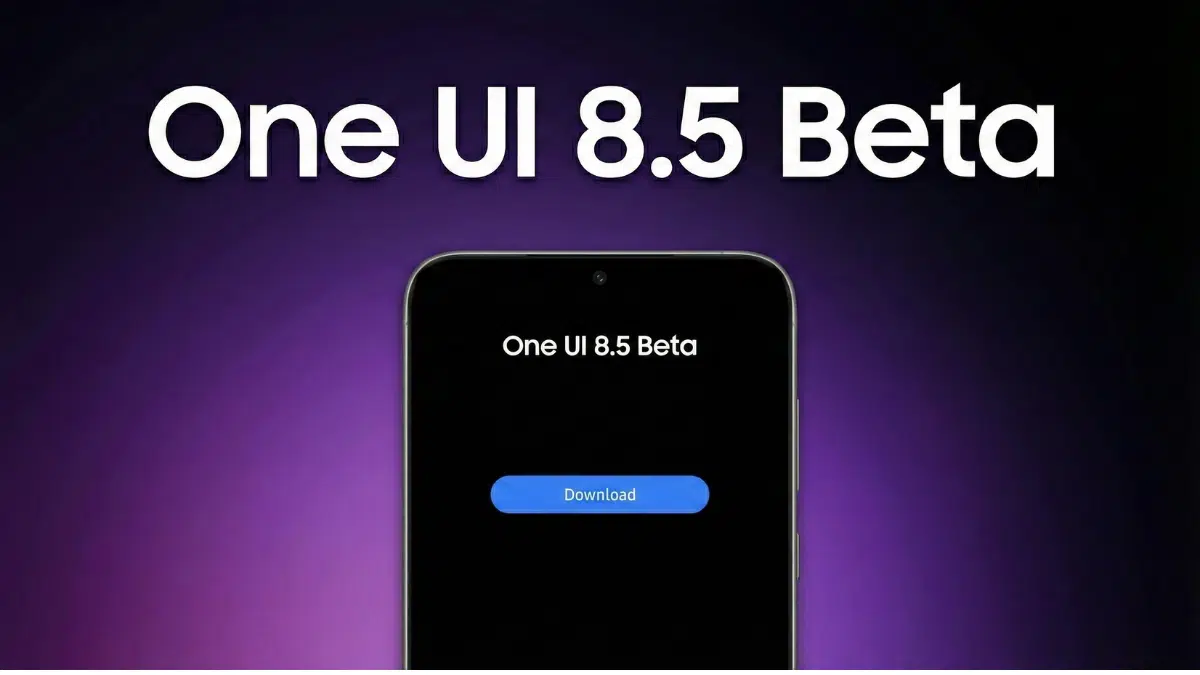
Samsung has officially launched its One UI 8 Watch beta program for the recently released Galaxy Watch 7 and Galaxy Watch Ultra. For now, it’s available only in the United States and South Korea, giving users there a first look at what’s coming next. The update introduces a bunch of new features and visual tweaks, all aimed at making these smartwatches more user-friendly and health-focused.
This beta version, ending in ZYFE, is quite a hefty download—about 1.8GB to 1.9GB. It’s part of Samsung’s ongoing approach: release early versions to the public, collect feedback, fix the bugs, and refine the experience before rolling out a stable version later in the year. It’s not a new strategy, but it tends to work well.
Key Takeaways:
- Samsung’s One UI 8 Watch beta is now live for Galaxy Watch 7 and Watch Ultra.
- Only available in the US and South Korea, for now.
- New features include the Now Bar, revamped app layout, smarter notifications, and advanced health tools like Bedtime Guidance, Vascular Load, Running Coach, and Antioxidant Index.
- Sign-ups are handled through the Samsung Members app.
- The overall goal? A more intuitive and helpful Galaxy Watch experience.
A Glimpse into One UI 8 Watch: What’s New?
One UI 8 Watch, built on Wear OS 6, brings a fairly comprehensive refresh. It feels a little more polished, with cleaner visuals, better-organized menus, and a deeper dive into wellness features.
Interface and Navigation
Refinements Perhaps the standout here is the Now Bar—a small, pill-shaped icon that sits quietly at the bottom of your watch face. If you’ve used a Galaxy phone recently, you’ll recognize it. It’s designed to keep key activities (like workouts or timers) within a thumb’s reach, without needing to launch the full app. Honestly, it’s a small change, but one that might save a lot of taps.
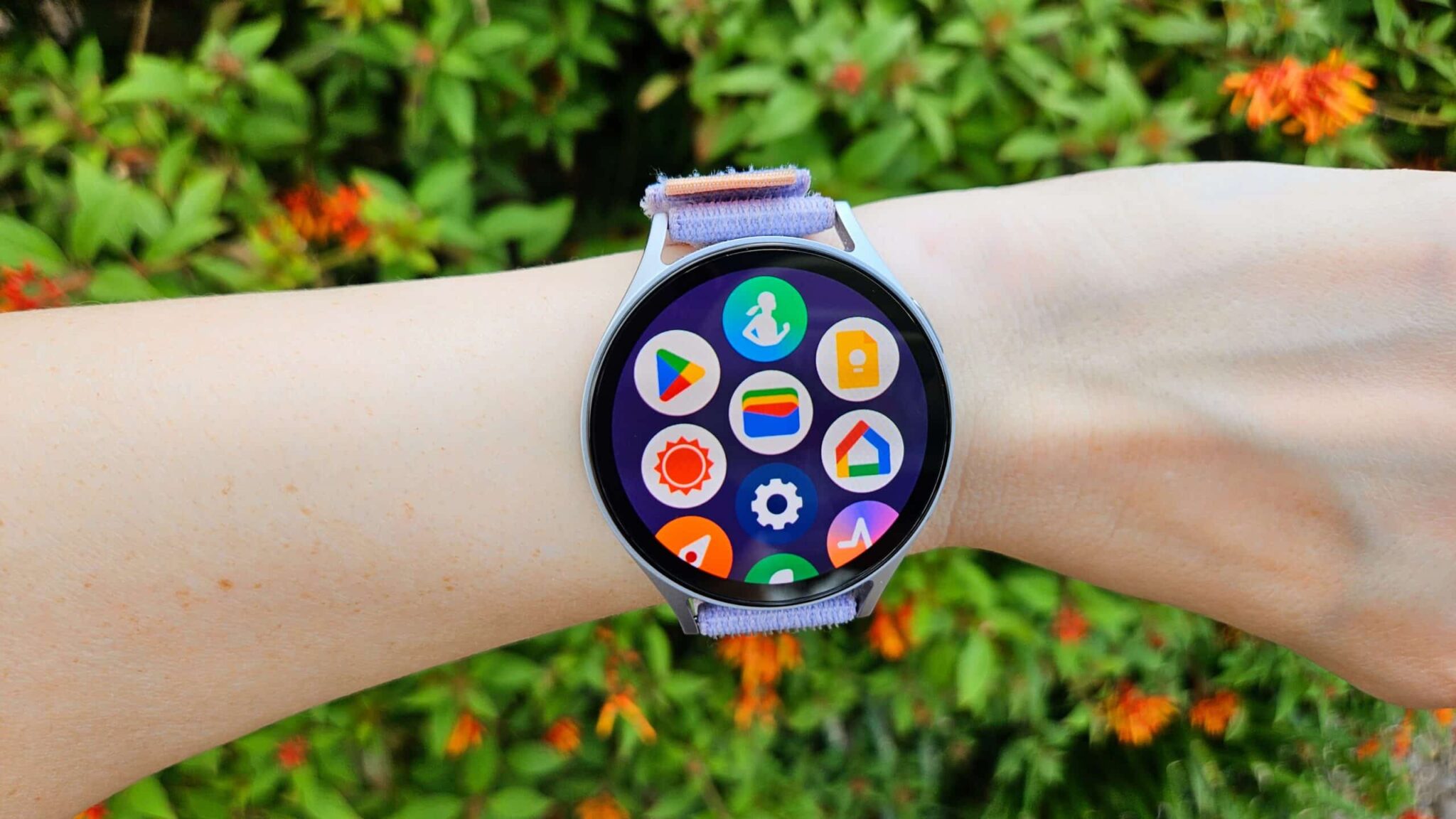
The Apps screen has been reworked too. Now there’s a Personalized Apps view that floats your most-used apps to the top—a smart touch. Plus, you can now toggle between the standard grid layout and a new list view. For folks who prefer alphabetical order or just hate hunting through icons, this might be a welcome change.
Notifications have also been made smarter. You get more control over how messages appear, with options like “Smart device selection” (meaning the notification shows on your watch if your phone’s idle, or on both if you want) and “Always show on both.” There’s also a new Double Pinch gesture that lets you interact with notifications hands-free, which could be handy in a pinch (pun unintended).
Advanced Health and Wellness Features
This is where Samsung seems to be leaning in hard. One UI 8 Watch adds several new health-tracking tools, some of which dig into areas not often covered by competitors.
Bedtime Guidance aims to help users form better sleep habits. It looks at your sleep patterns and offers tips on how to get more consistent, higher-quality rest. It might take time to see real benefits here, but the intent is solid.
Vascular Load is a bit more technical. It tries to measure how much strain your vascular system is under while you sleep. The goal? Helping users spot cardiovascular stress early on.
Then there’s Running Coach. It uses a 12-minute run test to gauge your current fitness level and create custom training programs. Whether you’re training for your first 5K or just want to improve your pace, this could be a good motivator.
The Antioxidant Index taps into Samsung’s BioActive Sensor to track carotenoid levels—basically giving you a sense of how many fruits and veggies you’re getting. It’s an indirect measure of your diet’s antioxidant levels, which is a novel approach to nudging healthier eating habits.
Mindfulness features are also getting a boost. There’s a new option in Samsung Health for tracking mood and practicing breathing exercises. It’s subtle, but these small touches can add up for those dealing with stress or anxiety.
Other little tweaks? New charging animations, updated battery icons, and more customizable tiles that pull in info from apps like weather and calendar. Even the settings menu got a revamp, making things easier to find.
Eligibility and Enrollment:
Who Can Participate? Right now, the One UI 8 Watch beta is available only for Galaxy Watch 7 and Galaxy Watch Ultra owners. In the US, that includes Bluetooth versions of the Watch 7 and T-Mobile’s LTE variants for both watches. South Korea is also included. Other models—like the Galaxy Watch FE, Watch 6 series, and Watch 5 lineup—are expected to join the program later. But unfortunately, the Galaxy Watch 4 series is not eligible at all.
To sign up:
- Make sure you’ve got a Galaxy Watch 7 or Ultra and that you’re in either the US or South Korea.
- Install the latest version of the Samsung Members app on your phone.
- Log in using the same Samsung Account linked to your Galaxy Watch.
- Head to the “Beta Program” section—you’ll usually find it on the app’s homepage or as a dedicated card.
- Tap on the One UI 8 Watch beta and select “Join.”
The registration process might take anywhere from an hour to a full day. Once you’re in, go to “Settings > Software update > Download and install” on your Galaxy Watch to grab the beta. Keep in mind: you’ll need a Wi-Fi connection to download it.
User Experience and Early Feedback
People who’ve already jumped into the beta have started sharing their impressions online—places like Reddit and Samsung’s own community forums. So far, the reactions seem mostly positive. Users are noting smoother animations, a more refined interface, and better organization thanks to the revamped app view and stacked notifications.
Still, it’s a beta. That means bugs. Some users have run into glitches, laggy third-party apps, or slightly worse battery life. Samsung is counting on participants to flag these issues via the Samsung Members app, so they can patch things up before the wider release. That feedback loop is really the whole point of this kind of rollout.
Samsung’s Strategy and Future Outlook
Launching this beta now follows Samsung’s usual playbook: test on the latest hardware, fix any rough edges, and build buzz before the next big product launch. Prioritizing the Galaxy Watch 7 and Ultra makes sense, since these are the most recent and capable devices.
The focus on health data—especially unique metrics like Vascular Load and Antioxidant Index—suggests Samsung is trying to differentiate its ecosystem. They’re not just counting steps anymore; they want to help users see a bigger picture of their health.
Also, One UI 8 Watch is based on Wear OS 6, which hints at deeper collaboration with Google. That could mean tighter integration with Android phones, or perhaps just a smoother overall experience. Either way, it’s promising.
The stable release is expected later this year, possibly alongside new Galaxy Watch models. Until then, the beta phase will play a big role in shaping the final version. The hope is that, by listening to early adopters, Samsung can ship a more polished, thoughtful product when it hits the masses.
FAQ Section
Q1: What are the main new features in One UI 8 Watch beta?
A1: Highlights include the Now Bar for quick task access, upgraded notification controls, a list view for apps, and health-focused tools like Bedtime Guidance, Vascular Load, Running Coach, and Antioxidant Index.
Q2: Which Galaxy Watch models are eligible for the One UI 8 Watch beta?
A2: At launch, only the Galaxy Watch 7 and Watch Ultra are eligible. Other models like the Watch 5, 6, and FE are expected to be added later. The Watch 4 series is not supported.
Q3: How do I sign up for the One UI 8 Watch beta?
A3: Download the Samsung Members app, log in with your Samsung Account, find the Beta Program section, and select to join the beta for your device.
Q4: Where is the beta available?
A4: It’s available only in the US and South Korea right now.
Q5: Are there risks with installing beta software?
A5: Yes. Beta builds can be buggy or drain battery faster. Some third-party apps may not work properly. Always back up your data and report issues through the Samsung Members app.