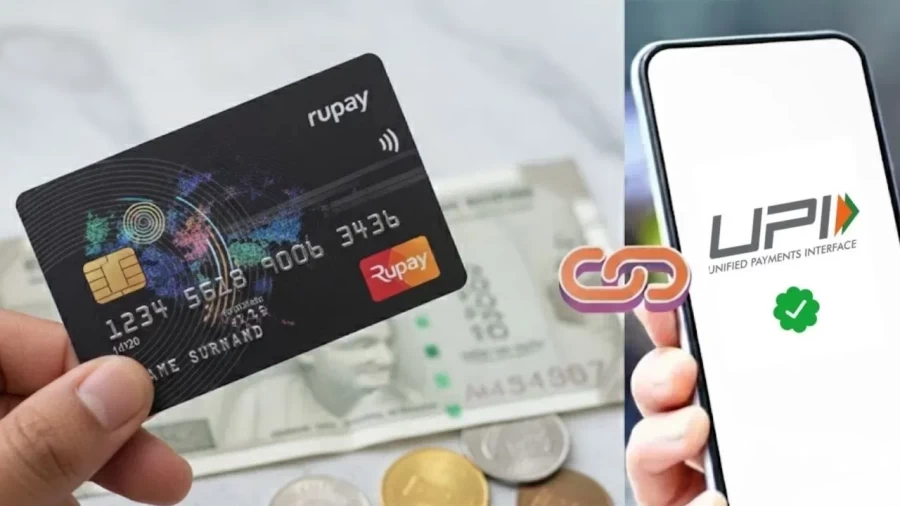
Paytm users can now authenticate UPI payments and cardless cash withdrawals from ATMs using biometric methods like FaceID or fingerprints. One97 Communications Limited, Paytm’s parent company, launched these features to enhance security for mobile payments. These features also let users perform balance inquiries and complete transactions using the biometric sensors integrated into their mobile phones.
Key Takeaways:
- Instead of entering a UPI PIN, users can confirm payments up to ₹5,000 using Face ID or fingerprints.
- Using the Paytm app to scan a QR code, users can withdraw cash at ATMs that support this feature.
- Since verification occurs on the device, neither Paytm nor the banks store biometric information.
- All these features are accessible on devices running either Android or iOS.
- No physical debit card is needed to withdraw cash at partner ATMs.
Paytm was the first to introduce mobile payments, QR scans, and biometric verification in India. Users of Paytm’s biometric verification system can use the fingerprint and facial recognition features on their smartphones. Because biometric verification occurs on the mobile device, Paytm and the partnering banks do not and cannot collect or store any biometric data, which preserves the user’s privacy. Users who do not wish to use biometric verification can use the UPI PIN instead. As per the National Payments Corporation of India (NPCI), Paytm users can only do biometric UPI payments of up to ₹5,000 per transaction. Users can do biometric UPI payments of up to ₹5,000 per transaction.
The company’s ATM partners now offer cardless cash withdrawal options. Customers withdrawing cash via ATM technology can use the Paytm app QR code cash-out feature. Following the QR code scan, users can authenticate the transaction through facial recognition, by fingerprint, or via UPI PIN. This process eliminates the requirement of physically carrying a plastic debit card, thereby mitigating the risk of debit card theft. Moreover, the newly implemented ATM technology allows users to select bank accounts associated with the withdrawal request. Within India, the general limitation set by the withdrawing bank for cash withdrawal requests is ₹10,000, although this may vary due to the policies of the individual bank.
Paytm began its journey as one of the first pioneers with QR codes and Soundbox devices, both for small vendors and big enterprises. This update is aimed at enhancing the reliability and trust of mobile payment systems. The system of using physical cards and entering PINs for small amounts is manual and slows down the process.
How to withdraw cash at an ATM using Paytm UPI
- Check that a bank account is linked to Paytm UPI and the service is active.
- Visit an ATM that shows the “UPI Cash Withdrawal” or “QR Cash” option.
- Select the “UPI Cash Withdrawal” option on the ATM screen.
- Enter the amount you want to withdraw within the bank limits.
- A unique QR code will appear on the ATM screen.
- Open the Paytm app and scan that code, then pick the bank account and enter your PIN or use biometrics.
- Once verified, the ATM gives you the cash.
How to enable Face ID or Fingerprint for payments
- Open the Paytm app and tap your profile icon on the left.
- Go to the settings for “Pay with Fingerprint” or “Pay with Face ID.”
- Select the bank account you want to use for biometric payments.
- Follow the prompts on the screen to set up your biometrics.
- You can now check your balance or pay up to ₹5,000 with a quick scan.
Frequently Asked Questions
Q1: What is the limit for biometric UPI payments?
A1: You can pay up to ₹5,000 per transaction using Face ID or fingerprints on Paytm.
Q2: Do I need a debit card for UPI ATM withdrawals?
A2: No, you only need your smartphone with the Paytm app to scan the QR code on the ATM screen.
Q3: Is my fingerprint data safe with Paytm?
A3: Yes, Paytm does not store your biometrics. The verification happens locally on your phone using its own security system.
Q4: Which ATMs support cardless withdrawals?
A4: You can use this feature at any ATM that displays the “UPI Cash Withdrawal” or “Cardless Withdrawal” option.