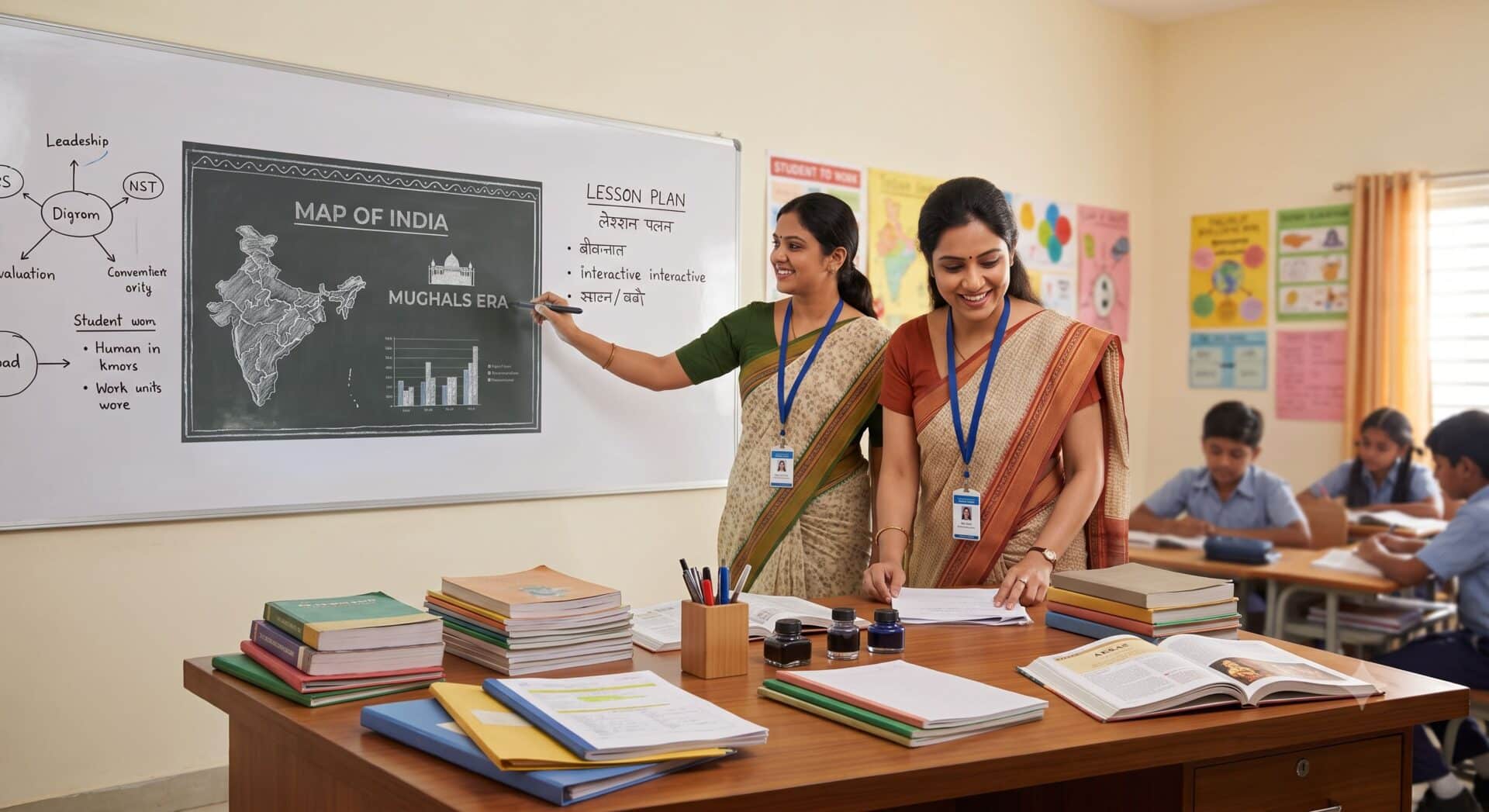
Teachers across India rely on personal technology to prepare classroom lessons, grade student assignments, conduct virtual parent meetings, and review study materials. With Teachers’ Day approaching on September 5, selecting dependable personal tech helps educators manage administrative tasks alongside daily teaching duties without spending excessively. Several electronic devices, including Android tablets, lightweight laptops, wireless noise-cancelling earbuds, and dedicated e-readers, offer practical utility for under ₹40,000.
Key Takeaways
- Samsung Galaxy Tab A11+ provides an 11-inch Android 16 tablet setup starting at ₹24,999.
- Apple AirPods 4 offer active noise cancellation for calls and virtual meetings from ₹17,490.
- Primebook 2 Max brings Android app support and an AI assistant for ₹32,990.
- OnePlus Pad 2 features a 12.1-inch screen and split-window multitasking starting at ₹34,999.
- Kindle Paperwhite 12th Gen delivers lightweight, glare-free reading starting around ₹20,999.
Samsung Galaxy Tab A11+
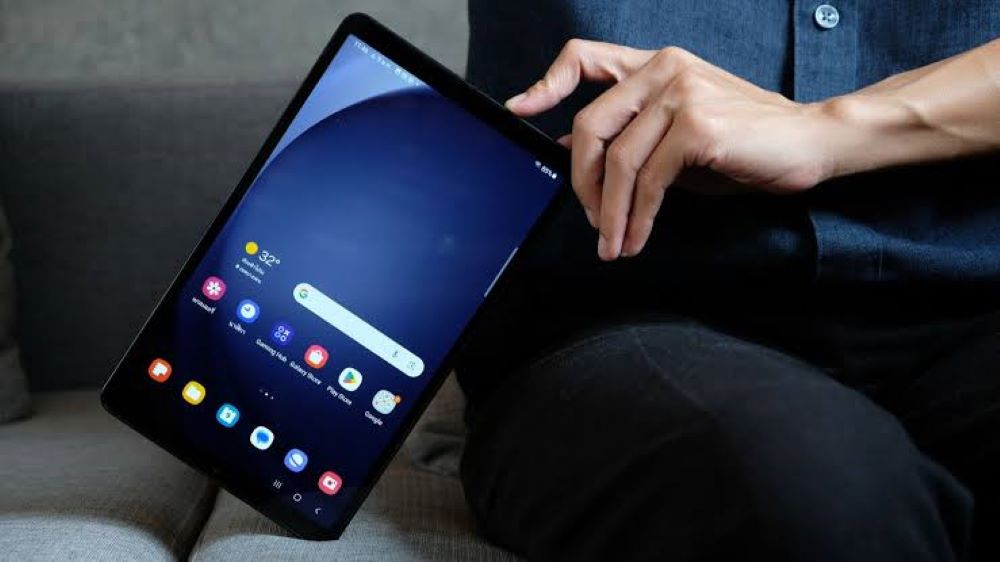
The Samsung Galaxy Tab A11+ serves teachers who frequently move across different classrooms throughout the day and want to avoid carrying heavy computers. Priced from ₹24,999, the device features an 11-inch screen and runs the Android 16 operating system. This hardware format allows educators to run digital education tools, read student notes, check reference guides, and participate in video calls without technical hurdles.
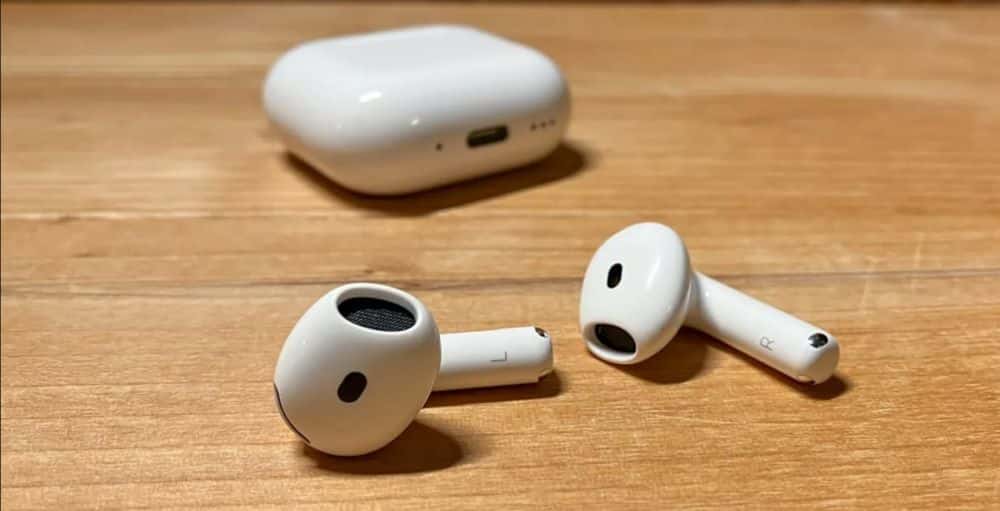
Apple AirPods 4
Priced at around ₹17,490 onwards, Apple AirPods 4 include built-in active noise cancellation. Teachers often balance parent calls and academic meetings in noisy staff rooms or during daily commutes. The active noise cancellation helps reduce background sound, letting users hear calls clearly and review recorded lecture audio while away from a fixed desk.
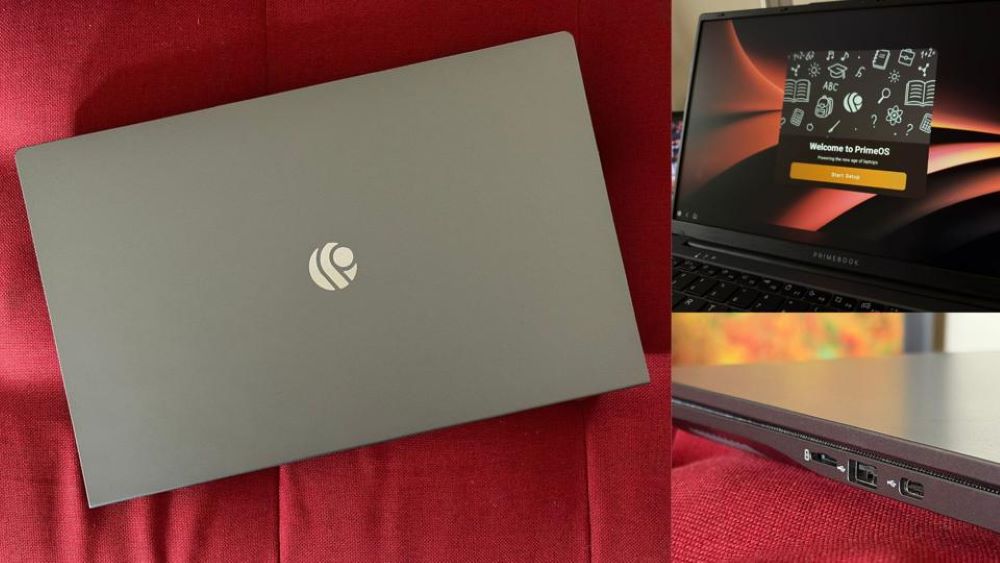
Primebook 2 Max
The Primebook 2 Max laptop, starting at ₹32,990, operates on PrimeOS. The operating system supports regular Android applications, allowing users to run educational software, work spreadsheets, and presentation programs on a standard laptop form factor. The laptop also includes PrimeAGNT, an artificial intelligence assistant integrated into PrimeOS to help teachers handle administrative computer work and draft lesson outlines.
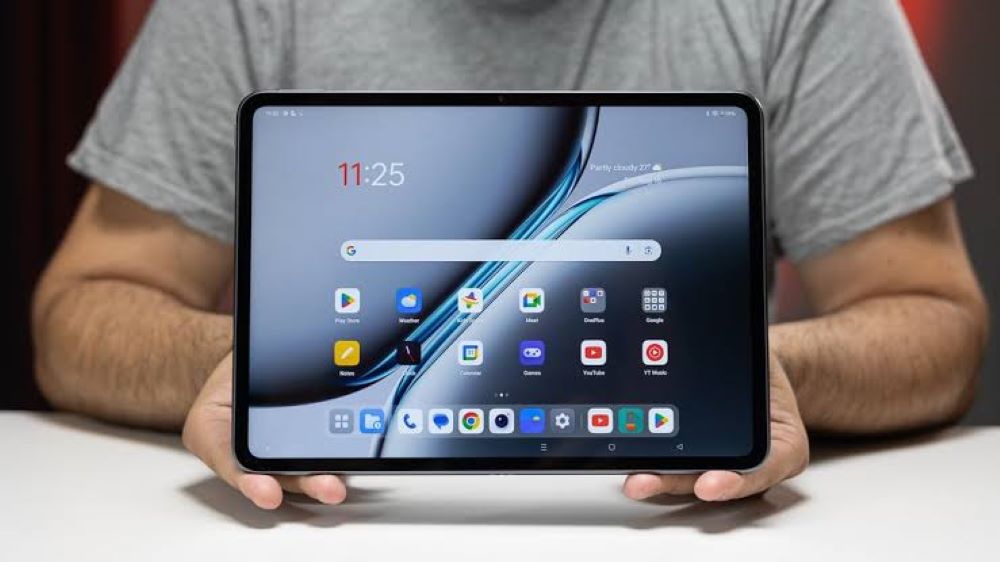
OnePlus Pad 2
The OnePlus Pad 2 comes with a 12.1-inch display and starts at ₹34,999. Its display gives teachers sufficient space to review slides, read documents, and view instructional videos. The tablet includes a software feature called Open Canvas, which allows teachers to open and view multiple applications on the screen at the same time, making it easy to cross-reference study materials while creating worksheets.
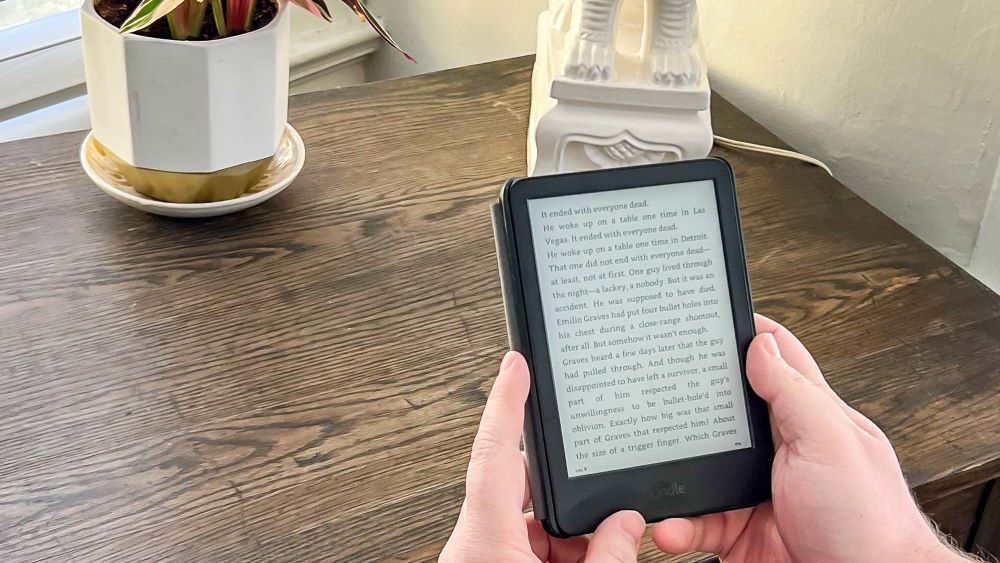
Kindle Paperwhite 12th Gen
Starting around ₹20,999, the Kindle Paperwhite 12th Gen is an e-reader built for reading long texts. Teachers who read academic papers, literature, or reference books can store large digital libraries on the device. Its glare-free screen mimics physical paper and reduces eye strain during commutes, free periods, or evening study sessions.
Frequently Asked Questions
Q1. Which budget tablet is suitable for everyday classroom teaching?
A1. The Samsung Galaxy Tab A11+ starts at ₹24,999 and offers an 11-inch display running Android 16 for managing digital notes and education apps.
Q2. What laptop under ₹35,000 supports Android applications for school work?
A2. The Primebook 2 Max runs PrimeOS, supports Android apps, includes the PrimeAGNT AI assistant, and starts at ₹32,990.
Q3. How does the OnePlus Pad 2 assist teachers with multitasking?
A3. The OnePlus Pad 2 uses its 12.1-inch display and Open Canvas interface to let users view multiple active applications side by side.
Q4. Why use a Kindle Paperwhite instead of a regular tablet for reading?
A4. The Kindle Paperwhite 12th Gen features a dedicated glare-free display that minimizes eye strain and weighs less than a typical tablet.