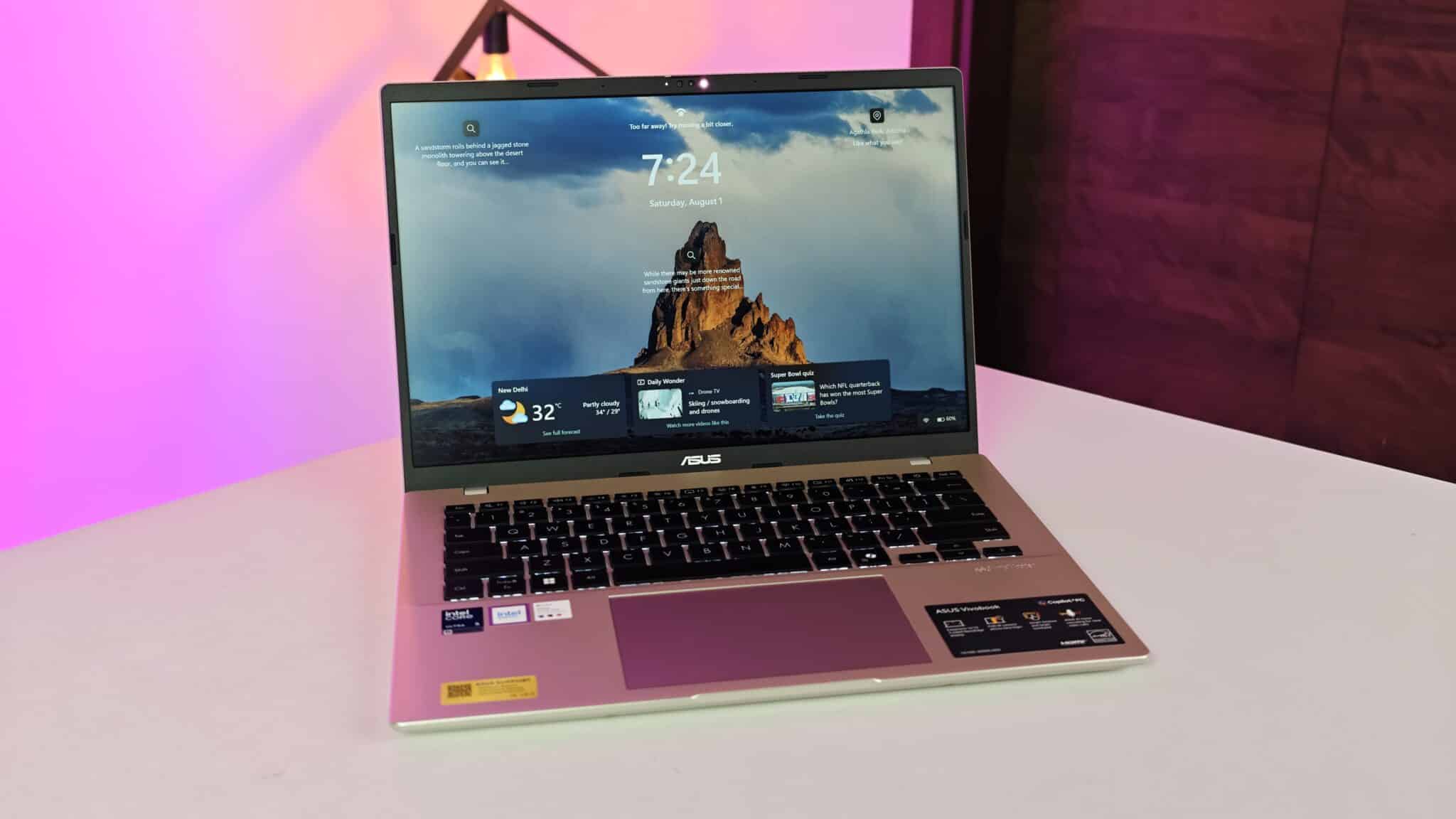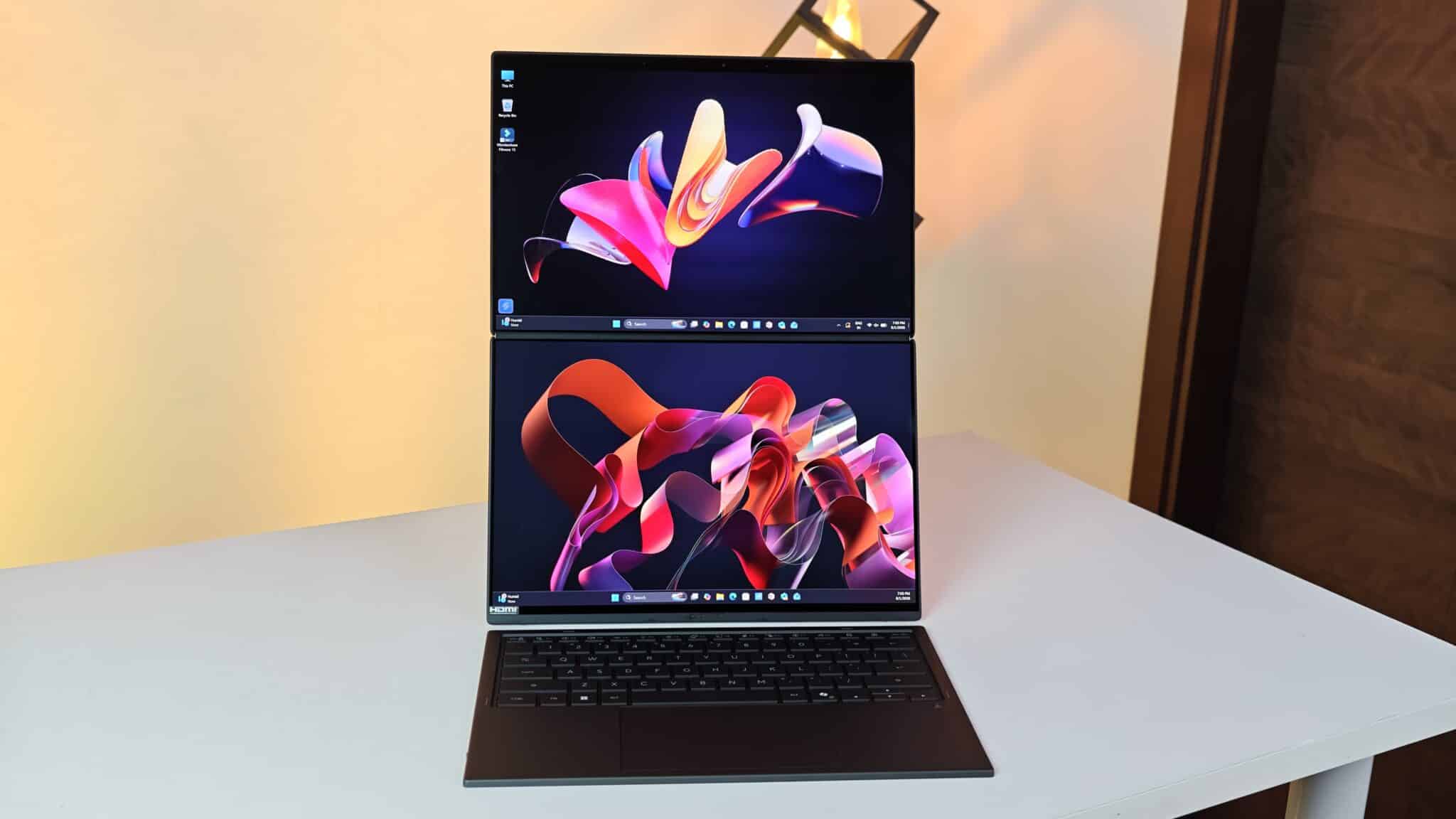
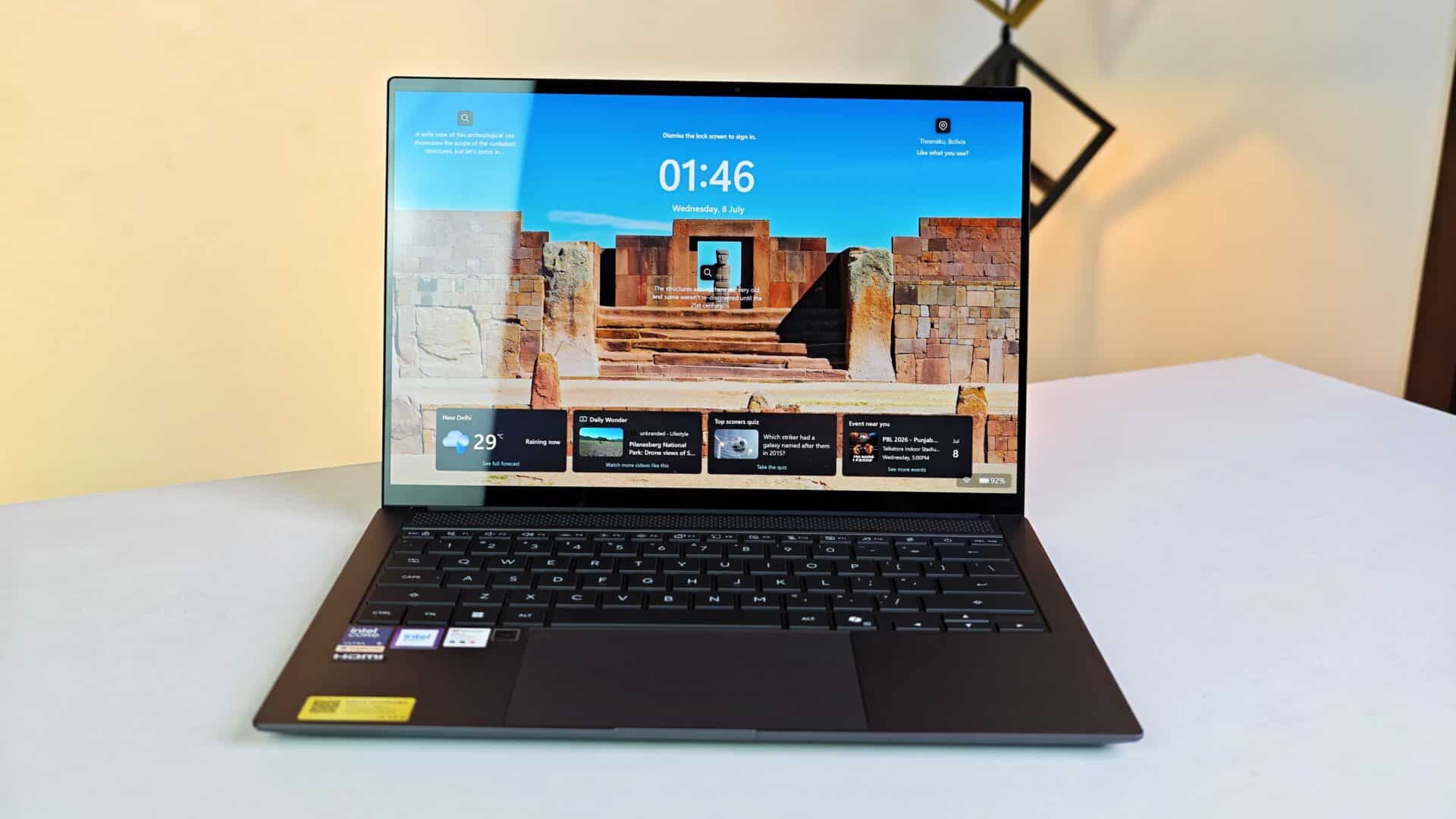
I used the ASUS Zenbook S 14 UX5406AA as my main laptop for a month. News reporting, technical docs, photo edits, video editing, online meetings, daily office chats – everything. I carried it around Delhi and Mumbai. This Zenbook is clearly aimed at senior managers, creative folks, and anyone who travels a lot but still needs a machine that can handle serious multitasking without overheating. The price? Right now, it’s 239,990 rupees on ASUS India’s site.
- Key Takeaways
- Physical Build and Design Quality
- 3K OLED Touchscreen Visual Performance
- Hardware Capabilities and Daily Productivity
- On Device AI Processing and Camera Setup
- Keyboard Ergonomics and Touchpad Operations
- Battery Duration and Charger Performance
- Key Product Specifications
- Indian Pricing and Market Availability
- Verdict
- Frequently Asked Questions
Key Takeaways
- Features an Intel Core Ultra 9 Processor 386H with 16 cores and 16 threads running up to 4.9 GHz.
- Equipped with a 14-inch 3K OLED touchscreen display running at a 120Hz refresh rate.
- Houses 32GB LPDDR5X onboard memory alongside a 1TB PCIe 4.0 NVMe SSD.
- Carries a 77Wh battery that delivers up to 10 hours of active daily work on a single charge.
- Weighs 1.20 kg with a thin 1.19 cm metal chassis in Antrim Gray finish.
Intel Core Ultra 9 386H is a system-on-chip processor produced by Intel Corporation that combines central processing cores, graphics units, and a neural engine onto a single silicon structure. Windows 11 Home is a personal computing operating system developed by Microsoft Corporation for laptops and desktop systems. OLED, short for Organic Light-Emitting Diode, is a panel technology where each subpixel produces its own light, yielding pure black levels and high picture contrast. Copilot+ PC is a hardware classification established by Microsoft Corporation for Windows devices with dedicated neural hardware for local artificial intelligence operations.
Physical Build and Design Quality
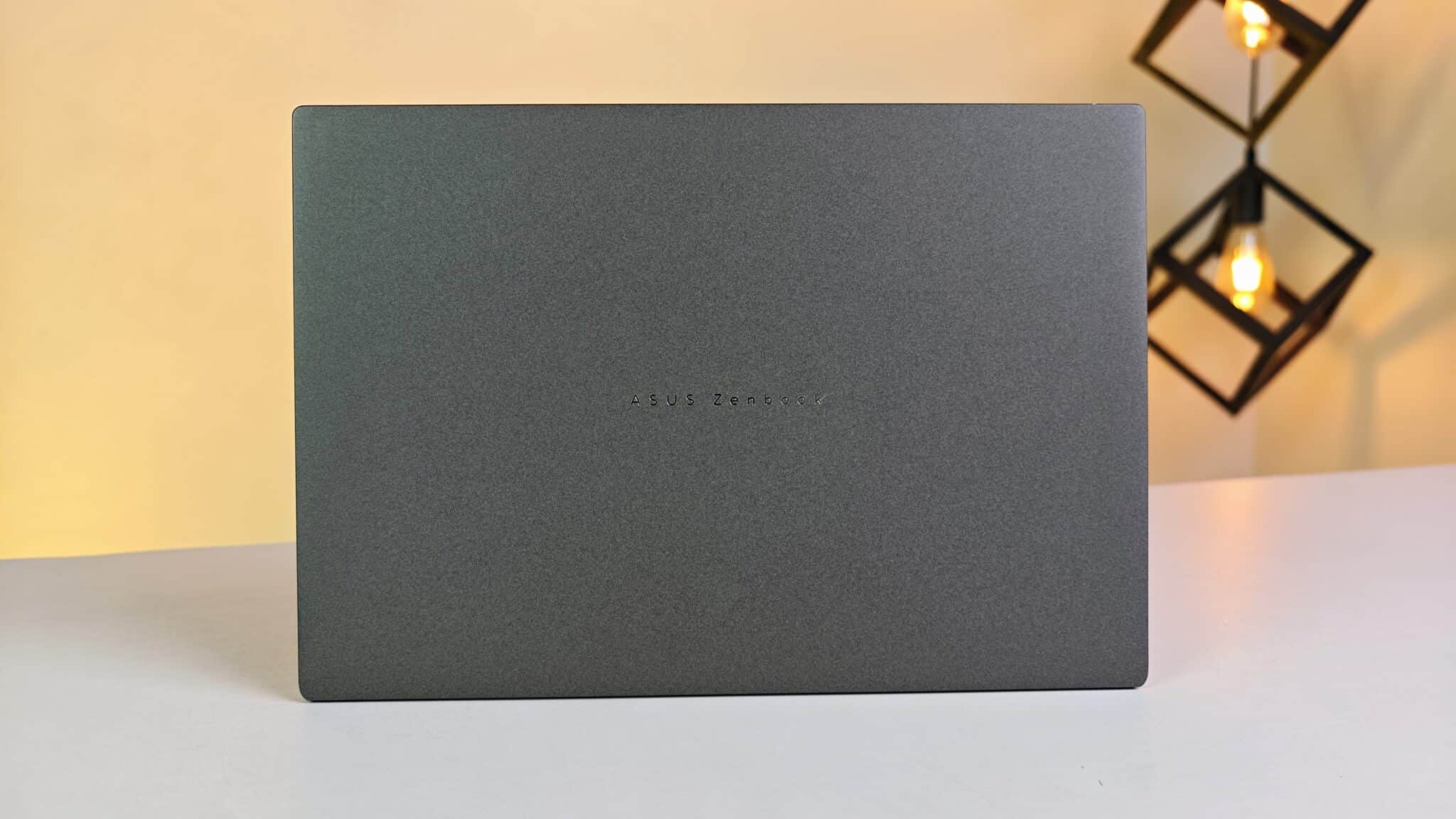
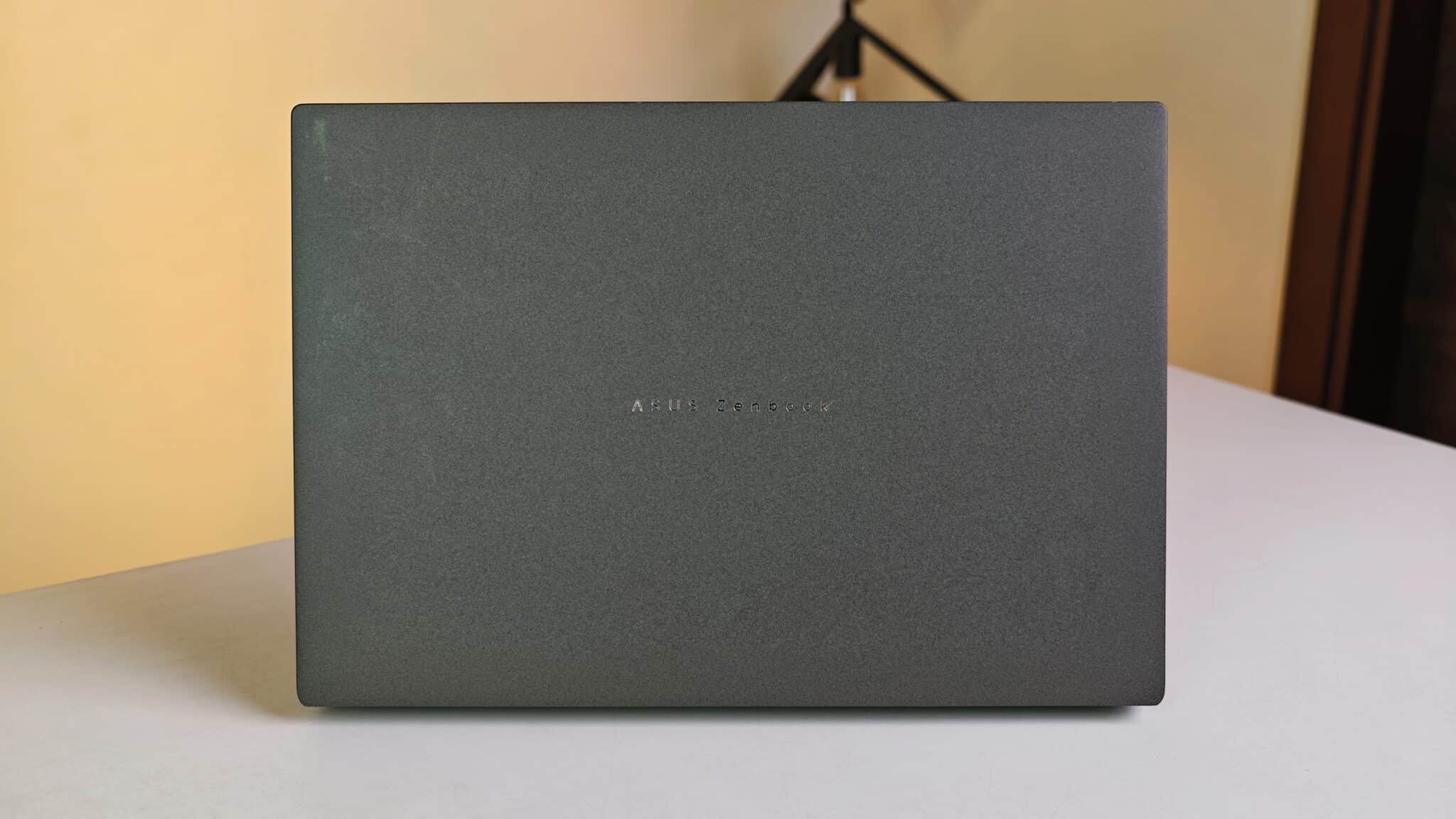
The lid and chassis are solid aluminum in Antrim Gray. First thing I noticed – surface feels cool and smooth. The metal doesn’t flex when you press down. I carried it around in humid weather and the matte finish actually kept fingerprints and smudges under control. Not perfect, but better than most.
At 1.20 kg and just 1.19 cm thick, it slides into a small backpack sleeve. No extra bulk. The hinge is well-tuned, you can open it with one finger and the base stays put. I even typed on it in a moving taxi. The screen didn’t wobble. ASUS says it passed US MIL-STD 810H tests for drops, shocks, and temperature swings. I didn’t drop it myself, but it feels sturdy.
3K OLED Touchscreen Visual Performance
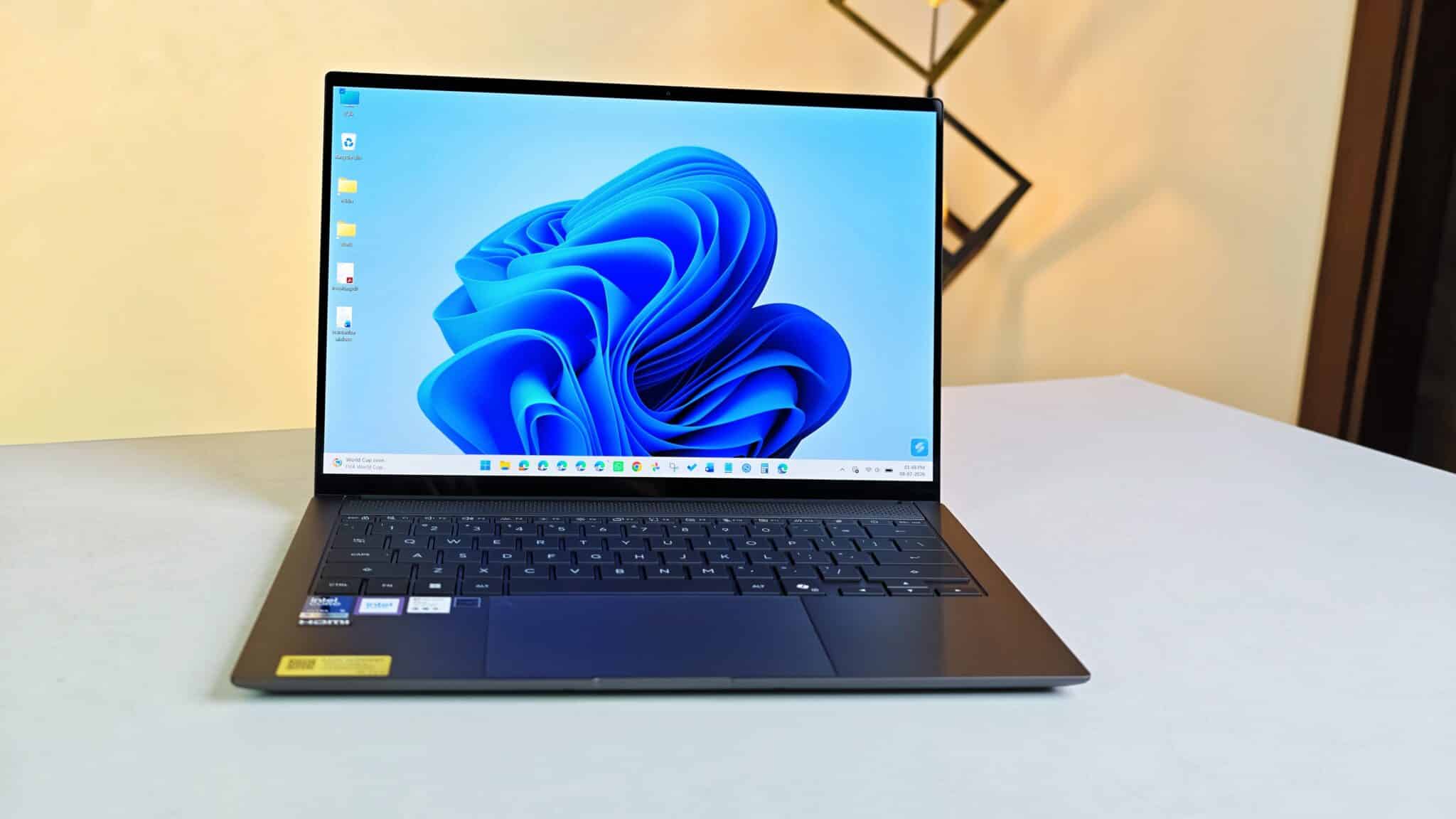
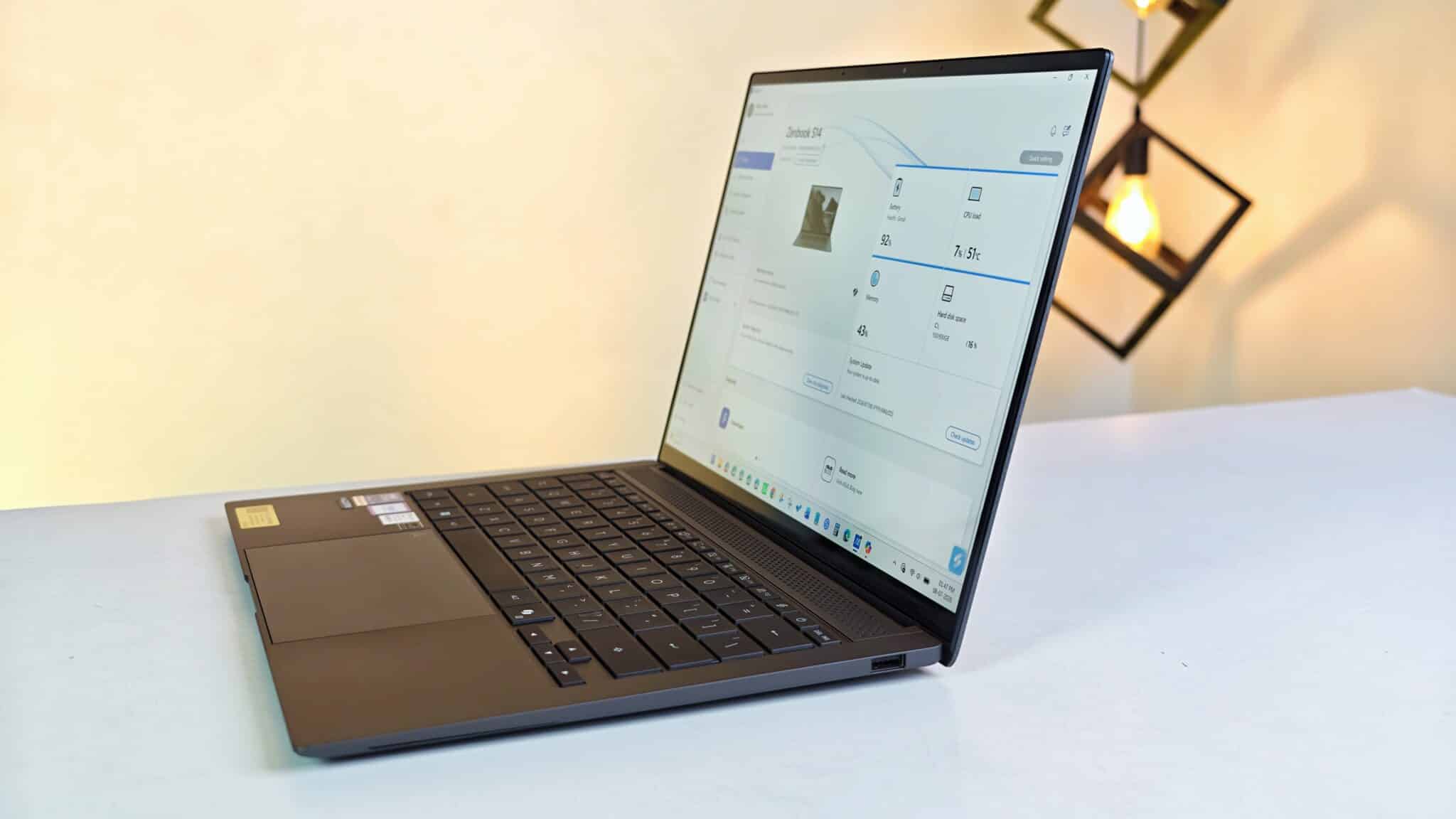
The 14-inch touchscreen is 2880 x 1800 pixels, 120Hz, and has a 0.2 ms response time. Text and numbers look sharp – easy on the eyes for long reads or spreadsheets. OLED means blacks are actually black. Watching movies or using dark mode, you get true darkness, no weird backlight glow.
It covers 100% of DCI-P3 and is PANTONE Validated. I edited RAW photos in Lightroom and colors looked right to me. Standard brightness is 500 nits, but it can hit 1100 nits for HDR. The glossy glass does reflect overhead lights, which can get annoying, but cranking up the brightness helps. The 16:10 aspect ratio gives you more vertical space, so you see more rows in spreadsheets and scroll less.
Hardware Capabilities and Daily Productivity
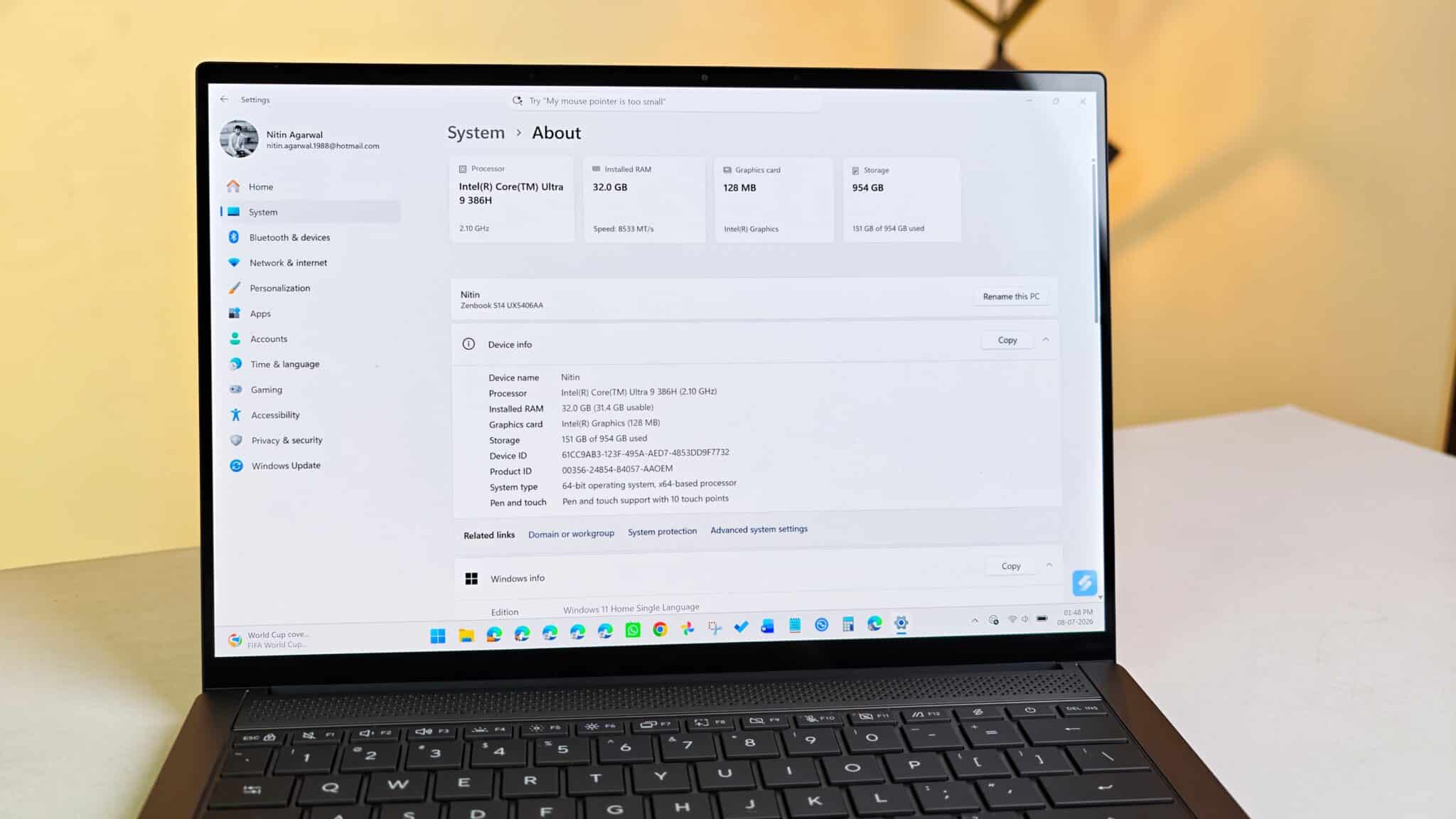
The Intel Core Ultra 9 386H runs the show here – 16 cores, 16 threads, 18MB cache. You get 32GB LPDDR5X RAM (soldered, so no upgrades) and a 1TB PCIe 4.0 SSD. I pushed it hard: 30 Chrome tabs, streaming audio, big PDFs, Slack always open. No slowdowns, no freezes. It just kept up.
Graphics processing uses integrated Intel Graphics. I edited short 1080p and 4K video projects inside CapCut, and timeline scrubbing remained smooth. Basic casual gaming runs well if you drop rendering resolutions, though this laptop focuses on office productivity rather than high-frame-rate gaming.
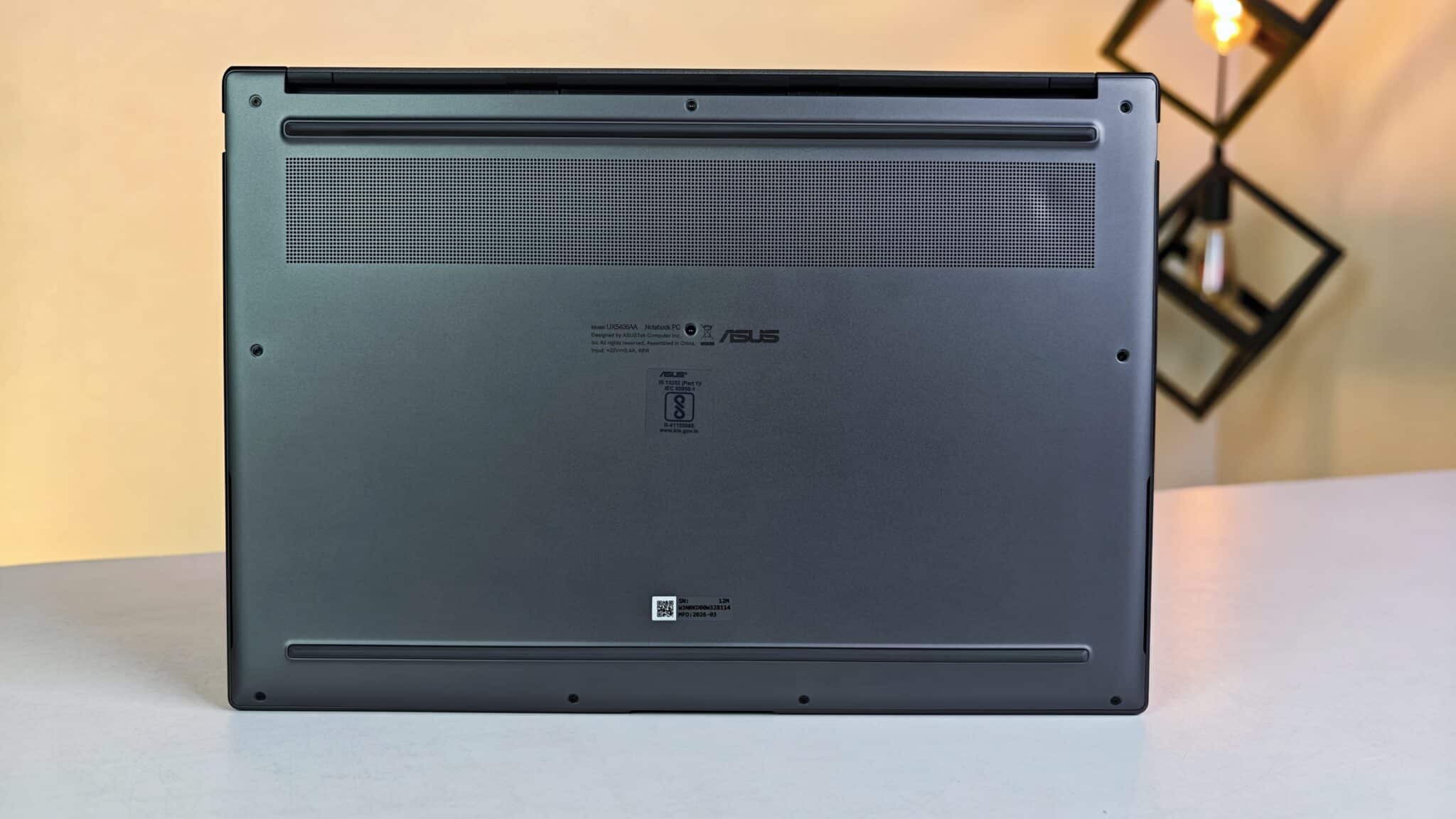
Cooling uses two fans, a big vapor chamber, and vents above the keyboard. For basic work, the fans are silent. Exporting 4K video, you hear a soft whoosh, but it’s not distracting. Heat goes out the back, so the palm rest and keys stay cool.
On Device AI Processing and Camera Setup
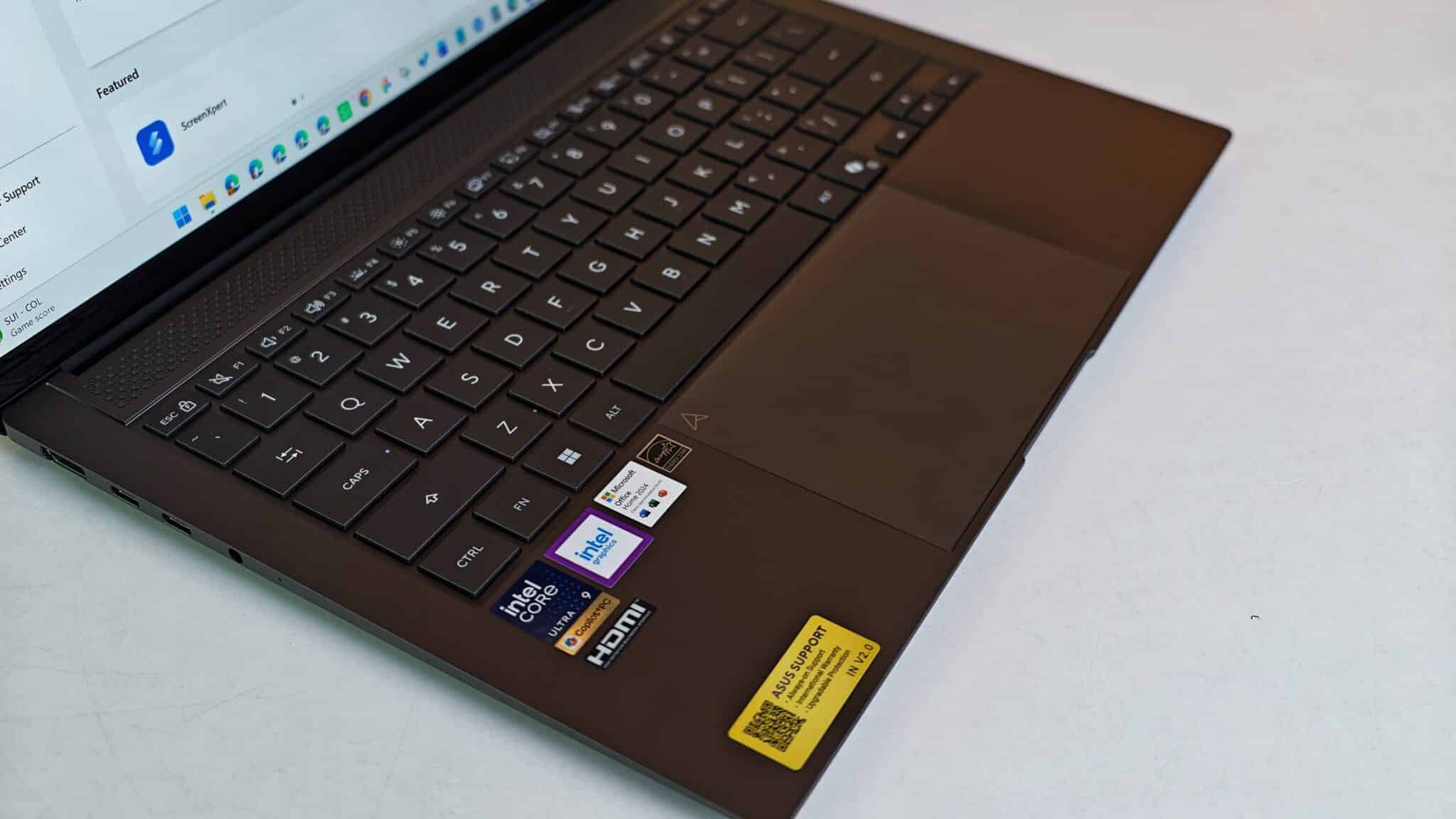
The processor includes an integrated Intel AI Boost NPU capable of up to 50 TOPS. NPU stands for Neural Processing Unit, which is dedicated computer hardware designed to execute machine learning algorithms locally on the machine rather than sending user data across cloud servers. TOPS stands for Tera Operations Per Second, a performance unit measuring AI calculation speed.
I tried Windows Studio Effects on Zoom and Google Meet – background blur and auto framing worked fine. The neural chip handled it locally, so the main CPU stayed free and battery life didn’t take a hit. The webcam is 1080p with IR for Windows Hello. Video calls looked clear in normal lighting. There’s a physical privacy slider, which I always appreciate.
Keyboard Ergonomics and Touchpad Operations
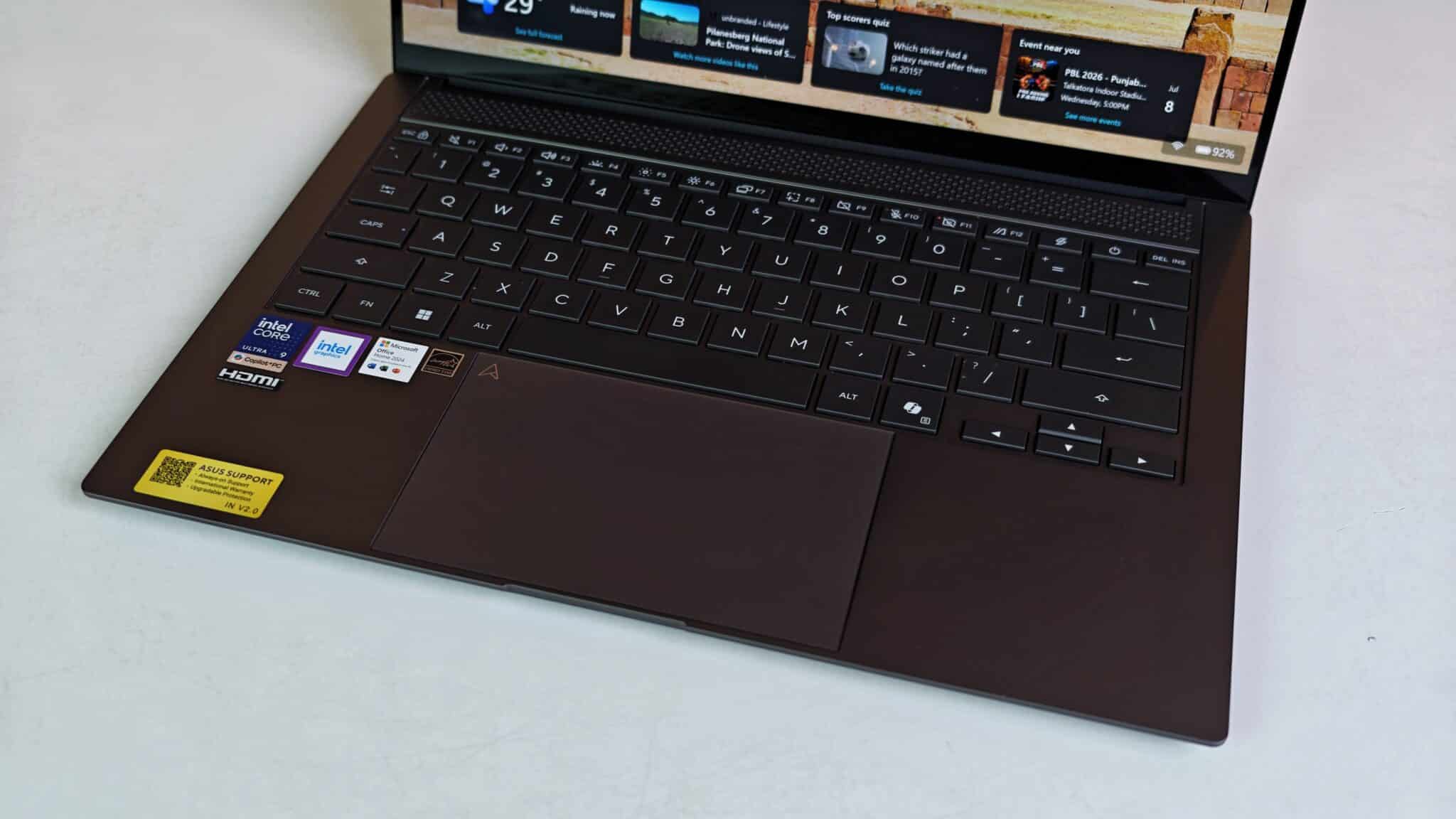
The keyboard is backlit, with good spacing and comfy keycaps. Typing feels springy! I wrote long docs without my fingers getting tired. Key presses are quiet, so you won’t bother anyone in a library or late at night. The backlight adjusts itself based on room lighting.
The touchpad is wide and smooth. Standard Windows gestures work, plus some extras: swipe right edge for brightness, left for volume, top for video scrubbing. Audio comes from a 4-speaker setup with Dolby Atmos. Voices are loud and clear on calls or podcasts, but bass is a bit weak – thin chassis, so that’s expected.
Battery Duration and Charger Performance
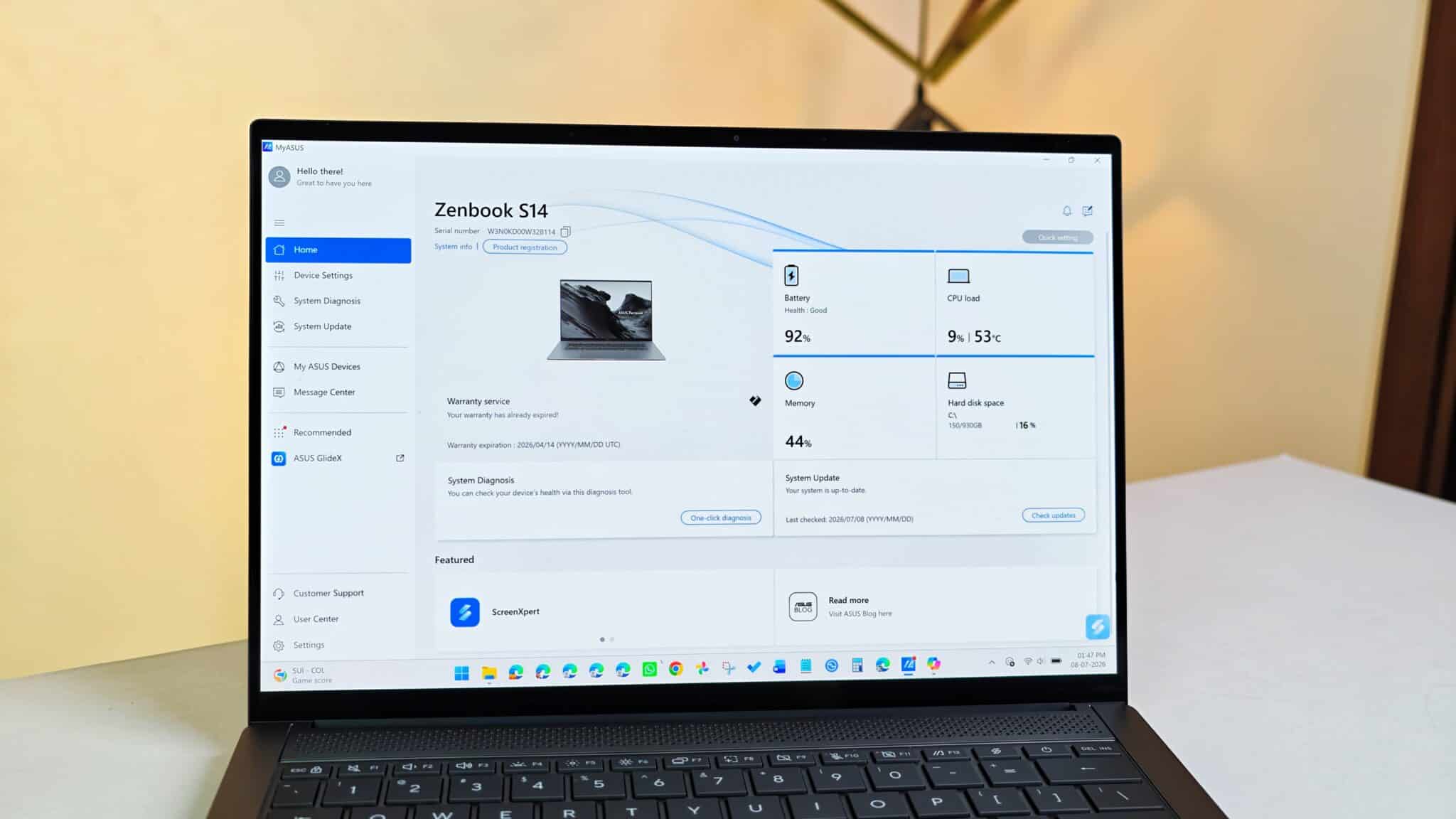
There’s a 77Wh battery in this 1.20 kg laptop. With brightness at 50%, Wi-Fi on, and my usual mix of typing, web browsing, and editing, I got over 10 hours on a single charge. If you just watch videos, you can stretch it to almost 12 hours.
Charging happens via a compact 68W USB Type-C power adapter. The charger is small and lightweight, fitting easily into a coat pocket or side bag compartment. Connecting the charger brought the battery level from 10 percent to 60 percent in roughly 49 minutes. Because the Type-C ports support standard USB Power Delivery up to 100W, you can also top up the internal battery using compatible high-capacity power banks while traveling.
Key Product Specifications
- Model Number: UX5406AA-SU188WS
- Processor: Intel Core Ultra 9 Processor 386H, 2.1 GHz (18MB Cache, up to 4.9 GHz, 16 Cores, 16 Threads)
- Neural Processing Unit: Intel AI Boost NPU up to 50 TOPS
- Graphics: Integrated Intel Graphics
- System Memory: 32GB LPDDR5X onboard RAM
- Internal Storage: 1TB M.2 NVMe PCIe 4.0 SSD + 100GB Cloud Storage via Microsoft 365 Basic for 1 Year
- Display: 35.56 cm (14.0-inch) 3K (2880 x 1800) OLED Touchscreen, 16:10 aspect ratio, 120Hz refresh rate, 0.2ms response time, 500 nits brightness, 1100 nits HDR Peak Brightness, 100% DCI-P3 color gamut, PANTONE Validated, VESA DisplayHDR True Black 1000
- Operating System: Windows 11 Home
- Included Software: Microsoft Office Home 2024 with lifetime validity, Microsoft 365 Basic 1-Year subscription, Adobe Creative Cloud 1-Month Membership
- Web Camera: FHD 1080p camera with IR function for Windows Hello
- Audio: 4-speaker system with Smart Amp, array microphone, 3.5mm combo audio jack
- Wireless Standards: Wi-Fi 7 (802.11be) Triple band 2*2, Bluetooth 6.0
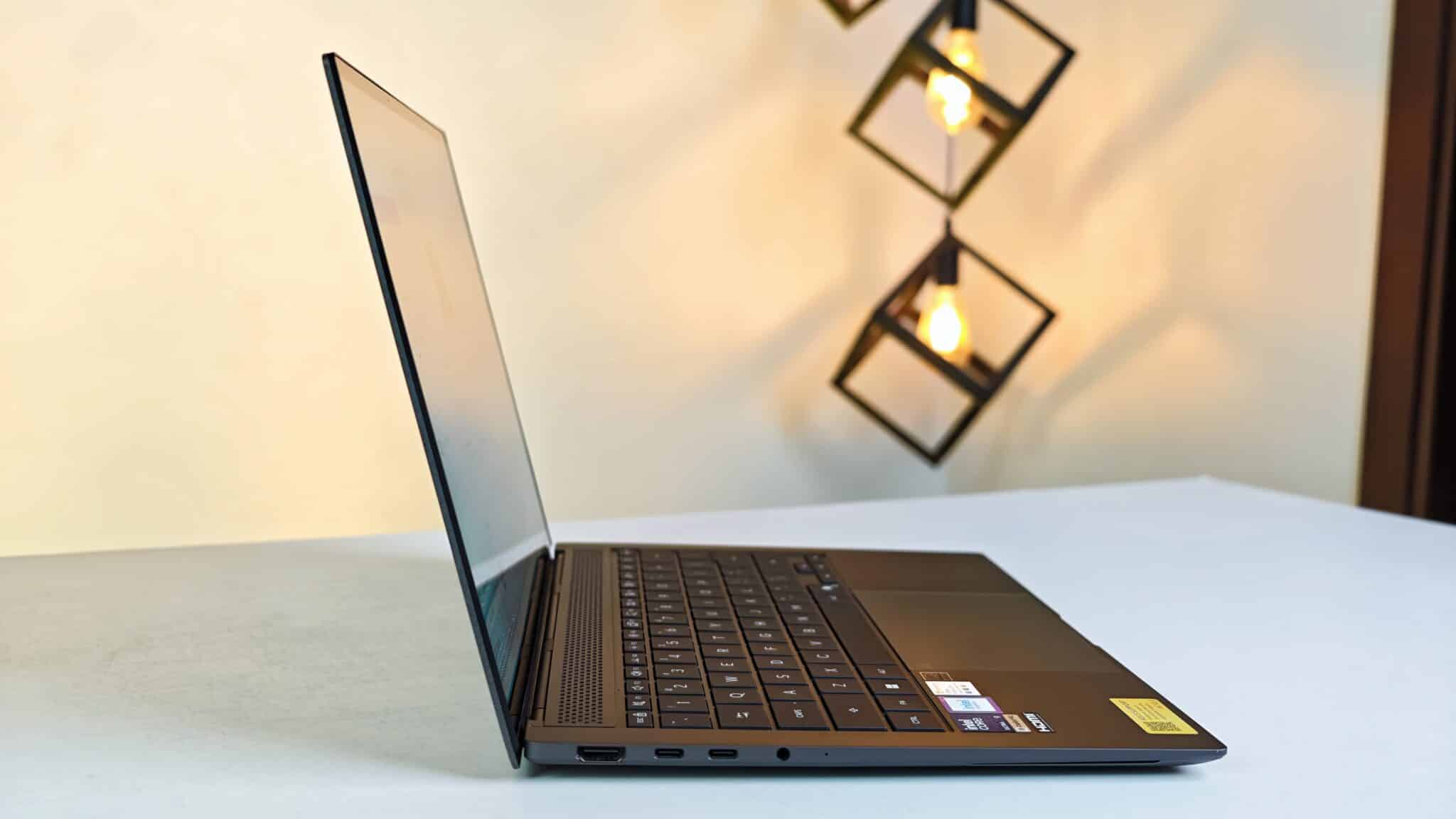
- External Ports: 1x USB 3.2 Gen 2 Type-A, 2x Thunderbolt 4 supporting display and power delivery, 1x HDMI 2.1 TMDS, 1x 3.5mm combo audio jack
- Battery: 77WHrs, 4S1P, 4-cell Li-ion battery
- Power Adapter: 68W USB Type-C Adapter
- Security: Windows Hello IR facial recognition, Microsoft Pluton security processor, Firmware TPM
- Dimensions and Weight: 31.03 cm x 21.47 cm x 1.19 to 1.29 cm, weight 1.20 kg
- Chassis Color: Antrim Gray
- Durability Certification: US MIL-STD 810H military-grade standard
Indian Pricing and Market Availability
The Zenbook S 14 UX5406AA-SU188WS is selling for Rs. 239,990 Rupees on ASUS India’s site. In stores and online in cities like Bengaluru, Mumbai, and Delhi, you might find it for Rs. 237,500 to Rs. 239,990 with card offers or exchange deals.
At this price, it’s competing with top-end ultrabooks from Apple and Dell. For your money, you get 32GB RAM, 1TB storage, a 3K 120Hz OLED touchscreen, lifetime Microsoft Office Home 2024, and a year of Microsoft 365 Basic cloud storage.
Verdict
The Zenbook S 14 UX5406AA-SU188WS is a strong pick if you want a light laptop with real power and long battery life. The 16-core Intel chip, 77Wh battery, and 3K 120Hz OLED screen fix the usual problems with thin laptops – slowdowns and weak battery. The price is high, and you can’t upgrade the RAM later. But if you’re a traveling exec, manager, or content pro in India who needs a Windows laptop that just works all day without hunting for a charger, this one actually delivers.
Frequently Asked Questions
Q1. What is the real world battery runtime on the ASUS Zenbook S 14 UX5406AA-SU188WS?
A1. In practical office testing with active Wi-Fi and medium display brightness, the 77Wh battery lasts between 10 to 12 hours depending on the software applications in use.
Q2. Can you upgrade the RAM on the ASUS Zenbook S 14 UX5406AA-SU188WS later?
A2. No, the 32GB LPDDR5X memory is soldered directly onto the system board and cannot be expanded after purchase.
Q3. Does the ASUS Zenbook S 14 UX5406AA-SU188WS support USB Type-C charging?
A3. Yes, both Thunderbolt 4 USB Type-C ports support Power Delivery up to 100W, allowing you to charge the laptop using the included 68W adapter or compatible USB power banks.
Q4. Is the display panel on the ASUS Zenbook S 14 UX5406AA good for color accurate photo editing?
A4. Yes, the 14-inch 3K OLED panel covers 100 percent of the DCI-P3 color gamut and carries PANTONE Validation, making it well suited for color accurate photo and video work.
Q5. What software comes included in the box with this laptop in India?
A5. The laptop includes pre-installed Windows 11 Home, a lifetime license for Microsoft Office Home 2024, a 1-year subscription to Microsoft 365 Basic with 100GB cloud storage, and a 1-month trial of Adobe Creative Cloud.