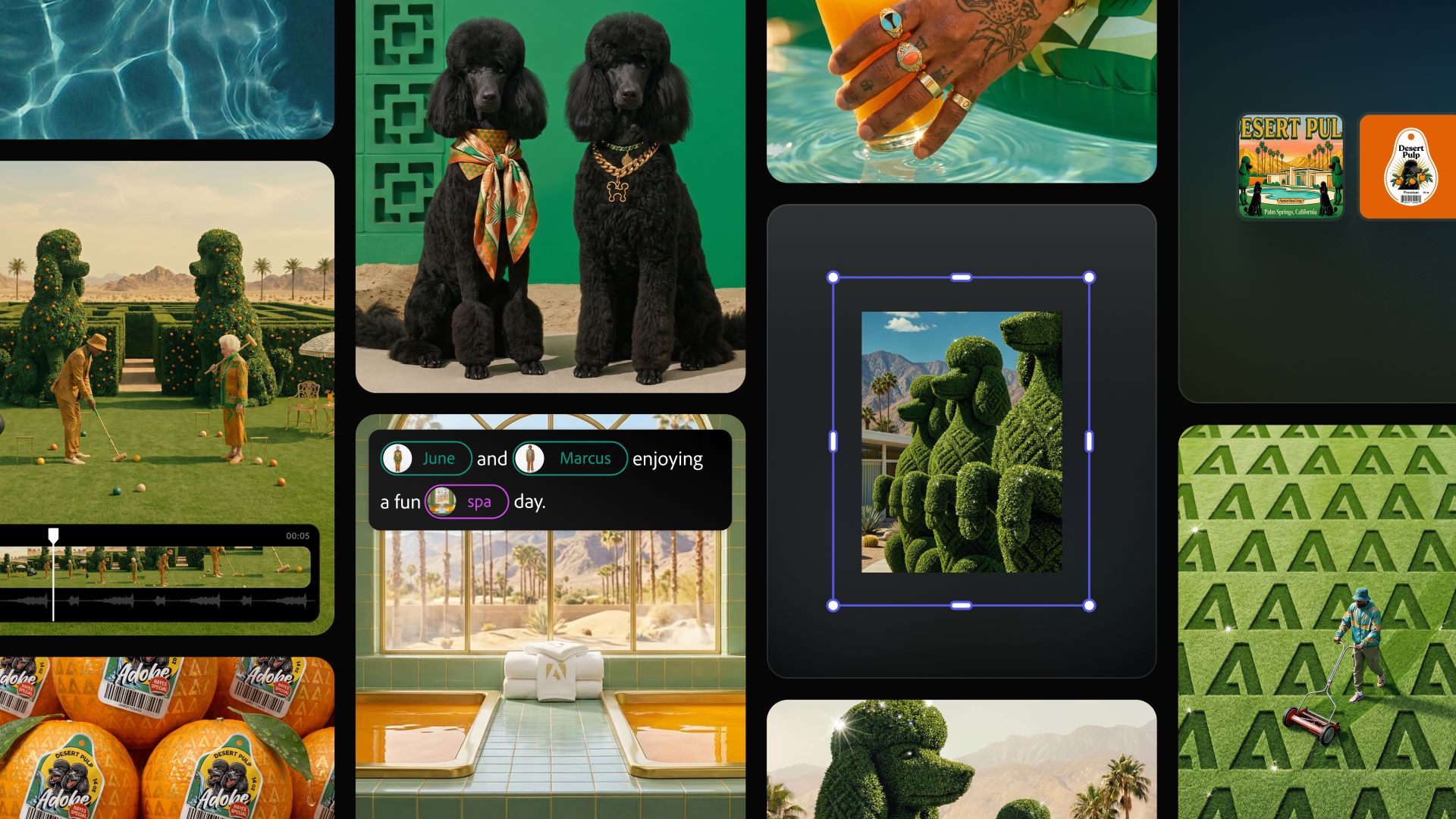
Adobe announced a major expansion of its creative agent across Firefly and Creative Cloud applications on Friday. The update introduces an AI Assistant inside flagship software like Photoshop, Premiere Pro, Illustrator, InDesign, and Frame.io. Users can now talk to the AI Assistant to manage multi-step technical tasks automatically by simply explaining their final goal. The tech leader also revealed plans to make these pro-grade tools accessible directly inside external software like ChatGPT, Claude, Microsoft Copilot, Google Gemini, and Slack.
Key Takeaways
- Public beta versions of the AI Assistant are now available inside Photoshop, Premiere, Illustrator, InDesign, and Frame.io.
- Firefly web application adds new options for automated logo creation, brand identity design, and short video generation.
- Adobe is testing an upgraded Firefly workspace in private beta that unifies generation and editing features in one window.
- Users can use Adobe creative tools inside external communication and artificial intelligence environments like Slack and ChatGPT.

Automating Everyday Editing Work in Creative Cloud
The creative agent acts as an automated assistant within individual design programs. Instead of replacing human decisions, it executes complex actions that usually require repetitive menu navigation. Inside Premiere, the assistant automatically handles project preparation tasks such as categorizing files into bins, renaming video clips simultaneously, identifying interview questions, and creating a rough timeline draft. Video editors often spend hours doing basic organization work before starting their creative editing, and this assistant helps lower manual clicking.
Photoshop users can request the assistant to change image backgrounds, resize graphics across several dimensions for online platforms, or re-organize layers. For print and layout designers, the assistant inside Illustrator runs technical pre-flight checks to spot missing fonts or color errors, and it generates multiple variant files from a simple data spreadsheet. In InDesign, the assistant updates layouts, copy text, and styling when a user uploads a new brand guide document. Video collaboration platform Frame.io also utilizes the assistant to sort media assets and compile initial B-roll footage.
Firefly AI Web App Receives Brand Tools
The standalone Firefly web application has also received a set of automated options. Users can write a brief description of their brand style, name, and color choices to generate a ready-to-use brand asset kit, which includes a complete logo design and matching visual style sheets.
New video features allow individuals to convert static product photographs into stylized short videos that incorporate premium lighting effects, motion, and audio. Firefly also adds a Quick Cut option to stitch together multiple raw video clips based on dialogue tracks. Designers can outline a visual scene sequence to construct storyboards and instantly generate video clips directly from those storyboard cells.
A separate upgraded workspace is currently running in a private beta testing phase. This workspace includes two storage tracking options called Elements and Projects. Elements lets creators save consistent digital characters, objects, or locations to reuse across future image generations. Projects keeps all connected files and creative context synchronized together across both Firefly and Creative Cloud.
Creative Control Stays with Artists
Adobe shared data from its recent global survey involving over 16,000 creative professionals. The report found that 75% of creators consider artificial intelligence tools standard or necessary for their daily operations. However, 85% of those surveyed stated that the final creative choices must belong to the human artist. Adobe designed its agent infrastructure to match this exact preference, positioning the human as the supervisor who provides the artistic direction while the machine processes the manual tasks.
The new features within Firefly, Photoshop, Premiere, Illustrator, InDesign, and Frame.io are live in public beta testing. Users can apply to join the waitlist for the private beta studio features.
Frequently Asked Questions
Q1. Which Adobe programs have the new AI Assistant available right now?
A1. The AI Assistant is available in public beta inside Photoshop, Premiere Pro, Illustrator, InDesign, and Frame.io, as well as the Firefly web application. It is also available in a private beta version for After Effects.
Q2. Can I use Adobe creative tools if I do not open the Adobe applications?
A2. Yes, Adobe is expanding its software availability to third-party tools. You can access these creative features inside platforms like ChatGPT, Claude, Microsoft 365 Copilot, Google Gemini, and Slack.
Q3. What is the difference between the Elements and Projects features in Firefly?
A3. Elements allows you to save specific characters, locations, and assets to keep them identical across multiple generations. Projects acts as an organized storage folder that holds your history and context across Firefly and Creative Cloud apps.
Q4. Will the AI Assistant take over my entire design process?
A4. No, the assistant is built to handle manual multi-step technical workflows, like renaming files or resizing layers. The user remains in control to apply personal taste and final approvals.