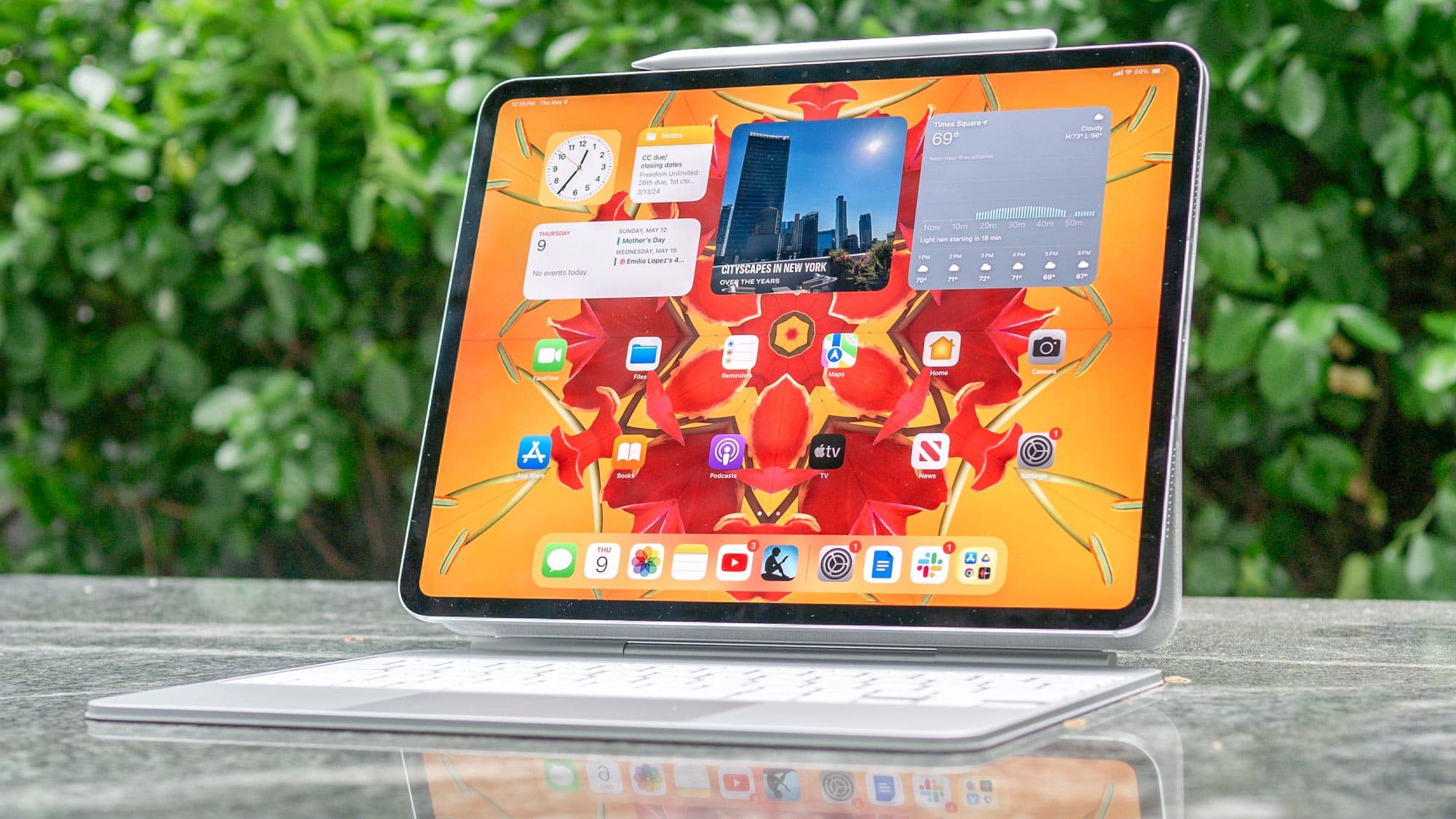
Apple’s iPads are about to feel a whole lot more like full-fledged computers. Thanks to the big updates coming in iPadOS 26, Apple is blurring the line between tablet and desktop in a way that feels more purposeful than ever. If you’re someone who’s been waiting for the iPad to finally evolve into a serious productivity or creative tool, there’s a lot here to get excited about.
Key Takeaways:
- iPadOS 26 introduces full window resizing and placement, transforming multitasking.
- A new “Liquid Glass” interface makes everything feel smoother and more dynamic.
- The long-missing Calculator app arrives, with a clever new “Math Notes” feature.
- Apple Intelligence makes the iPad smarter, with language, image, and app-integrated abilities.
- Apple Pencil Pro gains new inputs like squeeze, barrel roll, and haptic feedback.
- Core apps like Files, Notes, and Photos get meaningful upgrades.
- System-wide support for background tasks enhances performance.
- The iPad now includes a dedicated Phone app for making and receiving calls.
Multitasking Transformed: A Computer-like Feel
Let’s start with perhaps the most overdue improvement: multitasking. For years, iPad users have been asking for more flexibility—something that actually mirrors a desktop experience. iPadOS 26 finally delivers. You can freely resize app windows, drag them wherever you want, and have multiple apps open in a true windowed environment. It’s a huge step up.
New window controls now let you close, resize, or tile apps with ease. The addition of tiling gestures feels intuitive, especially for anyone who’s ever juggled apps on a Mac. When you reopen an app, it remembers exactly where it was and how it looked. That alone helps keep your workflow on track.
There’s also a new Exposé-like feature borrowed from macOS that gives a glance at all your open windows—ideal for quickly switching tasks. And the integration with Stage Manager and external display support only adds to the flexibility.
One subtle but important touch: the addition of a system-wide menu bar. It brings familiar Mac-like navigation to the iPad, making it easier to find app-specific options. Whether you’re swiping from the top or using a mouse, it just feels more complete.
The Arrival of Apple Intelligence on iPad
Then there’s Apple Intelligence. This is more than just an assistant—it’s Apple’s answer to integrating real AI functionality into the everyday iPad experience. If you have an M-series iPad, you’ll get access to some genuinely helpful tools.
Here’s how it plays out in real usage:
- Writing Tools across Mail, Notes, and Pages help rewrite, proofread, or summarize.
- Image Playground lets you create images—sketches, paintings, emojis—from simple prompts.
- Smarter Siri now handles more natural commands and lets you switch between voice and text.
- Quick Summaries in Safari and Messages help you cut through the clutter.
- Photo Cleanup removes unwanted background objects with AI precision.
And yes, Apple’s partnered with ChatGPT to handle more complex queries, all without compromising privacy. The aim? To make your iPad feel like it truly understands what you need, not just respond to commands.
Apple Pencil Pro: New Ways to Create
If you’re a creative user—or even just someone who loves jotting things down—the new Apple Pencil Pro brings some thoughtful upgrades. It’s not about more power, but smarter interactions.
Highlights include:
- Squeeze: Press to open a tool palette for quick changes.
- Barrel Roll: Rotate the pencil for precise brush or pen adjustments.
- Haptic Feedback: Tiny vibrations give tactile confirmation of actions.
- Hover: See exactly where the Pencil will land on the screen.
- Double Tap: Easily switch tools without digging through menus.
The Pencil now even works with Find My, so if you misplace it, you won’t be stuck searching under couch cushions.
App and System-Wide Improvements
While the headliners are impressive, Apple didn’t stop there. iPadOS 26 includes meaningful changes across several core apps and features:
- Calculator + Math Notes: Type or handwrite equations and see them solved instantly, complete with graphing support. Everything saves into Notes.
- Notes App: “Smart Script” refines handwritten text in real-time, keeping it neat but natural. You can even edit it like typed text.
- Files App: The new List view offers resizable columns and deeper folder expansion. You can also assign default apps and drag folders to the Dock.
- Health App: Redesigned for the iPad’s big screen, displaying charts and metrics more clearly.
- Phone App: Yes, you can finally make calls directly from your iPad, complete with Call Screening.
- Background Tasks: File uploads and other processes continue running even when you switch apps.
- Customization: The Home Screen and Control Center are more flexible, supporting app icon themes and customizable groups.
- Photos App: Comes with a redesigned layout and a smart Clean Up tool.
All in all, these aren’t just cosmetic changes. They’re thoughtful updates that make daily use more efficient, whether you’re working, studying, or relaxing.
From multitasking to creative control, iPadOS 26 reflects Apple’s clear intention to elevate the iPad to something more than a big-screen iPhone. It’s moving into territory where it can realistically replace a laptop for many people. And even if you’re not quite ready to ditch your MacBook, there’s no denying the iPad is evolving fast—and in all the right ways.