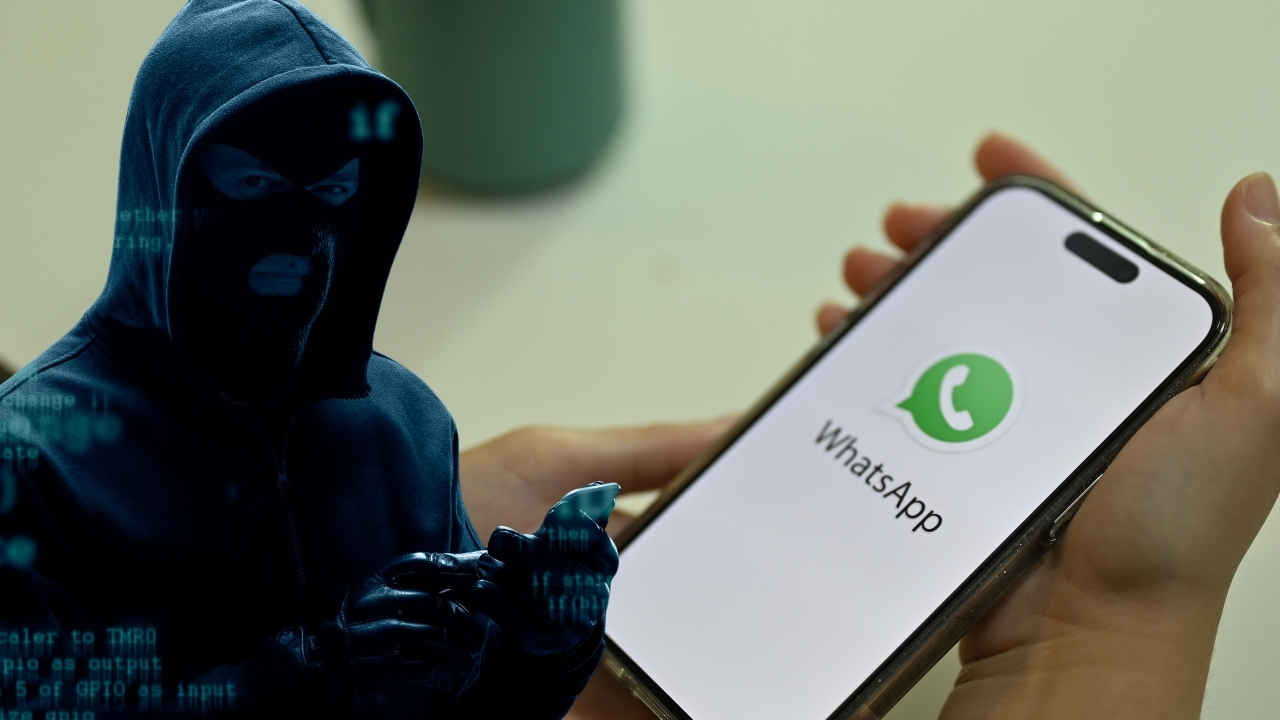
A recent, massive data leak has rattled the digital world, exposing approximately 184 million passwords tied to some of the most widely used online platforms—Apple, Google, Facebook, Microsoft, Instagram, and Snapchat among them. This isn’t just a vague, theoretical concern. Security researchers have examined and verified the data. The threat is very real, and the fallout could be enormous. We’re talking about identity theft, financial fraud, unauthorized account access—real-life consequences that could hit anyone, fast.
- Key Takeaways:
- The Anatomy of a Digital Disaster
- The Clear and Present Danger: Credential Stuffing
- If successful, the consequences can spiral:
- A Deeper Dive into the Broader Threat Landscape
- What You Must Do Now: Your Essential Action Plan
- The Path Forward: A Call for Collective Vigilance
- Frequently Asked Questions (FAQ)
Key Takeaways:
- An unsecured online database was discovered containing over 184 million plaintext passwords linked to top platforms like Apple, Google, and Facebook.
- This leak goes far beyond social accounts—it includes login credentials for banks, healthcare providers, and even government services.
- The data, alarmingly stored in plaintext, poses an elevated threat since it’s instantly usable.
- Users who recycle passwords across multiple accounts are especially vulnerable to credential stuffing attacks.
- Urgent steps are advised: change your passwords, turn on multi-factor authentication (MFA), and start using a password manager.
- Tools like Google’s Password Checkup or Have I Been Pwned can help you identify if your data has been exposed.
The discovery was made by cybersecurity expert Jeremiah Fowler, who found the database completely exposed—no passwords, no encryption, just raw, searchable login data. The file reportedly included not only emails and passwords, but also authorization links, all presented in a readable, dangerous format. This included access to banks, financial apps, healthcare systems, and government portals across various countries. Fowler called it “one of the most dangerous discoveries I have found in a very long time,” going so far as to label it a “cybercriminal’s dream working list.”
The Anatomy of a Digital Disaster
The dataset was roughly 47.42 GB in size and contained over 184 million unique logins and passwords. It’s staggering. This scale surpasses many earlier breaches and paints a worrying picture: our online lives are more interconnected—and more vulnerable—than ever. From casual browsing and social media to managing finances or interacting with public services, everything hinges on credentials that might now be in criminal hands.
The likely culprit? Infostealing malware. These are malicious programs that sneak onto devices, steal sensitive data like login credentials, and then funnel it to cybercriminal marketplaces. The hosting provider was informed and has since locked the database down, but there’s no telling how long the data was exposed or who might have accessed it in the meantime.
The Clear and Present Danger: Credential Stuffing
One of the most immediate dangers is credential stuffing. It’s a simple but frighteningly effective method. Hackers take stolen usernames and passwords from one breach and try them on a bunch of other websites, hoping people reused their login info. And frankly, a lot of us do. That convenience—using the same password for everything—makes this method brutally effective.
If successful, the consequences can spiral:
- Identity Theft: Hackers can impersonate you, open new lines of credit, or access confidential services.
- Financial Fraud: If they get into your bank account, they can transfer funds or apply for loans.
- Data Exfiltration: Private messages, sensitive documents, and personal data can be stolen.
- Further Attacks: Your compromised account could be used to scam your contacts or spread malware.
Because this leak includes plaintext credentials—even for high-value targets like financial and government accounts—the stakes are especially high. This isn’t just about losing a Facebook page; it’s about potential financial and personal devastation.
A Deeper Dive into the Broader Threat Landscape
This leak is part of a troubling trend. In 2023, some 353 million people were affected by publicly reported data compromises. By 2024, that number ballooned to more than 5.5 billion. We’ve entered the era of mega-breaches. And the cost of these breaches? An average of $4.88 million per incident—a 10% jump from the year before.
Cloud services, though useful, contribute to this vulnerability. An IBM report noted that 82% of breaches last year involved cloud-stored data. Phishing, ransomware, and malware continue to serve as the primary attack vectors that ultimately lead to large-scale breaches like this one.
What You Must Do Now: Your Essential Action Plan
Waiting and hoping you weren’t part of this breach is not a strategy. Take these steps immediately:
Check for Exposure
- Google Password Checkup: Go to passwords.google.com or your phone’s settings to see if your saved passwords are flagged.
- Have I Been Pwned: Visit haveibeenpwned.com and enter your email address.
- Other Tools: Services like Avast Hack Check can provide additional insights.
Change Your Passwords – Strategically
- Start with accounts that show signs of compromise.
- Use unique passwords for every single account.
- Strong passwords = 12+ characters, a mix of letters, numbers, and symbols.
- Consider passphrases for easy memory and strong security.
Enable Multi-Factor Authentication (MFA)
- MFA adds a second layer of protection. Even if your password is stolen, attackers can’t get in without this extra step.
- Use app-based authenticators (like Authy or Google Authenticator) instead of SMS for better security.
Use a Password Manager
- Password managers like LastPass, 1Password, Bitwarden, or Google Password Manager help you generate and manage strong, unique passwords.
Monitor Your Accounts and Financial Statements
- Keep an eye on your credit card and bank transactions.
- Watch for unusual login alerts or password change notifications.
Be Alert for Phishing
- Following big leaks, phishing attempts usually spike. Be cautious of emails or messages asking for personal info.
- Don’t click suspicious links—visit official sites directly.
Consider Freezing Your Credit
- If your financial info was exposed, freeze your credit with Equifax, Experian, and TransUnion.
The Path Forward: A Call for Collective Vigilance
This breach isn’t just another blip—it’s a wake-up call. Tech giants like Apple, Google, and Facebook invest billions in security, but that doesn’t make you invulnerable. All it takes is one weak link, one exposed database, and millions are at risk.
Practicing good cyber hygiene is no longer optional. It’s a responsibility. For individuals, that means strong, unique passwords and enabling MFA everywhere you can. For businesses and governments, it’s about implementing and enforcing serious data security policies—starting with encrypting sensitive user data.
This fight isn’t going away. But with awareness, action, and a bit of caution, we can make it harder for bad actors to win.
Frequently Asked Questions (FAQ)
Q1: How do I know if my Apple, Google, or Facebook password was leaked?
A1: Use Google’s Password Checkup or Have I Been Pwned to check your email against known breaches. If your email shows up, assume any associated password may be compromised.
Q2: I use different passwords for every site. Am I safe?
A2: You’re definitely in a better position. If a unique password is compromised, the damage is limited to that single account. But still—change it, and turn on MFA.
Q3: What exactly is MFA and why should I bother?
A3: MFA requires a second verification step, like a code or fingerprint. It means even if your password is stolen, the attacker still needs that second factor. It’s one of the most effective defenses you can have.
Q4: Are password managers really safe to use?
A4: Yes—if you pick a reputable one. They use strong encryption and keep your login info secure. They also help you break the habit of password reuse.
Q5: What should I do if my bank info was leaked?
A5: Contact your bank immediately. Freeze your accounts if needed. Monitor for suspicious activity. Also consider a credit freeze.
Q6: How often should I update passwords after a breach?
A6: Change any known-compromised passwords right away. For important accounts, update passwords every few months as a best practice.