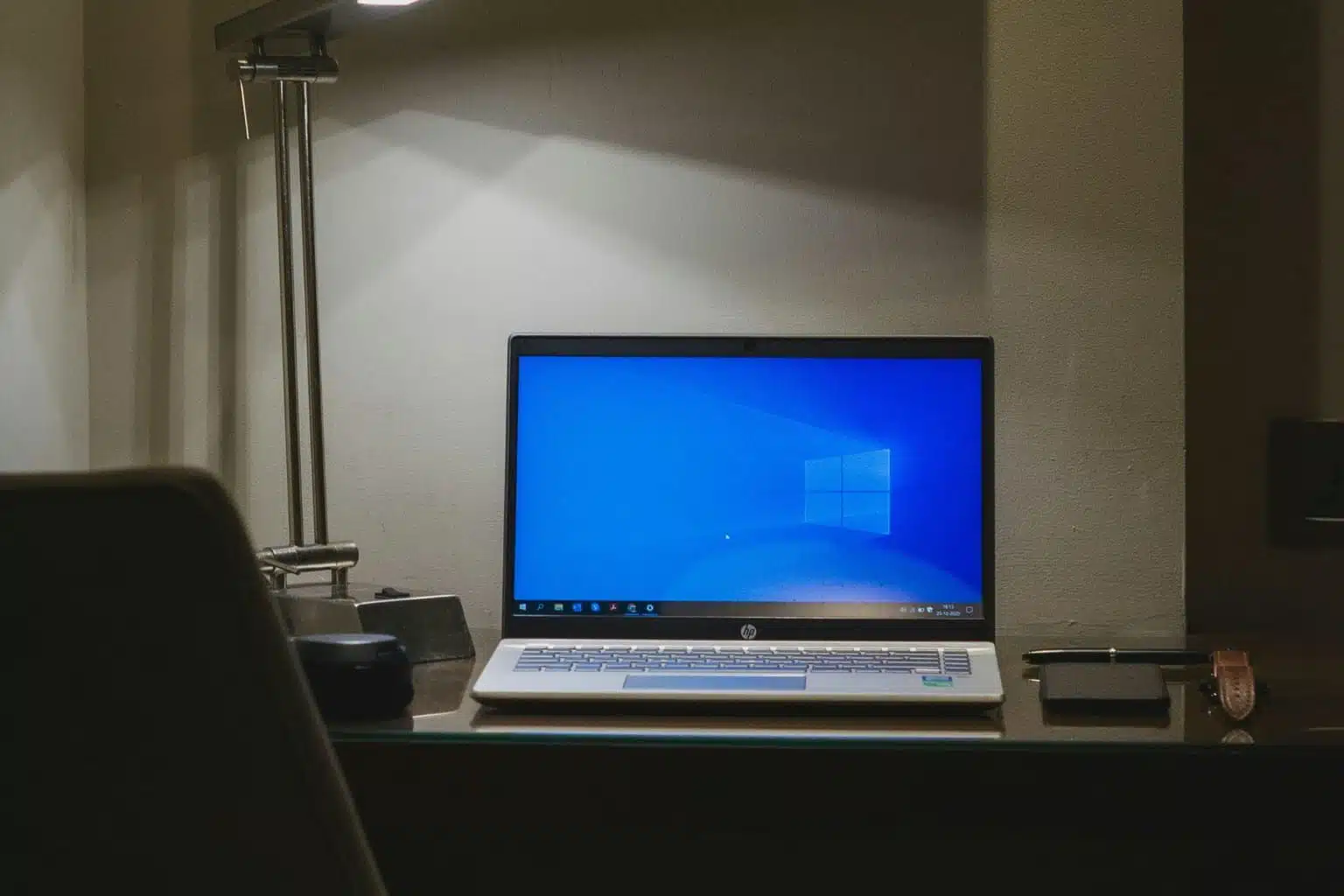
Microsoft is offering an additional year of free Windows 10 security updates—a move that offers a temporary lifeline for users still clinging to the familiar OS, but also underscores a bigger dilemma for those unprepared to shift to Windows 11. Announced recently, this extension lets Windows 10 users continue receiving critical security patches past the original cutoff date of October 14, 2025. But there’s a catch: the offer isn’t completely unconditional.
To access this extra year of Extended Security Updates (ESU) for free, users need to either enable Windows Backup or redeem 1,000 Microsoft Rewards points. Otherwise, they’ll need to pay a one-time fee of $30 USD (or the local equivalent) to keep getting updates for another year.
Key Takeaways:
- Microsoft extends free Windows 10 security updates through October 13, 2026, for qualifying users.
- The extension is accessible via Windows Backup, Microsoft Rewards points, or a $30 USD one-time fee.
- October 14, 2025, remains the official end-of-support date for free updates and features.
- Advocacy groups like “The Restart Project” are helping users transition to Linux to prolong the life of older machines.
- Using Windows 10 without support after the ESU period increases exposure to security risks.
The reason for this extension is fairly straightforward: millions of Windows 10 machines are still active out there, and many of them just don’t meet the hardware demands of Windows 11. So, this move is a sort of stopgap—a way to buy time. But realistically, it just delays the moment when users will have to make a more permanent decision: upgrade hardware, shift to Windows 11, or try something else entirely.
Now, it’s important to understand what this ESU program includes. It focuses strictly on high-priority security updates. That means no new features, no non-security fixes that users might request, and no general tech support unless it’s specifically tied to the ESU itself. So yes, the OS will remain safer, but it won’t really evolve. For businesses, Microsoft typically increases ESU pricing year over year, but right now, individual users can access the first year for free (with some effort) or at a flat rate.
Meanwhile, others are taking a completely different approach. Groups like “The Restart Project,” based in the UK, have stepped in with a sustainability-first mindset. They’re promoting the idea that, instead of throwing out perfectly good hardware, users can extend the life of their computers by switching to Linux. This open-source route doesn’t just save money—it also curbs electronic waste.
“The Restart Project” has even launched an “End of Windows 10 toolkit,” encouraging local repair groups to hold events called “install parties” where people can get help installing Linux on their old Windows 10 machines. It’s a practical, grassroots response that prioritizes environmental responsibility and empowers users to keep control over their own tech.
This contrast—between Microsoft’s upgrade-or-pay model and “The Restart Project’s” reuse-and-reclaim ethos—brings a bigger conversation to the surface. It touches on planned obsolescence, digital literacy, and the growing need for sustainable tech habits. As the clock ticks toward October 2025, users will have to weigh their options: transition to Windows 11, pay for ESU, or explore open-source alternatives that let them hold onto devices a little longer.
FAQ Section:
Q1: What happens if I do not upgrade from Windows 10 after October 14, 2025?
A1: Your PC will continue to function, but Microsoft will stop providing free software updates, security patches, and technical support. This makes your system more vulnerable to threats like viruses and malware.
Q2: How can I get the extra year of free Windows 10 security updates?
A2: You can unlock one additional year of Extended Security Updates by enabling Windows Backup or redeeming 1,000 Microsoft Rewards points. Alternatively, you can purchase the update package for $30 USD.
Q3: What are the main benefits of upgrading to Windows 11?
A3: Windows 11 offers better security, a more modern user interface, performance improvements, and continued access to the latest software updates and features.
Q4: What is “The Restart Project” doing about Windows 10 end of support?
A4: They’re helping users transition to Linux by offering toolkits and organizing community events. These resources aim to help people keep their existing devices functional and secure without the need for expensive upgrades.