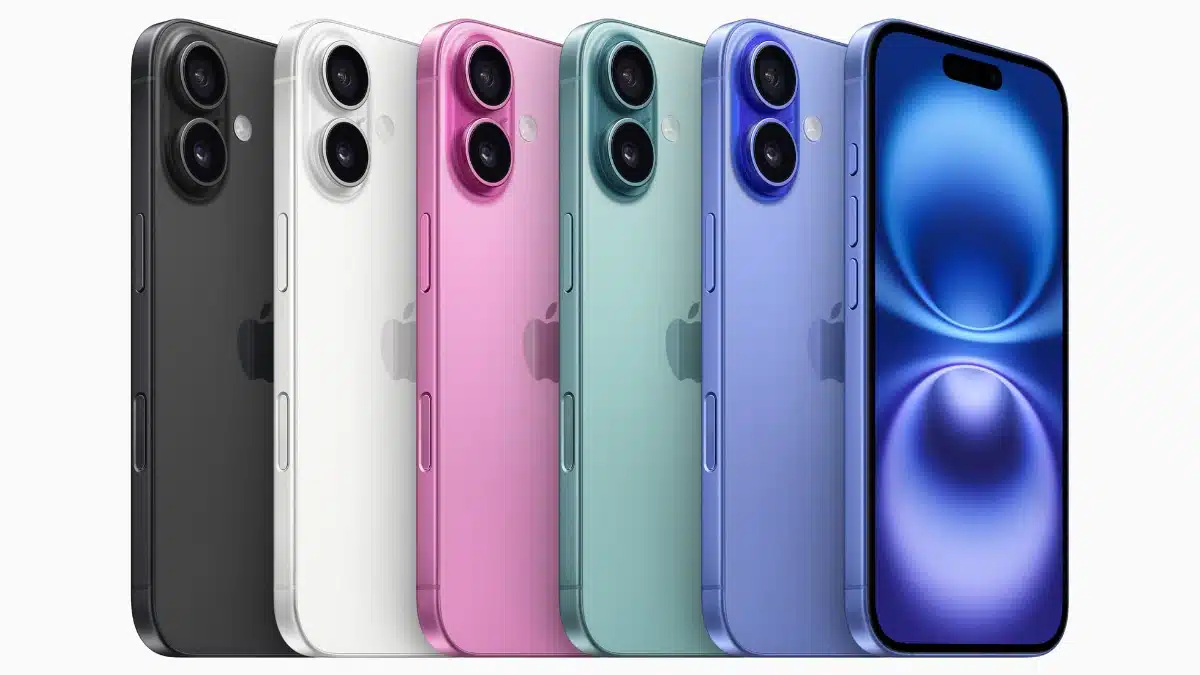
Apple’s iPhone 16 series has been making waves, and not just for its upgraded A18 chip or the rumored titanium frame. This time, the buzz surrounds a seemingly simple addition: the Camera Control button. Introduced in September 2024, this dedicated camera button has sparked curiosity and debate among tech enthusiasts and casual users alike. Why did Apple, a company known for its minimalist design philosophy, add an extra button? What went into its design and functionality?
To answer these questions, we delve into insights shared by two of Apple’s own designers, Rich Dinh and Johnny Manzari, on the Cool Hunting Design Tangents podcast. These designers, who have been involved with the iPhone since its inception, offer a fascinating glimpse into the thought process behind this seemingly simple yet impactful addition. They discuss the challenges, the meticulous attention to detail, and the user experience goals that shaped the Camera Control button.
Why a Dedicated Camera Button?
For years, iPhone users have relied on the touchscreen to capture photos and videos. So why the sudden shift to a physical button? Dinh, a senior product designer at Apple, explains that the Camera Control button is all about speed and accessibility. “Being able to grab the phone and start shooting immediately” was a key driver, he states. In a world where spontaneous moments are often the most precious, shaving off even fractions of a second can make all the difference in capturing that perfect shot.
This resonates with my own experience. As an avid iPhone photographer, I’ve often fumbled with the touchscreen, trying to launch the camera app quickly enough to capture fleeting moments. A dedicated button eliminates this friction, making the camera instantly accessible.
Manzari, a human interface designer, adds another dimension to the “why.” He emphasizes the desire to create a more tactile and intuitive camera experience. The Camera Control button provides physical feedback, confirming that the camera is activated and ready to capture. This tactile element adds a layer of confidence and control that’s often missing in touchscreen interactions.
Engineering a Seamless Experience
Creating a new hardware button for the iPhone was no easy feat. The designers had to ensure that the button seamlessly integrated with the iPhone’s sleek design and robust functionality.
One of the key challenges was maintaining the iPhone’s IP68 water resistance. The button had to be flush with the phone’s frame to prevent water ingress, yet provide a satisfying click. This was achieved by incorporating a chamfered design, which allows for a distinct half-press and full-press experience while maintaining a smooth, watertight surface.
Interestingly, the Camera Control button isn’t just a simple mechanical switch. It combines a force sensor and a capacitive sensor, allowing it to detect different levels of pressure. This enables features like autofocus lock with a half-press and shutter release with a full press, mimicking the functionality of dedicated cameras.
Elevating the Photography Experience
The Camera Control button is more than just a convenient shortcut. It’s designed to enhance the entire iPhone photography experience.
- Faster access to the camera: Launch the camera app instantly, even from a locked screen.
- Improved stability: The physical button provides a more stable grip, reducing camera shake and resulting in sharper images.
- Enhanced control: The two-stage button allows for precise focus control and effortless shutter release.
- Intuitive operation: The tactile feedback provides a sense of confidence and control, making photography more enjoyable.
These features, combined with the iPhone 16’s advanced camera system, empower users to capture stunning photos and videos with ease.
The Future of iPhone Photography
The introduction of the Camera Control button signals Apple’s commitment to enhancing the iPhone’s photography capabilities. It’s not just a new feature; it’s a potential paradigm shift in how we interact with our iPhones to capture the world around us.
This move could pave the way for even more advanced camera controls and features in future iPhone models. Imagine the possibilities:
- Customizable button functions: Assigning different shooting modes or camera settings to the button.
- Integration with third-party apps: Allowing developers to leverage the button for unique camera functionalities.
- Haptic feedback for different modes: Providing distinct vibrations for different shooting modes or focus points.
The Camera Control button is a testament to Apple’s dedication to innovation and user experience. It’s a small change that has the potential to make a big impact on how we capture and share our memories.