Google has just dropped a bombshell update for Gemini Advanced users, significantly amping up the power of “Gems,” the platform’s custom AI chatbots. Gems, which allow users to create personalized AI assistants for various tasks, can now access and process information from uploaded files. This move marks a pivotal step in AI evolution, bridging the gap between general knowledge and user-specific data.
Since their launch in August, Gems have quickly become a favorite among Gemini Advanced subscribers, offering a unique blend of personalization and AI prowess. Imagine having an AI assistant that not only understands your general queries but also has intimate knowledge of your personal documents, spreadsheets, and projects. This is the power that Google is now unlocking.
Gems: Your Personalized AI Powerhouse
For those unfamiliar, Gems are essentially custom instances of the Gemini AI model. They can be tailored for specific tasks, acting as specialized assistants for anything from language translation and coding to creative writing and research. Think of them as mini-experts you can create and customize to align with your specific needs.
With the new file upload feature, the potential applications of Gems explode exponentially. Users can now feed their Gems documents, spreadsheets, and various other file types, effectively giving these AI assistants access to a wealth of personalized information. This means your Gem can:
- Answer questions based on your uploaded documents: Need a quick fact from a 100-page report? Just ask your Gem!
- Assist in content creation: Feed your Gem articles, research papers, or even creative writing prompts, and watch it generate ideas, summaries, or even full-fledged drafts.
- Address business needs: Upload your company’s data, presentations, or financial reports to create a Gem that can analyze trends, generate reports, or answer specific questions about your business.
How Does it Work?
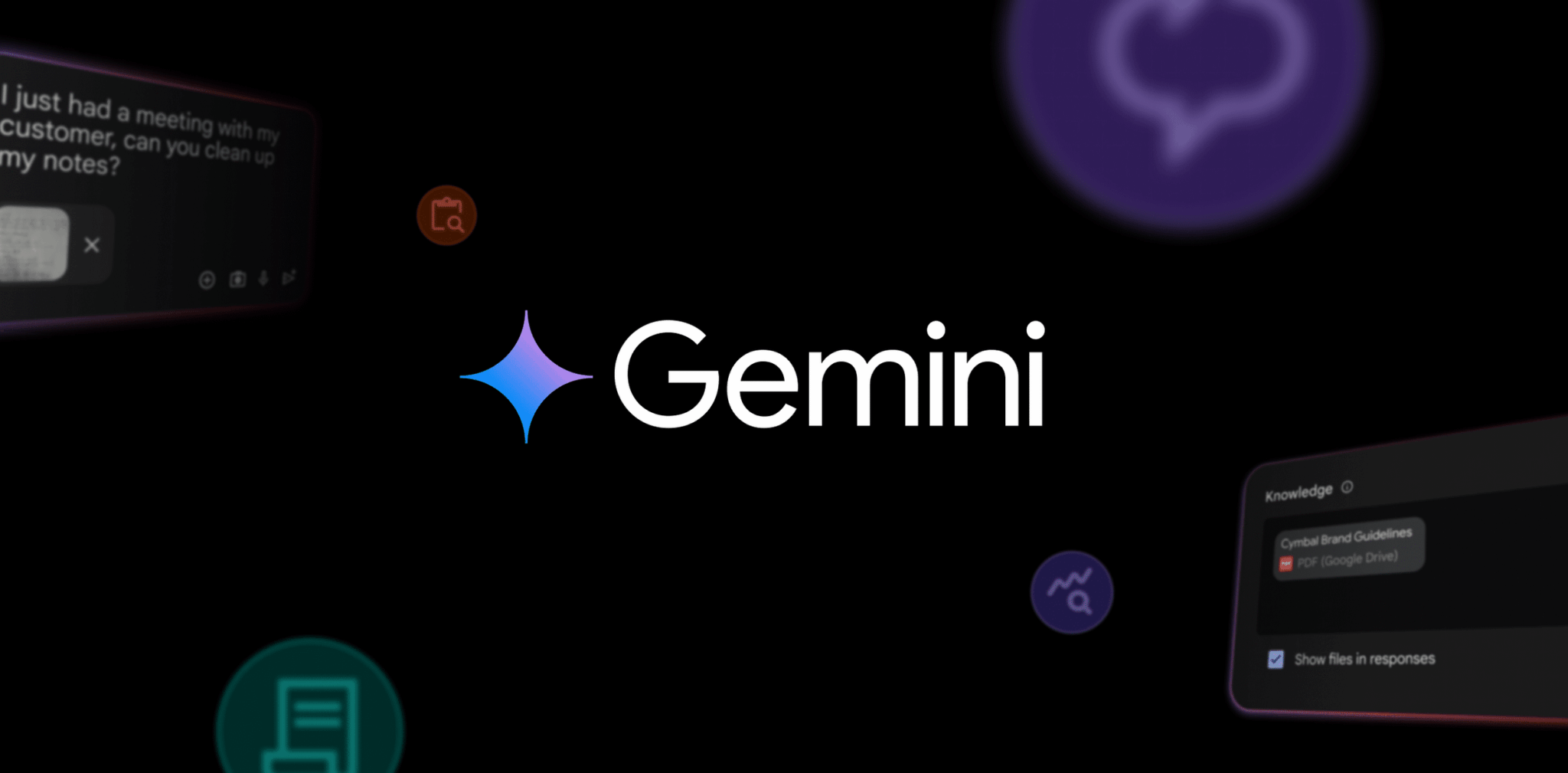
Uploading files to your Gem is a breeze. When creating or editing a Gem, you’ll now find a “Knowledge” section where you can upload up to 10 files. Supported file types include:
- Document/text files: Google Docs, TXT, DOC, DOCX, PDF, RTF, DOT, DOTX, HWP, HWPX
- Data files: Google Sheets, XLS, XLSX, CSV, TSV
These files serve as source material for your Gem, allowing it to provide more contextually relevant and accurate responses. It’s like giving your AI assistant a crash course in your specific needs and interests.
My Experience with Gems and File Uploads
As an avid Gemini Advanced user, I was thrilled to test out this new feature. I uploaded a few of my recent articles and research papers to a Gem and was blown away by the results. The Gem could accurately answer questions about the content of these documents, even summarizing key findings and offering insightful commentary.
I also experimented with uploading a spreadsheet containing data from a recent project. The Gem was able to analyze the data, identify trends, and even generate basic reports. This feature has the potential to be a game-changer for professionals who need to quickly analyze data and extract insights.
The Future of Gems
This update is just the tip of the iceberg. Google has hinted at more exciting features coming to Gems in the future. We can expect to see even more sophisticated capabilities, including:
- Improved natural language understanding: Allowing for more nuanced and complex interactions with Gems.
- Integration with other Google services: Seamlessly connecting Gems with tools like Google Drive, Calendar, and Gmail.
- Enhanced personalization: Tailoring Gems to individual users’ preferences and learning styles.
Beyond Personal Use: Gems for Business
While the implications for individual users are immense, the impact on businesses could be even more profound. Google is actively developing specialized Gems for business use cases, including:
- Meeting summarization: Automatically generate summaries and key takeaways from meetings.
- Email management: Prioritize and categorize emails, even draft responses.
- Project management: Track progress, assign tasks, and analyze project data.
These business-oriented Gems are expected to roll out soon for Gemini for Workspace subscribers, further solidifying Google’s commitment to AI-powered productivity.
The Bigger Picture: Google’s AI Ambitions
The introduction of file uploads for Gems is a clear indication of Google’s broader AI strategy. By empowering users to create highly personalized and contextually aware AI assistants, Google is pushing the boundaries of what’s possible with artificial intelligence.
This move also highlights the growing importance of user-specific data in the AI landscape. As AI models become more sophisticated, they will increasingly rely on personalized data to provide truly relevant and valuable experiences. Google is clearly positioning itself at the forefront of this trend, paving the way for a future where AI seamlessly integrates with our personal and professional lives.
The addition of file uploads to Gems is a significant leap forward for Gemini Advanced. This feature unlocks a wealth of new possibilities, allowing users to create AI assistants that are truly personalized and contextually aware. Whether you’re a student, a professional, or simply an AI enthusiast, this update is sure to revolutionize the way you interact with artificial intelligence.