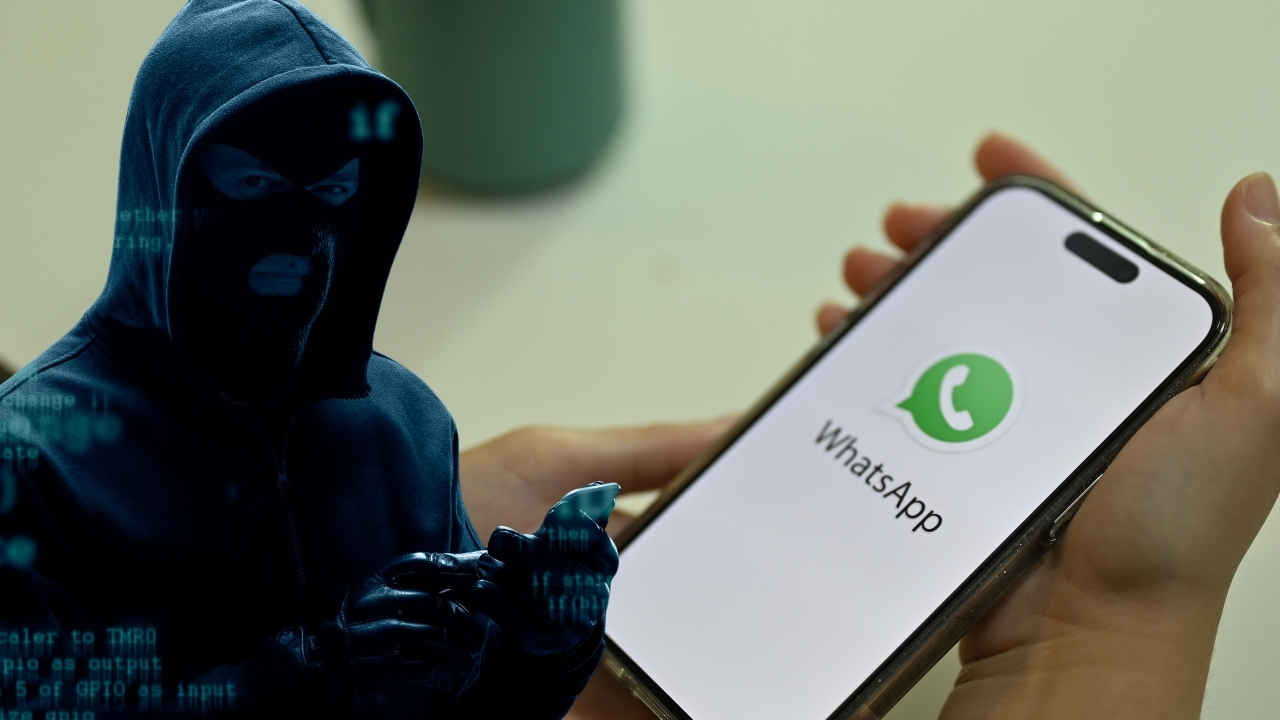

Apple just dropped a pretty urgent warning to its roughly 1.8 billion iPhone users worldwide. They’re pushing everyone to update to the latest software version, iOS 18.5—like, right now. This alert isn’t just routine. It follows the discovery of some significant security vulnerabilities that could leave iPhones wide open to hackers, potentially giving unauthorized access to personal data, crashing apps, or, in the worst cases, even bricking devices.
So, Apple rolled out iOS 18.5 specifically to plug these holes, mainly affecting iPhone XS models and newer. Both Apple and cybersecurity experts stress this update isn’t just some optional enhancement—it’s pretty much essential if you want to keep your device secure against increasingly sophisticated cyber threats.
Critical Vulnerabilities Addressed in iOS 18.5
The iOS 18.5 update patches a handful of serious flaws, and honestly, some of them are pretty concerning. One big area is around image processing and network handling.
- Maliciously Crafted Images: A major issue lies in the AppleJPEG system, which is what iPhones use to process images. Before this update, opening a specially crafted malicious image could cause apps to crash or corrupt memory processes. That’s a bit alarming because it opens a backdoor for hackers to sneak into your private stuff—photos, messages, app data—you name it. Imagine an innocent-looking photo quietly doing all that damage behind the scenes.
- Network Interception: For the brand-new iPhone 16e, there’s a network security flaw where an attacker with the right position on the network could intercept traffic. This is especially notable since the iPhone 16e uses Apple’s first in-house 5G modem, which will likely appear in future iPhones too. The update tackles this with better state management to tighten security.
- FaceTime Privacy Issue: There was also a weird FaceTime glitch where muting your microphone didn’t actually mute it. So, privacy was at risk there. Apple fixed that too.
- Other Core System Flaws: Plus, the update addresses problems in core components like CoreAudio, CoreGraphics, ImageIO, and WebKit. These flaws could let attackers cause denial-of-service, leak information, or even run arbitrary code just by interacting with rigged media or websites.
Apple says these fixes come from improved input checks, better memory handling, and tighter system controls. While they haven’t noted any active hacks exploiting these flaws yet, experts warn that once vulnerabilities are public, the chance of attacks skyrockets.
Why This Update Is Critical for All iPhone Users
With about 1.8 billion users globally, any security weakness on iPhones is a huge deal. Sure, iPhones usually get a lot of credit for solid security, but this is a reminder—no device is completely bulletproof. Cyber threats evolve fast, and even the best security systems need constant patching.
Experts advise treating this update as a must-do. A spokesperson from Safe Data Storage, a UK data security firm, said, “Apple acted fast, but users need to act too. These updates are no longer optional; they’re your first line of defense.” They added, “The longer someone waits to update, the longer they leave that door open.”
Broader Security Concerns: AirPlay and Spyware
Beyond just this update, there are other recent security worries that show how important it is to stay vigilant.
- “AirBorne” Flaws in AirPlay: Researchers at Oligo Security found 23 vulnerabilities in Apple’s AirPlay feature, called “AirBorne.” AirPlay lets you stream content wirelessly, but these flaws could allow attackers to do “zero-click” exploits—meaning they don’t need you to tap anything. Just being on the same Wi-Fi could be enough for hackers to hijack your device or steal data. Apple patched these in earlier updates like iOS 18.4, but millions of third-party AirPlay devices might still be vulnerable since manufacturers can be slow with their updates. If you’re not using AirPlay, it’s probably smart to disable its automatic feature (Settings > General > AirPlay & Continuity > Automatically AirPlay > Never).
- Mercenary Spyware Alerts: Apple has also sent “threat notifications” to iPhone users in over 150 countries who may have been targeted by high-level “mercenary spyware.” These attacks are highly sophisticated and often target specific individuals due to their profile or activities. Apple advises those affected to turn on Lockdown Mode, use strong passwords, and avoid suspicious links.
How to Update Your iPhone
Updating to iOS 18.5 is pretty straightforward, though it’s something people tend to put off—and that’s risky.
- Open Settings on your home screen.
- Scroll down and tap General.
- Select Software Update.
- If iOS 18.5 is available, tap Download and Install.
Make sure you’re on stable Wi-Fi and your battery’s sufficiently charged or your phone is plugged in.
Steps to Further Protect Your iPhone
Besides just updating, there are a few other steps that can help keep your device safer:
- Disable Message Previews: Turn off message previews on your lock screen so others can’t peek at sensitive info. (Settings > Notifications > Messages > Show Previews > Never).
- Enable Two-Factor Authentication: This adds an extra layer of security for your Apple ID, requiring a second step even if someone gets your password. (Settings > [Your Name] > Password & Security > Two-Factor Authentication).
- Limit App Permissions: Regularly check and restrict apps’ access to data like photos, contacts, and location—only give permissions to apps that really need them. (Settings > Privacy & Security).
- Avoid Unverified Apps and Links: Stick to apps from the official App Store, and be wary of clicking links or opening attachments from unknown senders—they could be phishing or malware traps.
- Regular Backups: Back up your device often to iCloud or your computer. That way, your data is safe even if something happens to your phone.
Apple’s recent warnings really highlight how cyber threats keep changing and growing. For iPhone users, staying informed and acting fast on updates is key to keeping personal data safe and devices working well. With 1.8 billion iPhones out there, it’s more important than ever to take these alerts seriously—and update your device without delay.