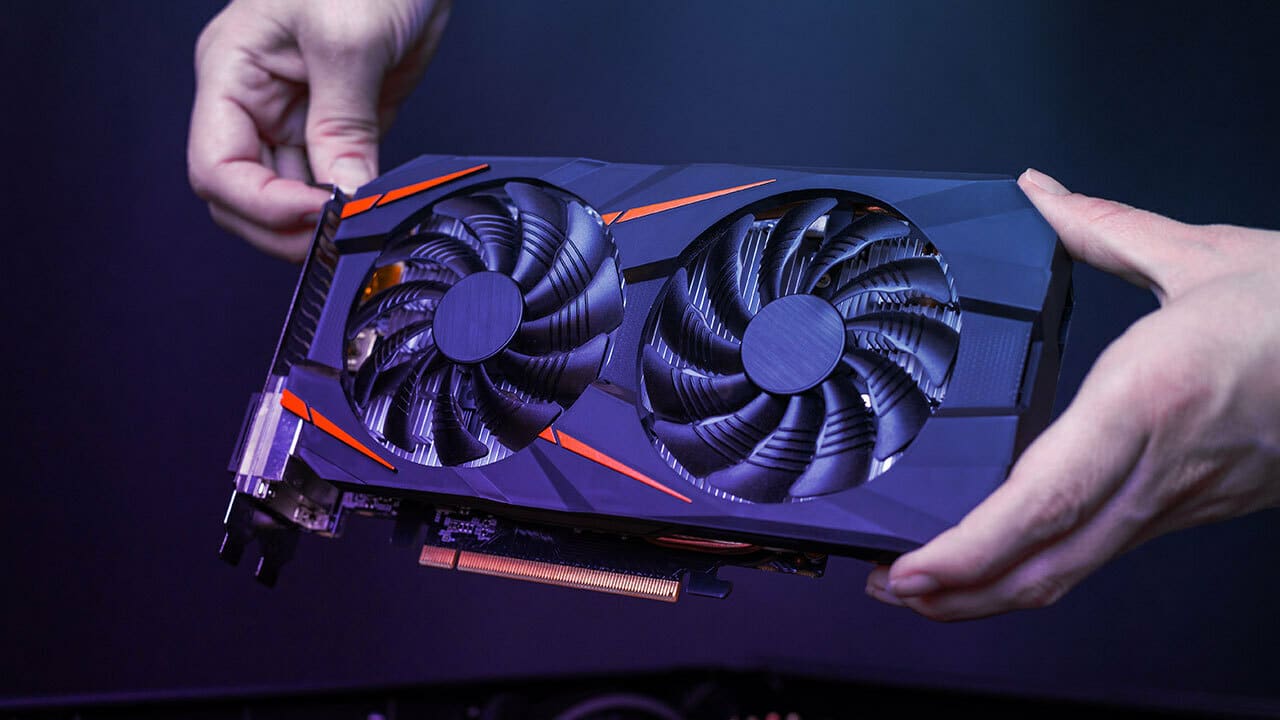
Recent reports swirling across the PC hardware community point to a potentially worrying issue impacting users who updated to the latest NVIDIA GeForce Game Ready driver, version 576.02. A bug appears to be causing the GPU temperature sensor readings to freeze, leaving users in the dark about their graphics card’s actual temperature, especially after their computers wake from sleep or start up. This isn’t just a minor inconvenience; it raises concerns about system stability and the potential for components to run hotter than intended without users realizing it.
Imagine this: You boot up your PC, ready for a gaming session or perhaps some demanding creative work. Everything seems normal, but unbeknownst to you, the software you rely on to monitor your graphics card’s temperature is showing a static, unusually low number – often reported around a chilly 21°C. Meanwhile, your GPU is heating up under load, its fans perhaps spinning up more aggressively than the frozen temperature reading would suggest. This is the unsettling reality many users encountered shortly after installing the 576.02 driver.
The core of the problem, based on user reports and technical discussions, appears to lie within the driver’s interface responsible for communicating thermal data, specifically the NvAPI_GPU_GetThermalSettings. When this interface falters, temperature monitoring utilities like MSI Afterburner, HWMonitor, and even the Task Manager stop receiving live data. They simply display the last recorded temperature before the bug occurred, or a low default value.
This bug isn’t limited to a specific line of NVIDIA graphics cards. Reports have surfaced from owners of various GeForce RTX GPUs, including those from the RTX 30, RTX 40, and even the newer RTX 50 series. The frustrating part for users was the inconsistency; some would experience the frozen readings after every sleep cycle or cold boot, while others saw it happen more sporadically.
The immediate impact for users experiencing this bug is a loss of crucial visibility into their GPU’s operating conditions. Gamers and creators often rely on real-time temperature data to ensure their hardware performs optimally and stays within safe thermal limits. When this data is unreliable, it creates uncertainty. Furthermore, many users configure custom fan curves based on GPU temperature to manage acoustics and cooling performance. With a frozen temperature reading, these custom fan curves cannot function correctly, potentially leading to fans not ramping up adequately under heavy load.
While a frozen temperature reading is alarming, it’s important to understand that modern graphics cards have built-in hardware-level thermal protections. These failsafes are designed to throttle performance or even shut down the system if the GPU reaches a critical temperature to prevent damage. So, while the driver bug prevents software monitoring and intelligent fan control based on that data, the GPU itself still has layers of protection against catastrophic overheating. However, running consistently at higher-than-optimal temperatures due to ineffective fan control can potentially impact the longevity of the component over time and may lead to performance throttling as the GPU tries to protect itself.
The user experience became one of mild panic and frustration. On online forums and communities like Reddit and NVIDIA’s own support pages, threads quickly filled with users reporting the same peculiar behavior. “Why is my GPU stuck at 21C when I’m playing a demanding game?” became a common question. Users tried various troubleshooting steps, including reinstalling drivers, using different monitoring software, and tweaking system settings, often with no success. The temporary workaround many users discovered was a full system reboot, which would temporarily restore correct temperature reporting until the next sleep cycle or cold boot.
The author of the popular monitoring utility MSI Afterburner, Alexey “Unwinder” Nikolaychuk, publicly commented on the issue, confirming that the problem was not with his software but rooted in the NVIDIA driver itself. This helped validate user experiences and shifted the focus squarely onto the driver as the source of the glitch.
NVIDIA was relatively quick to acknowledge the issue. In the known issues section of the release notes for the 576.02 driver, the company listed: “GPU monitoring utilities stop reporting GPU temperature after waking PC from sleep [5231307]”. This official recognition validated the widespread user reports and signaled that NVIDIA was aware of the problem.
Responding to the reports and the acknowledged bug, NVIDIA has since released a hotfix driver, version 576.15. This hotfix specifically targets several issues present in the 576.02 release, including the problematic GPU temperature reporting after waking from sleep. The release of a hotfix demonstrates NVIDIA’s effort to quickly address critical issues affecting user experience, especially when it involves core functionality like hardware monitoring.
For users who encountered the frozen temperature readings with driver 576.02, installing the 576.15 hotfix is the recommended course of action. This hotfix is built upon the 576.02 foundation and includes the fixes for the temperature sensor bug and other issues that were addressed in the original release. If you were not experiencing this specific temperature bug or other issues addressed by the hotfix, waiting for the next official Game Ready WHQL certified driver release might still be a reasonable approach, as hotfixes are typically targeted at specific problems and may not have undergone the same extensive testing as a full WHQL release.
The situation with the 576.02 driver and the temperature sensor bug highlights the complexities of graphics driver development and the potential impact on user experience when issues arise. While the bug was certainly frustrating and raised concerns, the swift identification and subsequent hotfix release by NVIDIA provide a sense of relief for affected users. It also underscores the importance of community feedback in identifying and resolving such issues. Users who reported the problem on forums and through official channels played a crucial role in bringing this bug to NVIDIA’s attention.
If you are running NVIDIA driver version 576.02 and have experienced issues with your GPU temperature readings freezing, particularly after your PC wakes from sleep, downloading and installing the 576.15 hotfix driver from NVIDIA’s official website is highly recommended to resolve this unsettling bug and regain accurate monitoring of your graphics card’s thermal performance. Staying informed about driver releases and community feedback remains a smart practice for any PC user.