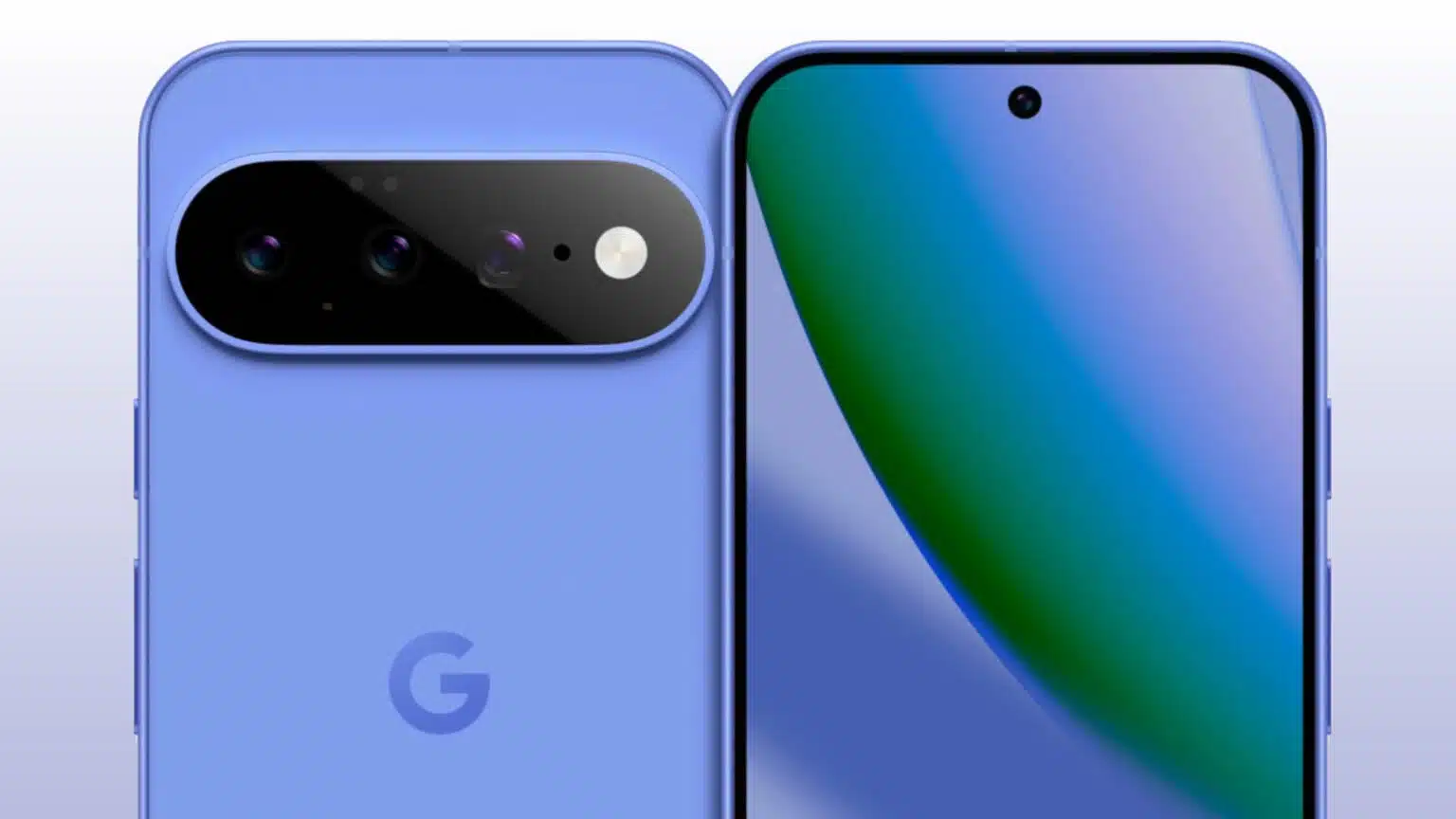
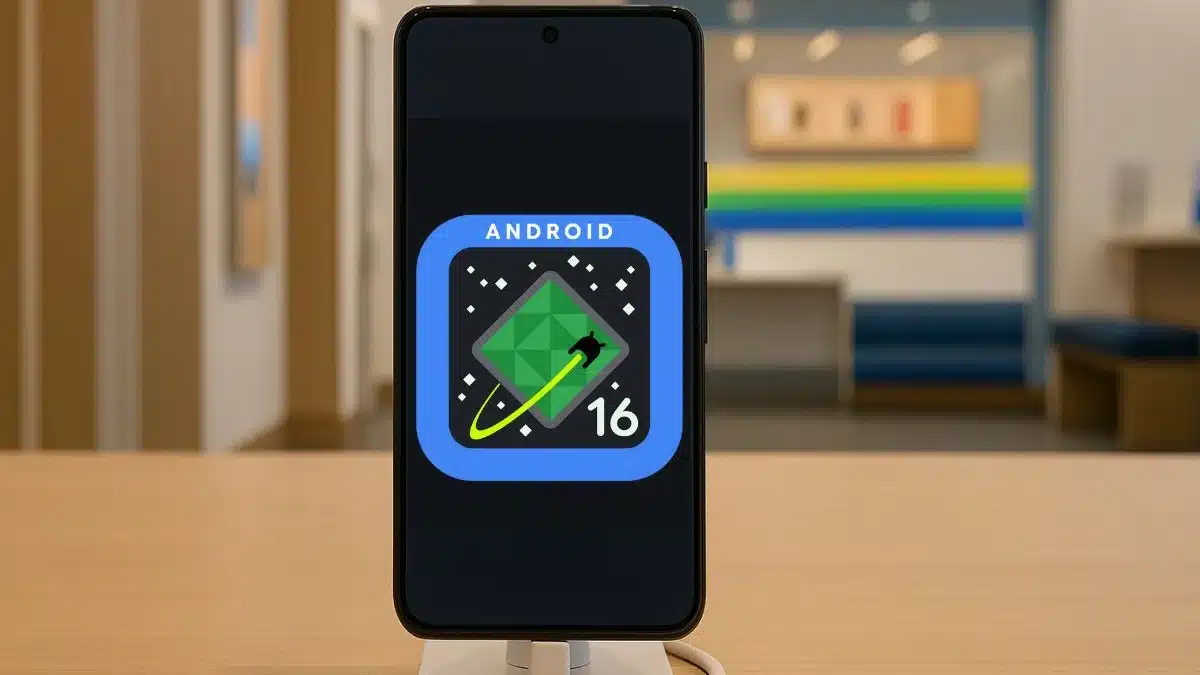
The wait’s finally over. Android 16 has officially landed, and it brings a wave of updates that genuinely reshape how we experience mobile tech. This time around, the focus is on system-level improvements, tighter security, and a smarter, more adaptive interface that stretches across all kinds of devices. Pixel users are already starting to see the rollout, and it won’t be long before other manufacturers catch up.
Key Takeaways:
- Android 16 delivers core system updates, with ART performance gains and a shift to 16KB page sizes for better memory handling.
- Security takes center stage with expanded Private Space features and tougher anti-theft protections.
- The UI evolves with mandatory edge-to-edge apps and the new Material 3 Expressive visual language.
- Camera features expand dramatically, from Low Light Boost to the Advanced Professional Video codec.
- It’s better than ever on foldables and tablets, with more adaptable screen behavior.
- AI takes a deeper role, offering personalized, contextual support.
A New Foundation for Performance
This release digs deep under the hood. Android 16 introduces architectural changes meant to elevate responsiveness and overall stability. A major update to Android Runtime (ART) brings better performance and paves the way for more advanced language features. One of the quieter, yet significant, changes? The system now uses 16KB page sizes. That might sound technical, but in practice, it means native code will need recompilation—and that opens doors for better memory efficiency and faster app launch times.
Google’s also trying something new: minor SDK releases. This means they’ll be able to update APIs more frequently, pushing out tools and features to developers without waiting for full version jumps. For a platform that’s always chasing rapid innovation, this feels like a necessary move.
Privacy and Security: A Deeper Commitment
Android 16 doesn’t just tweak security—it doubles down. Building on Android 15’s foundation, this version strengthens protections against both digital and physical threats.
Private Space gets a thoughtful update. It’s that locked-down corner of your phone where you can stash sensitive apps—think banking or private messages. With more refined access controls, it’s now even harder for intruders to peek in, even if they somehow have your device.
Then there’s theft detection, now bolstered with AI. If your phone is snatched and there’s sudden, suspicious movement, the system can lock down automatically—even without a data connection. And basic theft-prevention logic gets an upgrade too: trying to yank the SIM card or disable Find My Device now requires stronger authentication. The idea is clear—your phone should remain your own, even when it’s out of your hands.
There are also ongoing improvements to app permissions, letting you fine-tune what data each app can see. It all adds up to a more secure experience, without asking users to jump through hoops.
User Experience Redefined
Visually, Android 16 feels more put-together. One big change: all apps targeting this version must go edge-to-edge. That means no more awkward gaps or unused screen space—just full, immersive layouts.
They’re also refining typography, especially for complex scripts like Arabic and Tamil. The system now ignores elegantTextHeight, which, in practice, improves readability.
This all folds into Material 3 Expressive, the latest iteration of Google’s design language. It introduces a cleaner, more modern feel across the board. Google’s apps get the facelift first, but third-party developers can jump in too.
The camera suite gets serious attention. We’re talking better night mode, hybrid auto exposure, and motion photo support. You can now tweak color temperatures more precisely and shoot UltraHDR images with HEIC encoding. It doesn’t stop there: the APV codec brings near-lossless video quality, which could be a game changer for mobile videographers.
Audio gets smarter too. With CTA-2075 support, Android 16 can detect how loud content should be on your device and adjust accordingly. That means less fiddling with volume buttons between shows or apps.
Adaptive Design for Every Screen
With so many devices now sporting larger or folding displays, Android 16 makes sure the experience stretches gracefully. On screens 600dp wide or more—typically tablets and foldables—restrictions on orientation and aspect ratio just disappear. That lets apps fully embrace bigger layouts without extra workarounds.
Developers do have to step up, though. This change means they need to make sure their UIs scale and flow properly across devices. But when it works, the payoff is big: the Android experience feels consistent, whether you’re on a pocket phone or a tablet the size of a notebook.
The Age of Intelligence
AI’s no longer a sidekick—it’s woven right in. Android 16 deepens the work started with Gemini in Android 15, bringing smarter notifications, better voice recognition, and app behaviors that actually feel… aware.
Expect faster, more accurate image recognition, plus a voice assistant that’s more helpful without feeling robotic. The aim here is a system that quietly adapts to you, not the other way around.
Android 16 might not be flashy on the surface, but under the hood, it’s a pivotal release. It lays the groundwork for smarter, safer, more adaptable mobile experiences—and it’s setting the stage for where Android’s going next. The mix of technical refinement and forward-looking AI integration shows Google is thinking long-term, not just chasing trends. As this version rolls out to more devices, it could quietly reshape how millions of people interact with the tech in their pockets—and beyond.