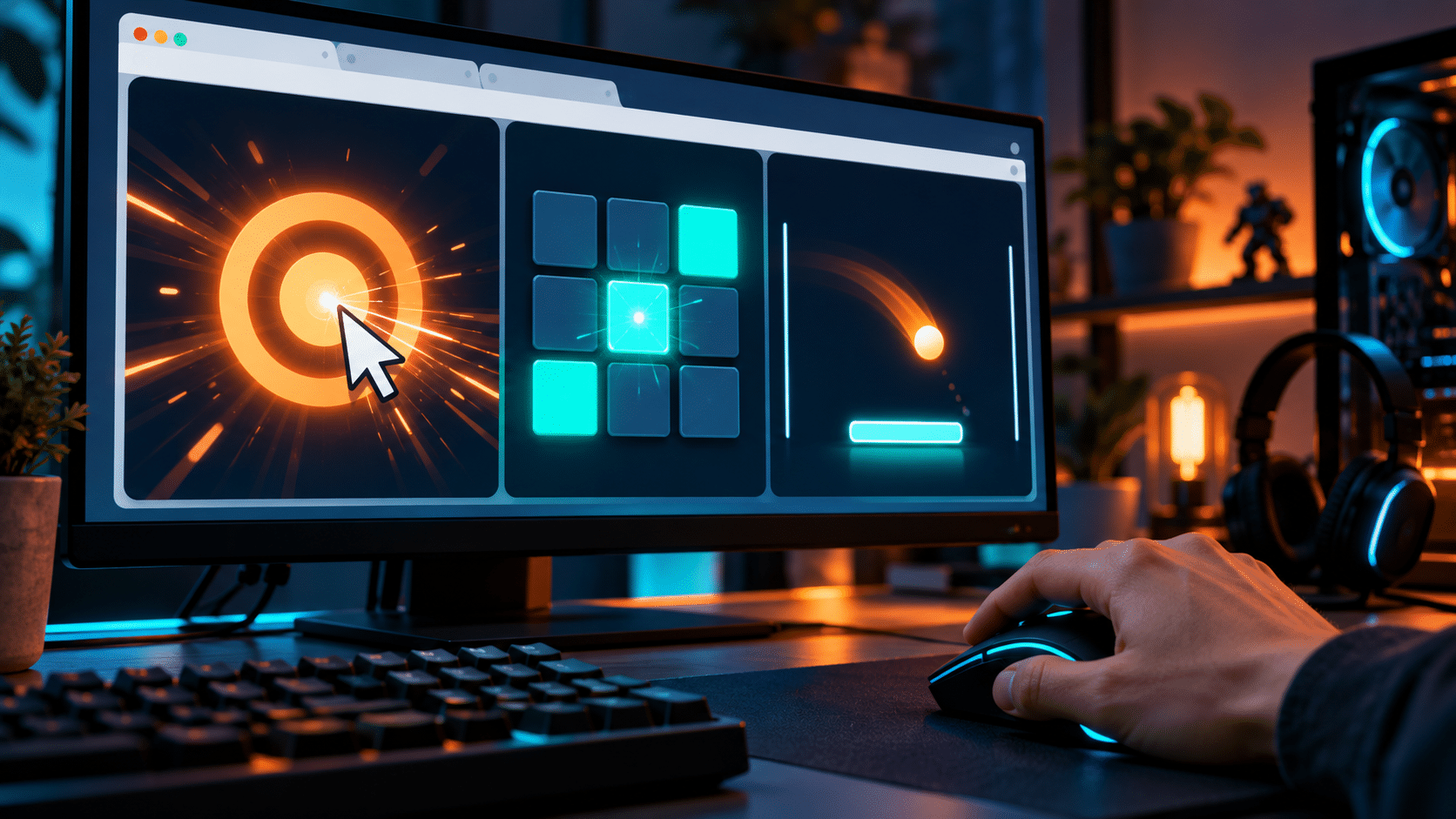
You do not need to install a huge game or spend hours in competitive matches to put your gaming reflexes to the test. Some of the simplest browser-based tools can measure individual skills such as reaction time, clicking speed, keyboard tapping, accuracy and hand-eye coordination in a matter of seconds.
- 1. Test How Quickly You Can React to a Visual Cue
- 2. See How Fast You Can Hit the Spacebar
- 3. Try a CPS Mouse Test
- 4. Use an Aim Trainer
- 5. Test Your Typing Speed
- 6. Try a Sequence Memory Test
- 7. Test Your Number Memory
- 8. Challenge Your Visual Recognition Speed
- 9. Test Your Mouse Accuracy
- 10. Try a Rhythm Game
- 11. Compare Your Dominant and Non-Dominant Hands
- 12. Test Yourself When You Are Fresh — and When You Are Tired
- Don’t Obsess Over a Single Number
- Build Your Own Gaming Reflex Challenge
- Final Thoughts
These tests are also surprisingly addictive. A score that initially seems impressive quickly becomes something you want to beat, particularly when you start comparing results with friends.
More importantly for gamers, different tests can reveal different aspects of your mechanical performance. A reaction-time test measures something very different from an aim trainer, while rapid keyboard and mouse tests focus more heavily on physical input speed.
Here are some of the easiest browser-based challenges and tools to try.
1. Test How Quickly You Can React to a Visual Cue
One of the most straightforward gaming reflex challenges is a visual reaction-time test.
The concept is simple: you wait for the screen to change and click as quickly as possible when it does. The time between the visual change and your click is then measured in milliseconds.
It sounds easy, but consistently achieving a fast result is considerably harder than producing one lucky attempt.
Visual reaction tests are particularly relevant to games where players need to respond quickly to unexpected information. This includes shooters, racing games, fighting games and even sports titles.
For a useful benchmark, try several attempts and calculate your average rather than concentrating exclusively on your fastest result.
You may find that your first few attempts are slower before your concentration improves. Equally, performing too many consecutive tests can cause scores to deteriorate as you begin anticipating the change rather than genuinely reacting to it.
2. See How Fast You Can Hit the Spacebar
Keyboard speed is another interesting area to test.
Many games depend on rapid and accurate keyboard inputs. The spacebar is particularly useful for a simple tapping challenge because it is large, centrally positioned and easy to hit repeatedly without needing to look at the keyboard.
If you want to test your spacebar speed, GamerBolt has a browser-based counter that records repeated spacebar presses, making it easy to see how quickly you can tap the key.
Try testing yourself over several short periods rather than doing one long session.
You could also compare:
- Left hand versus right hand
- Index finger versus thumb
- Five-second versus ten-second attempts
- Your first attempt versus your average
- Results before and after a gaming session
This type of test does not measure your complete reaction time because there is no unexpected visual stimulus involved. Instead, it provides a simple indication of repetitive keyboard input speed and consistency.
That makes it a useful complement to visual reaction tests.
3. Try a CPS Mouse Test
CPS stands for clicks per second.
As the name suggests, a CPS test measures how many times you can click your mouse within a specific period.
You might be given five or ten seconds and challenged to produce as many registered clicks as possible.
Although raw clicking speed is not equally important in every game, these tests can be useful for examining finger speed and mouse-button responsiveness. They are also popular simply as competitive browser challenges.
There are several techniques players use when attempting extremely high CPS scores, although you do not need to adopt specialist clicking techniques to make the test useful.
Instead, establish your normal clicking speed and see whether you can improve while keeping your hand relaxed.
Accuracy and comfort matter more for actual gaming than achieving an extreme CPS number.
4. Use an Aim Trainer
Reaction speed alone will not make you an accurate PC gamer.
You also need to move your cursor to the correct location.
This is where browser-based aim trainers become useful.
Rather than simply clicking when a screen changes, an aim trainer can make targets appear in different positions. You therefore need to recognise the target, move your mouse and accurately click it.
That introduces several additional skills:
- Visual recognition
- Mouse control
- Target acquisition
- Hand-eye coordination
- Precision
- Reaction speed
One well-known option is Aim Lab, which provides dedicated aim-training exercises and performance analysis. While its full experience goes considerably beyond a basic browser challenge, it demonstrates how reaction speed, precision and target selection can be trained as related skills rather than treating raw reaction time as the only measurement that matters.
When practising aim, try not to sacrifice accuracy simply to produce a faster score.
Fast misses are still misses.
5. Test Your Typing Speed
Typing tests might not immediately seem like gaming tools, but they can be useful for assessing keyboard familiarity and finger coordination.
A player who can instinctively locate keys without looking down has an advantage when a game uses a large number of keyboard commands.
Typing tests typically measure words per minute and accuracy.
For gaming purposes, however, the score itself is less important than the ability to move between different keys confidently.
You can make the exercise more gaming-specific by concentrating on your weaker fingers or practising key combinations around the WASD area.
The objective is not necessarily to become an exceptionally fast typist. It is to make keyboard movement feel automatic.
6. Try a Sequence Memory Test
Gaming reflexes are not exclusively about speed.
Memory also matters.
Some browser challenges briefly display a sequence of positions, colours or numbers and then ask you to reproduce them.
These tests can be particularly interesting for strategy, puzzle and rhythm-game players because they combine visual recognition with short-term memory.
As the sequences become longer, the challenge shifts from simple reaction speed towards information processing.
This highlights an important distinction: gaming performance rarely depends on one isolated ability.
A player may have extremely quick physical reactions but struggle when several pieces of information need to be processed simultaneously.
7. Test Your Number Memory
Another simple challenge involves memorising increasingly long strings of numbers.
Although this has little connection to mouse speed, it tests how effectively you can retain short pieces of information.
In games, players frequently need to remember temporary information such as:
- Enemy positions
- Cooldown timings
- Resource counts
- Objective timers
- Recent opponent behaviour
- Map information
Memory tests therefore provide another way to challenge the cognitive side of gaming rather than concentrating entirely on physical inputs.
8. Challenge Your Visual Recognition Speed
Some browser games ask you to identify a particular symbol, colour or object among a group of similar items.
These can become difficult surprisingly quickly.
Visual recognition is particularly important in games with busy environments. Spotting a small movement or identifying an important object amongst background detail can sometimes matter more than raw clicking speed.
Competitive players often become extremely good at filtering irrelevant information.
They are not necessarily seeing more than everybody else; they have learned which information deserves their attention.
9. Test Your Mouse Accuracy
A mouse-accuracy challenge is slightly different from an aim trainer.
Rather than prioritising speed, it may ask you to click increasingly small targets or hit objects without making mistakes.
This is a useful reminder that faster is not always better.
Try completing an accuracy test slowly first. Once you can achieve a consistently high accuracy rate, gradually increase your speed.
This creates a better foundation than moving as quickly as possible from the beginning.
The same principle applies to competitive games: controlled speed generally beats uncontrolled speed.
10. Try a Rhythm Game
Browser rhythm games provide another entertaining way to test coordination.
Instead of responding to unpredictable events, you respond to a predictable sequence at precisely the correct moment.
That places greater emphasis on timing.
A typical rhythm challenge might require you to press specific keyboard keys when symbols reach a certain position on screen.
As the tempo increases, you need to combine visual processing, rhythm recognition and accurate keyboard inputs.
This can be particularly useful for testing whether your fingers remain coordinated when actions occur rapidly.
11. Compare Your Dominant and Non-Dominant Hands
Most players have a strongly preferred hand for particular tasks.
For PC gaming, the mouse is normally controlled with one hand while the other handles the keyboard.
Try reversing some simple browser tests.
If you normally use your right hand for the mouse, attempt a reaction test with your left. Likewise, try keyboard tapping challenges using different fingers and hands.
The difference can be surprisingly large.
You do not necessarily need to train both hands to identical levels, but these comparisons can reveal how much of your performance comes from learned coordination rather than inherent reaction speed.
12. Test Yourself When You Are Fresh — and When You Are Tired
For a more interesting experiment, repeat the same browser tests at different points during the day.
Try them before gaming and again after a long session.
You may notice differences in reaction speed, accuracy or consistency.
This is one reason a single score should never be treated as a definitive measurement of your abilities.
Concentration, fatigue, distractions and even familiarity with the test can influence your result.
Keeping a simple record over several sessions provides much more meaningful information.
Don’t Obsess Over a Single Number
Browser reflex tests are best treated as challenges and training tools rather than scientific assessments of whether somebody is a “good gamer.”
Your PC, monitor, mouse, keyboard and browser can all influence results to some degree.
There is also a substantial difference between reacting to a screen changing colour and making the correct decision during a competitive match.
Real games require context.
You need to recognise what is happening, decide what to do and execute the appropriate action. Sometimes choosing the correct response is considerably more important than responding a few milliseconds faster.
Build Your Own Gaming Reflex Challenge
You can combine several of these tools into a simple personal challenge.
Start with five visual reaction attempts and record your average. Follow that with a short spacebar tapping test, a CPS challenge and an accuracy exercise.
Finish with a few minutes of aim training.
Repeat the same routine a week later under similar conditions.
Rather than focusing exclusively on personal records, look for consistency. Are you maintaining faster reactions across multiple attempts? Is your accuracy improving? Can you tap quickly without your speed dropping sharply?
Those trends are much more useful than one exceptional score.
Final Thoughts
Browser-based gaming tests are simple, but that is precisely what makes them useful.
A full game combines dozens of skills simultaneously. A basic online challenge lets you isolate one of them.
Reaction tests examine visual response speed. Spacebar and CPS counters measure repeated physical inputs. Aim trainers introduce precision and mouse movement, while memory and rhythm games challenge different aspects of cognitive performance and coordination.
None of these tests can tell you exactly how good you are at gaming.
What they can do is give you an entertaining way to measure individual skills, challenge friends and track whether your speed, accuracy and consistency are improving over time.