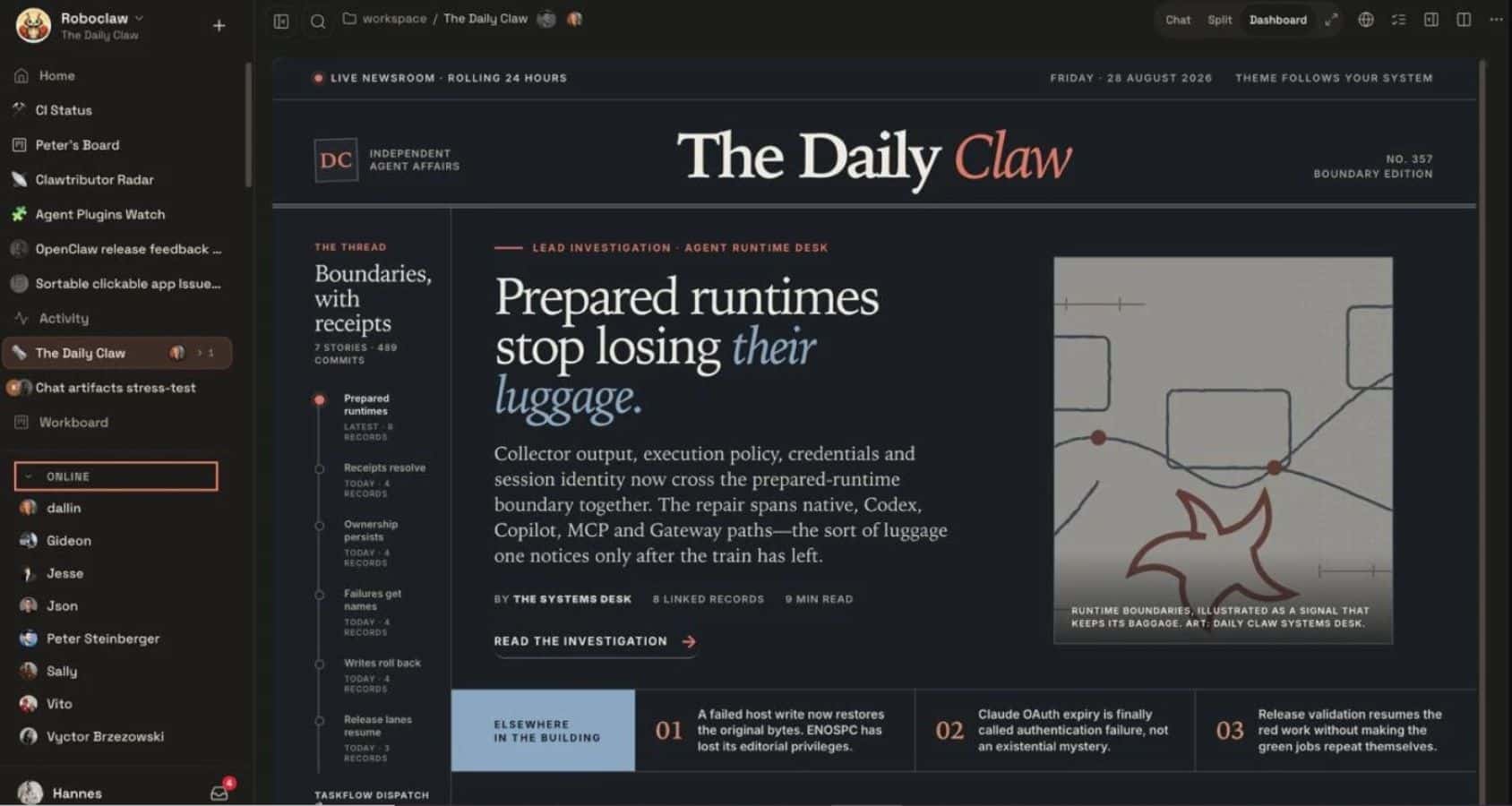
OpenClaw has released version 2.0, shifting its entire conversation and transcript storage architecture from flat text files into SQLite databases. The open-source artificial intelligence assistant, which coordinates tasks across messaging apps and online services, now relies on structured relational databases to manage agent histories, control permissions, and support shared workspaces.
Key Takeaways
- OpenClaw 2.0 migrates active sessions and transcripts from JSONL files into local SQLite databases.
- Downgrading to older builds requires users to create and restore backups manually, as older releases cannot read the new database structure.
- The updated onboarding system scans local environments for existing credentials across Claude, ChatGPT, Codex, and local models before saving them.
- Fresh command-line setups now require Node.js version 22.22.2.
- Startup network requests in the web interface dropped from 140 to 45, lowering load times in tests.
Database Architecture and Downgrade Rules
The core change in OpenClaw 2.0 replaces file-based conversation storage with a two-tier database model. A global SQLite file handles system-level control data, while dedicated SQLite files store workspace state and transcripts for individual agents. This setup prevents long-running sessions from locking up local processes during background operations.
Users planning an upgrade must back up their existing transcript files. The migration process imports old JSONL files into SQLite, but it does not write changes back to old formats. Anyone who downgrades to a version 1.x release will lose access to conversations created after the update unless they use the migration tool to extract legacy artifacts.
Setup and Shared Workspaces
OpenClaw 2.0 changes how developers connect external AI providers. The installer checks for active credentials on the host machine, including existing command-line logins, API keys, and local model servers such as Ollama and LM Studio. It verifies that the selected model works before writing configuration files.
The release also introduces multi-user workspace collaboration. Workspace administrators can grant other team members read-only, suggestion, drafting, or full editing access. An optional incognito setting keeps chats strictly in temporary memory. These incognito chats do not write transcripts to disk and disappear whenever the background service stops.
Performance Numbers
Project tests show a reduction in initial web client load overhead. In testing environments, startup network calls decreased from 140 to 45 requests, reducing load duration from 1.6 seconds to 575 milliseconds. OpenClaw maintains this speed by storing a temporary transcript snapshot in the local browser profile.
Frequently Asked Questions
Q1. What happens to my old chat transcripts after updating to OpenClaw 2.0?
A1. The update automatically imports your existing JSONL conversation files into the new SQLite database format during installation.
Q2. Can I switch back to an older version of OpenClaw after updating?
A2. Yes, but you must run the backup restore tool in the CLI first, because older versions cannot read SQLite session records.
Q3. Does the new incognito mode hide prompts from AI providers?
A3. No. Incognito mode only stops OpenClaw from saving transcripts to local disk; the chosen model provider still receives every prompt to generate answers