Google has introduced new Gemini AI capabilities directly inside the Chrome browser for users in India. The update is designed to make searching, reading, and interacting with online content easier without forcing users to switch between multiple tabs or apps.
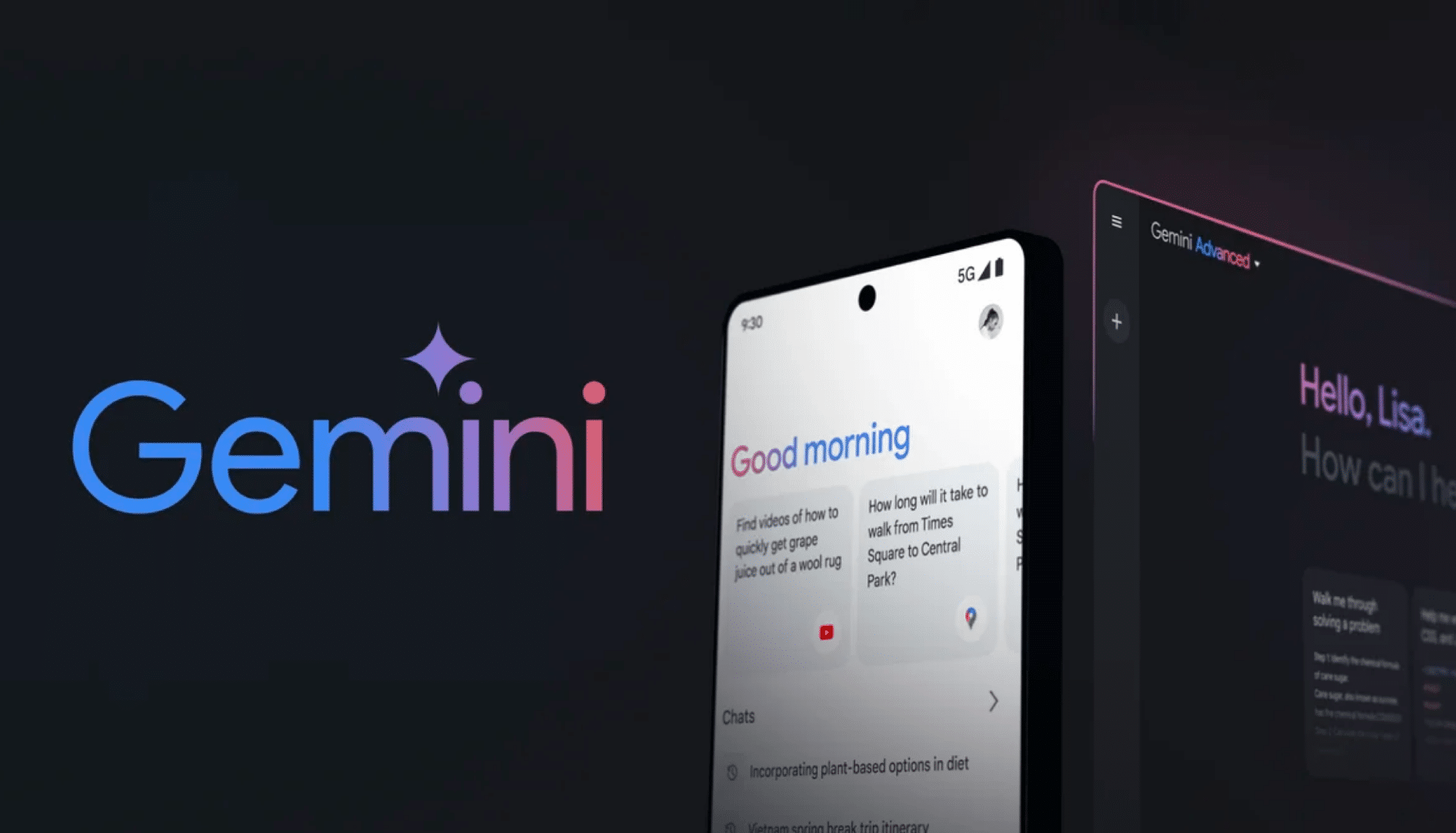
With this rollout, users can now access an AI assistant through a side panel inside Chrome, allowing them to summarize web pages, ask questions about content, and even draft emails while browsing.
One of the most important aspects of the launch is language support. Google has added compatibility for more than 50 languages, including eight major Indian languages such as Hindi, Bengali, Gujarati, Kannada, Malayalam, Marathi, Telugu, and Tamil.
India is also among the first countries outside the United States to receive this built-in AI browser experience.
Key Takeaways
- Chrome now includes a Gemini AI assistant accessible through a sidebar icon.
- The update supports eight major Indic languages, improving accessibility for Indian users.
- Users can summarize long articles, create practice quizzes, and rediscover previously visited pages.
- Gmail integration allows users to draft and send emails directly from the Chrome sidebar.
- The feature rollout is currently available for desktop computers and iOS devices in India.
Gemini AI brings smarter browsing to Chrome
Google developed these features using its Gemini 3.1 model, a large language system designed to understand and generate natural language, code, and structured information.
By embedding this technology directly into Google Chrome, the world’s most widely used web browser, the company is trying to simplify everyday digital tasks.
Users can activate the AI assistant by clicking an icon located in the top-right corner of the browser window. This opens a side panel where they can interact with Gemini while still viewing the webpage they are reading.
Instead of copying text into another AI tool, users can simply ask the assistant questions about the page they are currently viewing.
AI summaries and quizzes for students and researchers
One of the most useful capabilities of Gemini in Chrome is its ability to summarize long web pages.
Students and researchers often deal with articles that contain thousands of words. The assistant can analyze the page and quickly generate a short summary of the main points, helping users understand the key information much faster.
Another interesting feature is the ability to generate practice quizzes based on the content of a webpage. For learners preparing for exams, this can make studying more interactive and efficient.
Instead of manually highlighting notes or copying information, users can rely on the AI to break complex material into digestible insights.
Smarter browsing history and tab management
Many people keep dozens of browser tabs open because they worry about losing important information. Over time, this can clutter the browsing workspace.
Gemini helps address this problem by remembering the context of previously visited pages.
If a user recalls reading about a particular topic but cannot remember which website contained the information, they can ask the assistant to locate it. The AI searches the browsing history and helps identify the page.
This allows users to close unnecessary tabs and maintain a more organized browser environment.
Built-in Gmail assistance for faster communication
Google has also added Gmail integration inside the Chrome sidebar.
When users need to send an email while reading a report, article, or research document, they can simply ask Gemini to draft an email directly from the side panel.
The AI generates a message based on the user’s instructions, and the user can review or edit it before sending. This removes the need to open a separate Gmail tab, which can save time during busy workflows.
India-focused language support
Google confirmed that the new Gemini-powered features are designed to work smoothly on desktop computers and Apple iOS devices such as iPhones.
A key focus of the rollout is local language support. The AI assistant can understand and respond in eight major Indic languages:
- Hindi
- Bengali
- Gujarati
- Kannada
- Malayalam
- Marathi
- Telugu
- Tamil
This localization effort allows millions of users in India to interact with AI in their native language, which could significantly increase adoption.
It also reflects India’s growing importance as a major market for AI development and digital services.
Frequently Asked Questions
Q1: How do I access the AI assistant in Chrome?
A1: You can access Gemini by clicking the icon in the top-right corner of the Chrome browser. This opens a side panel where you can ask questions or request a summary of the webpage you are viewing.
Q2: Which Indian languages are supported?
A2: The update supports Hindi, Bengali, Gujarati, Kannada, Malayalam, Marathi, Telugu, and Tamil, along with more than 40 additional global languages.
Q3: Can I use these AI features on Android phones?
A3: Currently, the feature is available for desktop browsers and iOS devices in India. Google is expected to expand support to Android in a future update.
Q4: Will the AI assistant close my current webpage?
A4: No. The assistant opens in a side panel, allowing you to continue viewing the website while interacting with Gemini at the same time. This makes multitasking easier while browsing.