Samsung’s One UI 7, built on Android 15, continues its global rollout, bringing a refreshed interface and enhanced features to a broader range of Galaxy devices. While flagship models like the Galaxy S24 and Z Fold6 received the update earlier this year, June 2025 marks a significant phase for mid-range and older premium devices.
What’s New in One UI 7?
One UI 7 introduces several enhancements aimed at improving user experience:
- Refined Interface: Subtle tweaks to icons and a more cohesive design language offer a cleaner aesthetic.
- Quick Settings and Notification Panel: Redesigned for easier access and improved usability.
- Now Bar: A dynamic lock screen element displaying real-time updates like music playback and workout progress, reducing the need to unlock the device for simple tasks.
- Customization Options: Enhanced personalization for home and lock screens, allowing users to tailor their devices more personally.
- Camera Improvements: Reorganized controls and streamlined manual settings for pro video modes, along with smoother zoom transitions.
While many AI features were introduced with the Galaxy S25 series, their availability on older devices may vary depending on hardware capabilities.
Devices Receiving One UI 7 in June 2025
Samsung’s phased rollout ensures stability and addresses potential issues before wider distribution. Based on official announcements and update patterns, the following devices are slated to receive the One UI 7 update in June 2025:
Galaxy S Series (Older Flagships)
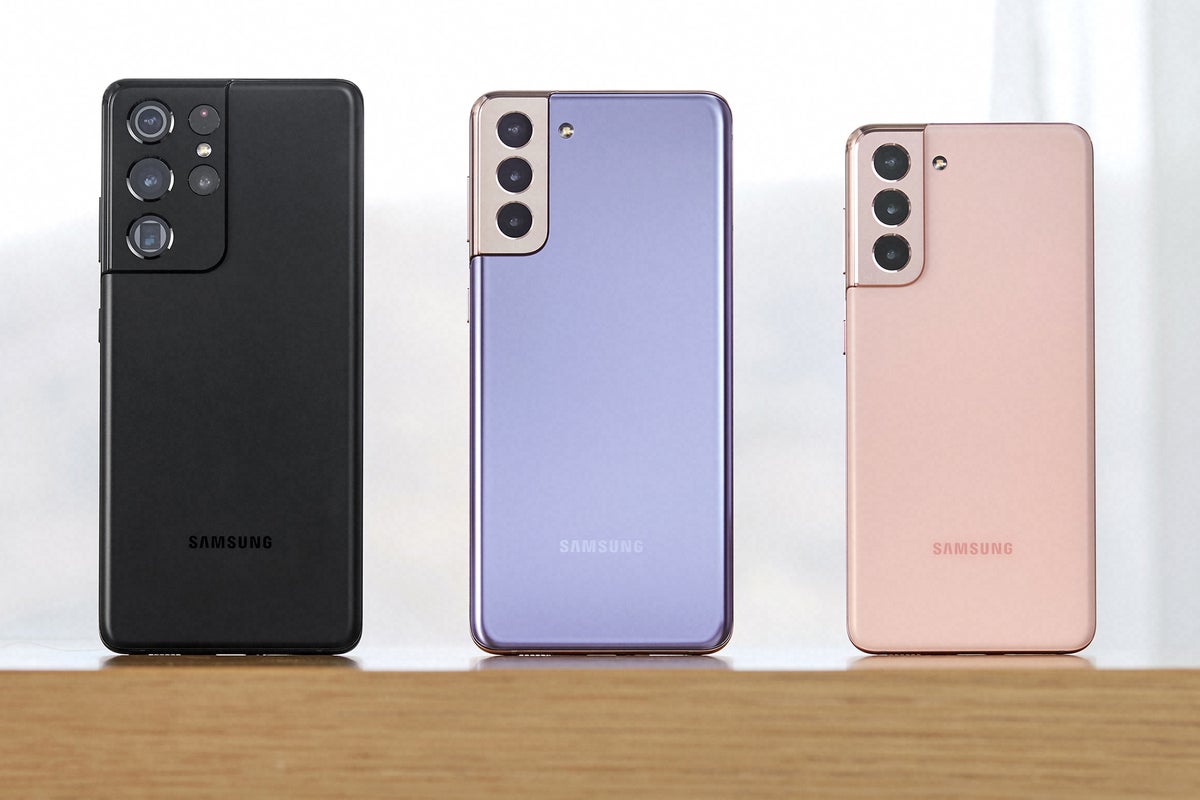
- Galaxy S21 series (S21, S21+, S21 Ultra, S21 FE)
- Galaxy S22 series (S22, S22+, S22 Ultra)
Galaxy Z Series (Older Foldables)
- Galaxy Z Fold4 and Z Flip4
- Galaxy Z Fold3 and Z Flip3
Galaxy A Series (Mid-range Focus)
- Galaxy A55 and A35
- Galaxy A25 and A15
- Galaxy A05s
- Galaxy A54 and A34
- Galaxy A16 and A14 series (A14, A14 5G)
- Galaxy A73 and A53
- Galaxy A06
Galaxy M/F Series (Budget-friendly Options)
- Galaxy M55 and M35
- Galaxy M54 and M34
- Galaxy F54
- Galaxy M16 and M14
- Galaxy F16 and F15
- Galaxy M05 and F05
Galaxy Tab Series
- Galaxy Tab S8 series (S8, S8+, S8 Ultra)
- Galaxy Tab S9 FE and FE+
- Galaxy Tab A9 and A9+
- Galaxy Tab S6 Lite (2024)
- Galaxy Tab Active5 and Tab Active4 Pro
Other Devices
- Galaxy XCover7 and XCover6 Pro
How to Check for the Update
To see if One UI 7 is available for your Samsung Galaxy device:
- Open the Settings app.
- Scroll down and tap on Software update.
- Tap on Download and install.
Ensure your device has sufficient battery life and is connected to a stable Wi-Fi network before proceeding with the download and installation to avoid interruptions.
While One UI 7 continues its rollout, Samsung has already begun work on One UI 8, based on Android 16. The beta program for One UI 8 has commenced for the Galaxy S25 series in select regions, indicating Samsung’s ongoing commitment to providing timely software updates and new features to its diverse range of Galaxy devices.
As the One UI 7 rollout progresses through June, Galaxy users can anticipate a fresh interface and refined capabilities on their devices.