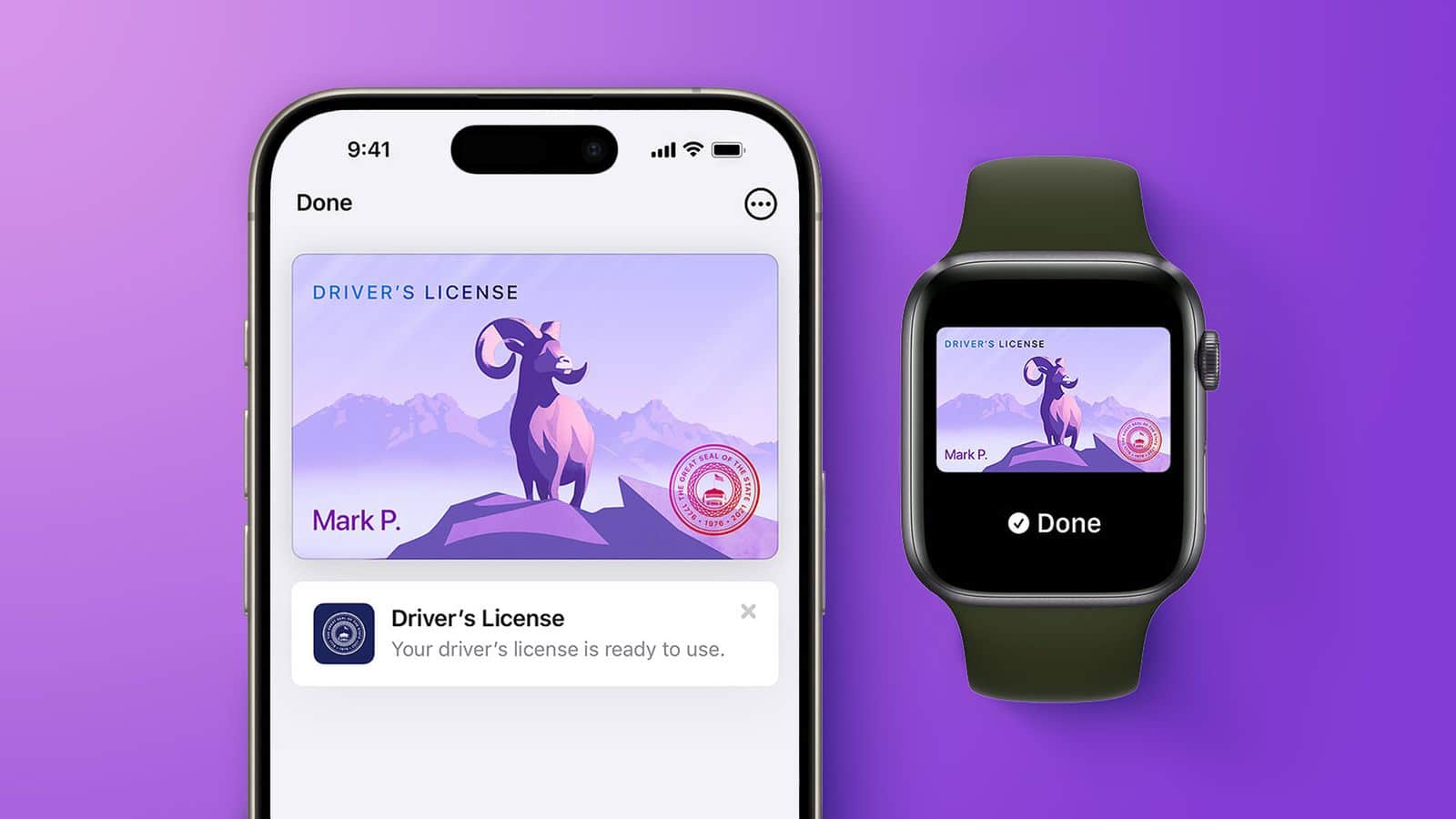
Virginia residents can now store their official driver’s license and state ID inside the Apple Wallet app on their iPhone and Apple Watch. The Virginia Department of Motor Vehicles officially launched the service on August 26, 2026, making Virginia the 15th US state to adopt Apple’s digital identity system. Users can present their digital ID at Transportation Security Administration (TSA) security checkpoints across more than 250 domestic airports, as well as select businesses and mobile apps.
Key Takeaways
- Virginia joins 14 other US states and Puerto Rico in supporting digital IDs in Apple Wallet.
- The feature works on iPhone 8 or newer running iOS 16.5 and Apple Watch Series 4 or newer running watchOS 9.5.
- Users authenticate identity requests using Face ID or Touch ID without handing their phone to officers or clerks.
- Drivers must still carry their physical plastic card because local police officers do not accept digital IDs during traffic stops.
How the System Works and Setup Steps
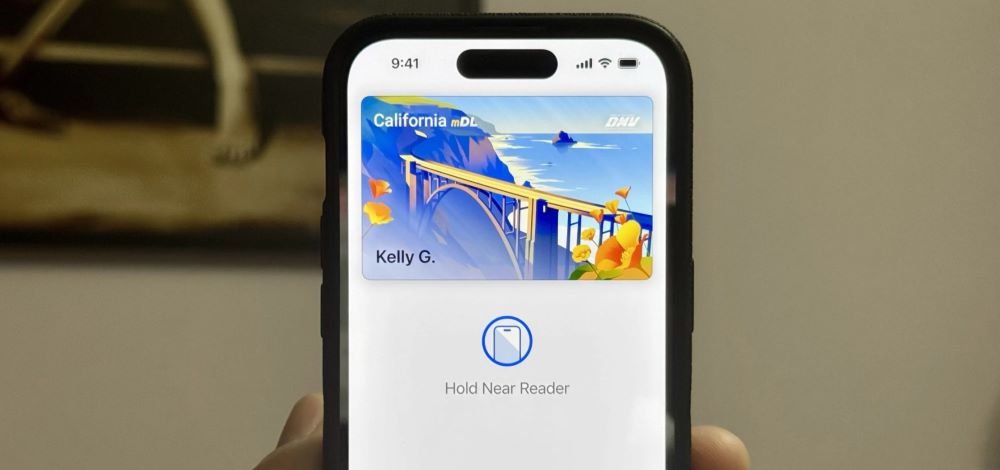
To add a license, users open the Apple Wallet app on their iPhone, tap the plus icon in the upper-right corner, select “Driver’s License and ID Cards,” and pick Virginia. The phone prompts the user to scan the front and back of their physical card. The app then asks the user to take a selfie and complete a series of facial movements to confirm their identity. The state DMV reviews the submission and approves the digital card.
During an identity check at an airport terminal, travelers tap their iPhone or Apple Watch near an identity reader. The screen displays the exact personal details requested by the reader, such as name or date of birth. The device releases this data only after the user approves it with Face ID or Touch ID. Users do not need to unlock their phone or hand it over to staff.
Current Limitations
While the feature helps speed up airport security lines, it does not replace the physical card in every situation. Law enforcement officers during roadside traffic stops still require motorists to show physical plastic cards. Acceptance among grocery stores, bars, and private businesses remains limited.
Virginia joins Arizona, Arkansas, California, Colorado, Georgia, Hawaii, Illinois, Iowa, Maryland, Montana, New Mexico, North Dakota, Ohio, and West Virginia in offering digital licenses on Apple devices.
Frequently Asked Questions
Q1. Can I leave my physical Virginia driver’s license at home?
A1. No. You must still carry your physical plastic card because police officers and most retail shops do not accept digital IDs.
Q2. What Apple devices support the Virginia digital ID?
A2. You need an iPhone 8 or later running iOS 16.5 or later, or an Apple Watch Series 4 or later running watchOS 9.5 or later.
Q3. Is my personal information safe when presenting the ID?
A3. Yes. Your device only shares the specific fields requested by the reader, and the transmission happens only after you authorize it with Face ID or Touch ID.