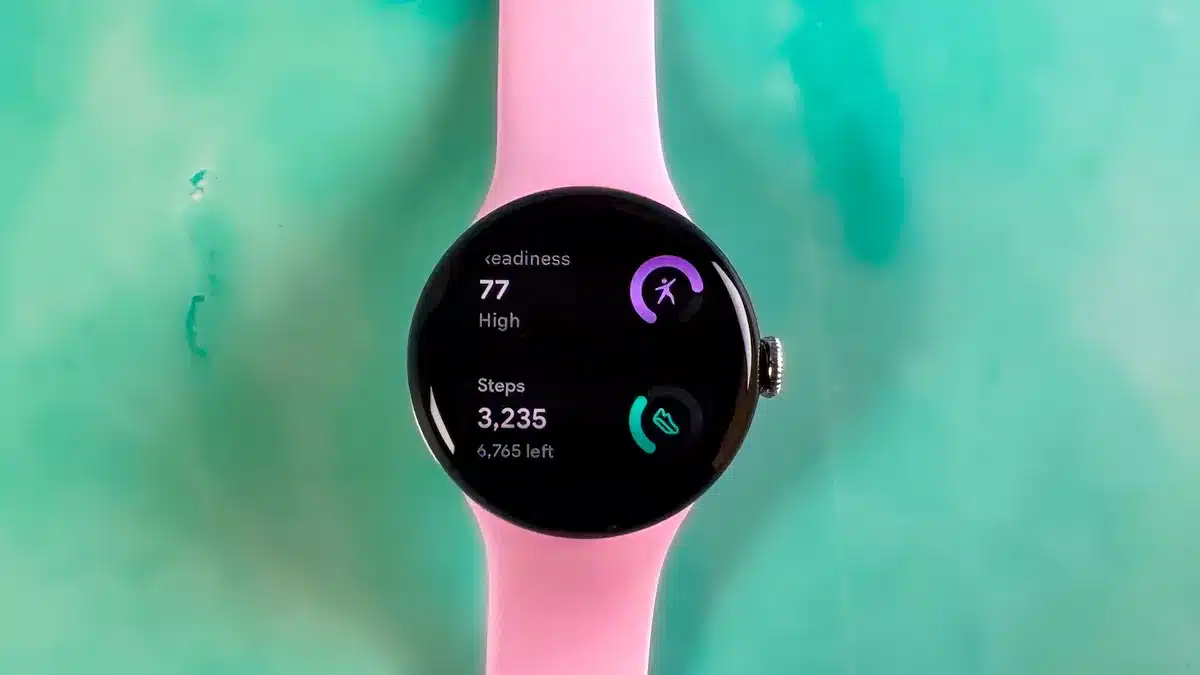
For many Google Pixel Watch owners, the wrist-bound control of their audio has felt a little… basic. We’ve all been there, fumbling with our phones when a simple skip or volume adjustment should be just a tap away on our smartwatches. The initial media controls on the Pixel Watch were functional, sure, offering the standard play, pause, and track skipping. But for anyone who listens to podcasts, manages playlists on the go, or just wants a bit more granular control without pulling out their phone, it often felt like a missed opportunity.
Think about it: you’re in the middle of a workout, hands occupied, and a podcast hits a less-than-thrilling section. Your only option was the basic skip, potentially jumping ahead several minutes instead of a quick 15-second scrub. Or perhaps you wanted to quickly switch to a different playlist without interrupting your stride. The previous controls made these simple tasks feel clunky and inconvenient. It left many of us wondering if the sleek, modern Pixel Watch would ever catch up to the media control capabilities seen on other wearables or even older versions of Wear OS.
But the wait appears to be over. Google is finally rolling out a significant upgrade to the media controls on the Pixel Watch, bringing a suite of features that many have argued should have been there from the start. This isn’t just a minor tweak; it’s a substantial enhancement that changes how you interact with your audio content directly from your wrist.
The core of this update lies in providing richer, more context-aware controls. While the basic play, pause, and skip buttons remain, they are now joined by several key additions that make a world of difference. One of the most welcome changes is the ability to access your “Up Next” queue directly from the watch face, particularly useful for apps like YouTube Music. A simple tap on a new icon reveals the upcoming tracks, allowing you to quickly see what’s next and jump to any song in the list. This eliminates the need to dig out your phone just to check or alter your listening order.
Beyond queue management, the update introduces an overflow menu, accessible via a three-dot icon. This menu adapts based on the type of media you’re consuming. For music, you’ll find options to shuffle your playlist, give a track a thumbs up, or toggle repeat modes. This level of control brings the watch’s capabilities much closer to the full experience you’d get on your phone’s music app.
Podcast listeners, rejoice! The new controls finally address a major pain point. Within the overflow menu for podcasts (again, specifically noted for YouTube Music currently), you can now adjust the playback speed – a crucial feature for many podcast aficionados. Even better, dedicated buttons for fast-forwarding and rewinding in set increments are also available, making it incredibly easy to skip past intros, ads, or backtrack if you missed something important. This is a far cry from the all-or-nothing skip button we were limited to before.
The rollout of these enhanced media controls appears to be happening now, arriving for Pixel Watch users alongside or shortly after the April 2025 software update. While the core Wear OS update brings other system-level improvements, these specific media features are reportedly rolling out through an update to the “Wear Media” component via the Google Play Store on the watch itself. This means you should keep an eye on your watch’s Play Store for available updates to ensure you get the new controls.
It’s important to note that while these controls are part of the core Wear OS media experience, their full functionality depends on individual app developers implementing support for them. Google’s own apps, like YouTube Music, are leading the way, with users confirming that the new queue management, shuffle, repeat, speed control, and seeking options work as expected. However, some third-party apps, like Pocket Casts or Apple Music, may not yet fully utilize these new capabilities, meaning some of the advanced controls might appear grayed out or be unavailable. This is a common aspect of platform updates, and it’s likely that more apps will add support over time as developers integrate the necessary APIs.
The introduction of these comprehensive media controls feels like a crucial step for the Pixel Watch. It elevates the device from a basic media remote to a more capable controller that truly complements your audio experience. For users who rely on their smartwatch for quick, convenient interactions, these additions significantly improve the day-to-day usability of the Pixel Watch.
Having these controls readily available on the wrist means less stopping to pull out your phone during activities, fewer interruptions to your flow, and a generally more seamless way to manage your audio world. Whether you’re commuting, working out, cooking, or just relaxing, being able to fine-tune your playback with a few taps on your watch is a welcome change that enhances the overall Pixel Watch experience.
While some users have previously reported issues with the media controls occasionally activating unintentionally, particularly with accidental touches, the current update focuses primarily on adding functionality rather than addressing touch sensitivity. It remains to be seen if future updates will refine the interaction model to mitigate such occurrences. However, the addition of these long-awaited features is a significant step forward and a clear indication that Google is listening to user feedback and continuing to improve the Pixel Watch platform.
The Pixel Watch has always had the potential to be a fantastic companion device, and with these enhanced media controls, it takes a big leap in that direction. It’s the kind of practical, user-focused improvement that makes a real difference in how people use their technology every day.
So, if you own a Pixel Watch, make sure to check for updates on the Play Store. Your wrist is about to get a whole lot more powerful when it comes to controlling your favorite tunes and podcasts. This update finally gives the Pixel Watch the media control capabilities it always deserved, transforming it from a basic remote into a truly useful audio companion.